WiFi WPS Connect, Tester para PC
WiFi Password Show
Descarga WiFi WPS Connect, Tester en PC con GameLoop Emulator
WiFi WPS Connect, Tester en PC
WiFi WPS Connect, Tester, proveniente del desarrollador WiFi Password Show, se ejecuta en el sistema Android en el pasado.
Ahora, puedes jugar WiFi WPS Connect, Tester en PC con GameLoop sin problemas.
Descárgalo en la biblioteca de GameLoop o en los resultados de búsqueda. No más mirar la batería o llamadas frustrantes en el momento equivocado nunca más.
Simplemente disfrute de WiFi WPS Connect, Tester PC en la pantalla grande de forma gratuita!
WiFi WPS Connect, Tester Introducción
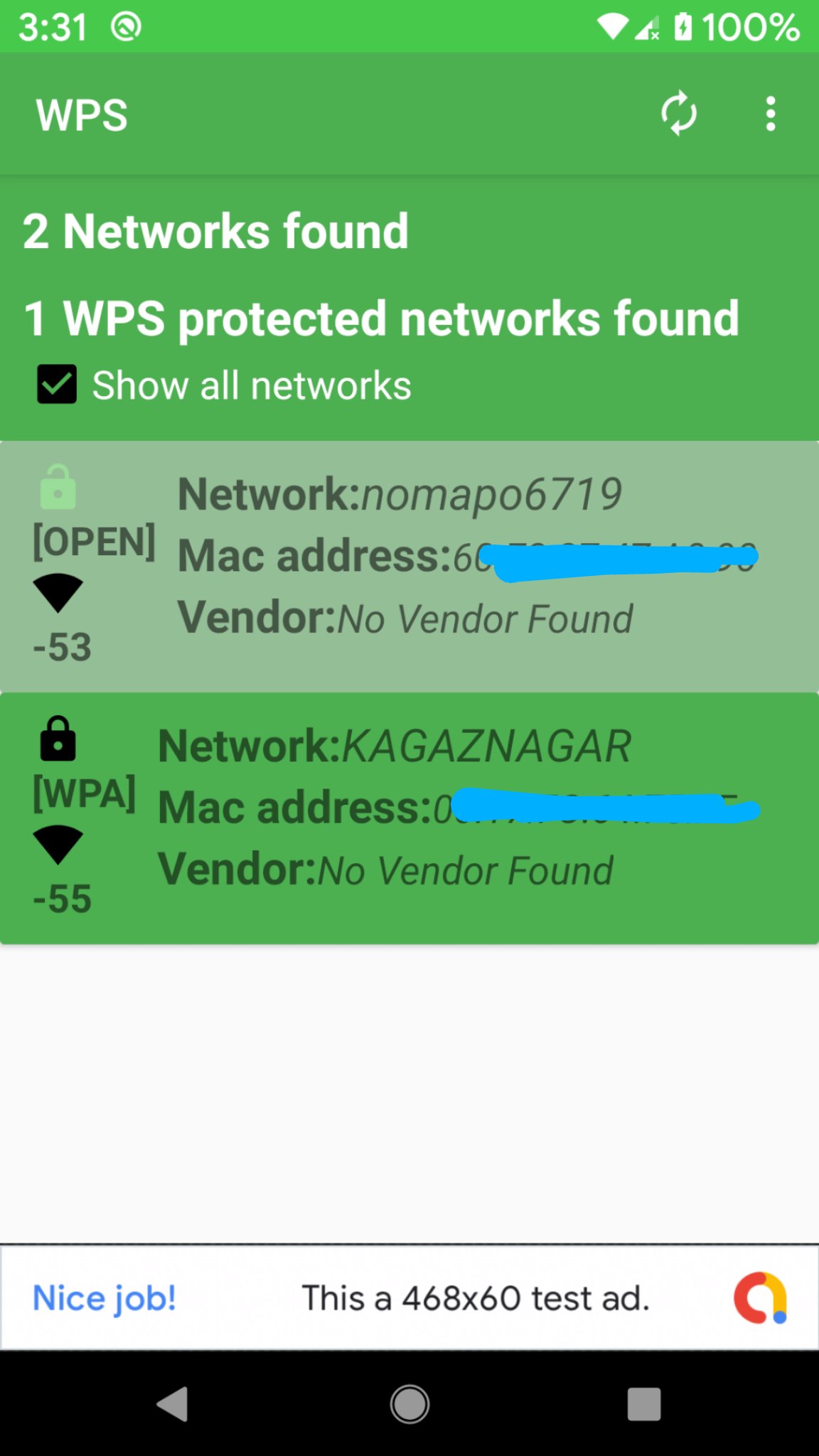
WiFi WPS Connect is a secure method to connect to Wi-Fi networks. The WPS protocol utilizes a secure PIN to authenticate devices, ensuring your data remains safe. Most new routers feature WPS (Wi-Fi Protected Setup), allowing you to connect without needing a password. Scan Wi-Fi networks and test WPS vulnerability within a range of 24-25 meters for optimal connectivity. If it has any vulnerability, you can disable wps button on your router.For enhanced security, consider using a password instead of WPS. Overall, WiFi WPS Connect offers a convenient method to connect to Wi-Fi networks. However, be aware of the associated security risks with WPS before using it.
Features:
-Scan for available Wi-Fi networks
-Test WPS vulnerability
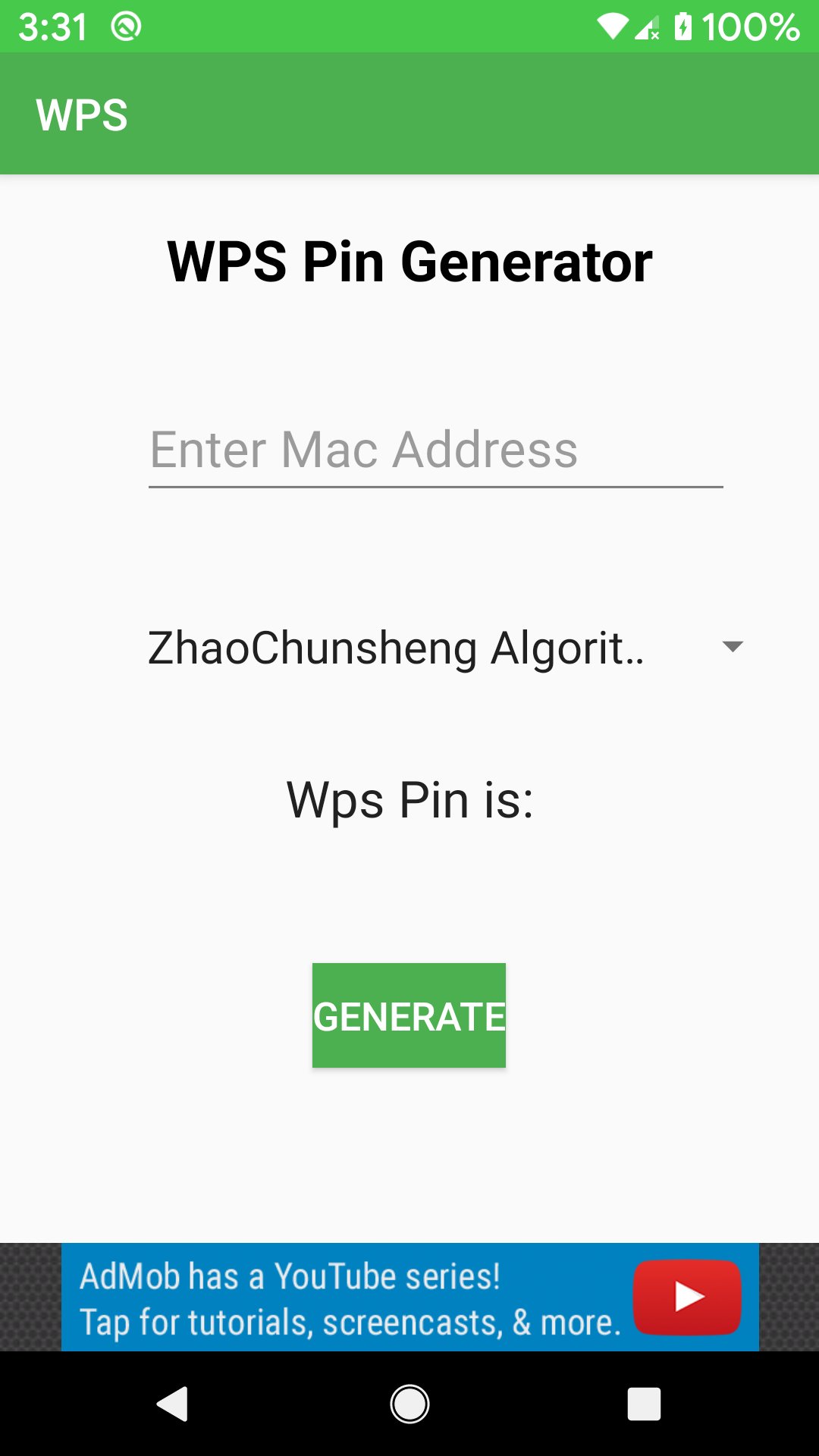
-Connect to WPS networks using a PIN
-Display Wi-Fi passwords (root/superuser permission required)
- Access default router PINs.
Why Choose WiFi WPS Connect?
If you need a straightforward and secure way to connect to Wi-Fi networks, WiFi WPS Connect is the perfect solution.
Important Considerations: WPS is less secure than using a password.Some routers have security flaws that make WPS vulnerable to attacks.
How to Use WiFi WPS Connect:
- Open the app and select your desired Wi-Fi network.
-Press the WPS button on your router.
-The app will automatically connect you to the network.
Disclaimer:
WiFi WPS Connect is not a Wi-Fi hacking tool. Do not misuse this app on routers or networks you do not own.
website:
https://www.wifipasswordshow.app
contact us: contact@wifipasswordshow.app
Avance
Etiquetas
HerramientasInformación
Desarrollador
WiFi Password Show
La última versión
1.9
Última actualización
2026-02-22
Categoría
Herramientas
Disponible en
Google Play
Mostrar más
Cómo jugar WiFi WPS Connect, Tester con GameLoop en PC
1. Descargue GameLoop desde el sitio web oficial, luego ejecute el archivo exe para instalar GameLoop.
2. Abra GameLoop y busque "WiFi WPS Connect, Tester", busque WiFi WPS Connect, Tester en los resultados de búsqueda y haga clic en "Instalar".
3. Disfruta jugando WiFi WPS Connect, Tester en GameLoop.
Minimum requirements
OS
Windows 8.1 64-bit or Windows 10 64-bit
GPU
GTX 1050
CPU
i3-8300
Memory
8GB RAM
Storage
1GB available space
Recommended requirements
OS
Windows 8.1 64-bit or Windows 10 64-bit
GPU
GTX 1050
CPU
i3-9320
Memory
16GB RAM
Storage
1GB available space