
WiFi Password Show - Analyzer para PC
Quantum4u
Descarga WiFi Password Show - Analyzer en PC con GameLoop Emulator
WiFi Password Show - Analyzer en PC
WiFi Password Show - Analyzer, proveniente del desarrollador Quantum4u, se ejecuta en el sistema Android en el pasado.
Ahora, puedes jugar WiFi Password Show - Analyzer en PC con GameLoop sin problemas.
Descárgalo en la biblioteca de GameLoop o en los resultados de búsqueda. No más mirar la batería o llamadas frustrantes en el momento equivocado nunca más.
Simplemente disfrute de WiFi Password Show - Analyzer PC en la pantalla grande de forma gratuita!
WiFi Password Show - Analyzer Introducción
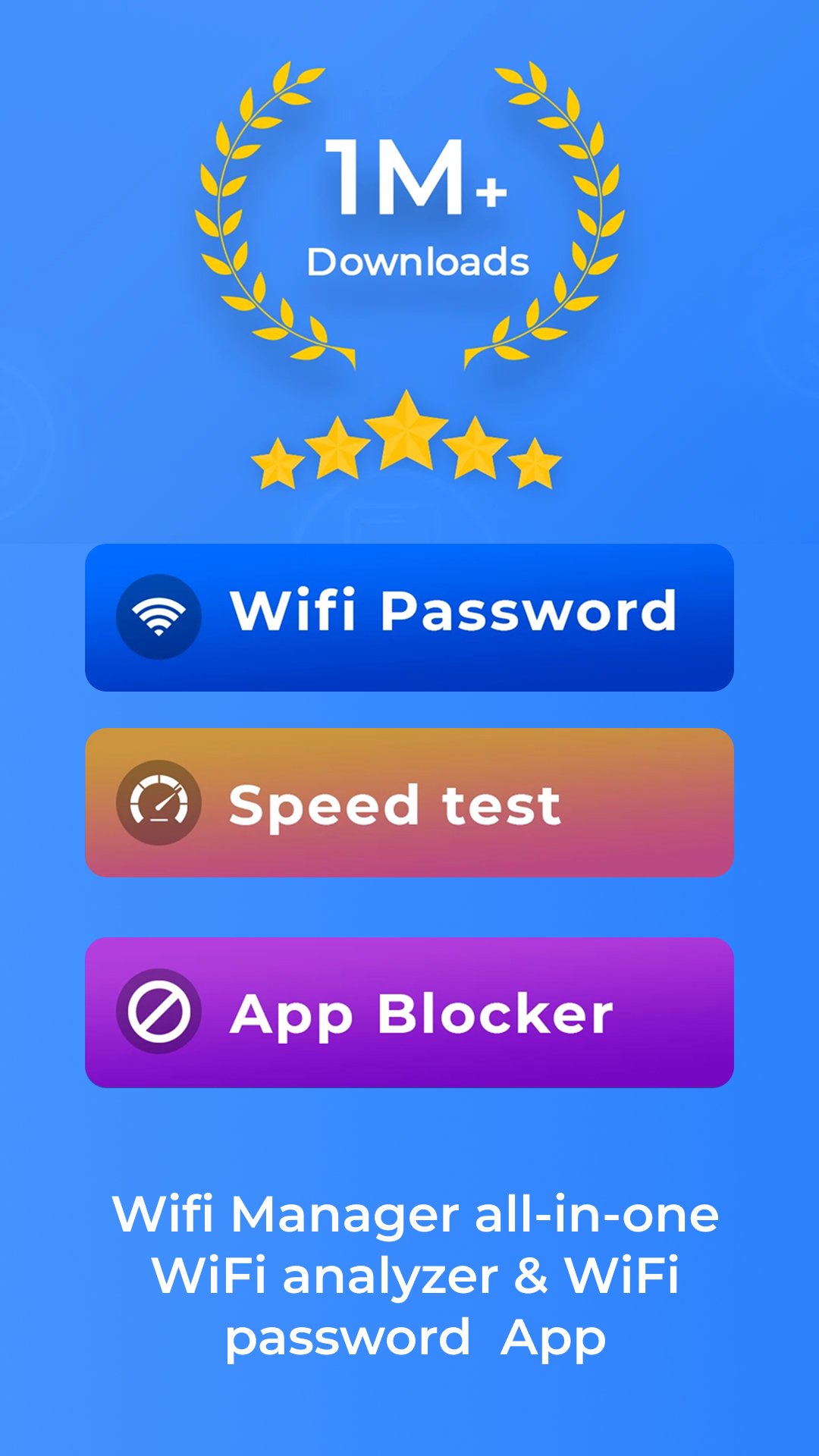
WiFi Hacker - Show Password is an all-in-one WiFi analyzer & WiFi password manager app that takes care of all your WiFi network needs. WiFi Analyzer app comes with WiFi Manager, also is bundled with additional features like Internet Blocker, Internet or WiFi Speed Test, Data & Usage Meter.
Do you find it time taking to manage all your hotspot and WiFi networks? Try WiFi Password Detector/ WiFi Analyzer app.
🚀 Features that make WiFi Hacker - Show Password, a WiFi password detector app stand out:
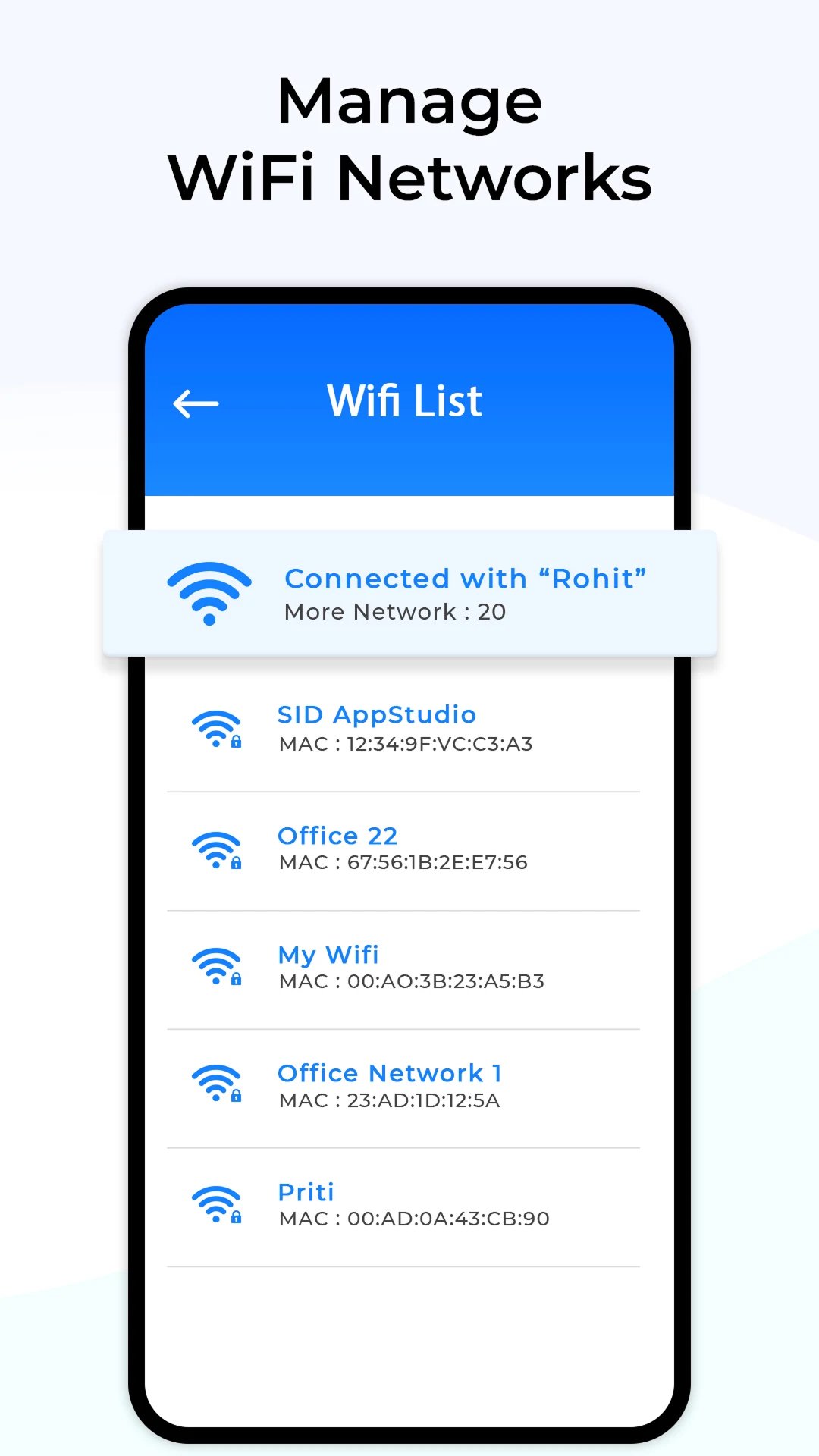
✨ WiFi List (Scan for Nearby Available WiFi Networks)
The WiFi Analyzer app generates a list of nearby WiFi networks & hotspots. Also, it provides security details of the available WiFi networks.
✨ WiFi Password for Hotspot (WiFi Security)
The WiFi Analyzer, a WiFi password detector app lets you generate secure passwords for your WiFi hotspot. The WiFi unlock and the safe and secure WiFi management app generates passwords for all key types with just one touch. Copy the generated password & paste it into your mobile hotspot settings.
✨ Who’s on my WiFi or Hotspot? (List of Devices connected to my WiFi or Hotspot Network)
The WiFi Hacker - Show Password app lets you know the details of all the connected devices to your WiFi network or mobile hotspot. WiFi manager also conveniently provides access to your WiFi and IP settings.
✨ WiFi Signal
The WiFi password detector shows the details like WiFi or hotspot signal strength, IP, MAC & DNS Address along with the link speed of the network you are connected to.
✨ Internet Blocker
The WiFi analyzer or WiFi hacker app lets you stop selected apps from connecting to the internet. This WiFi manager app helps save data by stopping apps from downloading data in the background.
VPN Service Use
Our app uses a local, on-device VPN configuration to enable the Internet Blocker feature. This VPN does not route user traffic to external servers. Instead, it works entirely on the device to filter and control network requests for selected apps or websites.
The purpose of this VPN-based functionality is to:
1. Block internet access for specific apps or categories chosen by the user
2. Help users manage screen time and reduce distractions
3. Improve focus by limiting background data usage
No user data, browsing activity, or network traffic is collected, stored, or sent outside the device. The VPN configuration is used solely to provide secure, local traffic management as required for the Internet Blocker feature.
✨ App Usage
This WiFi management app lets you see the details about which app you are using the most on your android device. The app usage details include - time spent on the app, the number of times the app opened or launched, and the total data used by the particular app.
✨ Phone Usage Alert
The WiFi password Hacker detector app lets you enable daily phone use alerts. You can change the time duration of the app usage alert reminder time from the settings of the WiFi unblock app.
✨ Internet Speed Test
The WiFi Analyzer - WiFi password detector app lets you know about the download speed and upload speed of your connected data or WiFi network.
Collection & Use of Installed Application permission:
The WiFi Anlayzer app fetches your app names and lists to enable the functionality of blocking internet usage for specific applications. It's important to note that WiFi Analyzer does not share or retain any user data, and all information is entirely encrypted for user privacy and security.
Disclaimer
WiFi Hacker - Show Password is not a hacking tool, it does not assist in unlocking passwords of Wi-Fi networks or provide any assistance in any kind of unethical activity
Privacy policy: https://quantum4u.in/privacy-policy
Terms & conditions: https://quantum4u.in/terms
EULA: https://quantum4u.in/eula
Avance
Etiquetas
HerramientasInformación
Desarrollador
Quantum4u
La última versión
1.104
Última actualización
2026-03-25
Categoría
Herramientas
Disponible en
Google Play
Mostrar más
Cómo jugar WiFi Password Show - Analyzer con GameLoop en PC
1. Descargue GameLoop desde el sitio web oficial, luego ejecute el archivo exe para instalar GameLoop.
2. Abra GameLoop y busque "WiFi Password Show - Analyzer", busque WiFi Password Show - Analyzer en los resultados de búsqueda y haga clic en "Instalar".
3. Disfruta jugando WiFi Password Show - Analyzer en GameLoop.
Minimum requirements
OS
Windows 8.1 64-bit or Windows 10 64-bit
GPU
GTX 1050
CPU
i3-8300
Memory
8GB RAM
Storage
1GB available space
Recommended requirements
OS
Windows 8.1 64-bit or Windows 10 64-bit
GPU
GTX 1050
CPU
i3-9320
Memory
16GB RAM
Storage
1GB available space