
Weekly Opening Hours para PC
Argon Dev
Descarga Weekly Opening Hours en PC con GameLoop Emulator
Weekly Opening Hours en PC
Weekly Opening Hours, proveniente del desarrollador Argon Dev, se ejecuta en el sistema Android en el pasado.
Ahora, puedes jugar Weekly Opening Hours en PC con GameLoop sin problemas.
Descárgalo en la biblioteca de GameLoop o en los resultados de búsqueda. No más mirar la batería o llamadas frustrantes en el momento equivocado nunca más.
Simplemente disfrute de Weekly Opening Hours PC en la pantalla grande de forma gratuita!
Weekly Opening Hours Introducción
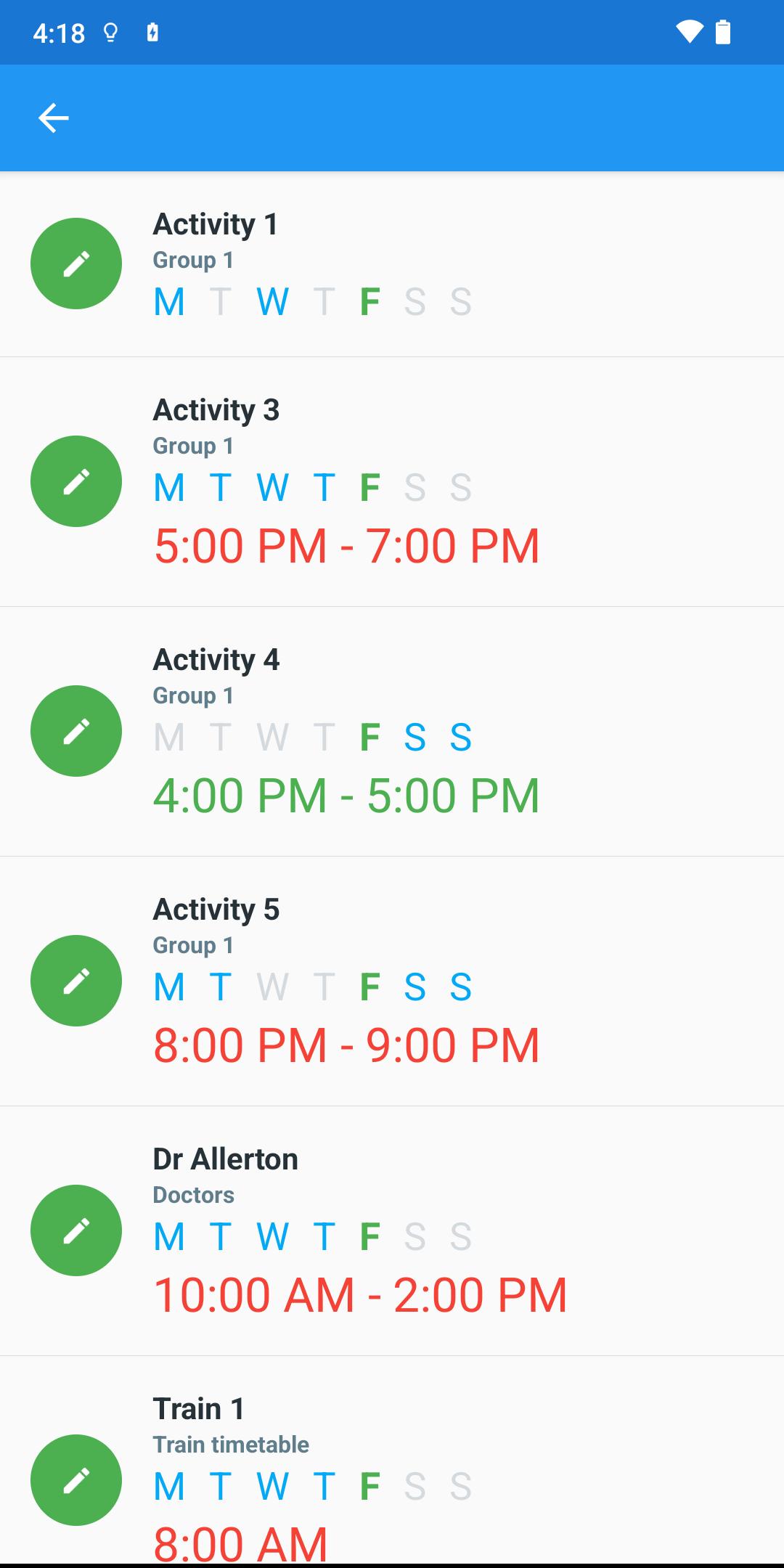
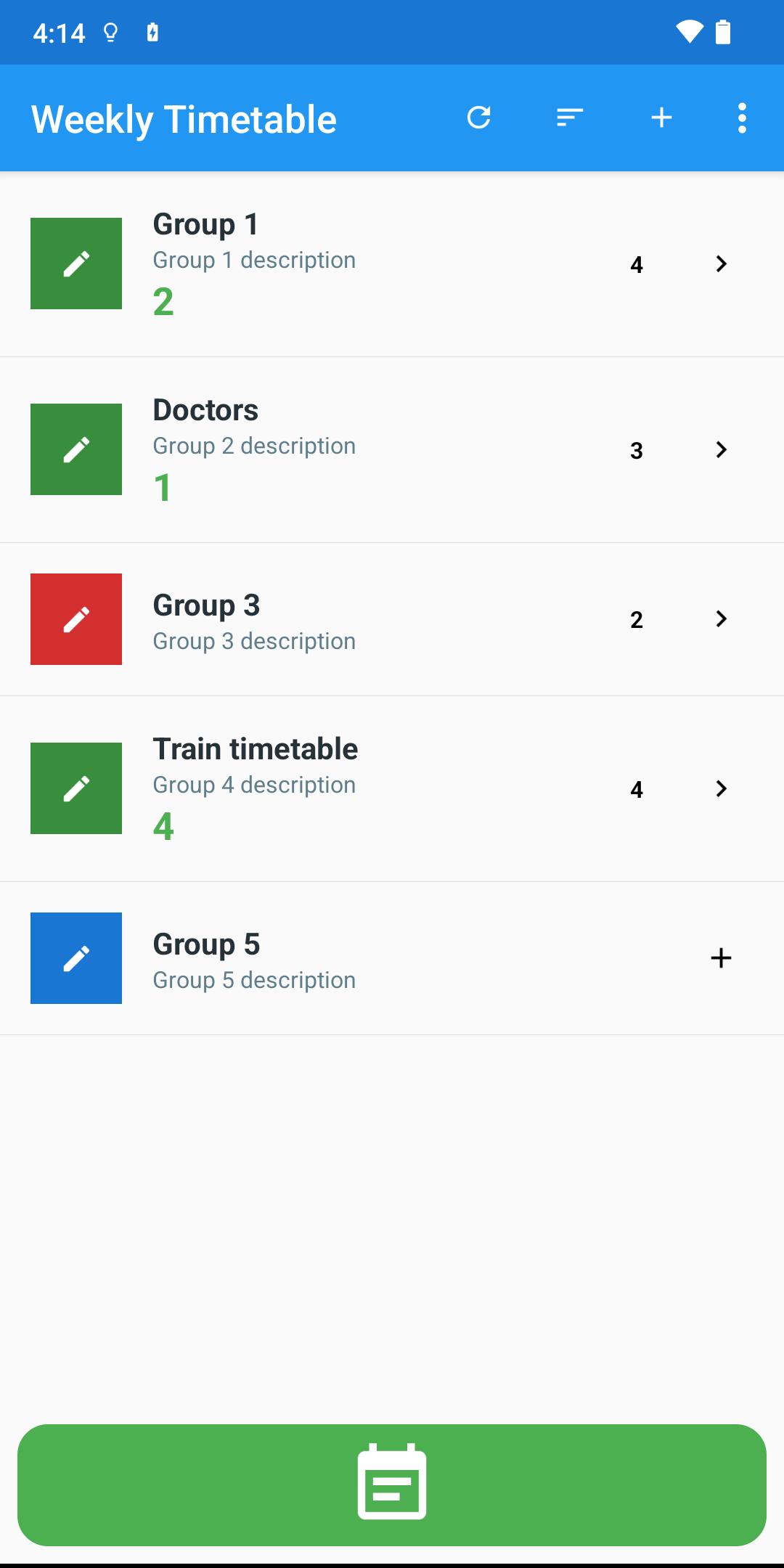
This app allows you to track weekly events.
It is focused on weekly planning, which is the best way to plan.
You simply know what to expect in the next seven days and this week planner will help you succeed with whatever may come.
Ideal for saving activities that are repeated weekly.
This app will help you with productivity, planning, time management.
The available activities or to be performed will be highlighted in green.
USES
• Save working hours, opening hours of any activity
• Management of your daily jobs
• Weekly Timetable
• Weekly Planner
• Hour Manager
• ...
FEATURES AND BENEFITS
• Group management: Templates organized in groups
• Dynamic information
• Custom sorting
• Backup and restore data
• Professional
• Easy to use
BENEFITS OF PREMIUM
*** One-time purchase
• More than 5 groups
• More than 10 templates per group
• Future advanced updates
• No ads
Avance
Etiquetas
HerramientasInformación
Desarrollador
Argon Dev
La última versión
2.1
Última actualización
2022-09-19
Categoría
Herramientas
Disponible en
Google Play
Mostrar más
Cómo jugar Weekly Opening Hours con GameLoop en PC
1. Descargue GameLoop desde el sitio web oficial, luego ejecute el archivo exe para instalar GameLoop.
2. Abra GameLoop y busque "Weekly Opening Hours", busque Weekly Opening Hours en los resultados de búsqueda y haga clic en "Instalar".
3. Disfruta jugando Weekly Opening Hours en GameLoop.
Minimum requirements
OS
Windows 8.1 64-bit or Windows 10 64-bit
GPU
GTX 1050
CPU
i3-8300
Memory
8GB RAM
Storage
1GB available space
Recommended requirements
OS
Windows 8.1 64-bit or Windows 10 64-bit
GPU
GTX 1050
CPU
i3-9320
Memory
16GB RAM
Storage
1GB available space