Web Radio para PC
Spring creations
Descarga Web Radio en PC con GameLoop Emulator
Web Radio en PC
Web Radio, proveniente del desarrollador Spring creations, se ejecuta en el sistema Android en el pasado.
Ahora, puedes jugar Web Radio en PC con GameLoop sin problemas.
Descárgalo en la biblioteca de GameLoop o en los resultados de búsqueda. No más mirar la batería o llamadas frustrantes en el momento equivocado nunca más.
Simplemente disfrute de Web Radio PC en la pantalla grande de forma gratuita!
Web Radio Introducción
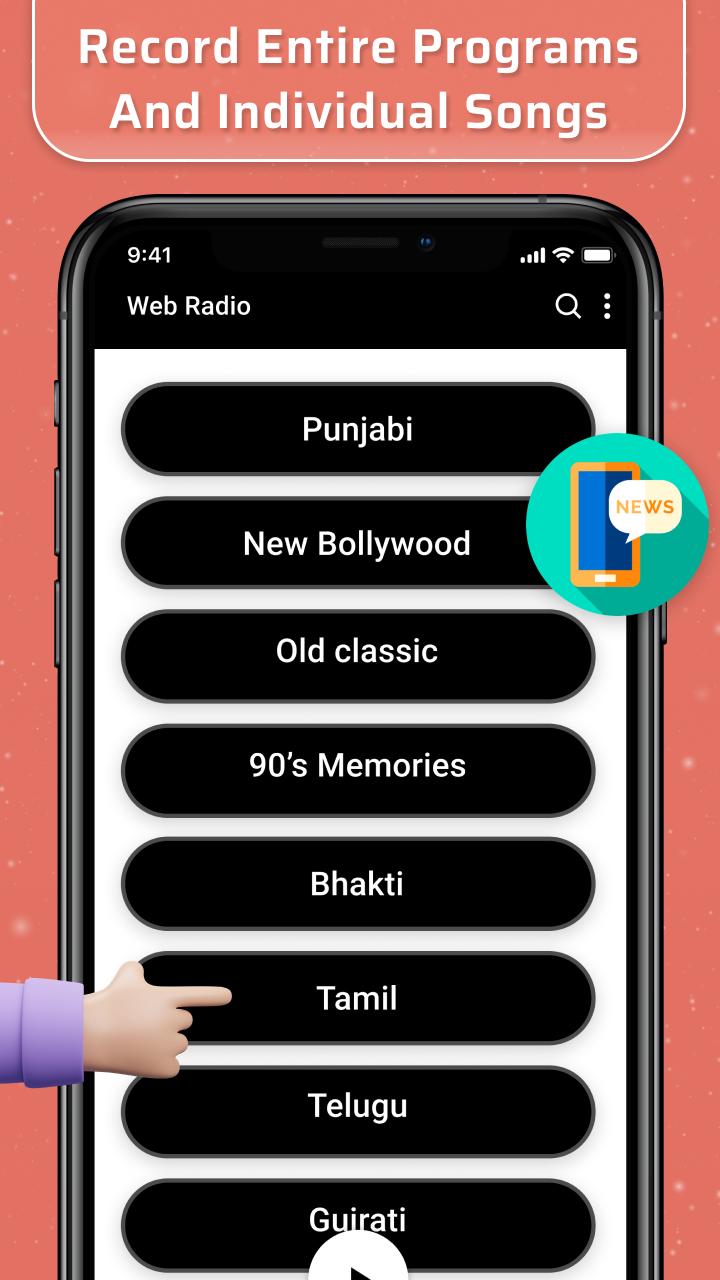
Web Radio 📡 app lets you listen to your favourite radio stations and learn about new ones worldwide. In addition to thousands of online radios stations 📱, you can find local radio stations that broadcast via the Web.
Main Features
• Listen to many free radio stations 🔉
• Navigation through countries from all around the world
• Curated categorization of radio stations
• Record the talk & music shows that you like
• Wake up listening to the station of your preference
• Set the audio to stop and sleep while listening to a radio
• High-quality radio 🎼
The live radio stream India 🎧 app offers the most extensive collection of radio stations from around the world. Many regularly updated radio stations are available to listen to, store, share, and discover.
Other Features
• Easy to use
• Simple user interface
• Data usage metrics
• Light & dark widgets
Hope you like this application and if you like it then give reviews and ratings to us.
Avance

Etiquetas
HerramientasInformación
Desarrollador
Spring creations
La última versión
1.0.3FM
Última actualización
2022-09-13
Categoría
Herramientas
Disponible en
Google Play
Mostrar más
Cómo jugar Web Radio con GameLoop en PC
1. Descargue GameLoop desde el sitio web oficial, luego ejecute el archivo exe para instalar GameLoop.
2. Abra GameLoop y busque "Web Radio", busque Web Radio en los resultados de búsqueda y haga clic en "Instalar".
3. Disfruta jugando Web Radio en GameLoop.
Minimum requirements
OS
Windows 8.1 64-bit or Windows 10 64-bit
GPU
GTX 1050
CPU
i3-8300
Memory
8GB RAM
Storage
1GB available space
Recommended requirements
OS
Windows 8.1 64-bit or Windows 10 64-bit
GPU
GTX 1050
CPU
i3-9320
Memory
16GB RAM
Storage
1GB available space