VU+ TOOLS para PC
bigmetamobile
Descarga VU+ TOOLS en PC con GameLoop Emulator
VU+ TOOLS en PC
VU+ TOOLS, proveniente del desarrollador bigmetamobile, se ejecuta en el sistema Android en el pasado.
Ahora, puedes jugar VU+ TOOLS en PC con GameLoop sin problemas.
Descárgalo en la biblioteca de GameLoop o en los resultados de búsqueda. No más mirar la batería o llamadas frustrantes en el momento equivocado nunca más.
Simplemente disfrute de VU+ TOOLS PC en la pantalla grande de forma gratuita!
VU+ TOOLS Introducción
VU+ TOOLS is an Android application designed to allow you to control and manage your VUplus receivers such as VU+ SOLO or VU+ DUO , either from the same network.
- For best performace you must have stable 802.11g/n Wi-Fi connection between your receiver and your android smatphone or tablet. (802.11n strongly recommended)
Features:
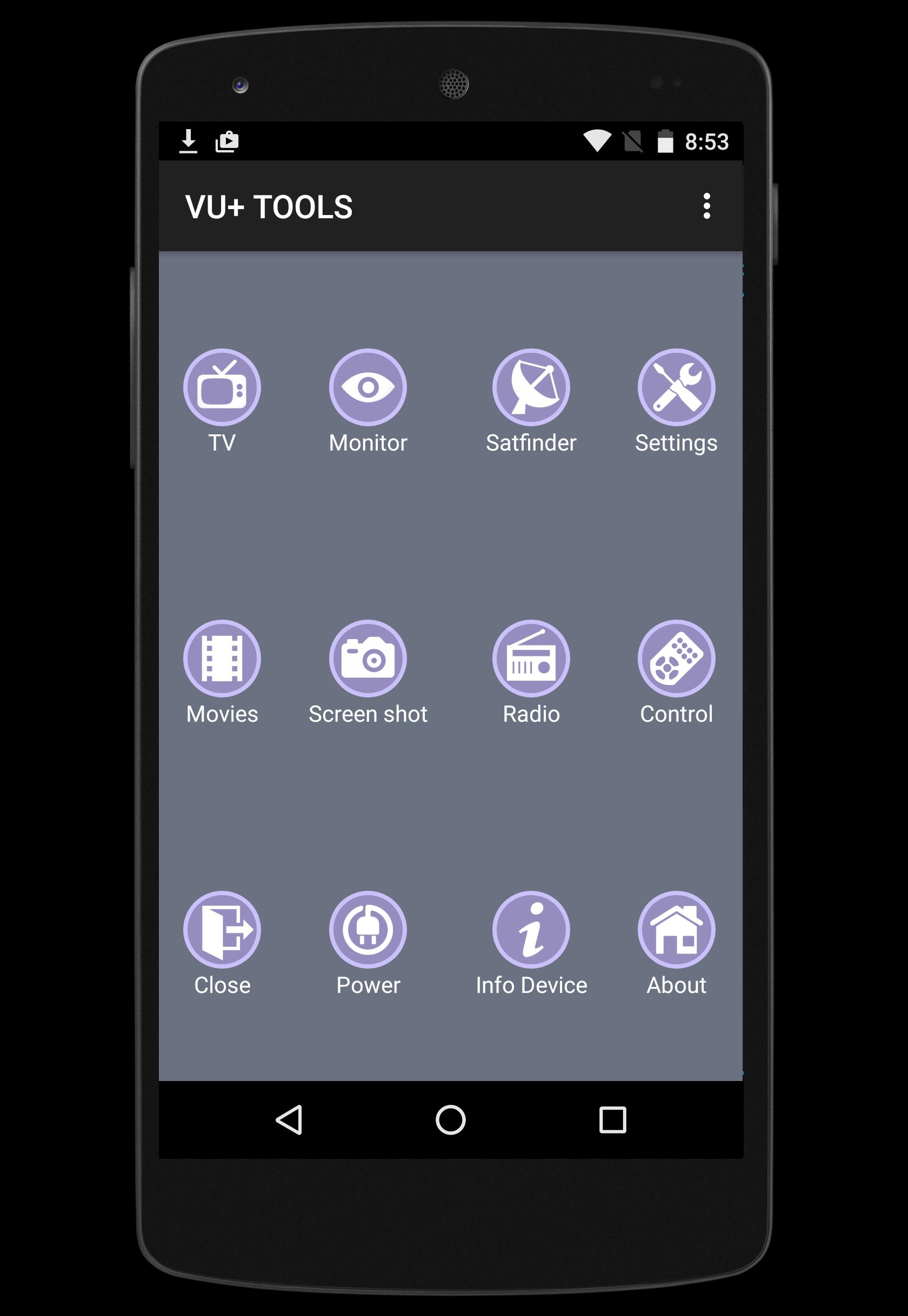
★ Live TV and RADIO streaming directly from your Vu+ receiver.
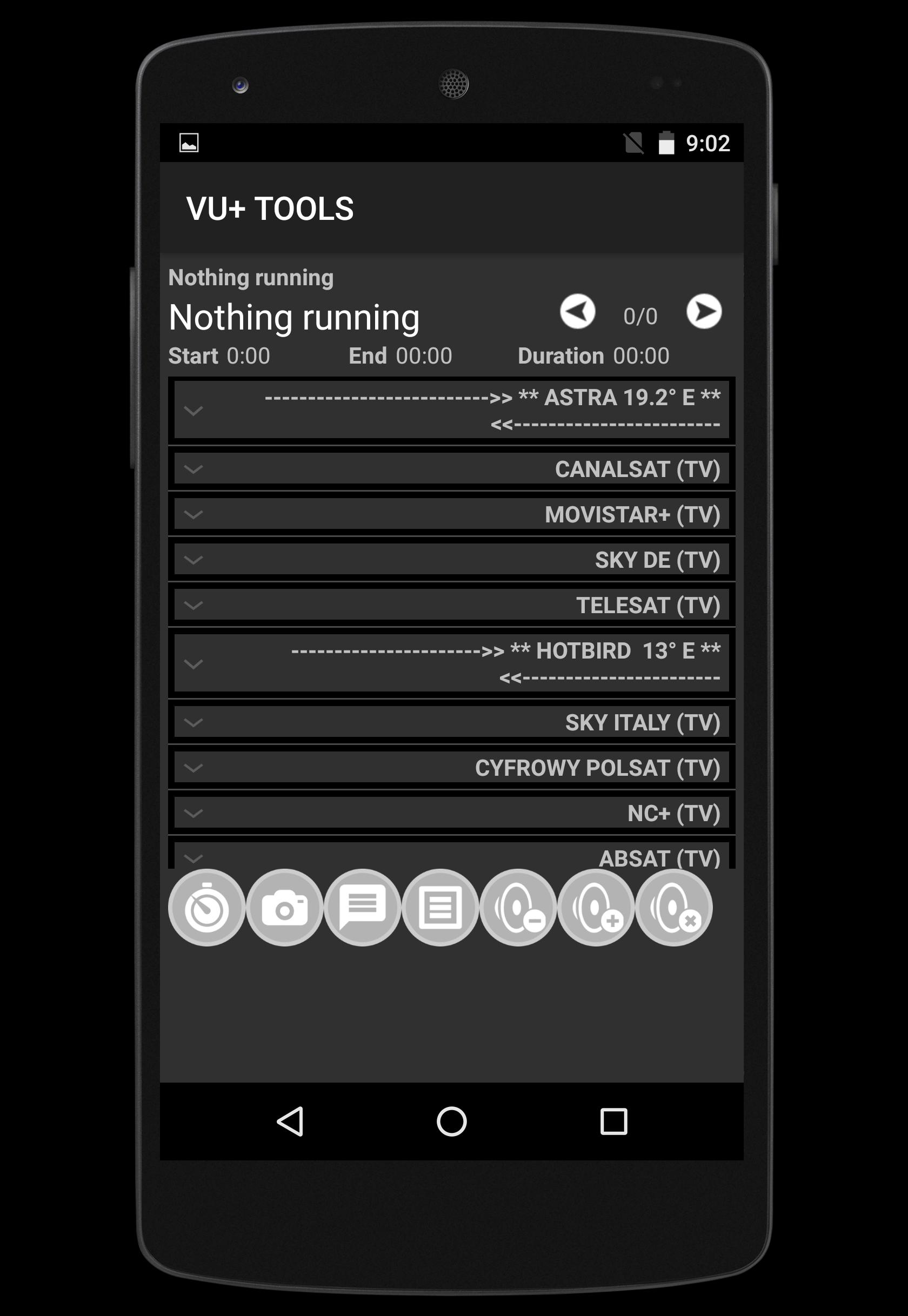
★ Show and discover Channel list provided Favourite group
★ Zapping channel
★ Satfinder (signal meter)
★ Add ZAP channel
★ Send message to your TV via your receiver
★ Volume Control UP-DOWN-MUTE
★ Show and Play recorded files directly to your TV
★ Monitor your receivers by screenshots from live TV
★ Manage timers record (add, edit, delete) either from EPG or manually.
★ EPG information provided
★ Take Screen shot from your TV
List of supported VU+ receivers :
► Vu+ SOLO
► Vu+ SOLO 2
► Vu+ SOLO SE
► Vu+ SOLO 4K
► Vu+ ZERO
► Vu+ UNO
► Vu+ UNO 4K
► Vu+ DUO
► Vu+ DUO 2
► Vu+ ULTIMO
► Vu+ ULTIMO 4K
This application was tested with BLACK HOLE, VTI, Open Black Hole,OpenPLi, Open VIX, SATDREAMGER, HDMU, INDB, OpenDroid, OpenSPA, PKT Hypervision, RUDream,
If you have any feedback, a feature request, or wish to report an issue,Contact us at bigmetamobile@gmail.com
Our Facebook page : https://www.facebook.com/bigmetamobile
Avance
Etiquetas
HerramientasInformación
Desarrollador
bigmetamobile
La última versión
1.2
Última actualización
2015-12-15
Categoría
Herramientas
Disponible en
Google Play
Mostrar más
Cómo jugar VU+ TOOLS con GameLoop en PC
1. Descargue GameLoop desde el sitio web oficial, luego ejecute el archivo exe para instalar GameLoop.
2. Abra GameLoop y busque "VU+ TOOLS", busque VU+ TOOLS en los resultados de búsqueda y haga clic en "Instalar".
3. Disfruta jugando VU+ TOOLS en GameLoop.
Minimum requirements
OS
Windows 8.1 64-bit or Windows 10 64-bit
GPU
GTX 1050
CPU
i3-8300
Memory
8GB RAM
Storage
1GB available space
Recommended requirements
OS
Windows 8.1 64-bit or Windows 10 64-bit
GPU
GTX 1050
CPU
i3-9320
Memory
16GB RAM
Storage
1GB available space