
Video hider - Privacy Lock para PC
Droid3.Tech
Descarga Video hider - Privacy Lock en PC con GameLoop Emulator
Video hider - Privacy Lock en PC
Video hider - Privacy Lock, proveniente del desarrollador Droid3.Tech, se ejecuta en el sistema Android en el pasado.
Ahora, puedes jugar Video hider - Privacy Lock en PC con GameLoop sin problemas.
Descárgalo en la biblioteca de GameLoop o en los resultados de búsqueda. No más mirar la batería o llamadas frustrantes en el momento equivocado nunca más.
Simplemente disfrute de Video hider - Privacy Lock PC en la pantalla grande de forma gratuita!
Video hider - Privacy Lock Introducción
Video hider Privacy Lock is your mobile privacy expert. Four functions to protect your mobile phone privacy, app locks, hide pictures, hide videos, private notes, so that you no longer worry about mobile phone security.Just like your mobile vault, secure your secret any time and any place for free.
After installing Private Lock, you can:
- Check the privacy of your phone at any time to understand the privacy status
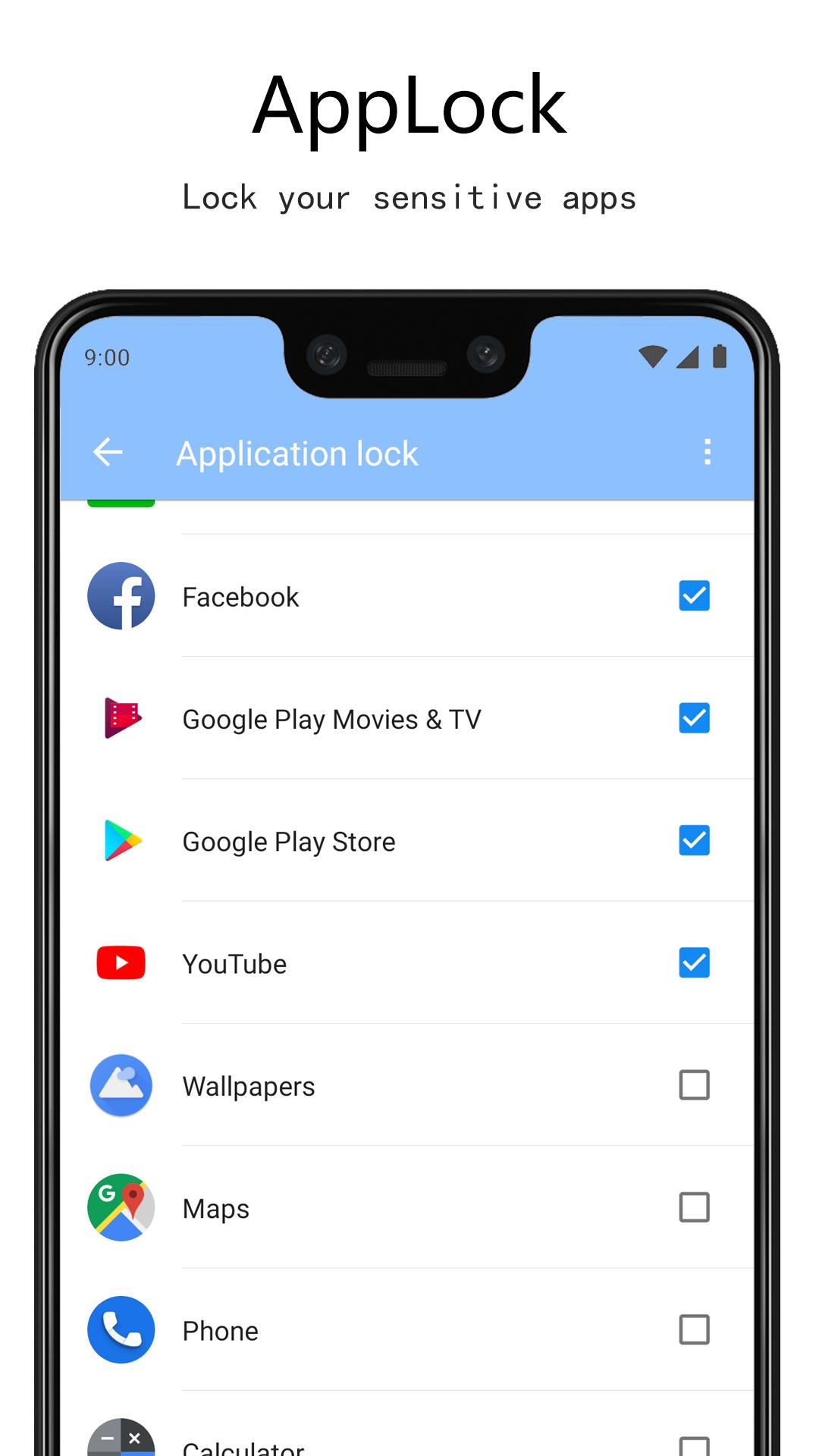
- Use a powerful app lock to lock apps.
- Hide private information such as photos, videos, text messages, files, etc.
- Hide your own password, diary, financial, mood, etc.
★Hide videos ----- Make your life no longer awkward
Hide all xx videos and create your own private "cinema";
Cleverly hide the videos you don't want people to see, the "small movies" of male students;
★Lock Apps ----- App locker with password
- Lock the app and no longer worry about the fact that others peep at your phone, manage your app simply;
- Protect your app anytime and anywhere, no longer have to worry about your kids playing with your phone at will, prevent anyone else watching your call history or call record;
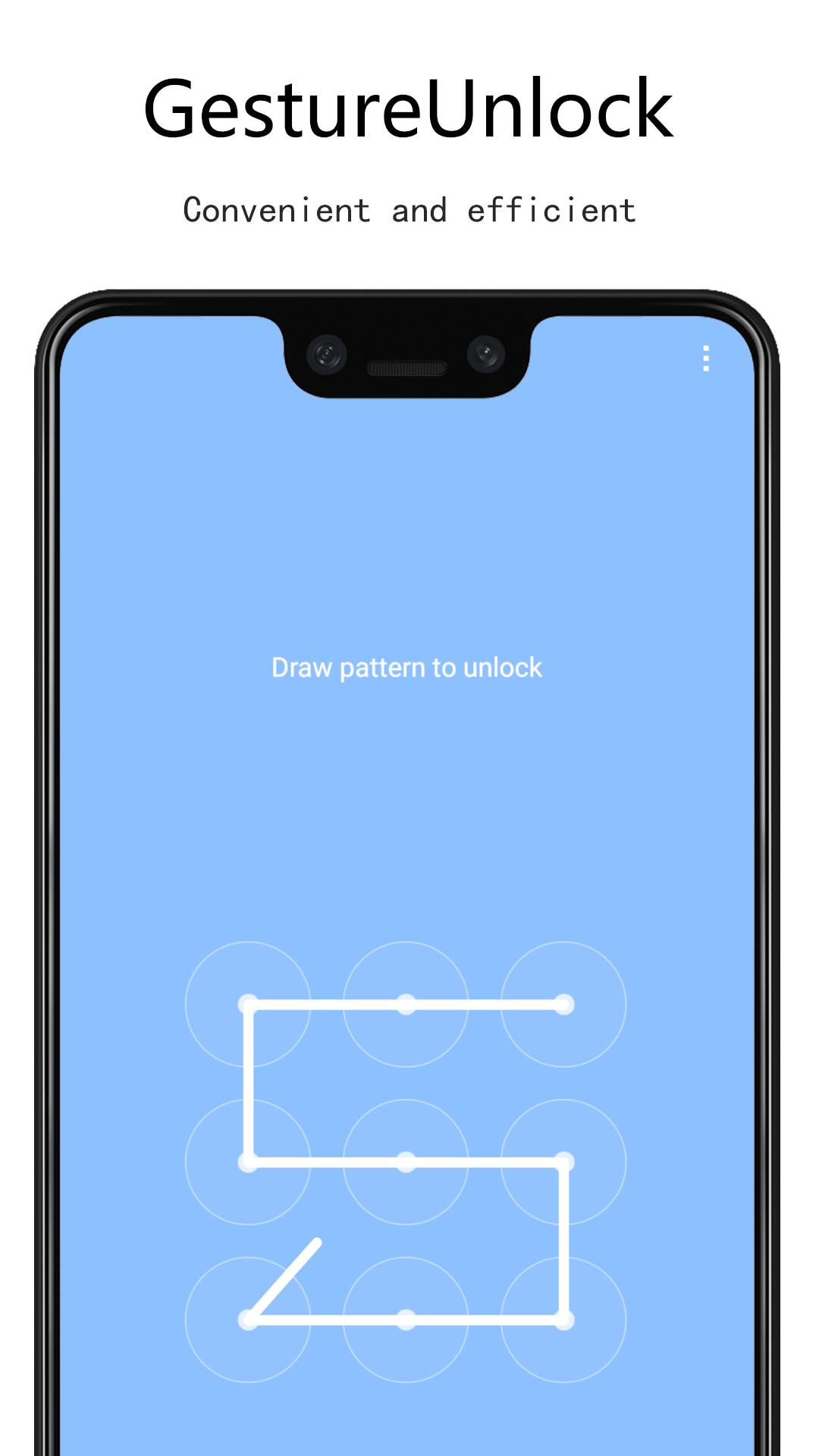
- Provide a variety of fun and convenient unlocking methods such as digital passwords, gesture passwords, etc.
★Hide pictures ----- Private content is safe and worry-free
Hiding your photos and pictures to prevent others from peek at your photo album, no longer afraid of leaking self-portraits on your phone. Photos could not be seen from the gallery after hidden.
Worry-free browsing of personal possessions.
★Hide notes, hide passwords ---- Make your life no longer worry
Encryption your text or documents, and you can write your diary in this shelter.
★The new privacy browser has been launched!
Use the private browser inside the Privacy Lock to completely isolate encryption and protect your privacy.
Professional privacy protection settings customize your privacy browser, do not leave traces at all.
Use the private browser's unique block function to block the content you don't want to see.
Download the image with a private browser to save directly to the privacy album.
★The new private camera has supported it!
Take photos through privacy camera directly to privacy album
Start to use privacy lock 2022 now for free!
Avance
Etiquetas
HerramientasInformación
Desarrollador
Droid3.Tech
La última versión
2.0.1
Última actualización
2021-10-23
Categoría
Herramientas
Disponible en
Google Play
Mostrar más
Cómo jugar Video hider - Privacy Lock con GameLoop en PC
1. Descargue GameLoop desde el sitio web oficial, luego ejecute el archivo exe para instalar GameLoop.
2. Abra GameLoop y busque "Video hider - Privacy Lock", busque Video hider - Privacy Lock en los resultados de búsqueda y haga clic en "Instalar".
3. Disfruta jugando Video hider - Privacy Lock en GameLoop.
Minimum requirements
OS
Windows 8.1 64-bit or Windows 10 64-bit
GPU
GTX 1050
CPU
i3-8300
Memory
8GB RAM
Storage
1GB available space
Recommended requirements
OS
Windows 8.1 64-bit or Windows 10 64-bit
GPU
GTX 1050
CPU
i3-9320
Memory
16GB RAM
Storage
1GB available space