
Text Reader: Text to Speech para PC
Perfect tools
Descarga Text Reader: Text to Speech en PC con GameLoop Emulator
Text Reader: Text to Speech en PC
Text Reader: Text to Speech, proveniente del desarrollador Perfect tools, se ejecuta en el sistema Android en el pasado.
Ahora, puedes jugar Text Reader: Text to Speech en PC con GameLoop sin problemas.
Descárgalo en la biblioteca de GameLoop o en los resultados de búsqueda. No más mirar la batería o llamadas frustrantes en el momento equivocado nunca más.
Simplemente disfrute de Text Reader: Text to Speech PC en la pantalla grande de forma gratuita!
Text Reader: Text to Speech Introducción
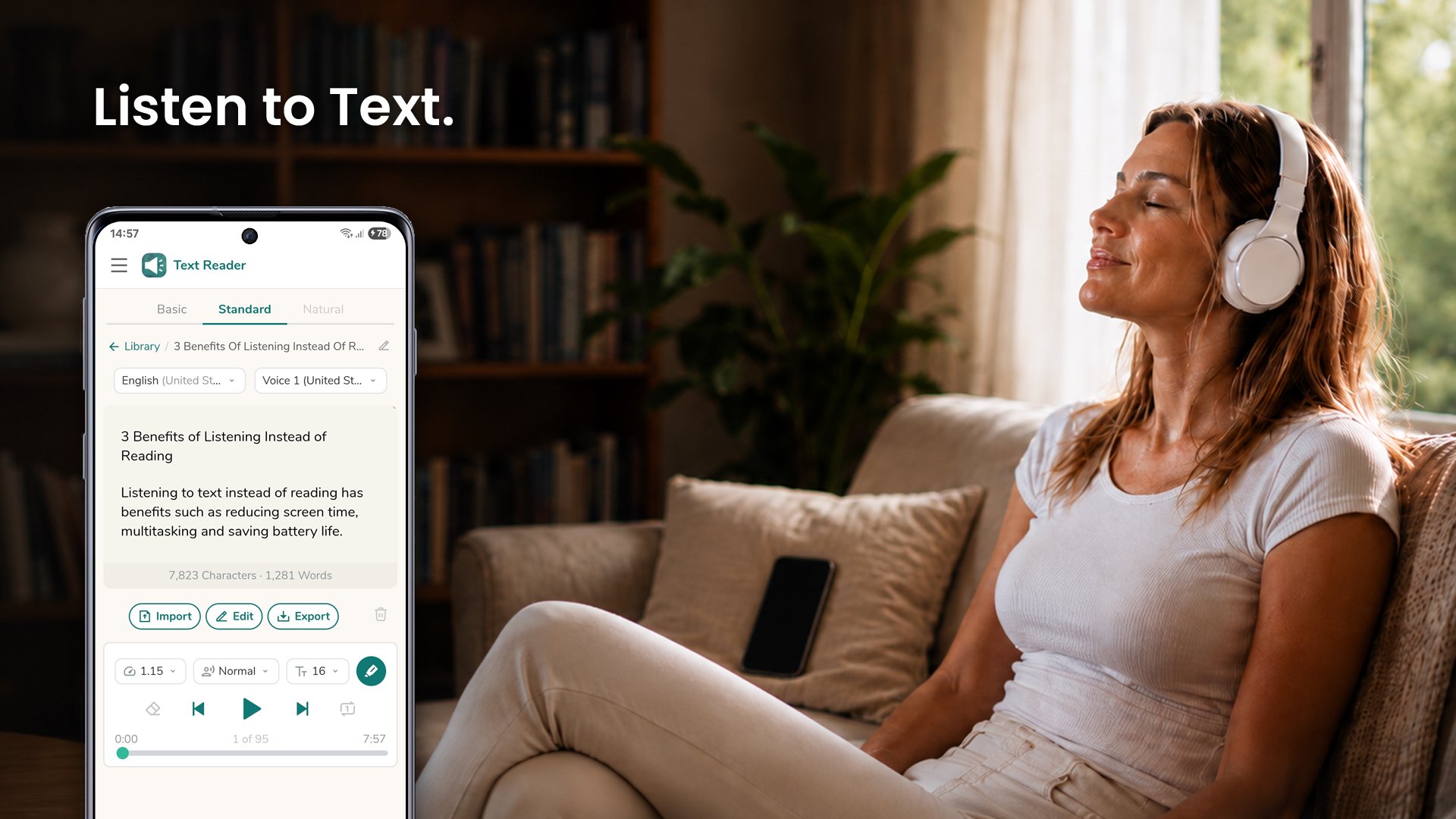
Text Reader is a text to speech app that reads your articles, documents, ebooks, and messages out loud, word for word, in 70+ languages - so you can listen instead of read.
Why listen instead of read
- Rest your eyes and reduce screen time.
- Save battery by listening with the screen off.
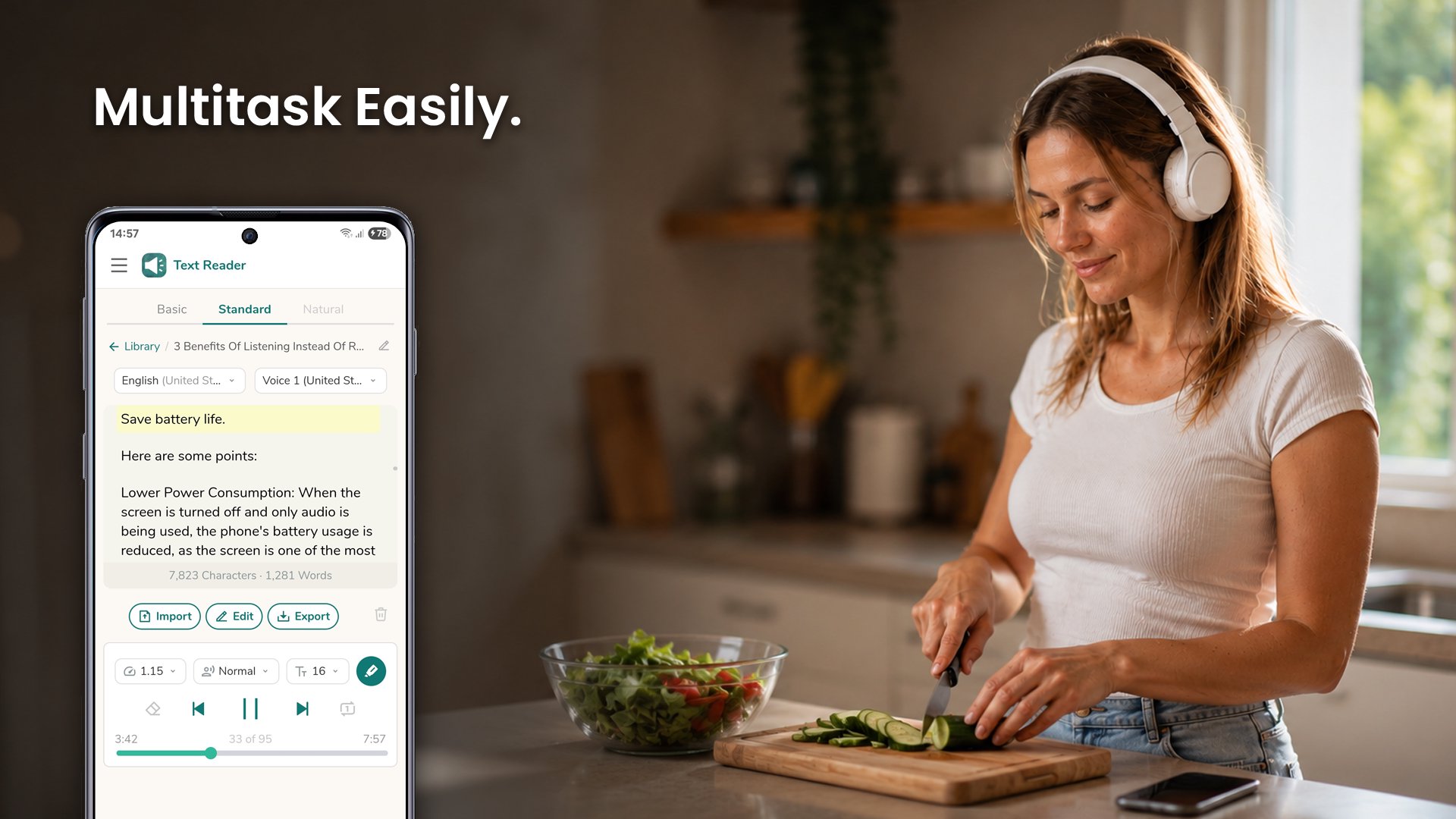
- Learn and stay productive while commuting, exercising, cooking, or working with your hands.
Listening
- Listen with the screen locked - control playback from the lock screen, notification, and Bluetooth.
- Adjustable speed - from slow up to 3x for skimming or careful listening.
- Male and female voices, with pitch control to raise or lower the voice.
- Follow-along highlighting - see each word as it is spoken.
- Repeat mode - loop the current text to listen again.
- Resume where you left off - the app remembers your place.
Your texts
- Import PDF, Word, EPUB, and text files, or share text from any app to start listening instantly.
- Open with Text Reader - tap a document in any app and have it read to you right away.
- Save a library of texts and search it anytime, even offline.
- Clean Symbols - skip stray characters like asterisks so they are not spoken.
- Handles long texts - uninterrupted playback for articles, chapters, and reports.
- Generate audio from text - save it as an audio file and listen in any music app.
- Export to PDF or a text file - keep a copy of your text on your device.
More
- Dark mode that follows your device theme.
- Right-to-left support for Hebrew, Arabic, and more.
- Works on phones and tablets - smooth performance across devices.
Whether you want to read books and novels on the road, catch up on articles, or get through work documents hands-free, Text Reader reads every word so you never miss a thing.
Avance
Etiquetas
HerramientasInformación
Desarrollador
Perfect tools
La última versión
1.0.48
Última actualización
2026-07-13
Categoría
Herramientas
Disponible en
Google Play
Mostrar más
Cómo jugar Text Reader: Text to Speech con GameLoop en PC
1. Descargue GameLoop desde el sitio web oficial, luego ejecute el archivo exe para instalar GameLoop.
2. Abra GameLoop y busque "Text Reader: Text to Speech", busque Text Reader: Text to Speech en los resultados de búsqueda y haga clic en "Instalar".
3. Disfruta jugando Text Reader: Text to Speech en GameLoop.
Minimum requirements
OS
Windows 8.1 64-bit or Windows 10 64-bit
GPU
GTX 1050
CPU
i3-8300
Memory
8GB RAM
Storage
1GB available space
Recommended requirements
OS
Windows 8.1 64-bit or Windows 10 64-bit
GPU
GTX 1050
CPU
i3-9320
Memory
16GB RAM
Storage
1GB available space