Speed Test - 5G 4G Force LTE para PC
Digital Rooms Inc.
Descarga Speed Test - 5G 4G Force LTE en PC con GameLoop Emulator
Speed Test - 5G 4G Force LTE en PC
Speed Test - 5G 4G Force LTE, proveniente del desarrollador Digital Rooms Inc., se ejecuta en el sistema Android en el pasado.
Ahora, puedes jugar Speed Test - 5G 4G Force LTE en PC con GameLoop sin problemas.
Descárgalo en la biblioteca de GameLoop o en los resultados de búsqueda. No más mirar la batería o llamadas frustrantes en el momento equivocado nunca más.
Simplemente disfrute de Speed Test - 5G 4G Force LTE PC en la pantalla grande de forma gratuita!
Speed Test - 5G 4G Force LTE Introducción
5G 4G Force LTE application allows you to change your smartphone network to 5G, 4G LTE, 3G, Edge from the settings which not easily accessible.
Here you can lock network mode as you want to do like 5G, 4G, 3G & others.
Easily modify advanced network configurations 5G/4G LTE/3G network mode>
Using this application you cane easily open hidden settings & select your network mode with advanced network configurations.
Find & search for 5G/4G LTE stable signal.
You can easily switch if your phone is supported that particular mode.
Very helpful when your network internet speed is slow & want to increase internet speed with force LTE mode .
Check network speed easily here with mobile data or wifi data.
Features :-
* Check device compatibility is it support 5G or 4G or 3G.
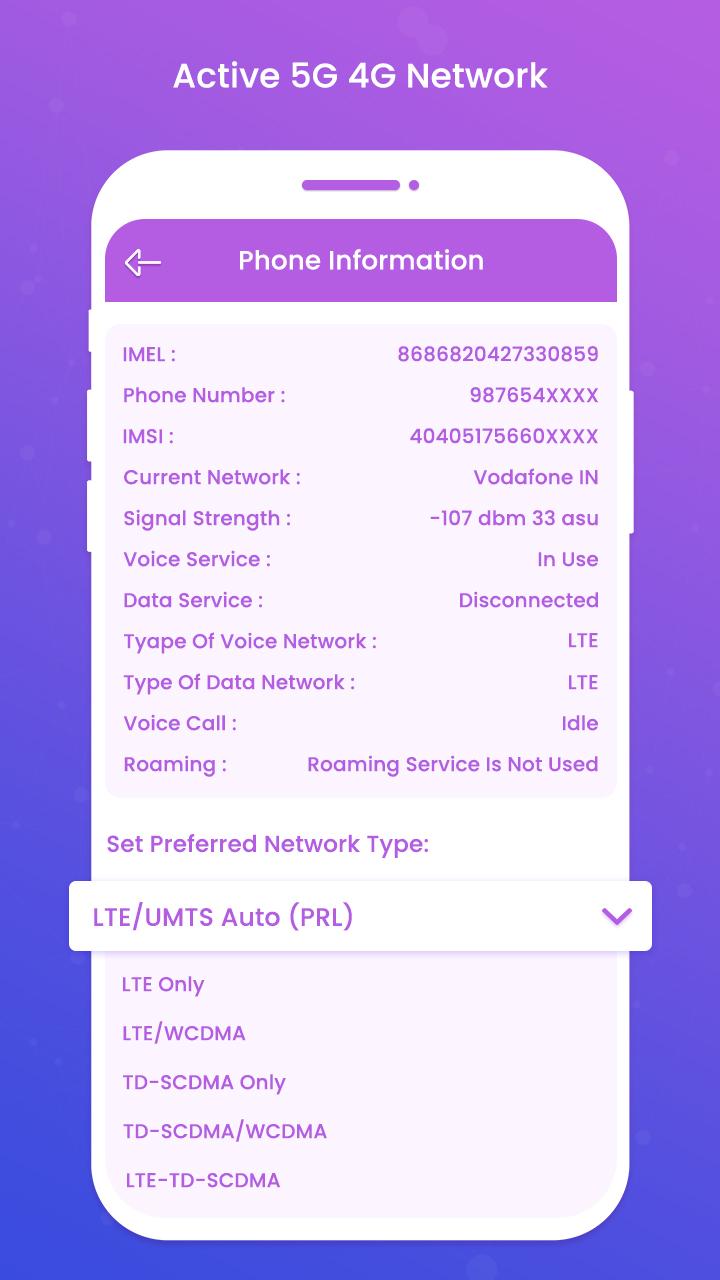
* Switch into 5G/4G LTE Network, WCDMA, GSM, CDMA network easily.
* If internet speed is slow then you can easily switch to other network mode like 5G, 4G & others.
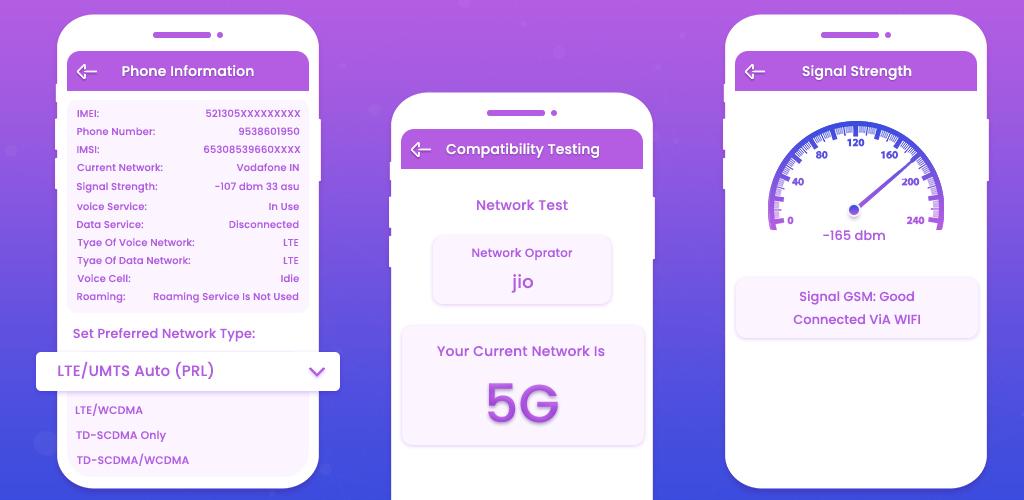
* Show here network information like network connectivity, network capability, properties info & more.
* Check phone compatibility for network supported.
* Check also signal strength here manually.
* Carrier information like carrier name, mobile country code, mobile network code.
* Analyze internet speed with faster testing.
* Show application by its usage.
* Check which application most used in a day, week & month wise.
Disclaimer :-
- 5G 4G Force LTE app doesn't work on restricted device for force switching mode.
- 5G 4G Force LTE app is not represent or associated with any other network switching application.
- Application work on supported device only.
Avance
Etiquetas
HerramientasInformación
Desarrollador
Digital Rooms Inc.
La última versión
1.1
Última actualización
2023-08-30
Categoría
Herramientas
Disponible en
Google Play
Mostrar más
Cómo jugar Speed Test - 5G 4G Force LTE con GameLoop en PC
1. Descargue GameLoop desde el sitio web oficial, luego ejecute el archivo exe para instalar GameLoop.
2. Abra GameLoop y busque "Speed Test - 5G 4G Force LTE", busque Speed Test - 5G 4G Force LTE en los resultados de búsqueda y haga clic en "Instalar".
3. Disfruta jugando Speed Test - 5G 4G Force LTE en GameLoop.
Minimum requirements
OS
Windows 8.1 64-bit or Windows 10 64-bit
GPU
GTX 1050
CPU
i3-8300
Memory
8GB RAM
Storage
1GB available space
Recommended requirements
OS
Windows 8.1 64-bit or Windows 10 64-bit
GPU
GTX 1050
CPU
i3-9320
Memory
16GB RAM
Storage
1GB available space