
Sophos Intercept X for Mobile para PC
Sophos Limited
Descarga Sophos Intercept X for Mobile en PC con GameLoop Emulator
Sophos Intercept X for Mobile en PC
Sophos Intercept X for Mobile, proveniente del desarrollador Sophos Limited, se ejecuta en el sistema Android en el pasado.
Ahora, puedes jugar Sophos Intercept X for Mobile en PC con GameLoop sin problemas.
Descárgalo en la biblioteca de GameLoop o en los resultados de búsqueda. No más mirar la batería o llamadas frustrantes en el momento equivocado nunca más.
Simplemente disfrute de Sophos Intercept X for Mobile PC en la pantalla grande de forma gratuita!
Sophos Intercept X for Mobile Introducción
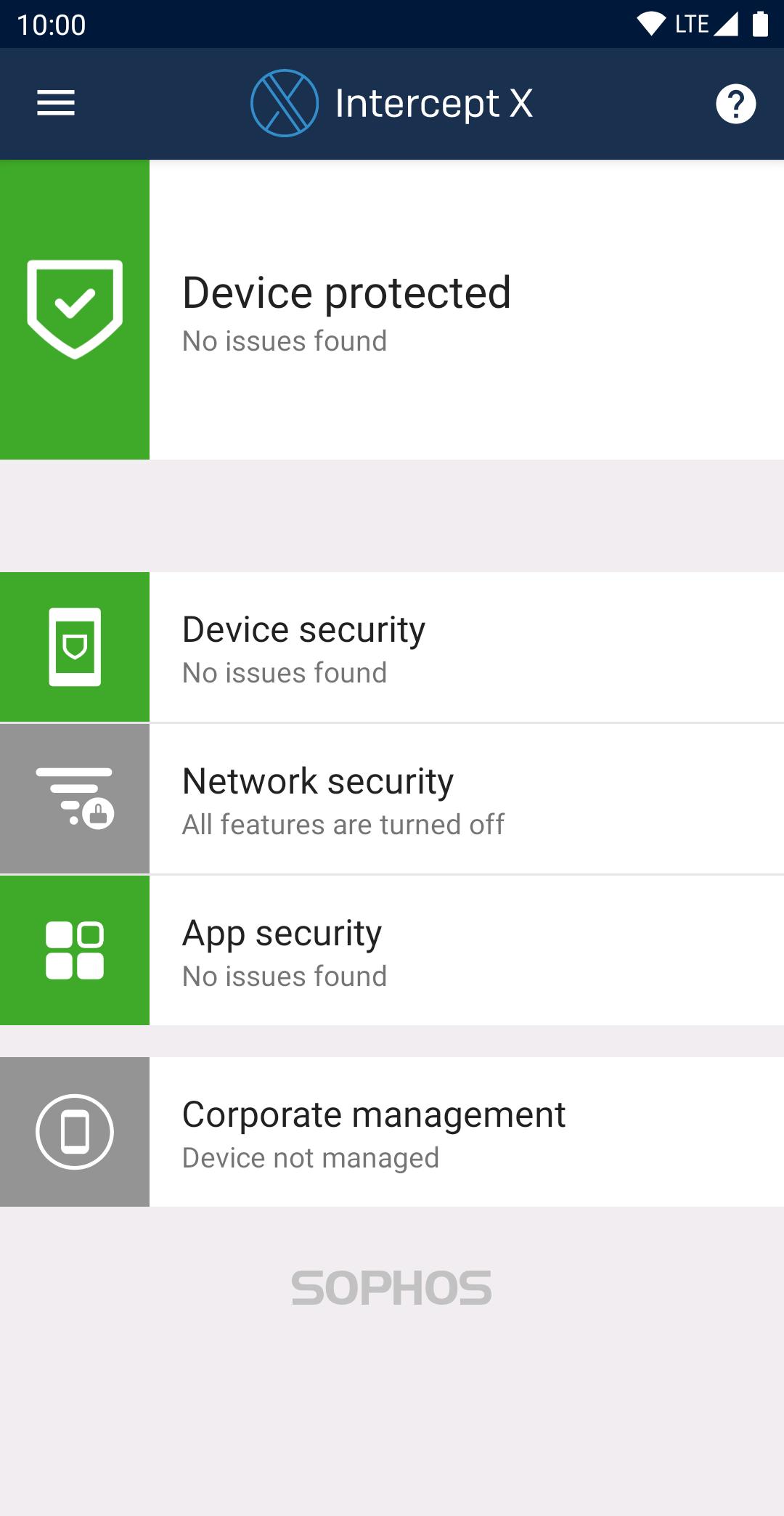
Sophos Intercept X for Mobile delivers industry leading protection against malware and other mobile threats. The app has consistently achieved a 100% protection score in AV-TEST’s comparison of the top Android security and antivirus apps.
Full features, no advertising, all free
Sophos is an IT security leader for companies and governments worldwide. This app comprehensively protects your Android device and your privacy without impacting performance or battery life.
Malware protection
• Scan apps and storage media for malicious or inappropriate content.
Web Filtering
• Block web pages with malicious, undesirable or illegal content.
Link Checker
• Check links you tap in non-browser apps for malicious or inappropriate content.
App Protection
• Protect apps with a password.
Wi-Fi Security
• Check your connection for man-in-the-middle attacks.
Privacy Advisor
• List apps that access your personal data or that could create costs.
Security Advisor
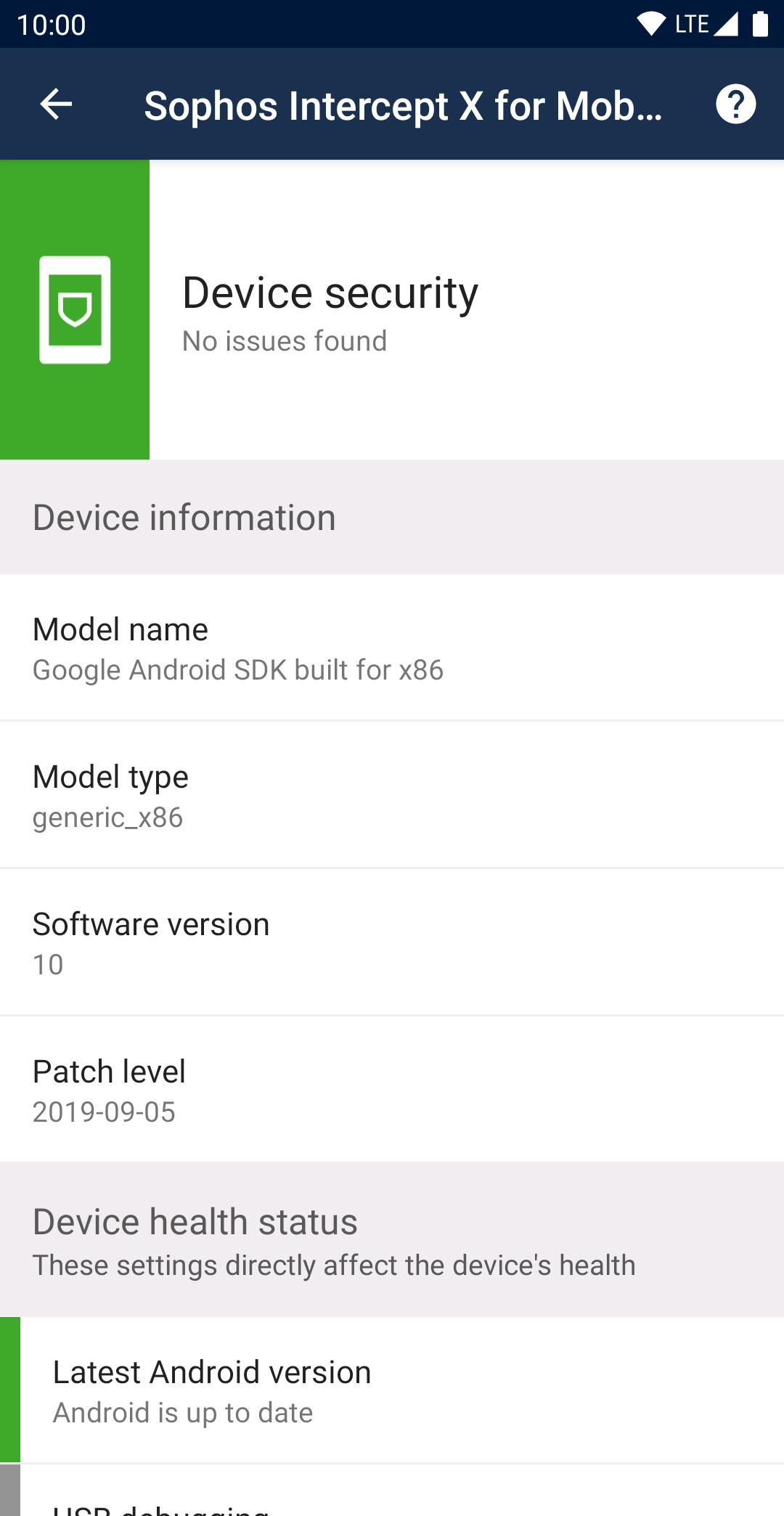
• Get advice on how to improve device security.
Secure QR Code Scanner
• Perform security checks when scanning QR codes that include URLs, contacts, or Wi-Fi connection data.
Password Safe
• Store all your account data in a KeePass-compatible password database.
Authenticator
• Generate time-based (TOTP, RFC 6238) and counter-based (HOTP, RFC 4226) one-time passwords for multi-factor authentication.
Managed mode
• Connect the app to Sophos Mobile to enable your organization to manage your device.
Permissions
• Permissions are required to monitor incoming data, and to detect and stop threats. More info: https://sophos.com/kb/117499
• When you turn on App Protection, the app uses the Device Administrator permission.
• The Wi-Fi Security feature needs the location permission to get the name of the Wi-Fi network you’re connected to, even when the app is running in the background. The app doesn’t actually access or track your location.
• When you turn on Web Filtering, the app uses the Android Accessibility Service API to check links you open in supported web browsers. The app sends link addresses to SophosLabs to check for malicious, undesirable, or illegal content. Depending on the app settings, such content is blocked. No personal information is collected.
Battery and data usage
• Malware definitions update once a day to keep you protected. This uses a small amount of data.
• The initial full scan of every installed app causes a one-time increase in battery usage.
Data safety
• The app doesn't store your web browsing history.
• When the app is managed by Sophos Mobile, your organization can see details about web pages the app has blocked or warned about.
Support information
• Knowledge base: https://community.sophos.com/kb?TopicId=1294
• Support forum: https://community.sophos.com/products/mobile-device-protection/f/18
Avance
Etiquetas
HerramientasJuegos de mesaInformación
Desarrollador
Sophos Limited
La última versión
9.7.4025
Última actualización
2025-10-15
Categoría
Herramientas
Disponible en
Google Play
Mostrar más
Cómo jugar Sophos Intercept X for Mobile con GameLoop en PC
1. Descargue GameLoop desde el sitio web oficial, luego ejecute el archivo exe para instalar GameLoop.
2. Abra GameLoop y busque "Sophos Intercept X for Mobile", busque Sophos Intercept X for Mobile en los resultados de búsqueda y haga clic en "Instalar".
3. Disfruta jugando Sophos Intercept X for Mobile en GameLoop.
Minimum requirements
OS
Windows 8.1 64-bit or Windows 10 64-bit
GPU
GTX 1050
CPU
i3-8300
Memory
8GB RAM
Storage
1GB available space
Recommended requirements
OS
Windows 8.1 64-bit or Windows 10 64-bit
GPU
GTX 1050
CPU
i3-9320
Memory
16GB RAM
Storage
1GB available space