
Smart to-do list & task lists para PC
Educa Kids
Descarga Smart to-do list & task lists en PC con GameLoop Emulator
Smart to-do list & task lists en PC
Smart to-do list & task lists, proveniente del desarrollador Educa Kids, se ejecuta en el sistema Android en el pasado.
Ahora, puedes jugar Smart to-do list & task lists en PC con GameLoop sin problemas.
Descárgalo en la biblioteca de GameLoop o en los resultados de búsqueda. No más mirar la batería o llamadas frustrantes en el momento equivocado nunca más.
Simplemente disfrute de Smart to-do list & task lists PC en la pantalla grande de forma gratuita!
Smart to-do list & task lists Introducción
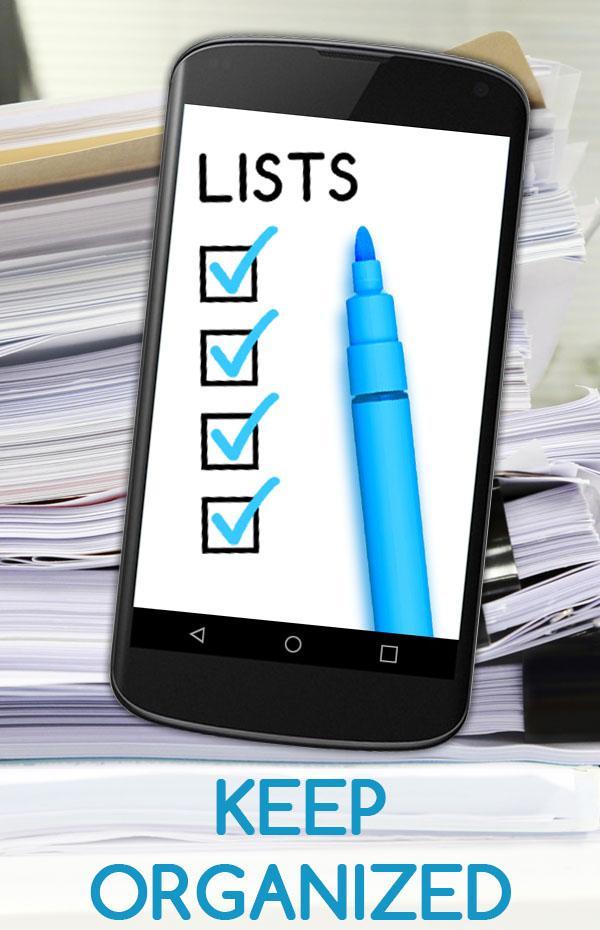
Smart to do list planner – task reminder & calendar will be your new favorite smartphone app for managing all task lists and to keep your life organized with reminders and notes. It’s well-designed and easy to use task management app, it makes your life simpler and easier and saves time with sharing lists and assigning task. Smart to do list is a daily planner and life organizer when you need to create grocery lists and daily errands, or set a reminder to call your friends, family members or to share lists and assign tasks as well as to work on a project, and plan a vacation.
A quick and easy way to create personal task lists, manage calendar and keep life organized;
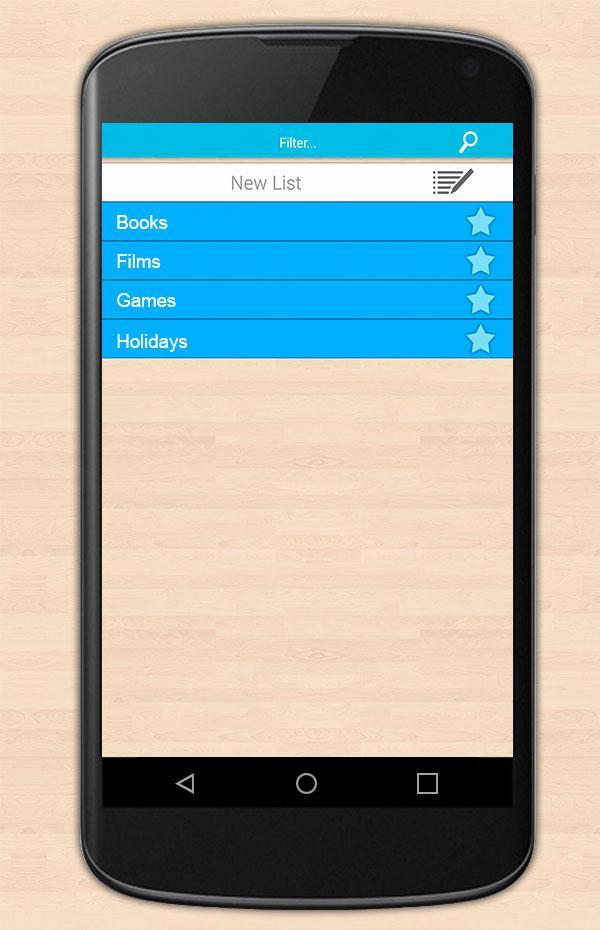
• Create a list and group items into categories, organize and sort your tasks lists manually
• Project management tool to set reminders, manage calendar, assign tasks and arrange schedule
• Notepad tool to add sticky notes, select and edit items on your lists.
• Grocery List tool to organize your basic shopping lists
• Change an item’s category or move to a different list, copy it, cross or uncross items from your check list, or delete items completely.
Keep track of your important tasks, events, and meetings or to do lists! View and organize your to-dos for the day or next week. Do not forget to share an image of your list on Facebook or Instagram with your friends!
If you like our app, please rate and comment to help us improve!
Avance
Información
Desarrollador
Educa Kids
La última versión
4447 v5
Última actualización
2020-12-15
Categoría
Herramientas
Disponible en
Google Play
Mostrar más
Cómo jugar Smart to-do list & task lists con GameLoop en PC
1. Descargue GameLoop desde el sitio web oficial, luego ejecute el archivo exe para instalar GameLoop.
2. Abra GameLoop y busque "Smart to-do list & task lists", busque Smart to-do list & task lists en los resultados de búsqueda y haga clic en "Instalar".
3. Disfruta jugando Smart to-do list & task lists en GameLoop.
Minimum requirements
OS
Windows 8.1 64-bit or Windows 10 64-bit
GPU
GTX 1050
CPU
i3-8300
Memory
8GB RAM
Storage
1GB available space
Recommended requirements
OS
Windows 8.1 64-bit or Windows 10 64-bit
GPU
GTX 1050
CPU
i3-9320
Memory
16GB RAM
Storage
1GB available space