
Screenshot - Capture screen para PC
FAVAS Group
Descarga Screenshot - Capture screen en PC con GameLoop Emulator
Screenshot - Capture screen en PC
Screenshot - Capture screen, proveniente del desarrollador FAVAS Group, se ejecuta en el sistema Android en el pasado.
Ahora, puedes jugar Screenshot - Capture screen en PC con GameLoop sin problemas.
Descárgalo en la biblioteca de GameLoop o en los resultados de búsqueda. No más mirar la batería o llamadas frustrantes en el momento equivocado nunca más.
Simplemente disfrute de Screenshot - Capture screen PC en la pantalla grande de forma gratuita!
Screenshot - Capture screen Introducción
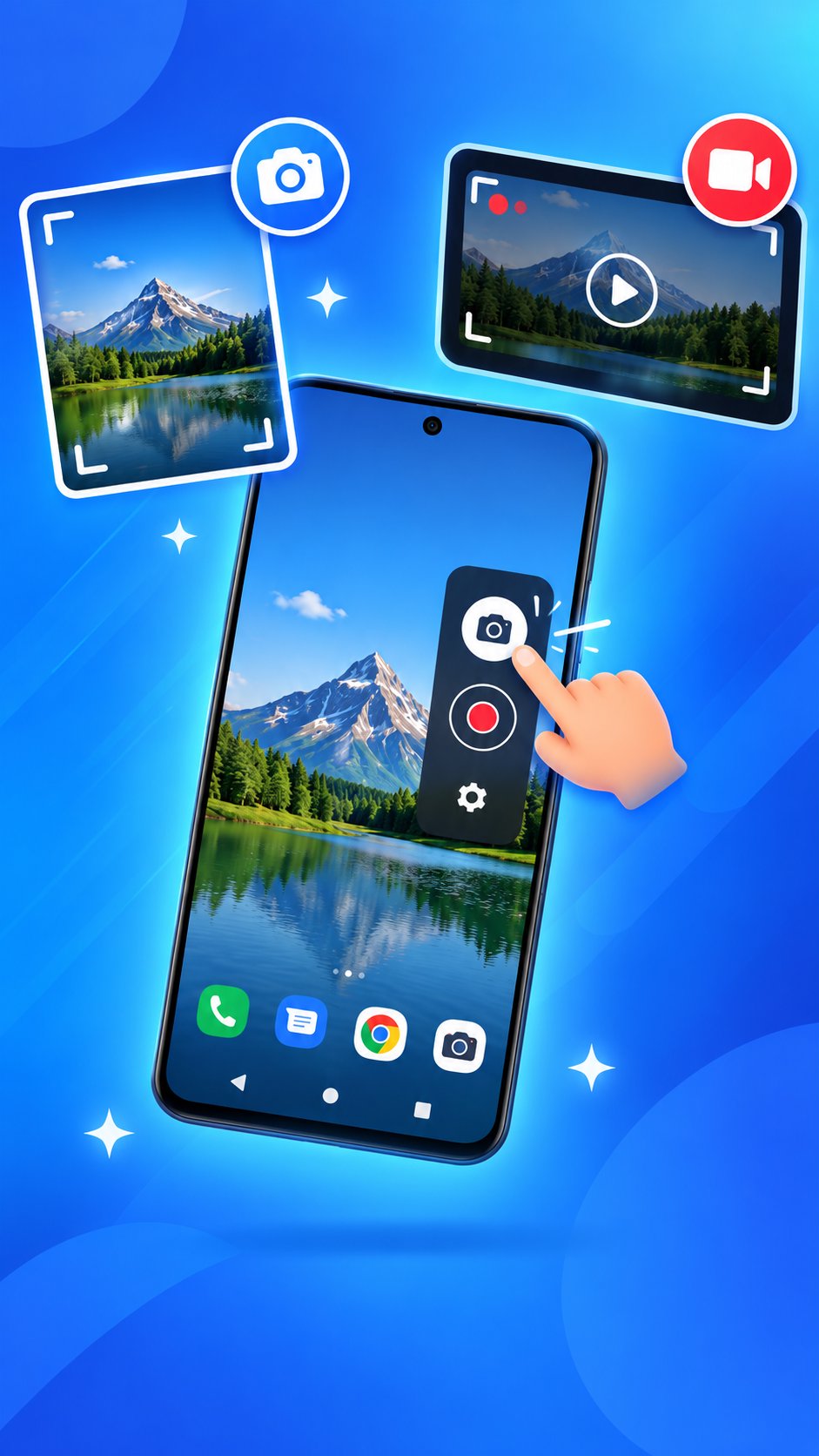
Screenshot & Screen Recorder for Android – capture a screenshot with one tap, take a long scrolling screenshot, or record your screen with sound and facecam. No root needed, no watermark, no recording time limit.
A floating button stays on top of any app, so you can take a screenshot or start screen recording in a moment, then edit, trim and share without leaving what you are doing.
★ SCREENSHOT TOOLS
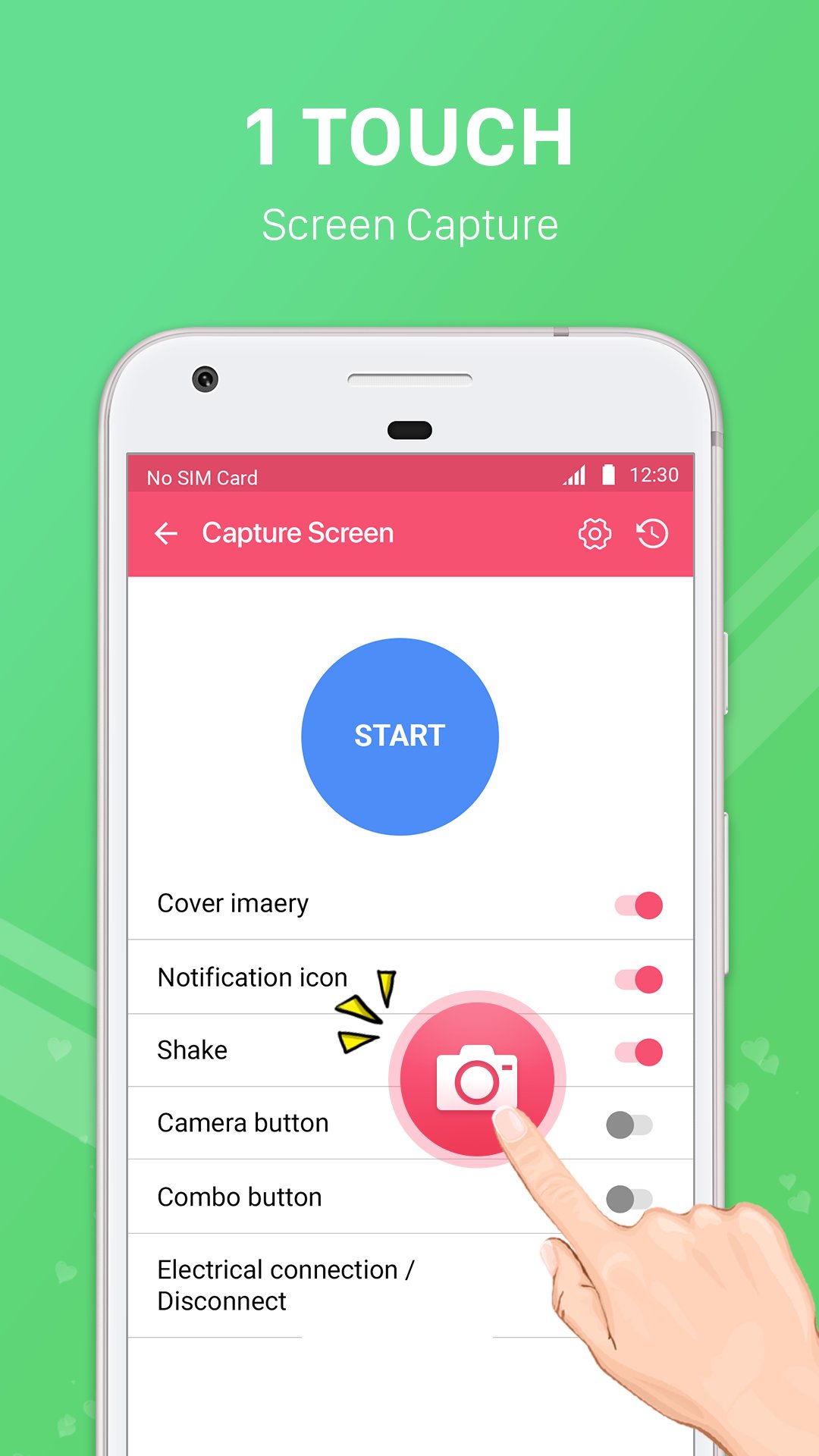
• One-tap screenshot from the floating button, the notification, a Quick Settings tile, a home screen widget or an app shortcut
• Scrolling screenshot: capture a long page, chat or article as one tall image
• Region screenshot: drag to capture only part of the screen
• Shake to take a screenshot, or use the capture timer
• Instant preview after every capture with Edit, Share and Delete
• Save as JPG, PNG or WebP and choose the image quality
★ SCREEN RECORDER WITH AUDIO
• Record screen video with microphone, internal audio, or both together
• Facecam: show the front camera in a small window for reactions, gameplay and tutorials
• Floating control bar with timer, pause, resume and stop
• Draw on screen while recording to highlight what matters
• Choose resolution (up to your screen's native resolution), 24/30/60 fps and bitrate
• Countdown before recording, stop from the notification or shake to stop
• Start recording from a Quick Settings tile, widget or shortcut
★ PHOTO EDITOR & VIDEO TOOLS
• Blur or pixelate private information before sharing
• Add arrows, numbered steps, text, drawings and stickers; crop and rotate
• Extract text from a screenshot (OCR) and copy it
• Trim video to keep only the best part
• Compress video to save storage and share faster
• Convert a video clip to GIF
★ SIMPLE AND PRIVATE
• One gallery for all your screenshots and screen recordings
• Dark mode and a clean, modern design
• Available in 58 languages, with an in-app language switch
• No root, no account, no sign-up
• Does not ask for access to your photos and files: the app only manages the captures it creates
• Captures are saved to your device
★ GREAT FOR
• Game recording and sharing high scores
• Tutorials, app demos and how-to videos
• Saving chats, receipts, tickets and online payments
• Study notes, online classes and work documents
• Reporting a bug with a clear screenshot or screen video
HOW TO USE
1. Open the app and tap START to show the floating button.
2. Tap the button to take a screenshot, or hold it to open the menu: Screenshot, Region, Scroll, Record.
3. Edit, trim or share your capture from the preview or the gallery.
Works on phones and tablets from Samsung, Xiaomi, Oppo, Vivo, Realme, OnePlus, Motorola, Sony and other brands.
PLEASE NOTE
• Some apps (for example banking or video streaming apps) block screenshots and screen recording to protect their content. These screens cannot be captured.
• Internal audio recording only works with apps that allow their audio to be captured.
• Microphone and camera are used only while you record with those options turned on.
Download Screenshot & Screen Recorder now and capture your screen – anytime, anywhere.
Avance
Etiquetas
HerramientasInformación
Desarrollador
FAVAS Group
La última versión
2.1
Última actualización
2026-11-17
Categoría
Herramientas
Disponible en
Google Play
Mostrar más
Cómo jugar Screenshot - Capture screen con GameLoop en PC
1. Descargue GameLoop desde el sitio web oficial, luego ejecute el archivo exe para instalar GameLoop.
2. Abra GameLoop y busque "Screenshot - Capture screen", busque Screenshot - Capture screen en los resultados de búsqueda y haga clic en "Instalar".
3. Disfruta jugando Screenshot - Capture screen en GameLoop.
Minimum requirements
OS
Windows 8.1 64-bit or Windows 10 64-bit
GPU
GTX 1050
CPU
i3-8300
Memory
8GB RAM
Storage
1GB available space
Recommended requirements
OS
Windows 8.1 64-bit or Windows 10 64-bit
GPU
GTX 1050
CPU
i3-9320
Memory
16GB RAM
Storage
1GB available space