Screen Mirroring Samsung para PC
ImsaTools LTD
Descarga Screen Mirroring Samsung en PC con GameLoop Emulator
Screen Mirroring Samsung en PC
Screen Mirroring Samsung, proveniente del desarrollador ImsaTools LTD, se ejecuta en el sistema Android en el pasado.
Ahora, puedes jugar Screen Mirroring Samsung en PC con GameLoop sin problemas.
Descárgalo en la biblioteca de GameLoop o en los resultados de búsqueda. No más mirar la batería o llamadas frustrantes en el momento equivocado nunca más.
Simplemente disfrute de Screen Mirroring Samsung PC en la pantalla grande de forma gratuita!
Screen Mirroring Samsung Introducción
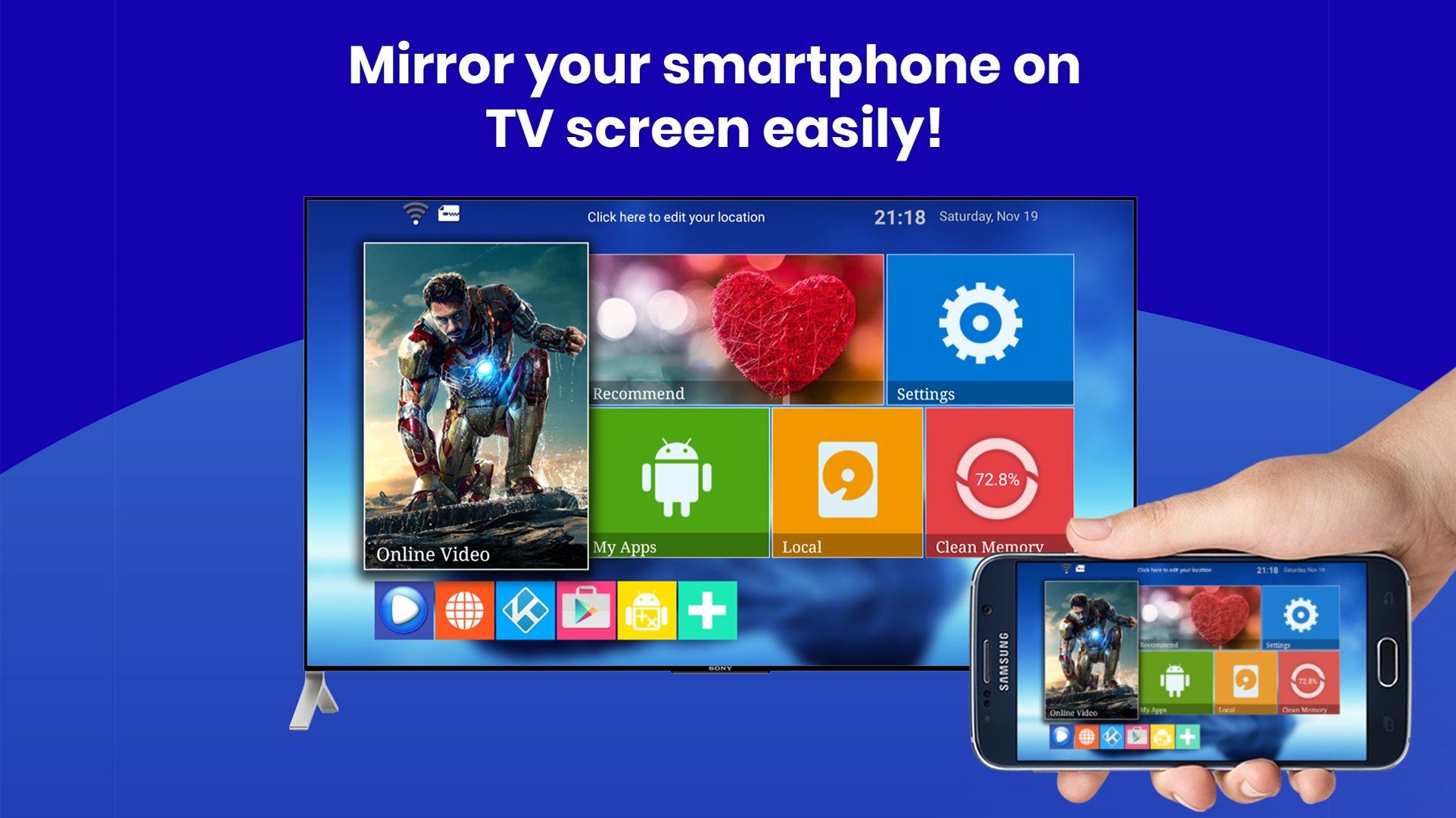
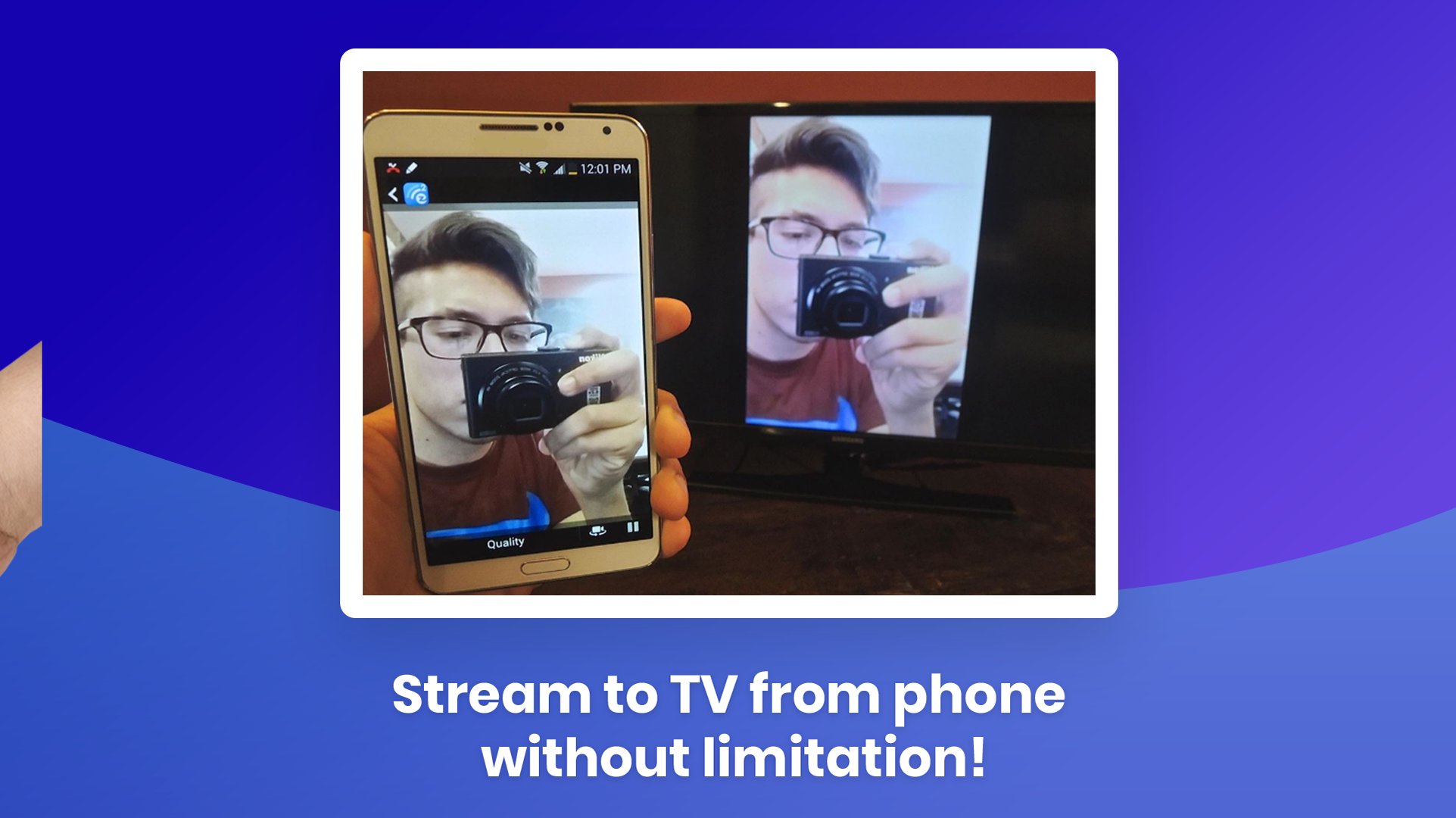
Turn any living‑room TV into a bigger, brighter Android display. Mirror your screen, stream 4 K video, or share a gaming session in seconds—no HDMI needed. “Screen Mirroring & Cast • Samsung TV” connects Samsung, LG, Sony Bravia, Roku, Fire TV, Chromecast, Miracast, and AirPlay with rock‑solid latency & HD audio.
🔑 Why users love it
• Instant pairing—auto‑detects devices on the same Wi‑Fi ✔️
• Zero‑lag gaming mode (≤40 ms)
• Full‑HD & 4 K playback for Netflix™, YouTube™, IPTV
• Flexible layouts—portrait / landscape / DeX desktop
• Private cast—stream local files without uploading to cloud
• Works with Bluetooth speakers for synced sound
• Totally free. No cables. No signup.
🛠️ How to start
1. Connect TV & phone to the same Wi‑Fi.
2. Launch the app → select your TV.
3. Tap Start Mirroring. That’s it!
🎮 Perfect for
• Watching live sports on the big screen
• Presenting slides at work or school
• Mobile gaming with a wireless controller
• Sharing holiday photos with family
• Using your phone as a touchpad on DeX
📱 Compatibility
• Phones/Tablets: Android 5.0+
• TVs & Dongles: Samsung Smart TV (2013‑2025), LG webOS, Sony Bravia, Hisense, TCL, Roku, Fire TV, Chromecast, Xiaomi TV Stick, any Miracast/UPnP receiver
• Protocols: Miracast, Google Cast, DLNA, AirPlay, Samsung DeX
❓ FAQ
• “No device found?” → Make sure VPN is off & both devices share the same 2.4 GHz or 5 GHz band.
• “Audio delay?” → Toggle ‘Sync Audio’ in Settings.
• Still stuck? Chat with us—24 h reply guaranteed.
Stop squinting at a 6‑inch screen. Download now and enjoy cinema‑size mirroring in one tap!
Keywords: screen mirroring, screen mirroring app, screen mirroring Samsung, screen mirroring for Samsung Smart TV, cast to TV, Miracast Android, AirPlay to TV, Samsung DeX, mirror screen to TV
Avance
Etiquetas
HerramientasInformación
Desarrollador
ImsaTools LTD
La última versión
38.0
Última actualización
2025-11-12
Categoría
Herramientas
Disponible en
Google Play
Mostrar más
Cómo jugar Screen Mirroring Samsung con GameLoop en PC
1. Descargue GameLoop desde el sitio web oficial, luego ejecute el archivo exe para instalar GameLoop.
2. Abra GameLoop y busque "Screen Mirroring Samsung", busque Screen Mirroring Samsung en los resultados de búsqueda y haga clic en "Instalar".
3. Disfruta jugando Screen Mirroring Samsung en GameLoop.
Minimum requirements
OS
Windows 8.1 64-bit or Windows 10 64-bit
GPU
GTX 1050
CPU
i3-8300
Memory
8GB RAM
Storage
1GB available space
Recommended requirements
OS
Windows 8.1 64-bit or Windows 10 64-bit
GPU
GTX 1050
CPU
i3-9320
Memory
16GB RAM
Storage
1GB available space