Resize Image: Batch Photo Resizer para PC
keytools inc
Descarga Resize Image: Batch Photo Resizer en PC con GameLoop Emulator
Resize Image: Batch Photo Resizer en PC
Resize Image: Batch Photo Resizer, proveniente del desarrollador keytools inc, se ejecuta en el sistema Android en el pasado.
Ahora, puedes jugar Resize Image: Batch Photo Resizer en PC con GameLoop sin problemas.
Descárgalo en la biblioteca de GameLoop o en los resultados de búsqueda. No más mirar la batería o llamadas frustrantes en el momento equivocado nunca más.
Simplemente disfrute de Resize Image: Batch Photo Resizer PC en la pantalla grande de forma gratuita!
Resize Image: Batch Photo Resizer Introducción
Reduce image size (reduce image file size) to make them compatible with the existing image size parameters of various social platforms, tools and applications.
Photo compressor and photo size reducer tools are employed to carry out compress jpeg to 100kb, compress png, resize jpg, reduce image size in kb (resize image in kb), compress images ( ompress image to 20kb), reduce image file size etc tasks.
To perform such dynamic image size conversions a professional high utility file compressor is designed which fairly executes the process of how to resize an image.
File compressors (picture compressor) embed various converters into them like jpg size reducer, photo size converter photo resizer in kb, picture compressor etc to carry out diverse operations to resize png (reduce picture size) and change picture size.
Features:
- Easy to install app.
- Readily available application.
- User-friendly and modern GUI.
- Completely free image resizer and image compressor.
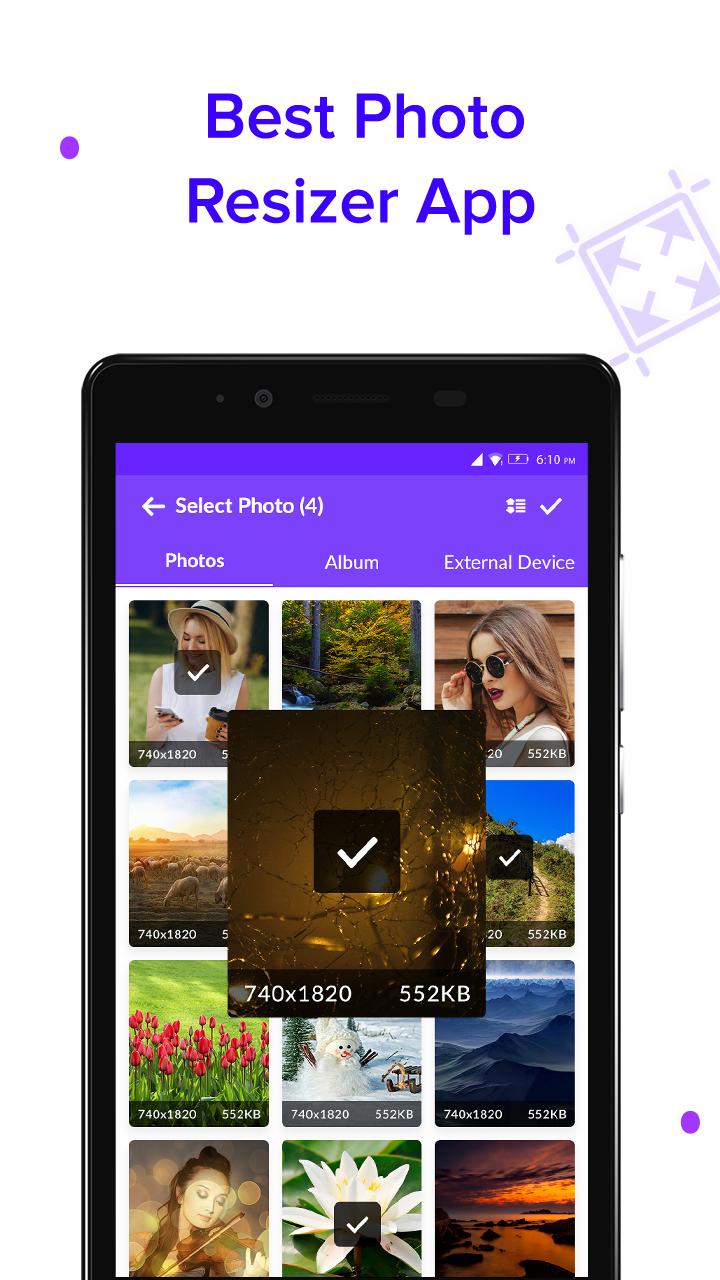
- Any image from the phone library can be selected.
- Percentage pixel of the selected image is can be manually selected by the user.
- Original width and height of the selected image are displayed on the screen, user if wishes can change the width and height of the image accordingly.
- Compression is set by the user with the aid of the sliding mechanism.
- Various image formats are supported by the app like png, jpg and webp.
- The created compressed images or resized images can be easily saved in phone memory or SD card.
- The resultant images are highly compatible with various social media platforms, tools and applications.
Resize Image: Batch Photo Resizer is a lightweight application, will not drain phone battery or other resources.
Users have been facilitated with effective and efficient output by the Resize Image: Batch Photo Resizer app.
The images created by Resize Image: Batch Photo Resizer are highly optimized and the compression process maintains the image quality and resolution.
Avance
Información
Desarrollador
keytools inc
La última versión
1.0
Última actualización
2019-07-03
Categoría
Herramientas
Disponible en
Google Play
Mostrar más
Cómo jugar Resize Image: Batch Photo Resizer con GameLoop en PC
1. Descargue GameLoop desde el sitio web oficial, luego ejecute el archivo exe para instalar GameLoop.
2. Abra GameLoop y busque "Resize Image: Batch Photo Resizer", busque Resize Image: Batch Photo Resizer en los resultados de búsqueda y haga clic en "Instalar".
3. Disfruta jugando Resize Image: Batch Photo Resizer en GameLoop.
Minimum requirements
OS
Windows 8.1 64-bit or Windows 10 64-bit
GPU
GTX 1050
CPU
i3-8300
Memory
8GB RAM
Storage
1GB available space
Recommended requirements
OS
Windows 8.1 64-bit or Windows 10 64-bit
GPU
GTX 1050
CPU
i3-9320
Memory
16GB RAM
Storage
1GB available space