
PinMe Widget para PC
YOULOFT
Descarga PinMe Widget en PC con GameLoop Emulator
PinMe Widget en PC
PinMe Widget, proveniente del desarrollador YOULOFT, se ejecuta en el sistema Android en el pasado.
Ahora, puedes jugar PinMe Widget en PC con GameLoop sin problemas.
Descárgalo en la biblioteca de GameLoop o en los resultados de búsqueda. No más mirar la batería o llamadas frustrantes en el momento equivocado nunca más.
Simplemente disfrute de PinMe Widget PC en la pantalla grande de forma gratuita!
PinMe Widget Introducción
[Reasons To Choose Our App]
- Staying connected with your loved ones
- Active sharing of life moments
- Only for close contacts
- Social relationships without stress
[Instant Photo Updates]
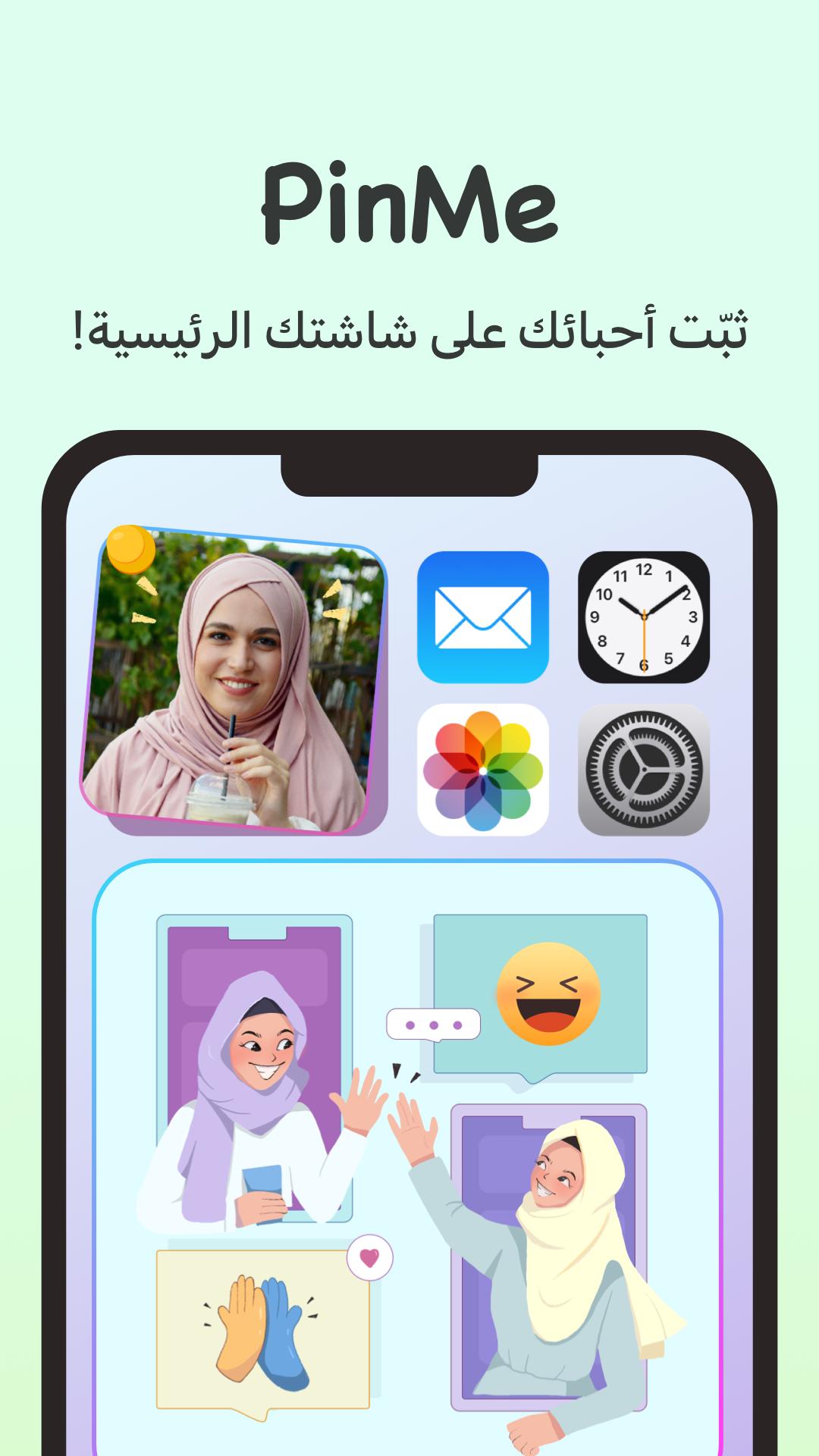
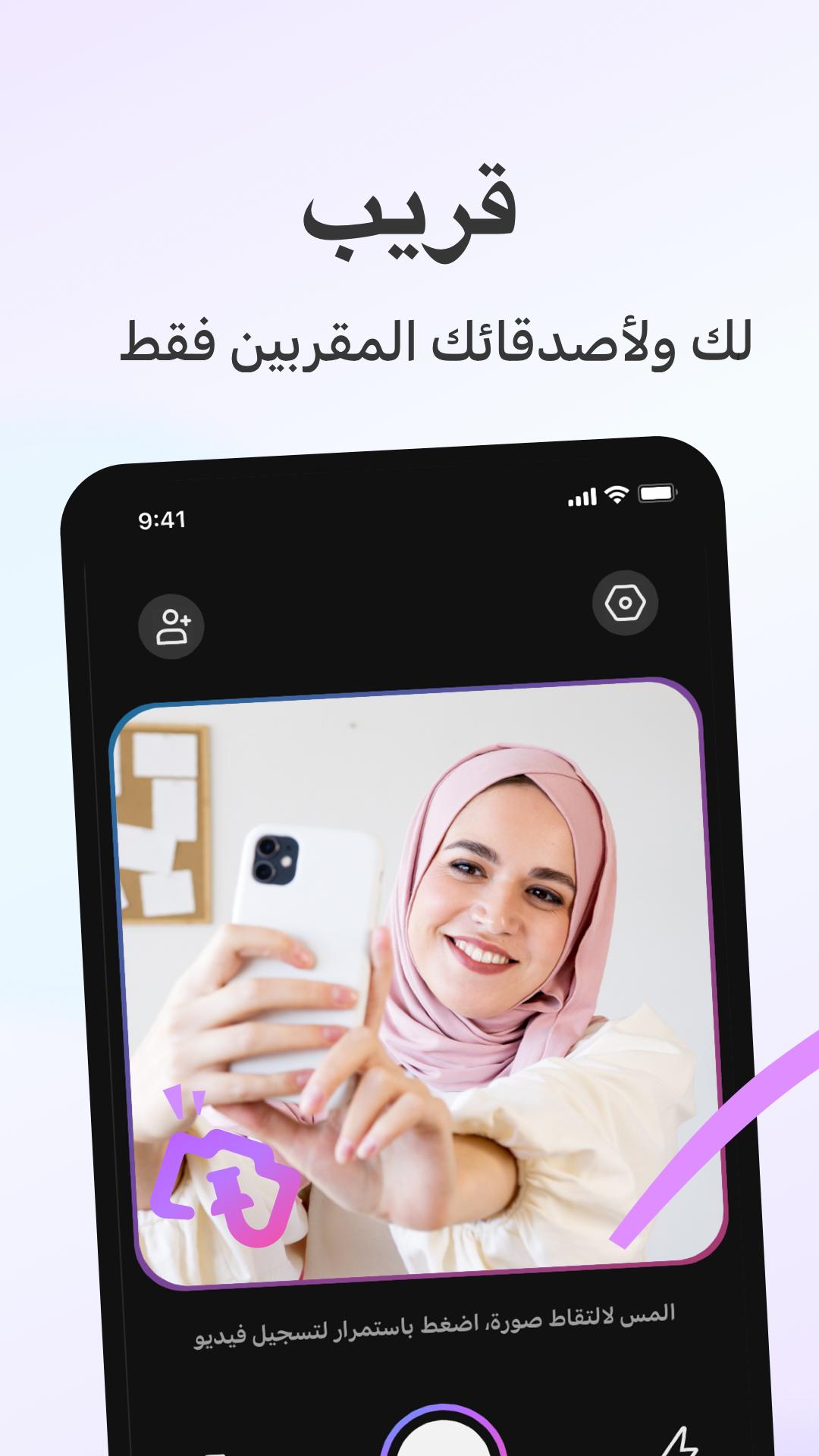
PinMe is a friends widget on your home screen that allows you and your friends to share live moments instantly. After taking a pic by using the widget camera, the widget will send the pic to your friends' home screens. The widget photo frames are a great place to keep friends updated.
[Limited Contacts for Closer Relationships]
We'd like to create a shared and intimate space for you and your trusted friends. So, for a better experience, you can only invite up to eight friends on your PinMe widget.
[Review the Moment History ]
As you have more and more shared moments, PinMe will create a history for the past photos. Click the icon to trace back and re-experience the exciting and memorable moments.
[Personalized Widgets]
You can have personalized experience on your home screen by adding separate widgets for your partner, families, or besties. You can have multiple widgets at the same time and never miss a single moment!
[Taking Photos with Friends]
A more interactive moment with your friends - PinMe provides various templates for taking photos. Sending photo invitations by using Pic-in-Pic mode, you can take photos with your friends and partners!
[Drawing Doodles on Photos]
You can doodle on your photos with the vivid brushes and colors provided on PinMe. Not only that, but you can add your favorite words and stickers to express your mood and send your "masterpiece" to your friends' home screens after creating it. Get started and let the doodles bring you and your friends closer!
Please contact us at: youlofttech@gmail.com
You can also read our Privacy Policy at https://locket.wnlpromain.com/gw/privacy.html
and Terms of Use at https://locket.wnlpromain.com/gw/useragreement.html.
Avance
Etiquetas
HerramientasInformación
Desarrollador
YOULOFT
La última versión
1.6.0
Última actualización
2022-09-07
Categoría
Herramientas
Disponible en
Google Play
Mostrar más
Cómo jugar PinMe Widget con GameLoop en PC
1. Descargue GameLoop desde el sitio web oficial, luego ejecute el archivo exe para instalar GameLoop.
2. Abra GameLoop y busque "PinMe Widget", busque PinMe Widget en los resultados de búsqueda y haga clic en "Instalar".
3. Disfruta jugando PinMe Widget en GameLoop.
Minimum requirements
OS
Windows 8.1 64-bit or Windows 10 64-bit
GPU
GTX 1050
CPU
i3-8300
Memory
8GB RAM
Storage
1GB available space
Recommended requirements
OS
Windows 8.1 64-bit or Windows 10 64-bit
GPU
GTX 1050
CPU
i3-9320
Memory
16GB RAM
Storage
1GB available space