
Telescope - Camera Zoom HD para PC
RZTech
Descarga Telescope - Camera Zoom HD en PC con GameLoop Emulator
Telescope - Camera Zoom HD en PC
Telescope - Camera Zoom HD, proveniente del desarrollador RZTech, se ejecuta en el sistema Android en el pasado.
Ahora, puedes jugar Telescope - Camera Zoom HD en PC con GameLoop sin problemas.
Descárgalo en la biblioteca de GameLoop o en los resultados de búsqueda. No más mirar la batería o llamadas frustrantes en el momento equivocado nunca más.
Simplemente disfrute de Telescope - Camera Zoom HD PC en la pantalla grande de forma gratuita!
Telescope - Camera Zoom HD Introducción
Explore Your World with the Ultimate Telescope App for Android!
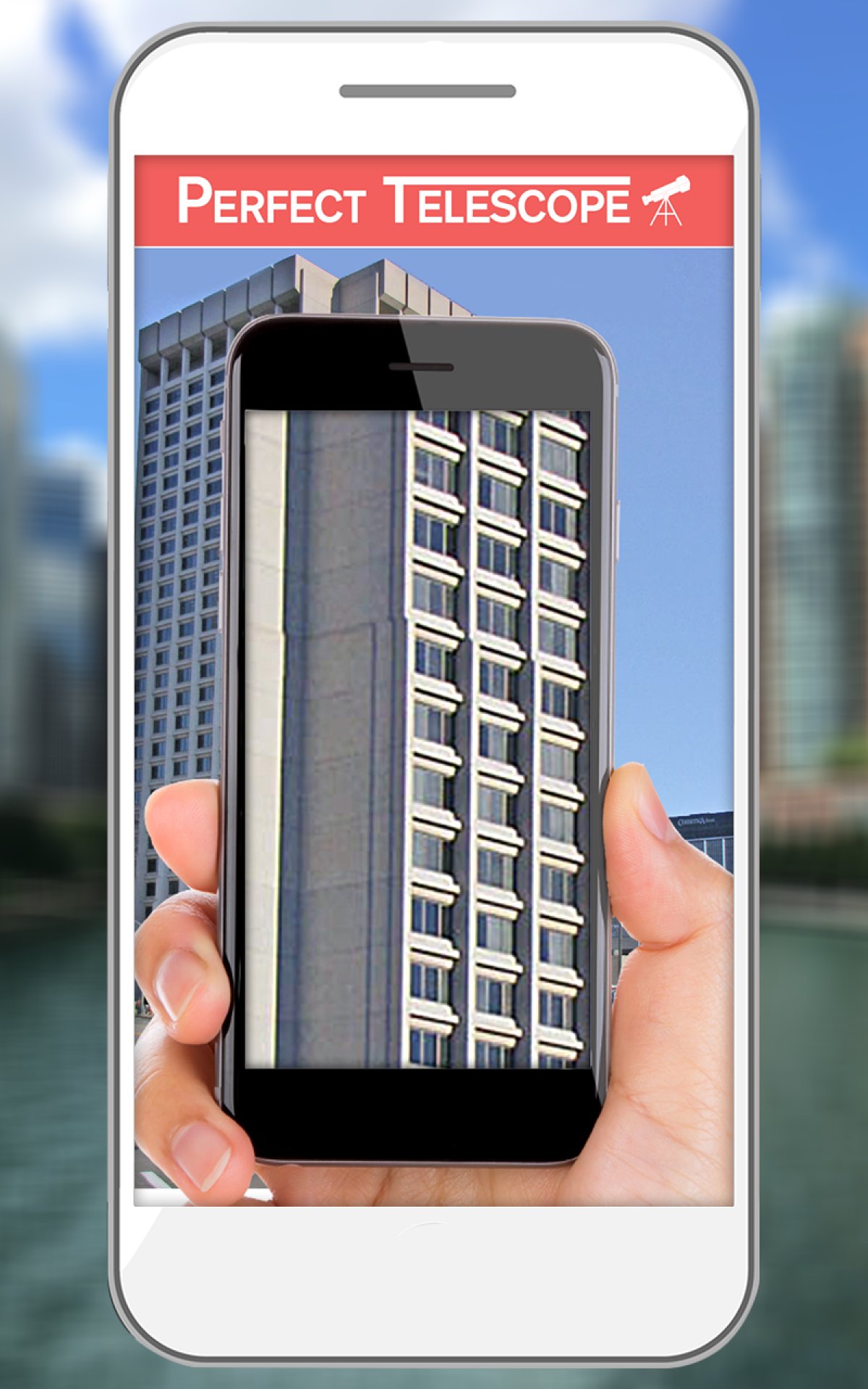
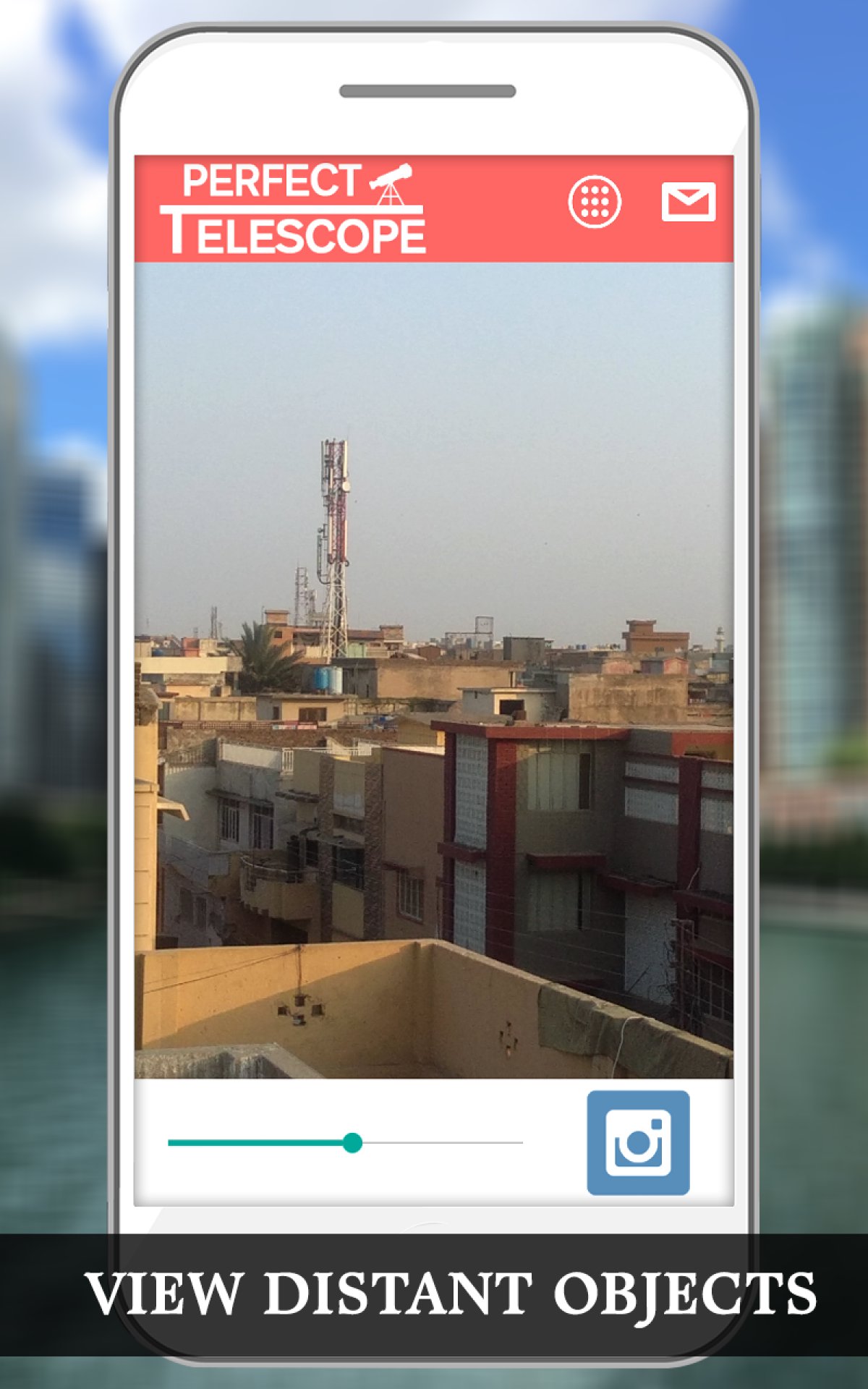
Are you passionate about exploring your surroundings? The Perfect Telescope App for Android is here to provide you with the most accessible and most accurate view of whatever lies around you. Open the Telescope App for Android, zoom the camera to your desired value, and experience the magic.
This incredible Zoom Camera App offers automatic focus and capture functionality so you can easily zoom in on any object and capture the perfect image from the telescope view. Say goodbye to missed details and hello to the world of precision and clarity with the ultimate Zoom Camera App on the market!
📄 Key Features of the Telescope App for Android: 📄
🔭 User-Friendly Interface: Easy to use and interactive user interface for seamless exploration;
🔭 Camera Zoom Functionality: Effortlessly zoom in on objects with our advanced Zoom Camera App;
🔭 Auto Focus and Capture: Enjoy automatic focus and capture functionality for perfect images;
🔭 Multilingual Support: Available in different languages to cater to users worldwide.
Enhance Your Viewing Experience Anytime, Anywhere!
Discover the wonders around you with the Telescope App for Android. This versatile Zoom Camera App lets you zoom in on any object, providing precise and detailed views that are perfect for casual observers and serious explorers. Whether birdwatching, stargazing, or simply enjoying nature, our Zoom Object app ensures you won’t miss a single detail.
Zoom Camera App for Enthusiasts: 🔍
Unlock the potential of your smartphone camera with our powerful Zoom Camera App. Perfect for those who love to zoom in on objects and capture high-quality images, our app turns your Android device into a professional-grade telescope. Enjoy the benefits of precise zoom and clear focus with just a few taps.
Automatic Focus On Zoom Object Tool: 📸
With our Telescope App for Android, you no longer have to worry about blurry images. The automatic focus and capture functionality ensures that every picture you take is sharp and clear. Zoom objects and let our app do the rest, making it easier than ever to capture stunning photos.
Available in Multiple Languages: 🌍
Our Zoom Object app is designed to be user-friendly for people worldwide. With support for multiple languages, the Telescope App for Android is accessible to a global audience, allowing everyone to enjoy its unique features.
Get Started with the Ultimate Zoom Camera App!
The Telescope App for Android is your ideal companion if you are an exploring newbie or a seasoned observer. So, we highly recommend you download this app and begin your discovery journey. The amazing Zoom Camera App will allow you to focus on any object and reveal the hidden beauty of your surroundings.
Enter a new world of discovery with the Telescope App for Android and experience stunning images from the minds that take you as far away or close to your home.
Avance
Etiquetas
HerramientasInformación
Desarrollador
RZTech
La última versión
2.1.0.1
Última actualización
2025-10-30
Categoría
Herramientas
Disponible en
Google Play
Mostrar más
Cómo jugar Telescope - Camera Zoom HD con GameLoop en PC
1. Descargue GameLoop desde el sitio web oficial, luego ejecute el archivo exe para instalar GameLoop.
2. Abra GameLoop y busque "Telescope - Camera Zoom HD", busque Telescope - Camera Zoom HD en los resultados de búsqueda y haga clic en "Instalar".
3. Disfruta jugando Telescope - Camera Zoom HD en GameLoop.
Minimum requirements
OS
Windows 8.1 64-bit or Windows 10 64-bit
GPU
GTX 1050
CPU
i3-8300
Memory
8GB RAM
Storage
1GB available space
Recommended requirements
OS
Windows 8.1 64-bit or Windows 10 64-bit
GPU
GTX 1050
CPU
i3-9320
Memory
16GB RAM
Storage
1GB available space