
OCaml: Learn & Code para PC
Groupe MINASTE
Descarga OCaml: Learn & Code en PC con GameLoop Emulator
OCaml: Learn & Code en PC
OCaml: Learn & Code, proveniente del desarrollador Groupe MINASTE, se ejecuta en el sistema Android en el pasado.
Ahora, puedes jugar OCaml: Learn & Code en PC con GameLoop sin problemas.
Descárgalo en la biblioteca de GameLoop o en los resultados de búsqueda. No más mirar la batería o llamadas frustrantes en el momento equivocado nunca más.
Simplemente disfrute de OCaml: Learn & Code PC en la pantalla grande de forma gratuita!
OCaml: Learn & Code Introducción
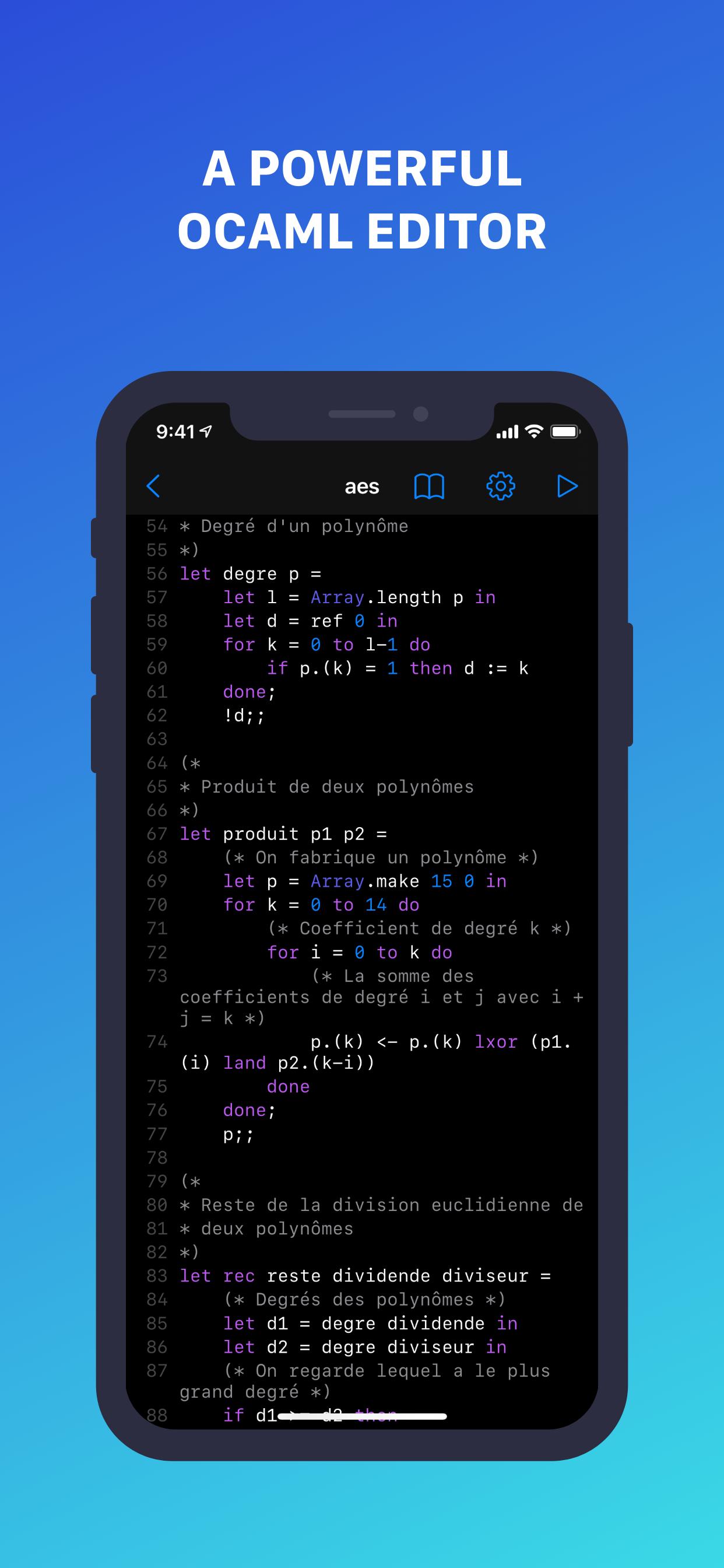
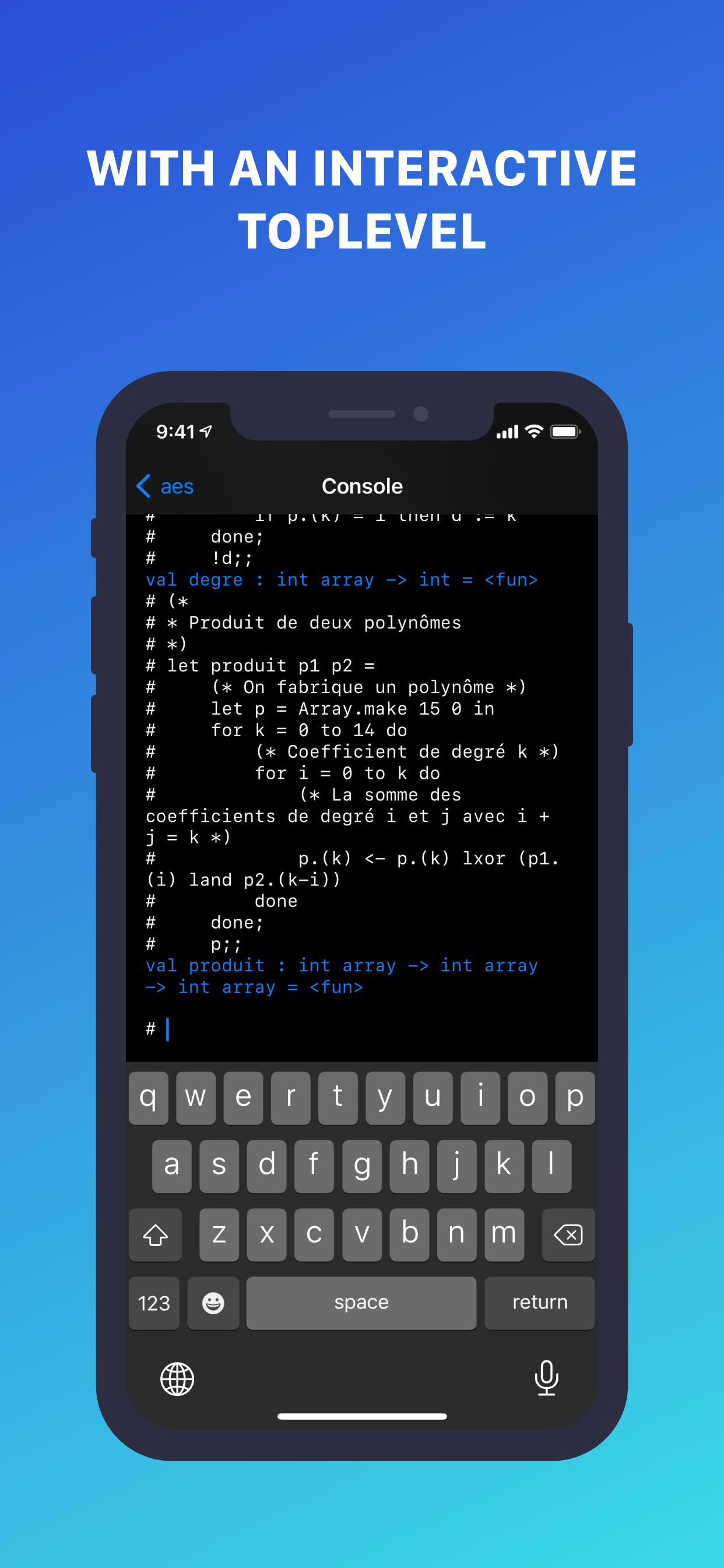
The all-in-one OCaml bundle for iOS, iPadOS and macOS! Learn the language and practice with a powerful editor and interactive top level available in the app, working offline.
CODE
- Write OCaml code directly from the app, and execute it with an interactive top level
- Save your code in .ml files to open again them later
- No need to install additional tools, OCaml is shipped with the app, and works offline
- Customize the editor settings to make it yours
LEARN
- Learn OCaml step by step with chapters about variables, conditions, loops, …
- New chapters are added frequently
- It’s quick and easy!
Don’t wait, start learning and playing with OCaml for free now!
Application developed by Nathan Fallet
© 2021 Groupe MINASTE
Avance
Etiquetas
HerramientasInformación
Desarrollador
Groupe MINASTE
La última versión
1.2.7
Última actualización
2022-04-04
Categoría
Herramientas
Disponible en
Google Play
Mostrar más
Cómo jugar OCaml: Learn & Code con GameLoop en PC
1. Descargue GameLoop desde el sitio web oficial, luego ejecute el archivo exe para instalar GameLoop.
2. Abra GameLoop y busque "OCaml: Learn & Code", busque OCaml: Learn & Code en los resultados de búsqueda y haga clic en "Instalar".
3. Disfruta jugando OCaml: Learn & Code en GameLoop.
Minimum requirements
OS
Windows 8.1 64-bit or Windows 10 64-bit
GPU
GTX 1050
CPU
i3-8300
Memory
8GB RAM
Storage
1GB available space
Recommended requirements
OS
Windows 8.1 64-bit or Windows 10 64-bit
GPU
GTX 1050
CPU
i3-9320
Memory
16GB RAM
Storage
1GB available space