
Notes Notepad App para PC
Marco Meyer
Descarga Notes Notepad App en PC con GameLoop Emulator
Notes Notepad App en PC
Notes Notepad App, proveniente del desarrollador Marco Meyer, se ejecuta en el sistema Android en el pasado.
Ahora, puedes jugar Notes Notepad App en PC con GameLoop sin problemas.
Descárgalo en la biblioteca de GameLoop o en los resultados de búsqueda. No más mirar la batería o llamadas frustrantes en el momento equivocado nunca más.
Simplemente disfrute de Notes Notepad App PC en la pantalla grande de forma gratuita!
Notes Notepad App Introducción
Secure Document Scanner & Notes: PDF Creator & Organizer
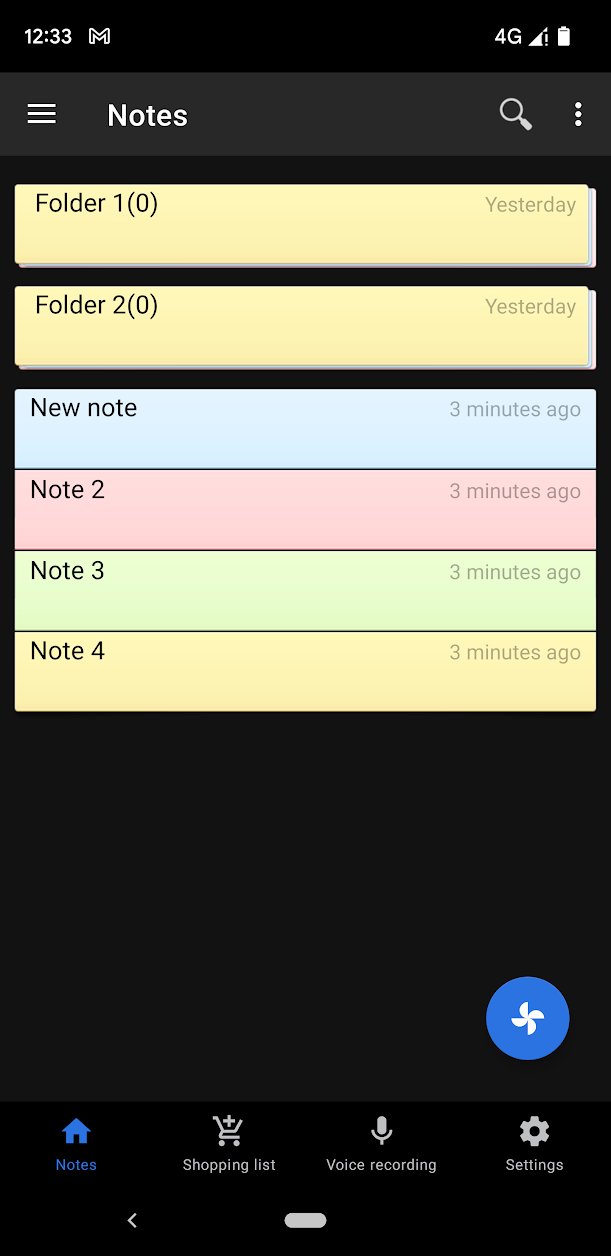
Transform your Android device into a powerhouse scanner and secure notepad! Our app delivers powerful document scanning, reliable PDF creation, and advanced note-taking tools, all protected by top-tier security. Say goodbye to clutter and keep your digital life organized and safe.
Pro-Grade Scanning & Document Handling
Integrated Document Scanner (NEW): Scan physical documents, receipts, whiteboards, or any paper instantly using your phone's camera.
Instant PDF Creation: Save all your scanned documents directly as high-quality PDF files.
OCR Text Recognition (NEW): Capture text from scanned documents or images and paste it straight into your notes for editing.
Multi-Format Export: Export your valuable notes and files as PDF, .doc, or simple text files.
Security & Cloud Sync
Unbreakable Security: Protect your private scans and notes with password authentication.
Fast Fingerprint Unlock (NEW): Skip the password and access your data securely with a touch.
Google Drive Synchronization (NEW): Effortlessly sync your entire database between multiple phones and tablets, ensuring your files are always accessible and backed up in the cloud.
Backup & Restore: Full data backup and recovery capability.
Smart Note-Taking & Productivity
Voice Recorder & Voice-to-Text (NEW): Record audio memos or dictate notes hands-free using Google's reliable voice-to-text feature.
QR Code Scanner (NEW): Scan QR codes and automatically insert the content into a new note.
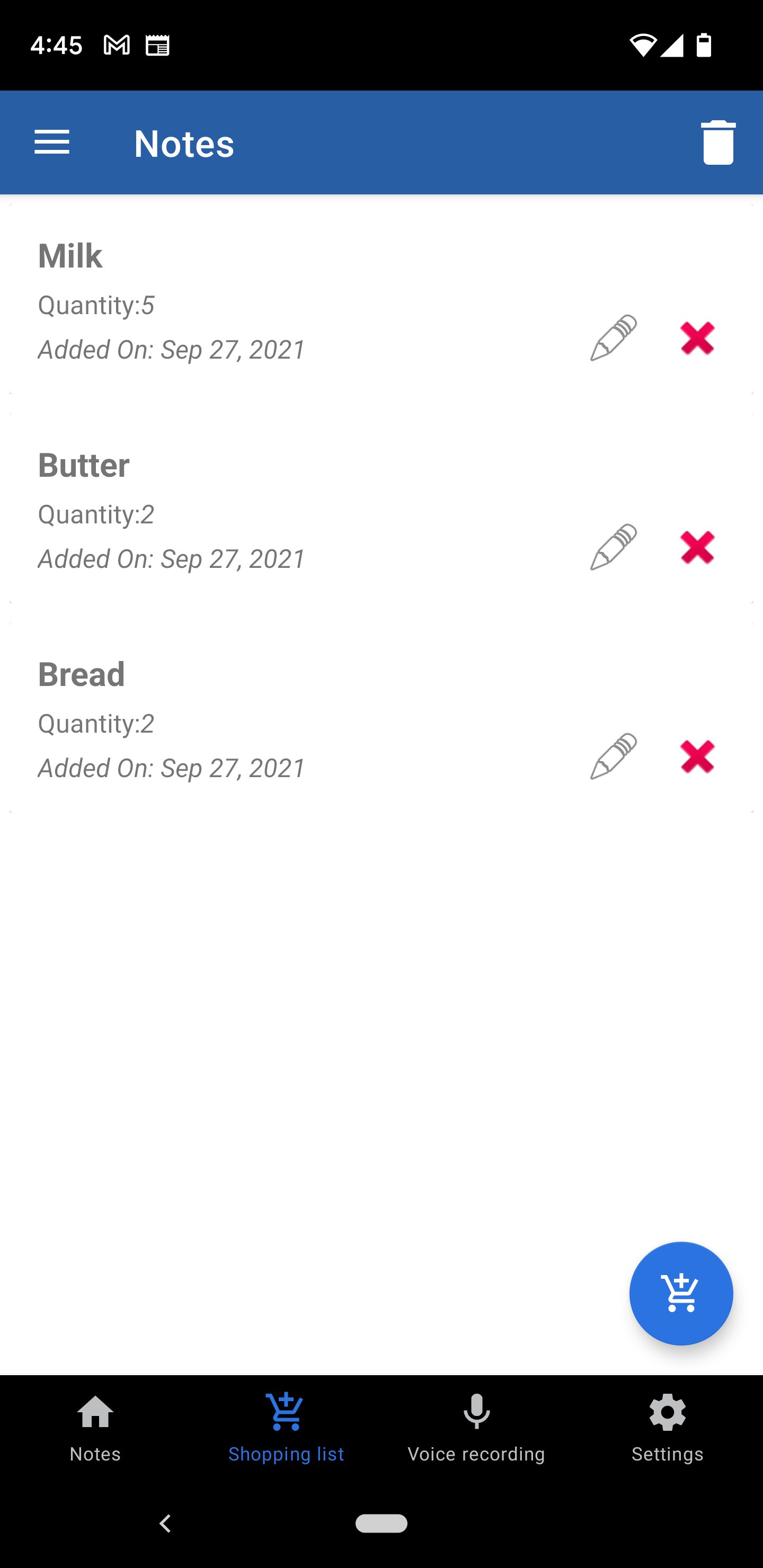
Checklists & Alarms: Create to-do lists and set alarm reminders on specific notes so you never miss a deadline.
Translator (NEW): Translate your notes into many languages right within the app.
Quick Actions: Long-click on highlighted emails or phone numbers within a note to instantly send an email or open the dial pad.
Customization: Adjust font size, print notes, and utilize the new share-in functionality to receive text from other apps.
Permissions Required:
Camera: Necessary for the Document Scanner and QR Code Scanner functions.
Phone Call: Only opens the dial pad when you long-click a number in a note, allowing you to confirm before calling.
Download this free App now and combine the power of a secure note-taker with a portable document scanner!
Avance
Etiquetas
HerramientasInformación
Desarrollador
Marco Meyer
La última versión
4.0
Última actualización
2026-03-22
Categoría
Herramientas
Disponible en
Google Play
Mostrar más
Cómo jugar Notes Notepad App con GameLoop en PC
1. Descargue GameLoop desde el sitio web oficial, luego ejecute el archivo exe para instalar GameLoop.
2. Abra GameLoop y busque "Notes Notepad App", busque Notes Notepad App en los resultados de búsqueda y haga clic en "Instalar".
3. Disfruta jugando Notes Notepad App en GameLoop.
Minimum requirements
OS
Windows 8.1 64-bit or Windows 10 64-bit
GPU
GTX 1050
CPU
i3-8300
Memory
8GB RAM
Storage
1GB available space
Recommended requirements
OS
Windows 8.1 64-bit or Windows 10 64-bit
GPU
GTX 1050
CPU
i3-9320
Memory
16GB RAM
Storage
1GB available space