
MagicBox VPN para PC
Stargaze App Develop Team
Descarga MagicBox VPN en PC con GameLoop Emulator
MagicBox VPN en PC
MagicBox VPN, proveniente del desarrollador Stargaze App Develop Team, se ejecuta en el sistema Android en el pasado.
Ahora, puedes jugar MagicBox VPN en PC con GameLoop sin problemas.
Descárgalo en la biblioteca de GameLoop o en los resultados de búsqueda. No más mirar la batería o llamadas frustrantes en el momento equivocado nunca más.
Simplemente disfrute de MagicBox VPN PC en la pantalla grande de forma gratuita!
MagicBox VPN Introducción
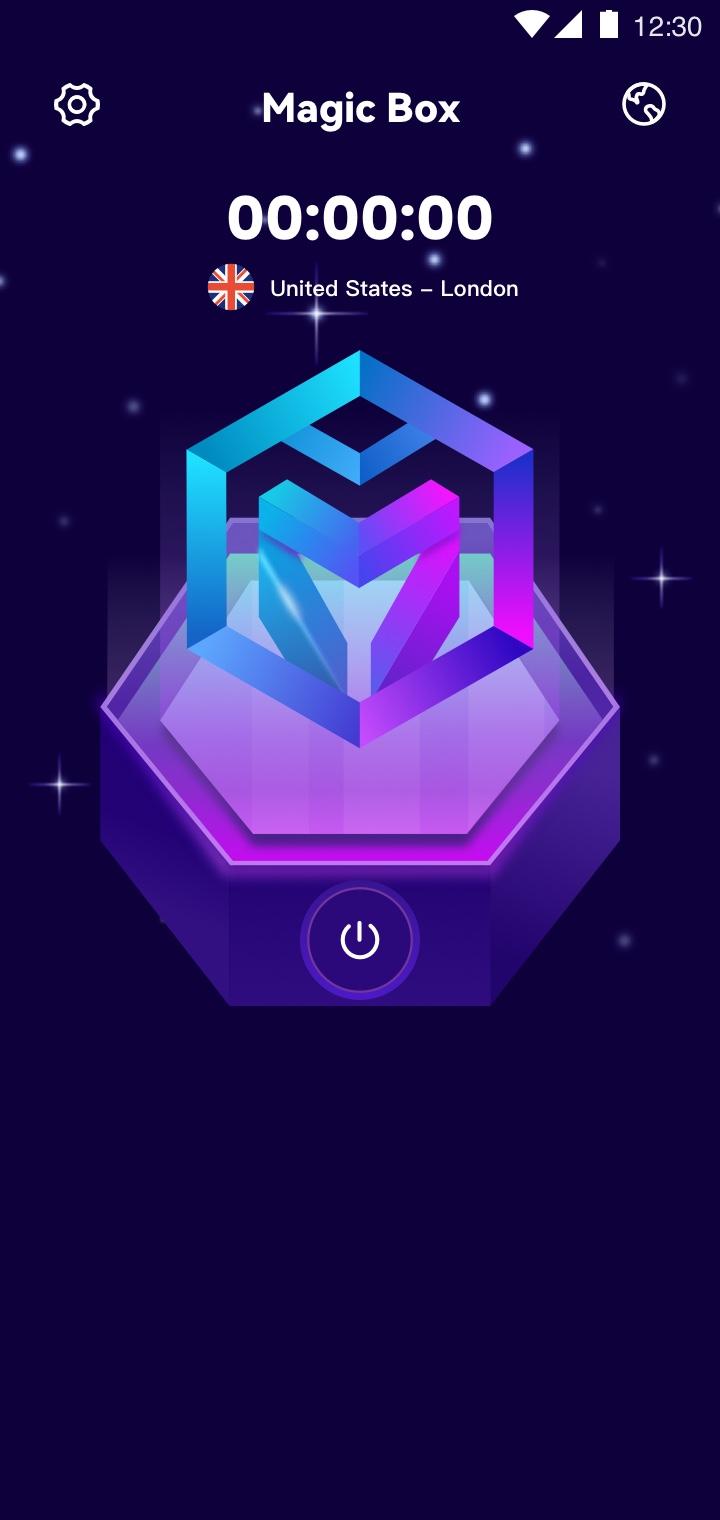
MagicBox is an Unlimited VPN Secure Proxy Shield for all your devices.You can use to browse the Internet privately and securely. MagicBox protects your online privacy from online threats, letting you access your favorite websites & apps. Our VPN technology is the easiest way to enhance your privacy and WiFi security wherever you are.
Watch Streaming Sites and Apps
We offer global servers for you to enjoy streaming on the sites. You can stream with a blazing speed with premium stable & secure servers. Never miss any important TV shows, sports lives, game event or discount again.
Smoothly Play Games with Stable Servers
MagicBox VPN perfectly offers stable servers for the most popular games, enjoy gaming with low ping.
Why choose MagicBox?
★ Secure Your Internet Activity under public Wi-Fi
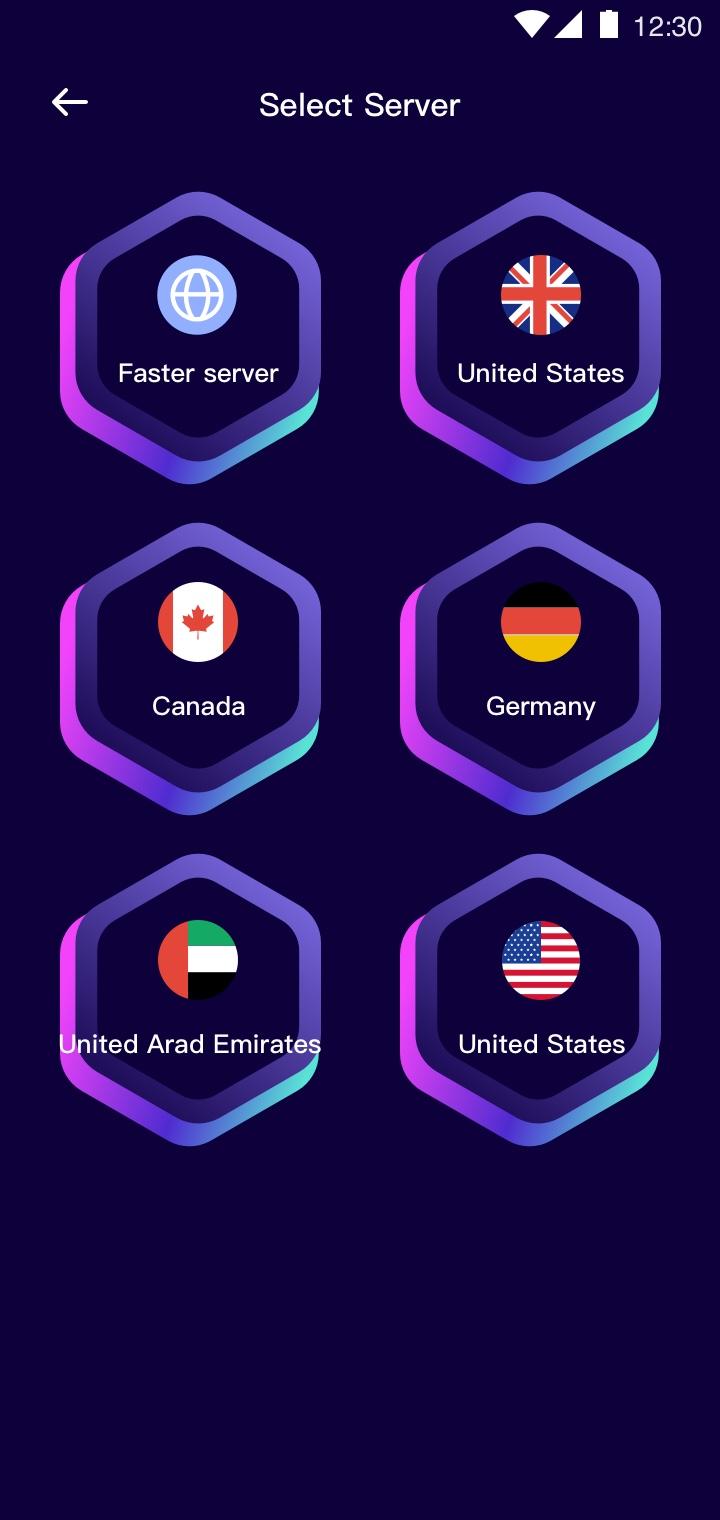
★ Large number of servers, high-speed bandwidth
★ Works on Wi-Fi, 4G/LTE, 3G
★ Enhance your gaming experience
Avance
Etiquetas
HerramientasInformación
Desarrollador
Stargaze App Develop Team
La última versión
1.0.1
Última actualización
2022-09-08
Categoría
Herramientas
Disponible en
Google Play
Mostrar más
Cómo jugar MagicBox VPN con GameLoop en PC
1. Descargue GameLoop desde el sitio web oficial, luego ejecute el archivo exe para instalar GameLoop.
2. Abra GameLoop y busque "MagicBox VPN", busque MagicBox VPN en los resultados de búsqueda y haga clic en "Instalar".
3. Disfruta jugando MagicBox VPN en GameLoop.
Minimum requirements
OS
Windows 8.1 64-bit or Windows 10 64-bit
GPU
GTX 1050
CPU
i3-8300
Memory
8GB RAM
Storage
1GB available space
Recommended requirements
OS
Windows 8.1 64-bit or Windows 10 64-bit
GPU
GTX 1050
CPU
i3-9320
Memory
16GB RAM
Storage
1GB available space