Lock Screen Style Phone 11 para PC
Xuân Thắng
Descarga Lock Screen Style Phone 11 en PC con GameLoop Emulator
Lock Screen Style Phone 11 en PC
Lock Screen Style Phone 11, proveniente del desarrollador Xuân Thắng, se ejecuta en el sistema Android en el pasado.
Ahora, puedes jugar Lock Screen Style Phone 11 en PC con GameLoop sin problemas.
Descárgalo en la biblioteca de GameLoop o en los resultados de búsqueda. No más mirar la batería o llamadas frustrantes en el momento equivocado nunca más.
Simplemente disfrute de Lock Screen Style Phone 11 PC en la pantalla grande de forma gratuita!
Lock Screen Style Phone 11 Introducción
Experience the latest Phone 11 with OS 13 Style Lock Screen 🍎
Many people like lock screen app of OS 13 Style Lock Screen, but they using android device and love your Android device more? Don't worry, we already have iLock style OS 13 from Phone 11
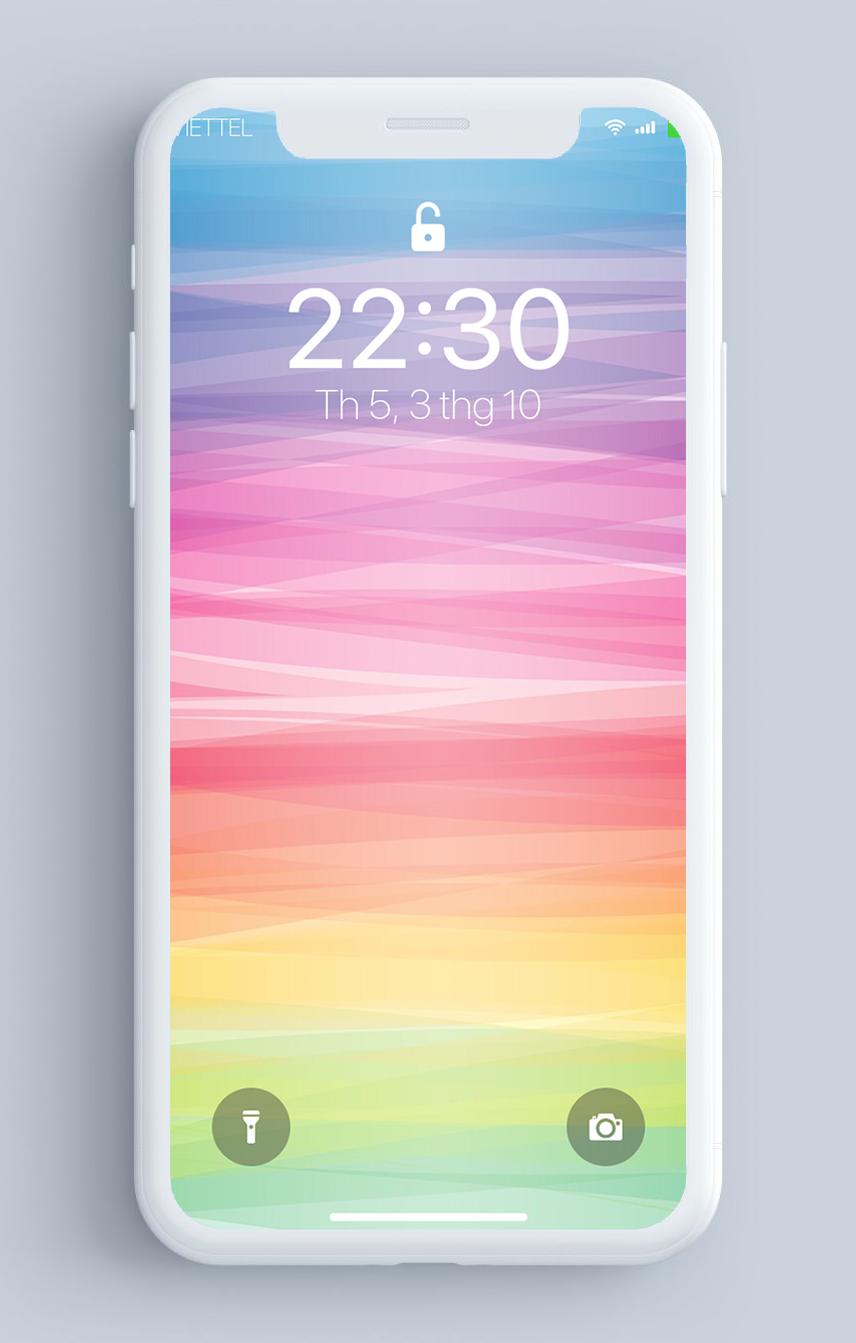
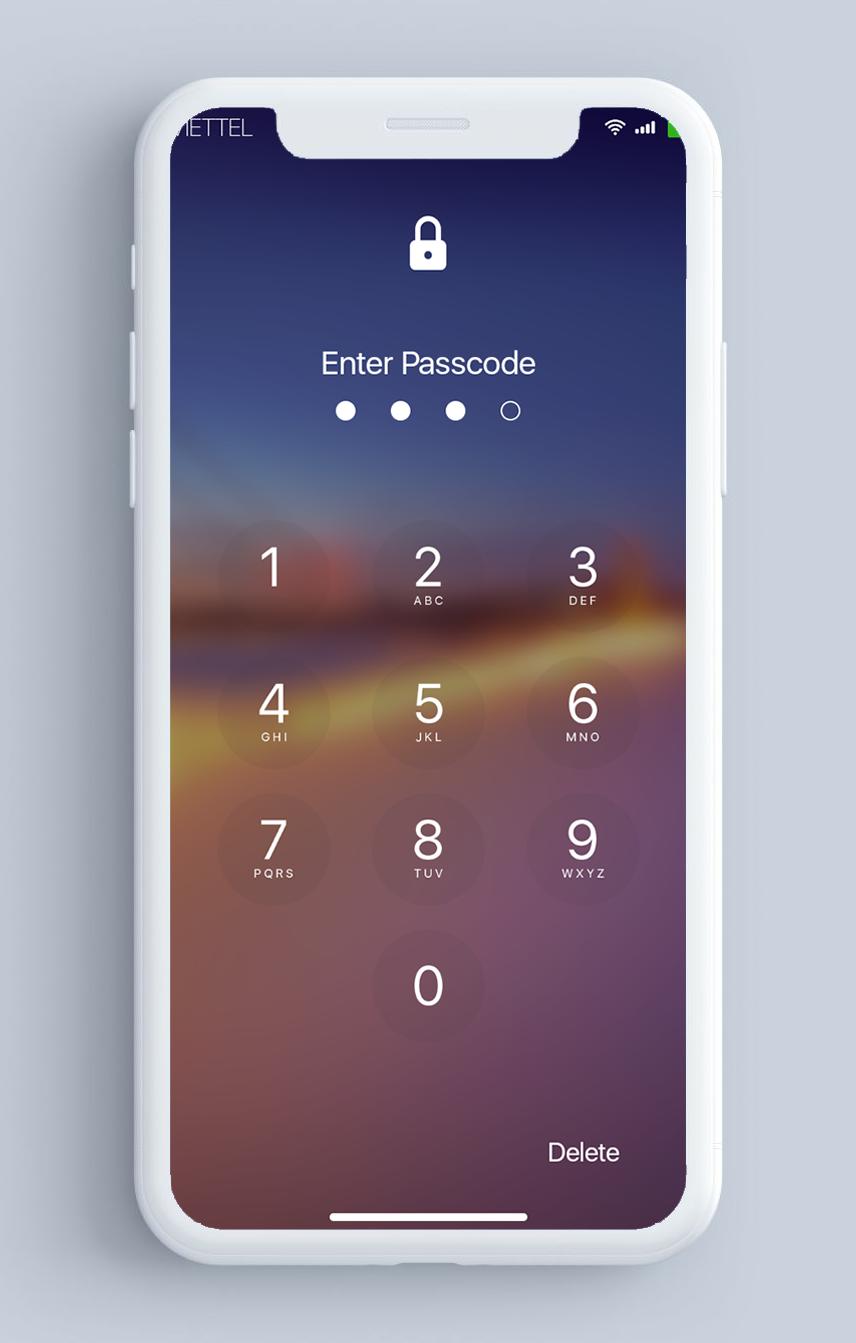
A personalized lock screen replacement that helps protect your phone from unwanted access by others. Enjoy new I.O.S 13 Lock Screen with OS style notifications, music player and security passcode.
With a flawless I.O.S 13 lock screen wallpaper, notifications, Control Center, keypad locker and music controls, you’ll be able to get that same great Phone X material design on your Android device.
Smart Lock better than Lock screen style OS 13 Phone 8, 8s , X , XS ,XE, Note 10!
Features of iLock - Lock screen Phone 11:
🔓 Custom unlock: Set pin or pattern via OS Lock Screen to enhance the security lock of your phone
🔓 Simulate the best Phone X Lock screen
🔓 Slide to unlock
🔓 Clearly shows the battery percentage in your Home screen. Simple and fast.
🔓 NEW iControl - Control Center
🔓 I.O.S 13 Lock Screen music player: Control your music directly from iOS lock screen. Set album art as lock screen wallpaper
🔓Keypad lock screen, Simulate iphone iOS keyboard password,work as phone 11 password
🔓Quick launch camera from lockscreen
🔓Lock Screen Wallpaper from Phone X: With our lock screen wallpaper, you’ll never know the difference! If you want to customize your wallpaper, you can select an image from your gallery and use it as a background picture
🔓OS 13 Wallpaper, HD wallpaper, 4K wallpaper, Cool wallpaper
🔓iLocker – LockScreen from Phone X style, and from style OS13, complete from the rounded corners to the font. That’s what our special.
🔓Low Memory
🔓Friendly, easy-to-use setting screen
Get 🍎iLock - Lockscreen I.O.S 13🍎 and experience new Phone X Lock Screen with notifications, keypad lock screen, and more great features.
More great functions will be coming soon!
Avance
Información
Desarrollador
Xuân Thắng
La última versión
4.3
Última actualización
2021-01-12
Categoría
Herramientas
Disponible en
Google Play
Mostrar más
Cómo jugar Lock Screen Style Phone 11 con GameLoop en PC
1. Descargue GameLoop desde el sitio web oficial, luego ejecute el archivo exe para instalar GameLoop.
2. Abra GameLoop y busque "Lock Screen Style Phone 11", busque Lock Screen Style Phone 11 en los resultados de búsqueda y haga clic en "Instalar".
3. Disfruta jugando Lock Screen Style Phone 11 en GameLoop.
Minimum requirements
OS
Windows 8.1 64-bit or Windows 10 64-bit
GPU
GTX 1050
CPU
i3-8300
Memory
8GB RAM
Storage
1GB available space
Recommended requirements
OS
Windows 8.1 64-bit or Windows 10 64-bit
GPU
GTX 1050
CPU
i3-9320
Memory
16GB RAM
Storage
1GB available space