Linear MQTT Dashboard para PC
ravendmaster
Descarga Linear MQTT Dashboard en PC con GameLoop Emulator
Linear MQTT Dashboard en PC
Linear MQTT Dashboard, proveniente del desarrollador ravendmaster, se ejecuta en el sistema Android en el pasado.
Ahora, puedes jugar Linear MQTT Dashboard en PC con GameLoop sin problemas.
Descárgalo en la biblioteca de GameLoop o en los resultados de búsqueda. No más mirar la batería o llamadas frustrantes en el momento equivocado nunca más.
Simplemente disfrute de Linear MQTT Dashboard PC en la pantalla grande de forma gratuita!
Linear MQTT Dashboard Introducción
Easy, customizable control panel - MQTT-client.
The solution for your IoT, DIY devices.
Source codes - https://github.com/ravendmaster/linear-mqtt-dashboard-kotlin
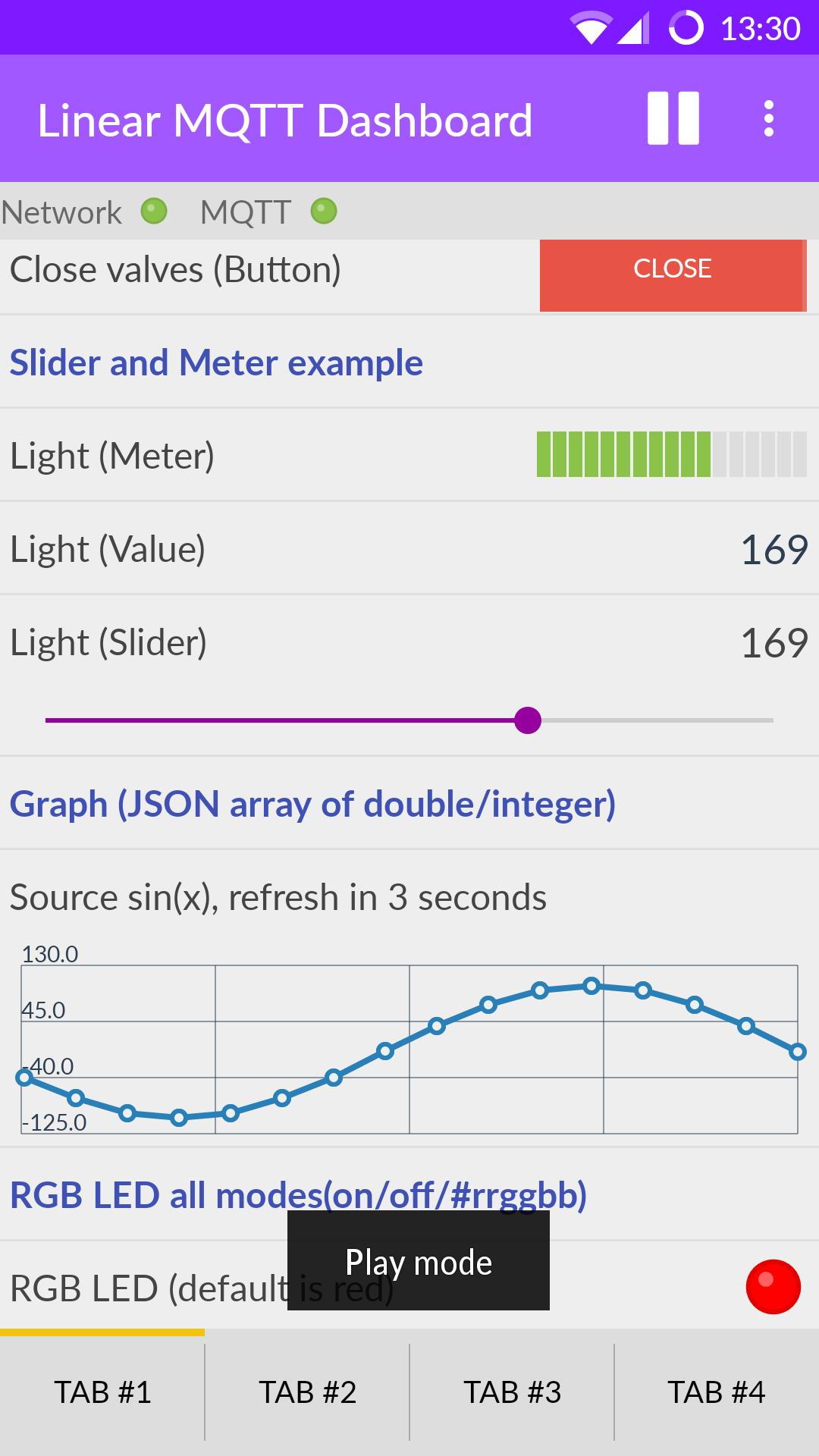
Available widgets:
- Header
- Slider
- Value
- Switch
- Button
- RGB LED
- Meter
- Graph
- Buttons set
- Combo box
Features:
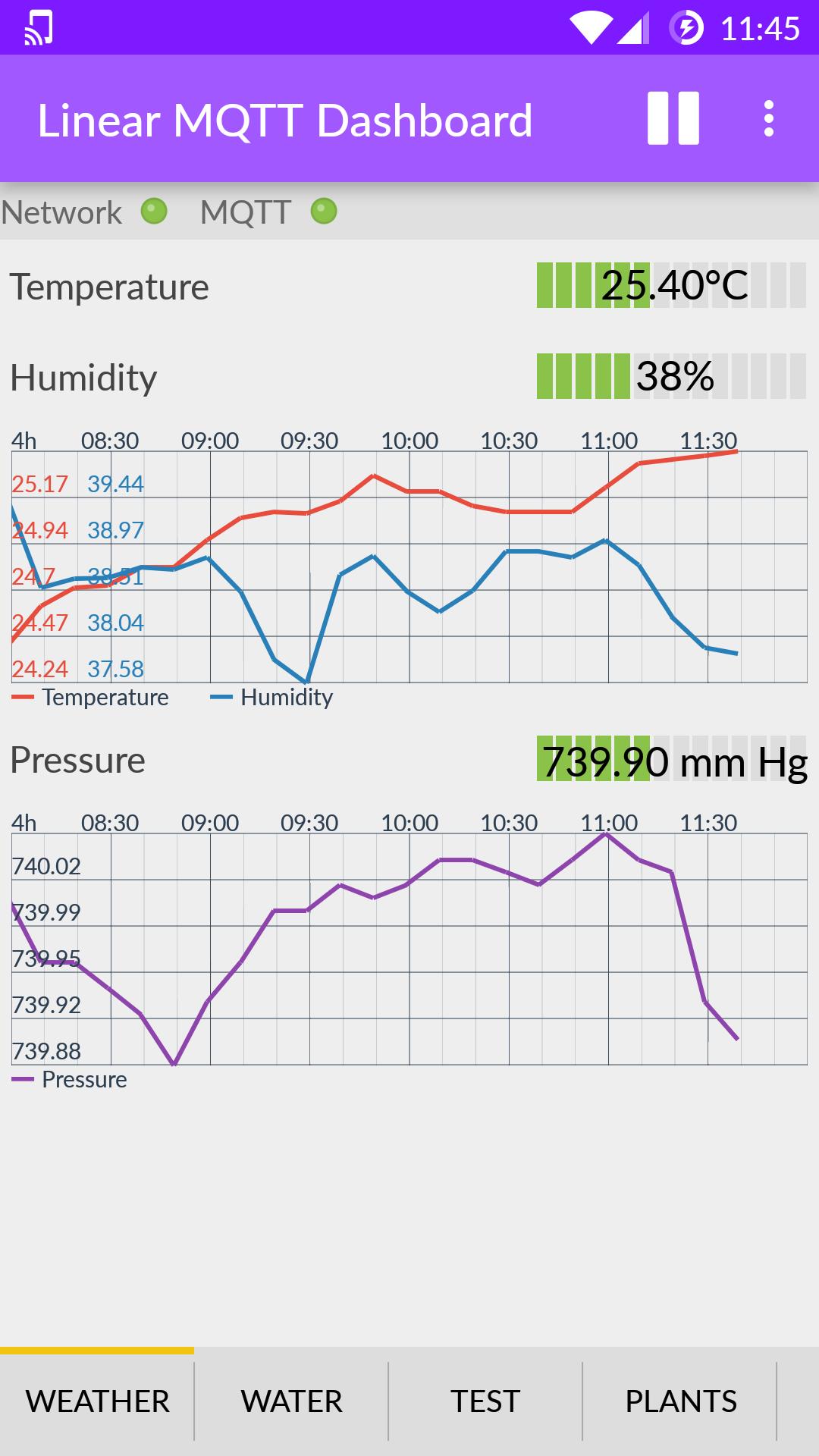
★ Tabs
★ Order of widgets can be changed. Number of widgets is not limited to the size of the screen - the list can be scrolled.
★ Status of network connection and MQTT broker displayed RGB LED.
★ Ability to receive push notifications even when the app is closed.
★ Corrective message from the widget "Value" by long press on the value (in the widget settings, you must specify the topic of publication of the new value).
★ Two meanings of the text messages and the two labels are available for the widget "Button" - for the states "pressed" / "not pressed" respectively. You can also specify a "retained" for messages.
★ Widget "Meter" can display the value of by a different color (alarm zone, yellow and red), if value approaches the limits of measurement. Thresholds limit values can be specified separately for the lower and upper boundaries.
★ Widgets Slider and Meter can handle decimals
★ Share settings
★ JavaScript to represent the value of some widgets
★ Graph widget displays the value of an array of double and integer types in JSON format, payload for example of payload: [1,2,100.88] or [100.5, 200, 0, 0, 0, -10]
★ Graph widget in live mode
★ Graph widget in 'historical' mode (1h, 4h etc.), see "Application server mode" in application serttings
★ "Buttons set" widget allows place several buttons in one place
★ Widget Combo box to work with a predefined list of values
★ "Application server mode" - the ability to handle incoming MQTT messages using JavaScript even when the app is in the background. See OnReceive().
Avance
Etiquetas
HerramientasInformación
Desarrollador
ravendmaster
La última versión
2.5.8
Última actualización
2020-05-10
Categoría
Herramientas
Disponible en
Google Play
Mostrar más
Cómo jugar Linear MQTT Dashboard con GameLoop en PC
1. Descargue GameLoop desde el sitio web oficial, luego ejecute el archivo exe para instalar GameLoop.
2. Abra GameLoop y busque "Linear MQTT Dashboard", busque Linear MQTT Dashboard en los resultados de búsqueda y haga clic en "Instalar".
3. Disfruta jugando Linear MQTT Dashboard en GameLoop.
Minimum requirements
OS
Windows 8.1 64-bit or Windows 10 64-bit
GPU
GTX 1050
CPU
i3-8300
Memory
8GB RAM
Storage
1GB available space
Recommended requirements
OS
Windows 8.1 64-bit or Windows 10 64-bit
GPU
GTX 1050
CPU
i3-9320
Memory
16GB RAM
Storage
1GB available space