Info Device para PC
Lebak Cyber
Descarga Info Device en PC con GameLoop Emulator
Info Device en PC
Info Device, proveniente del desarrollador Lebak Cyber, se ejecuta en el sistema Android en el pasado.
Ahora, puedes jugar Info Device en PC con GameLoop sin problemas.
Descárgalo en la biblioteca de GameLoop o en los resultados de búsqueda. No más mirar la batería o llamadas frustrantes en el momento equivocado nunca más.
Simplemente disfrute de Info Device PC en la pantalla grande de forma gratuita!
Info Device Introducción
Info Device is a hardware and software information app for Android devices.
It's trying detect components of your smartphone to provide complete information about device's hardware.
Now detection is supported for touchscreen, cameras, sensors, memory, flash, audio, nfc, charger, wi-fi and battery; if that possible for your device.
App has a quick navigation and have fresh design.
You can switch by menu. Many items are clickable and you can go to another menu.
Components
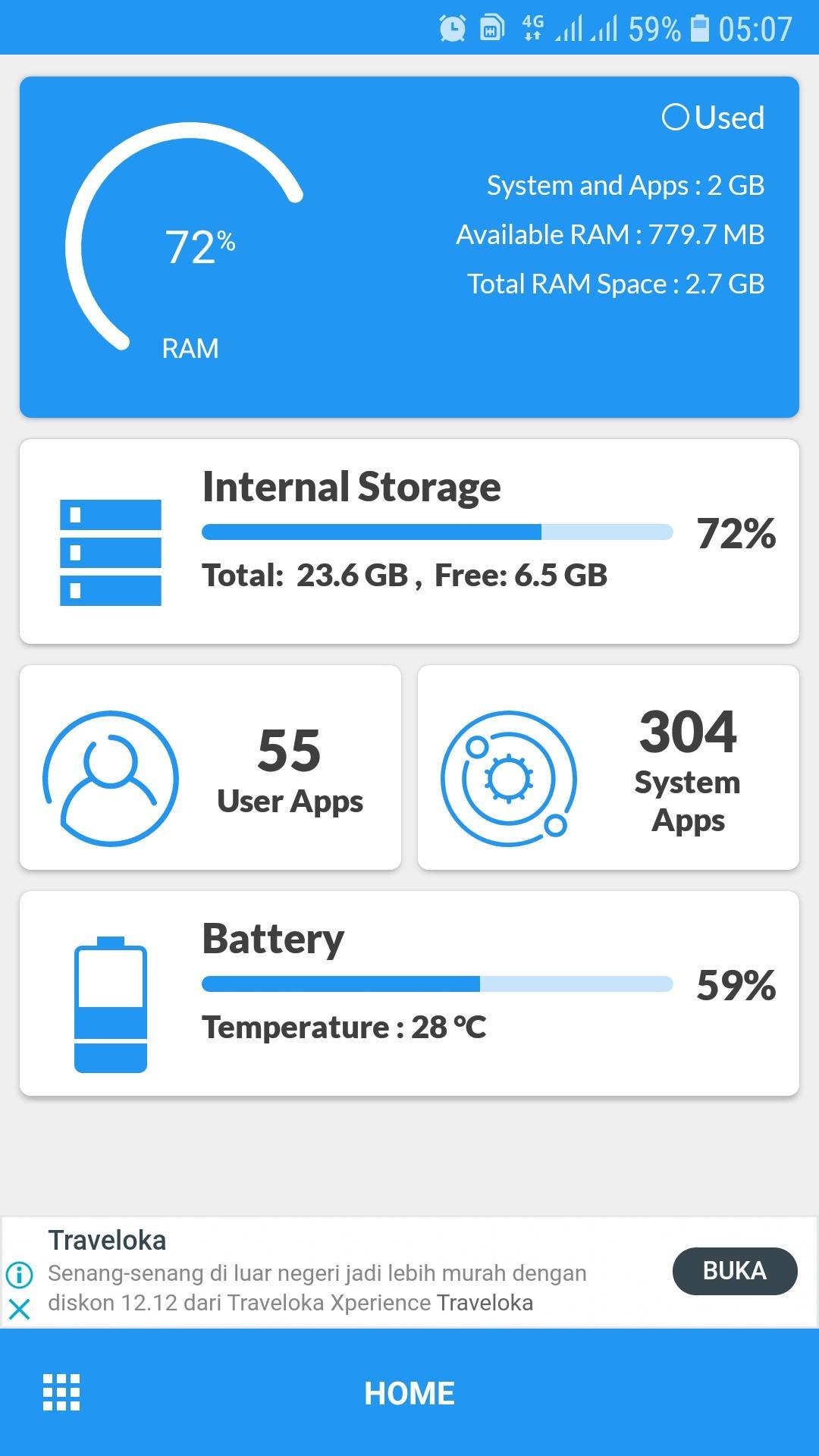
Device - Device Name, Model, Manufacture, Hardware, Android ID
Applications: you can quickly find apps and see info about it, also provided list of the system apps.
Network
Storage
Features
Camera - model, vendor, resolution.
If can't detect, sometimes available a list of supported cameras.
Hardware info by camera model and software by API.
For 5.1+ used camera2 api by default, if you grant camera permission, it will be use old api.
Detailed info about SoC in you device.
CPU : model, cores, clusters, family, abi, governor, frequency.
GPU : model, vendor, opengl, frequency, list of extensions.
Click on the clock speed to open CPU monitor.
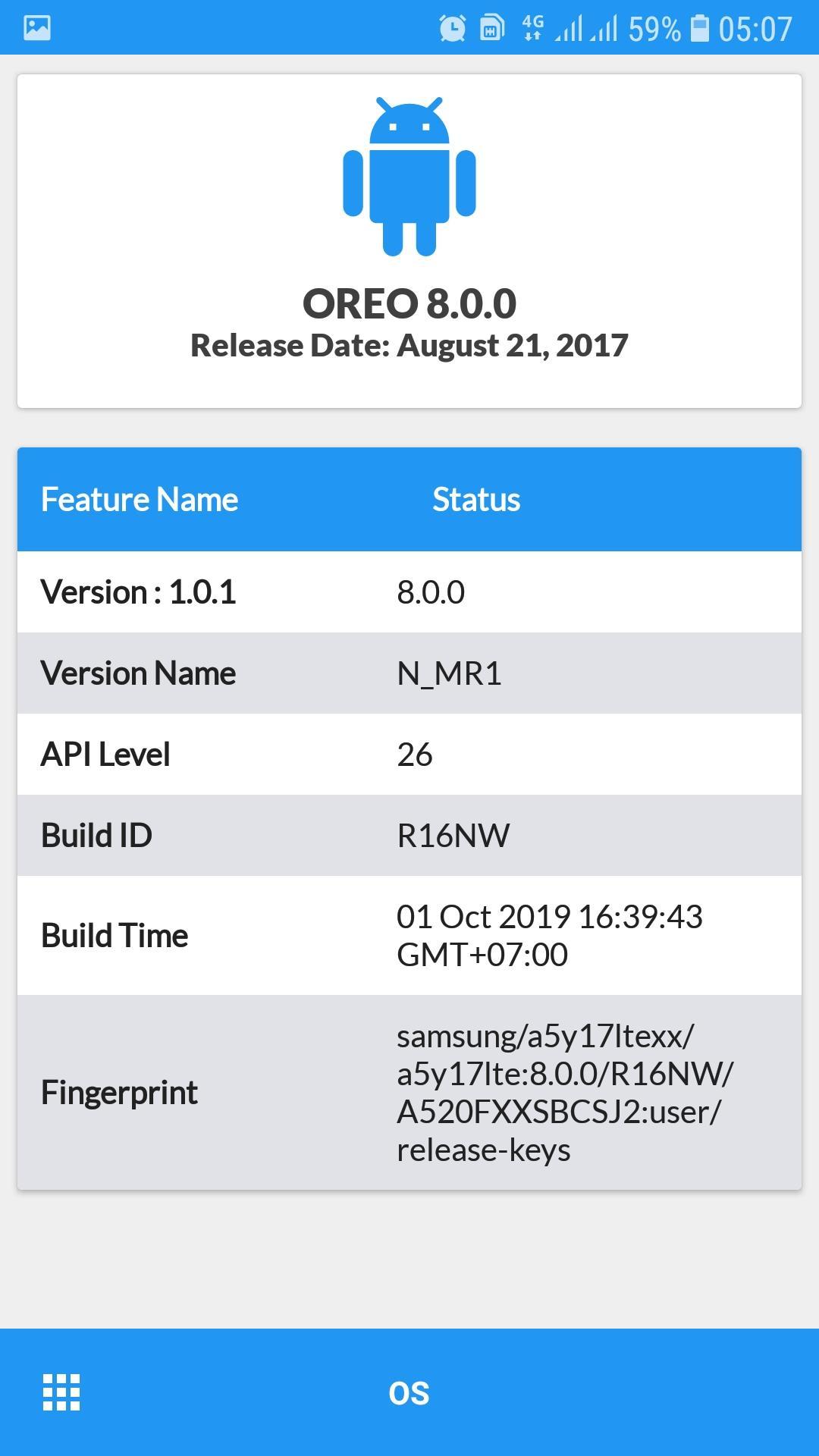
Operating System - Information about operating system that used on your smartphone
Memory: type lpddr and operating frequency.
Flash: chip and vendor emmc or ufs (scsi).
You can go to the memory tab and see usage of memory and storage.
Battery: base info and for some devices available extra info:
- Discharging speed is current consumption
- Charging speed is charge current minus current consumption
- Profile from kernel. It's for reference and correct only for the factory battery
- Model
Thermal: temperatures by thermal sensors.
Sensors: availability of basic sensors and tests for them. Interacts with my app 'Sensor Test'.
Drivers: you can find other chips used in your device.
PMIC: list of power regulator voltages which applied to the components.
Input devices: list of input devices.
Avance
Etiquetas
HerramientasInformación
Desarrollador
Lebak Cyber
La última versión
2.0.1
Última actualización
2021-01-05
Categoría
Herramientas
Disponible en
Google Play
Mostrar más
Cómo jugar Info Device con GameLoop en PC
1. Descargue GameLoop desde el sitio web oficial, luego ejecute el archivo exe para instalar GameLoop.
2. Abra GameLoop y busque "Info Device", busque Info Device en los resultados de búsqueda y haga clic en "Instalar".
3. Disfruta jugando Info Device en GameLoop.
Minimum requirements
OS
Windows 8.1 64-bit or Windows 10 64-bit
GPU
GTX 1050
CPU
i3-8300
Memory
8GB RAM
Storage
1GB available space
Recommended requirements
OS
Windows 8.1 64-bit or Windows 10 64-bit
GPU
GTX 1050
CPU
i3-9320
Memory
16GB RAM
Storage
1GB available space