USB OTG File Manager para PC
Apps Impulses
Descarga USB OTG File Manager en PC con GameLoop Emulator
USB OTG File Manager en PC
USB OTG File Manager, proveniente del desarrollador Apps Impulses, se ejecuta en el sistema Android en el pasado.
Ahora, puedes jugar USB OTG File Manager en PC con GameLoop sin problemas.
Descárgalo en la biblioteca de GameLoop o en los resultados de búsqueda. No más mirar la batería o llamadas frustrantes en el momento equivocado nunca más.
Simplemente disfrute de USB OTG File Manager PC en la pantalla grande de forma gratuita!
USB OTG File Manager Introducción
To read USB flash drives as well as card readers in your phone easily.
Usb Otg File Manager allows you to open and copy files from any USB mass storage device with a FAT32 or NTFS filesystem using the USB OTG port of your device, tablet or phone.
USB OTG File Manager Features
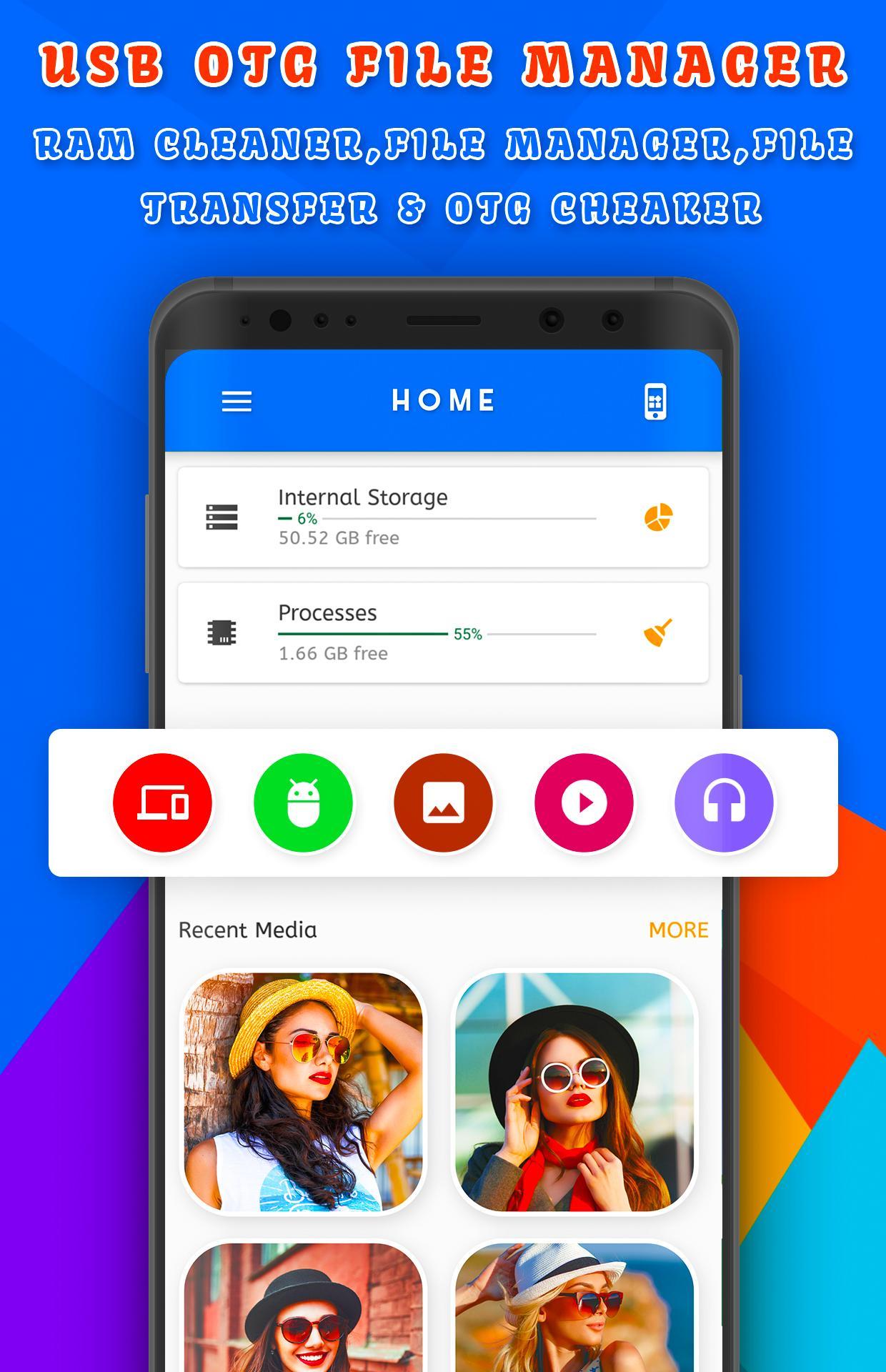
1) File Browser:- OTG File Explorer helps you manage all your files efficiently! With an intuitive interface, File Manager allows you to handle any file or folder whether they are stored in your device, microSD card, or cloud storage accounts.
2) Application:- OTG File Explorer support application management like Uninstall applications, delete application and manage application like system app and user install app in this media importer.
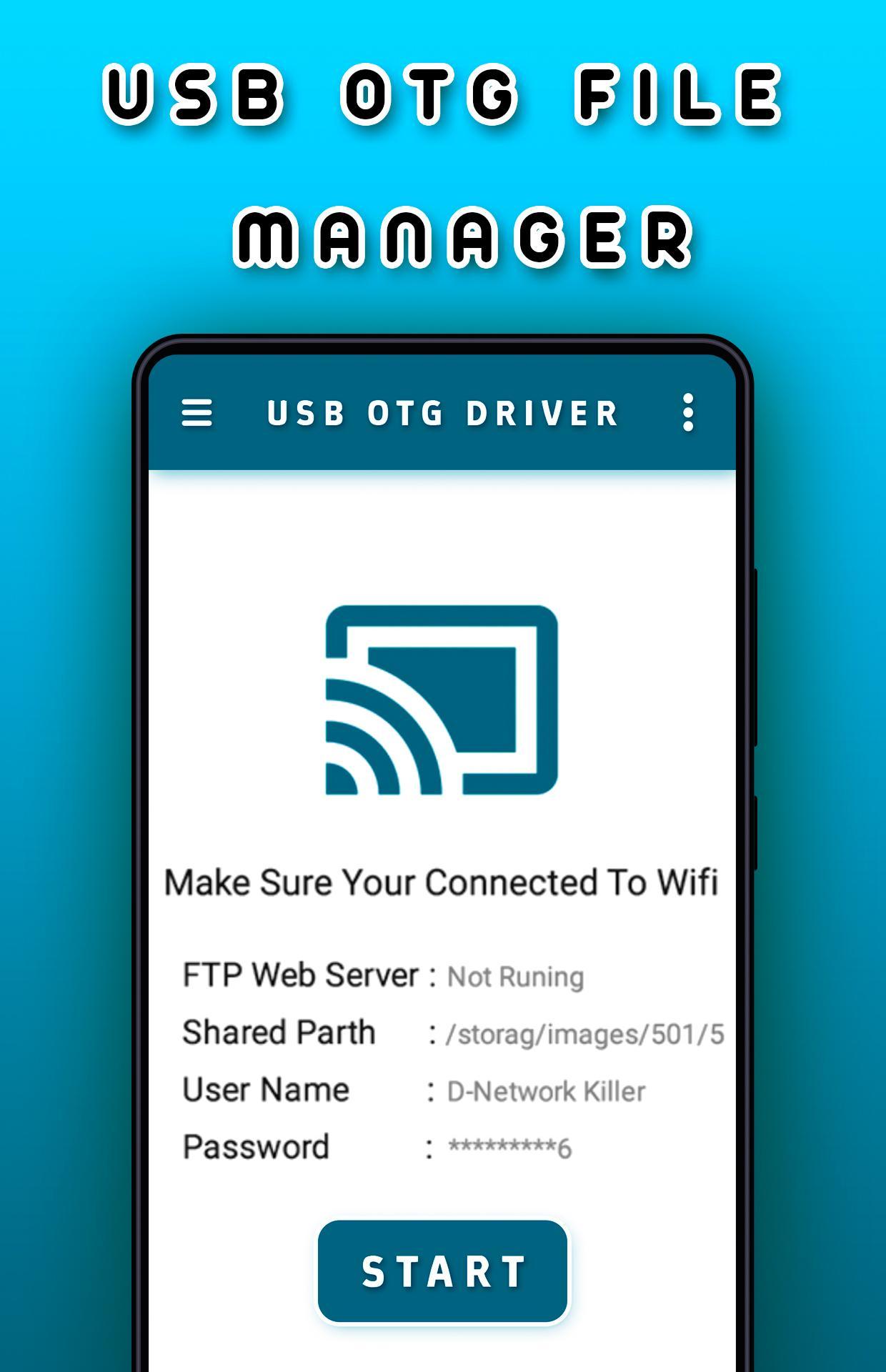
3) File Transfer:- OTG File Explorer support connect applications to Computer and You can access remote or shared storage like NAS and FTP server and usb
share file.
4) Images:- You can manage image and picture files in your storage. Image preview is available. (Supported file formats: bmp, gif, jpg, png and etc).
5) Documents:- You can manage all document files in your device. (Supported file formats: doc, ppt, pdf, and etc).
6) RAM Cleaner:- You can analyze local storage to clean up useless files. You can find out which files take up the most space.
Audios:- You can manage all music and sound related files. (Supported file formats: mp3, ogg, flac, m4p, wav, wma and etc) in usb file transfer app.
7) Videos:- You can manage all video files in your device. (Supported file formats: asf, avi, flv, mp4, mpeg, wmv and etc) in usb transfering app.
The application will launch on attaching OTG device to your mobile, so you can easily read your phone data and copy important files to pen drive or flash drives.
Avance
Etiquetas
HerramientasInformación
Desarrollador
Apps Impulses
La última versión
1.9
Última actualización
2023-03-11
Categoría
Herramientas
Disponible en
Google Play
Mostrar más
Cómo jugar USB OTG File Manager con GameLoop en PC
1. Descargue GameLoop desde el sitio web oficial, luego ejecute el archivo exe para instalar GameLoop.
2. Abra GameLoop y busque "USB OTG File Manager", busque USB OTG File Manager en los resultados de búsqueda y haga clic en "Instalar".
3. Disfruta jugando USB OTG File Manager en GameLoop.
Minimum requirements
OS
Windows 8.1 64-bit or Windows 10 64-bit
GPU
GTX 1050
CPU
i3-8300
Memory
8GB RAM
Storage
1GB available space
Recommended requirements
OS
Windows 8.1 64-bit or Windows 10 64-bit
GPU
GTX 1050
CPU
i3-9320
Memory
16GB RAM
Storage
1GB available space