
Calculator: OS 18 para PC
Continuum App
Descarga Calculator: OS 18 en PC con GameLoop Emulator
Calculator: OS 18 en PC
Calculator: OS 18, proveniente del desarrollador Continuum App, se ejecuta en el sistema Android en el pasado.
Ahora, puedes jugar Calculator: OS 18 en PC con GameLoop sin problemas.
Descárgalo en la biblioteca de GameLoop o en los resultados de búsqueda. No más mirar la batería o llamadas frustrantes en el momento equivocado nunca más.
Simplemente disfrute de Calculator: OS 18 PC en la pantalla grande de forma gratuita!
Calculator: OS 18 Introducción
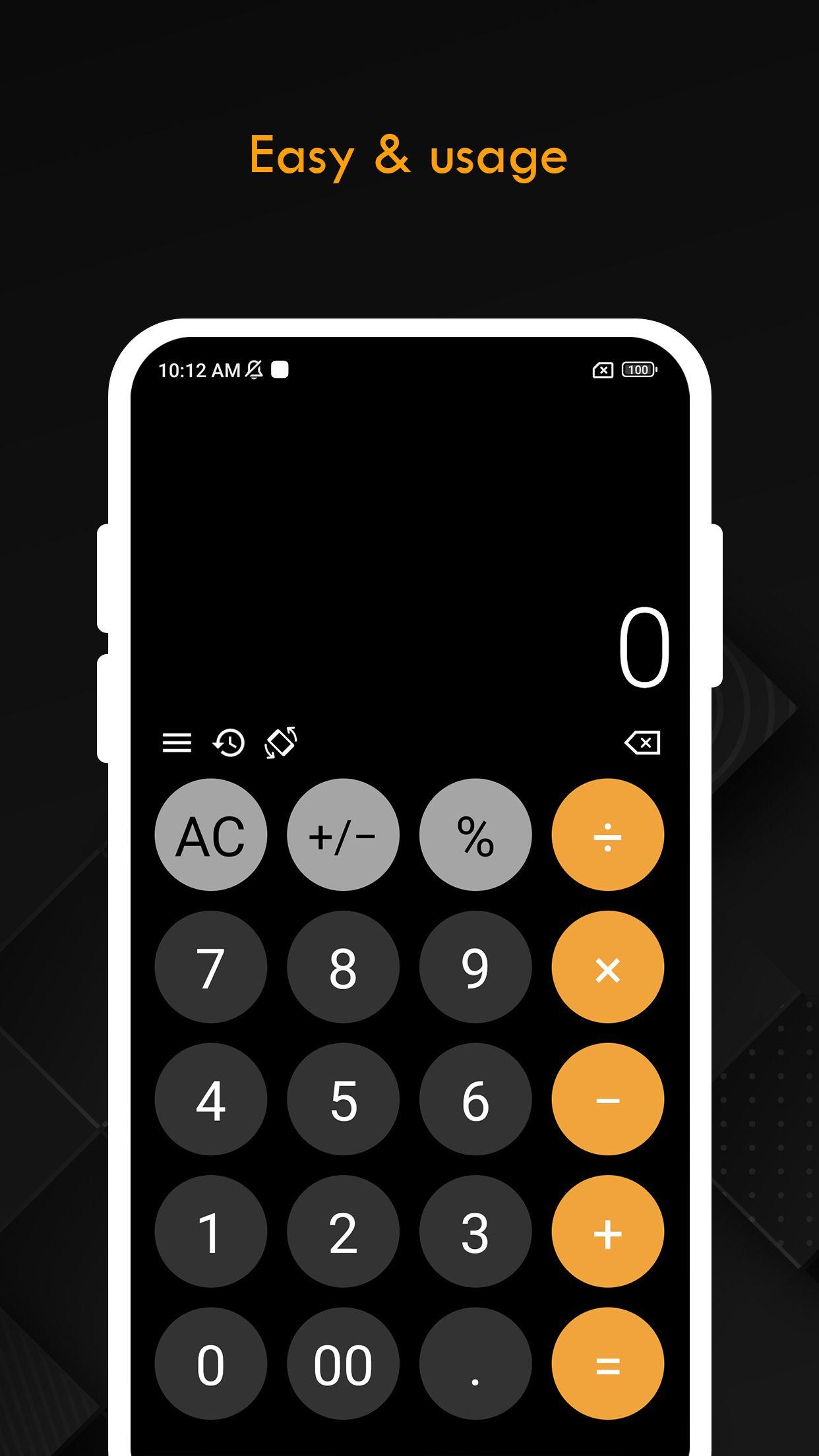
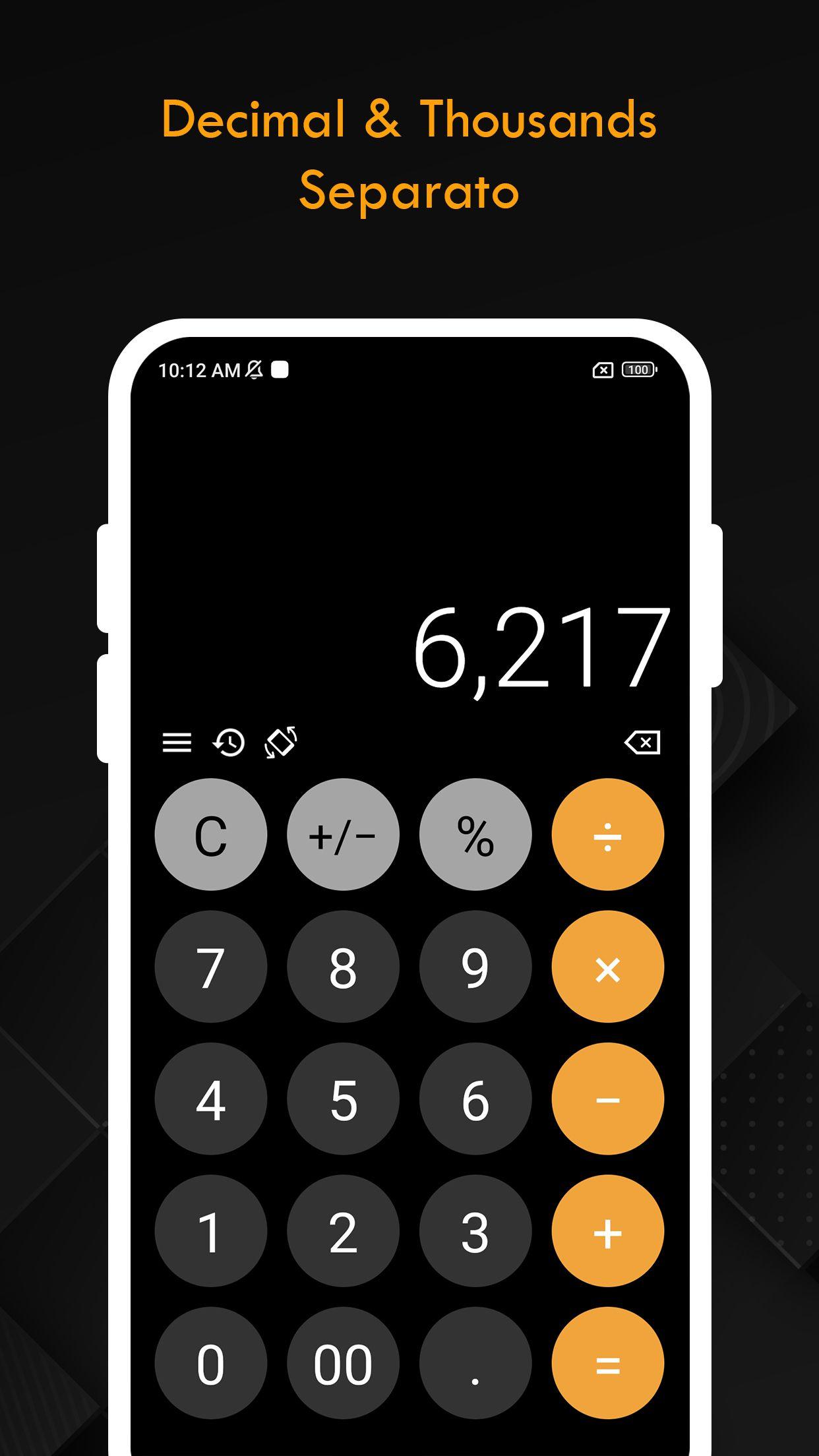
Simple Calculator is designed with a user-friendly interface and also functions as a scientific calculator. You can use it to solve various mathematical problems, from simple to complex. It’s quick and easy to use, offering a familiar look and feel for effortless calculations.
iCalculator comes with two modes, portrait, and landscape. The portrait mode presents you with basic mathematical functions. This includes addition, subtraction, multiplication, and division. The landscape mode features scientific calculator including hyperbolic, logarithmic and trigonometry functions like sin, cos, arcsin, arches, tangent, and more.
This calculator+ features the modern design of the OS 18 calculator. Our app is your solution to mathematical problems.
FEATURES:
* Basic calculations in portrait
* Scientific calculation in landscape
* Check previous calculation with history
* View whole calculation equation in calculator
* Swipe right to remove, Swipe left to undo
* Degree and Radiant mode
* Copy and Paste numbers from or into display
* Make more complex calculations with Memory buttons
* Support bluetooth and external hardware keyboard input
* Vibration and Sound Settings
Users can make basic calculation in portrait and handy scientific calculation in landscape. So, whether you are school going or a college student, iCalculator has a solution for you. It is completely free to use.
Avance
Etiquetas
HerramientasInformación
Desarrollador
Continuum App
La última versión
1.0.4
Última actualización
2024-10-09
Categoría
Herramientas
Disponible en
Google Play
Mostrar más
Cómo jugar Calculator: OS 18 con GameLoop en PC
1. Descargue GameLoop desde el sitio web oficial, luego ejecute el archivo exe para instalar GameLoop.
2. Abra GameLoop y busque "Calculator: OS 18", busque Calculator: OS 18 en los resultados de búsqueda y haga clic en "Instalar".
3. Disfruta jugando Calculator: OS 18 en GameLoop.
Minimum requirements
OS
Windows 8.1 64-bit or Windows 10 64-bit
GPU
GTX 1050
CPU
i3-8300
Memory
8GB RAM
Storage
1GB available space
Recommended requirements
OS
Windows 8.1 64-bit or Windows 10 64-bit
GPU
GTX 1050
CPU
i3-9320
Memory
16GB RAM
Storage
1GB available space