
Homematic Sniffer para PC
Always Organized
Descarga Homematic Sniffer en PC con GameLoop Emulator
Homematic Sniffer en PC
Homematic Sniffer, proveniente del desarrollador Always Organized, se ejecuta en el sistema Android en el pasado.
Ahora, puedes jugar Homematic Sniffer en PC con GameLoop sin problemas.
Descárgalo en la biblioteca de GameLoop o en los resultados de búsqueda. No más mirar la batería o llamadas frustrantes en el momento equivocado nunca más.
Simplemente disfrute de Homematic Sniffer PC en la pantalla grande de forma gratuita!
Homematic Sniffer Introducción
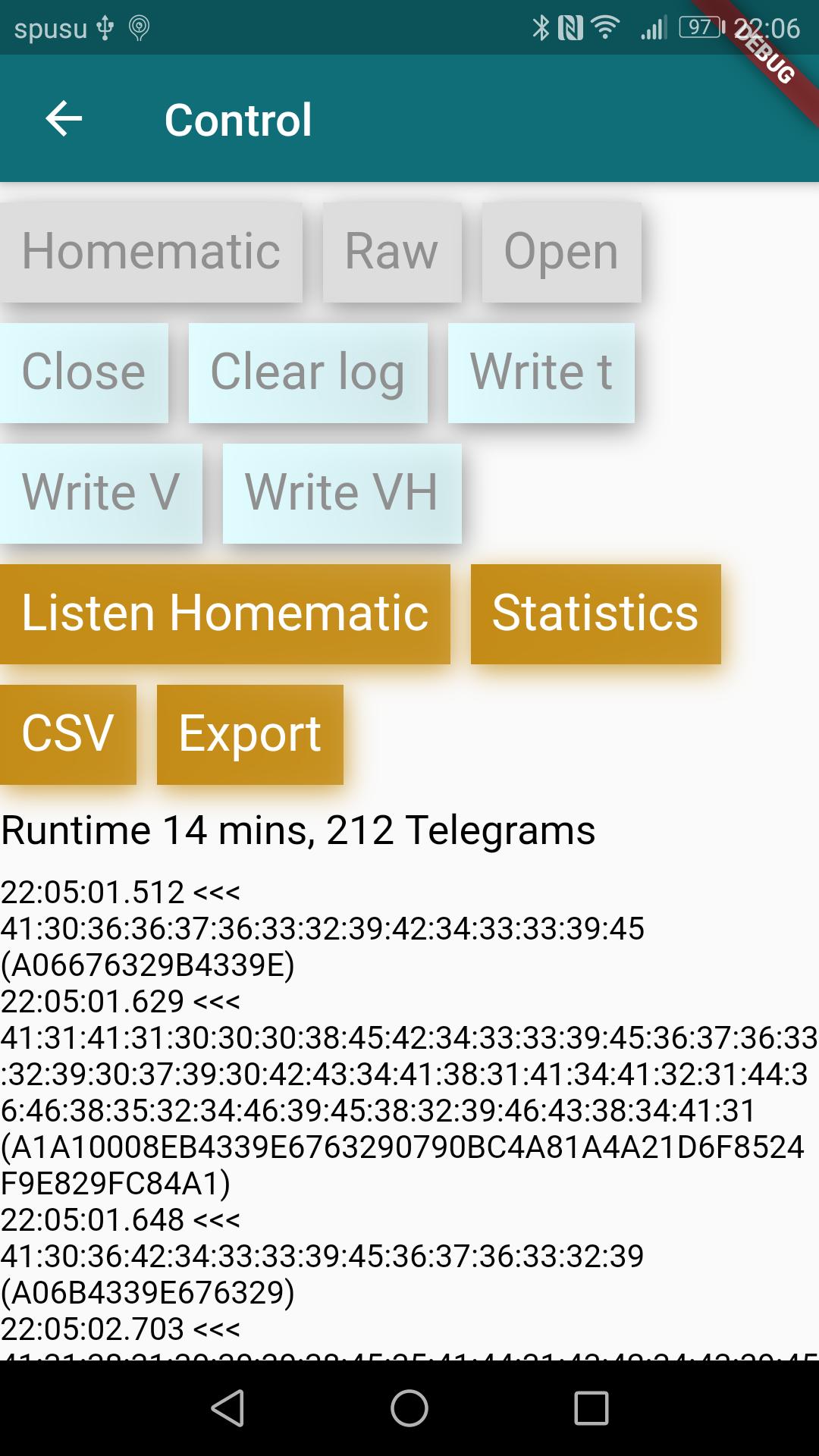
See what your devices are sending and receiving over the wireless protocol.
⚠️ You need additional hardware to scan the datagrams of the homematic devices. The hardware costs less than 50 USD/Euro. See the intro page of the APP for more info.
The APP helps you finds out what your Homematic or Homematic IP devices are doing. No connection to some devices? Your duty cycle reaches 100% from time to time? Bubbling devices? Find out what's going on at 868MHz.
This app provides an easy alternative to AskSin Analyzer since you do not need to build the hardware by yourself.
Features:
✅ Optionally retrieves Information from the CCU3 to provide more user-friendly informations
✅ Connects to the CCU3 via HTTP or via secure HTTPS
✅ Supports BidCos-RF and HmIP-RF as well as raw telegrams
✅ New: Verifies the Secure transmissions for BidCos (default key only)
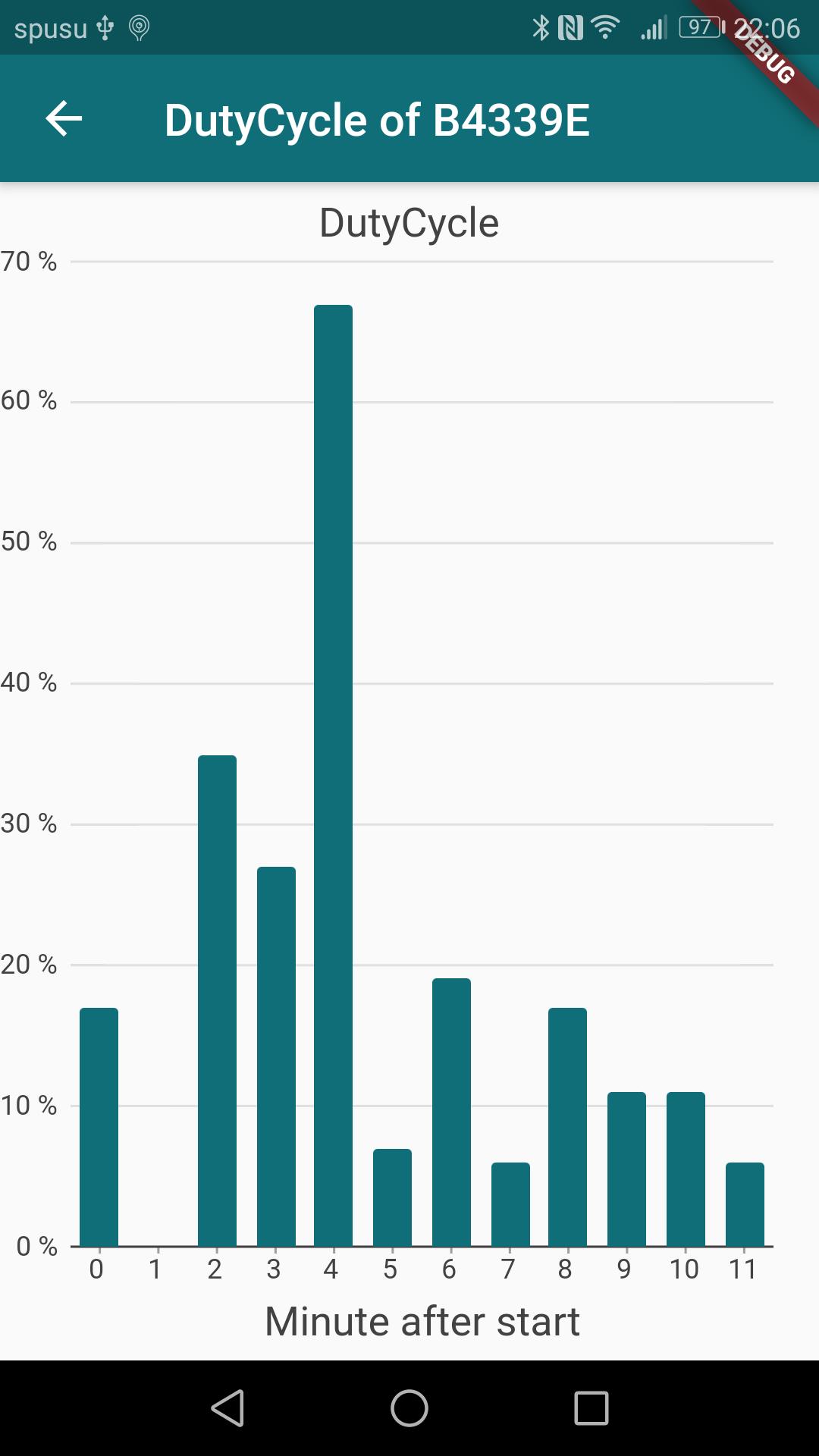
✅ Statistics: Duty Cycle per device, most bubbling devices, different sums and average values
✅ Filter the datagrams by text, devices, first messages only, protocol and many more
✅ Export to Excel (csv) containing all informations about the transmissions
✅ Marks suspicious actions to find problematic behavior
✅ Bonus: One-click update of your CCU Firmware, Device firmware and additional software
✅ Bonus: Compare the configuration of your devices
Permissions
* INTERNET: The device may access your CCU3 on your behalf. The APP may send error messages or help-request to our servers.
* BILLING: You may buy a license after you have verified that the APP works as expected.
* ACCESS_FINE_LOCATION: We try to find out the IP address of your device in order to help you find the correct IP for your CCU. (Experimential)
⚠️ Disclaimer: We, the authors of this APP, are not connected in any way to Homematic, ELV Elektronik AG, eQ-3 AG or any company or trademark mentioned in this APP. All rights of these companies are respected.
Avance
Etiquetas
HerramientasInformación
Desarrollador
Always Organized
La última versión
1.0.48
Última actualización
2025-09-17
Categoría
Herramientas
Disponible en
Google Play
Mostrar más
Cómo jugar Homematic Sniffer con GameLoop en PC
1. Descargue GameLoop desde el sitio web oficial, luego ejecute el archivo exe para instalar GameLoop.
2. Abra GameLoop y busque "Homematic Sniffer", busque Homematic Sniffer en los resultados de búsqueda y haga clic en "Instalar".
3. Disfruta jugando Homematic Sniffer en GameLoop.
Minimum requirements
OS
Windows 8.1 64-bit or Windows 10 64-bit
GPU
GTX 1050
CPU
i3-8300
Memory
8GB RAM
Storage
1GB available space
Recommended requirements
OS
Windows 8.1 64-bit or Windows 10 64-bit
GPU
GTX 1050
CPU
i3-9320
Memory
16GB RAM
Storage
1GB available space