
Hide Photos & Videos para PC
AM Company
Descarga Hide Photos & Videos en PC con GameLoop Emulator
Hide Photos & Videos en PC
Hide Photos & Videos, proveniente del desarrollador AM Company, se ejecuta en el sistema Android en el pasado.
Ahora, puedes jugar Hide Photos & Videos en PC con GameLoop sin problemas.
Descárgalo en la biblioteca de GameLoop o en los resultados de búsqueda. No más mirar la batería o llamadas frustrantes en el momento equivocado nunca más.
Simplemente disfrute de Hide Photos & Videos PC en la pantalla grande de forma gratuita!
Hide Photos & Videos Introducción
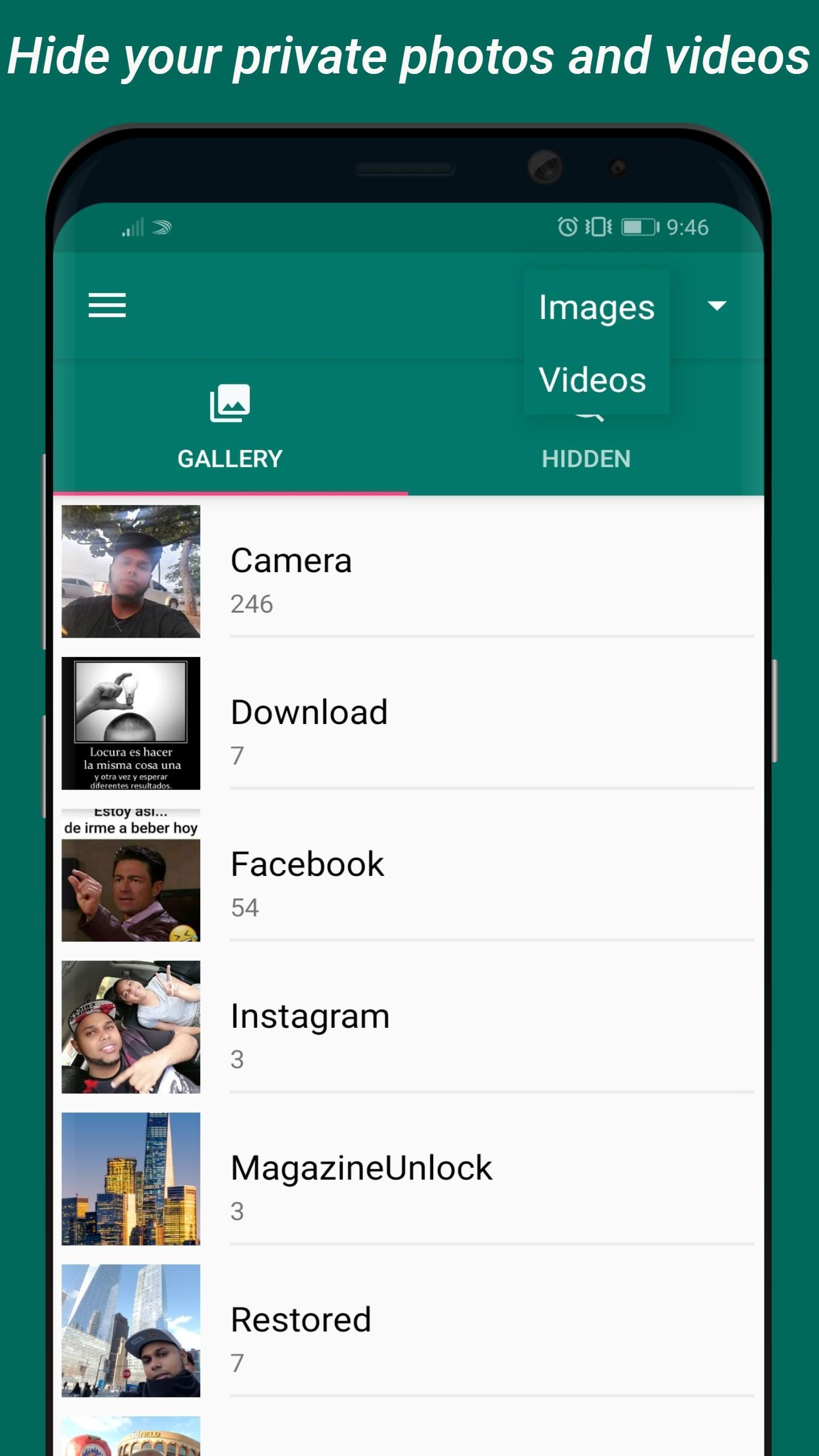
Want to keep your private memories safe and away from prying eyes?
With our app to hide photos and videos, you can create your own private photo vault and enjoy complete mobile security. Protect your files with PIN lock, pattern lock, or fingerprint unlock, and make sure only you have access.
🔒 Main Features
Hide photos and videos in a secure vault.
Lock photos with PIN, pattern, or password for maximum protection.
Fingerprint unlock for quick and easy access.
Intruder alarm: get an alert if someone enters the wrong password too many times.
Fake mode: create a second profile with different photos and videos, perfect for extra privacy.
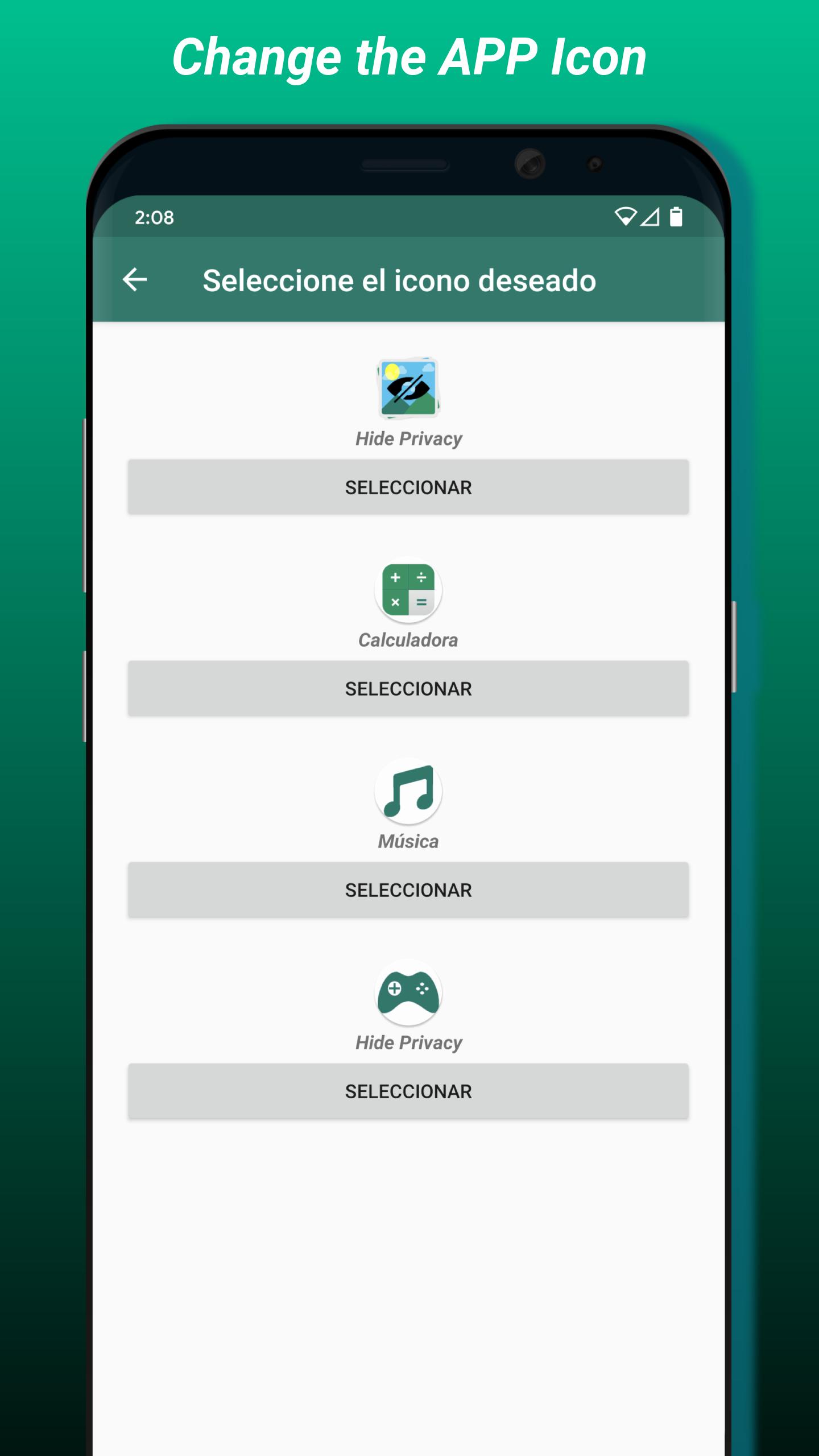
Disguised app icon: change the app icon to look like a calculator or another app.
Easily share, hide, and restore files whenever you need.
🛡️ Advanced Security
This app turns your phone into a real photo and video safe. It’s not just a simple photo protector, but a powerful security vault designed for total privacy:
Fully customizable app with password.
File protection with secure access methods.
Invisible app option thanks to the hidden icon.
Perfect for anyone looking for a reliable mobile security app.
🎯 Perfect for You If You’re Looking For:
A photo vault app to hide private photos and videos.
A secret gallery lock with password or fingerprint unlock.
A safe box for photos and videos with maximum privacy.
An app that works like an app hider to keep your content discreet.
Complete file protection with PIN, pattern, or fingerprint.
🌟 Why Choose This App?
Unlike basic apps, our vault offers real privacy + security:
✔ Hide unlimited photos and videos.
✔ Customizable failed attempts before triggering the intruder alarm.
✔ Create multiple profiles with fake mode.
✔ Disguise the app with an invisible icon or calculator mode.
✔ Designed so only you can access your content.
💡 Your Privacy, Your Control
Whether you want to lock photos with PIN, hide videos in a vault, or simply enjoy peace of mind with a secret gallery lock, this app is the ultimate solution. You’ll have complete control over your personal files, with modern security tools like fingerprint unlock and intruder alerts.
🔐 Download now and turn your phone into a private vault.
Protect your most important memories with the best app to hide photos and videos.
Avance
Etiquetas
HerramientasInformación
Desarrollador
AM Company
La última versión
3.3.0
Última actualización
2025-08-17
Categoría
Herramientas
Disponible en
Google Play
Mostrar más
Cómo jugar Hide Photos & Videos con GameLoop en PC
1. Descargue GameLoop desde el sitio web oficial, luego ejecute el archivo exe para instalar GameLoop.
2. Abra GameLoop y busque "Hide Photos & Videos", busque Hide Photos & Videos en los resultados de búsqueda y haga clic en "Instalar".
3. Disfruta jugando Hide Photos & Videos en GameLoop.
Minimum requirements
OS
Windows 8.1 64-bit or Windows 10 64-bit
GPU
GTX 1050
CPU
i3-8300
Memory
8GB RAM
Storage
1GB available space
Recommended requirements
OS
Windows 8.1 64-bit or Windows 10 64-bit
GPU
GTX 1050
CPU
i3-9320
Memory
16GB RAM
Storage
1GB available space