
GPX Track Editor para PC
Lew Lasher
Descarga GPX Track Editor en PC con GameLoop Emulator
GPX Track Editor en PC
GPX Track Editor, proveniente del desarrollador Lew Lasher, se ejecuta en el sistema Android en el pasado.
Ahora, puedes jugar GPX Track Editor en PC con GameLoop sin problemas.
Descárgalo en la biblioteca de GameLoop o en los resultados de búsqueda. No más mirar la batería o llamadas frustrantes en el momento equivocado nunca más.
Simplemente disfrute de GPX Track Editor PC en la pantalla grande de forma gratuita!
GPX Track Editor Introducción
Make your own trail maps, using your tablet or smartphone.
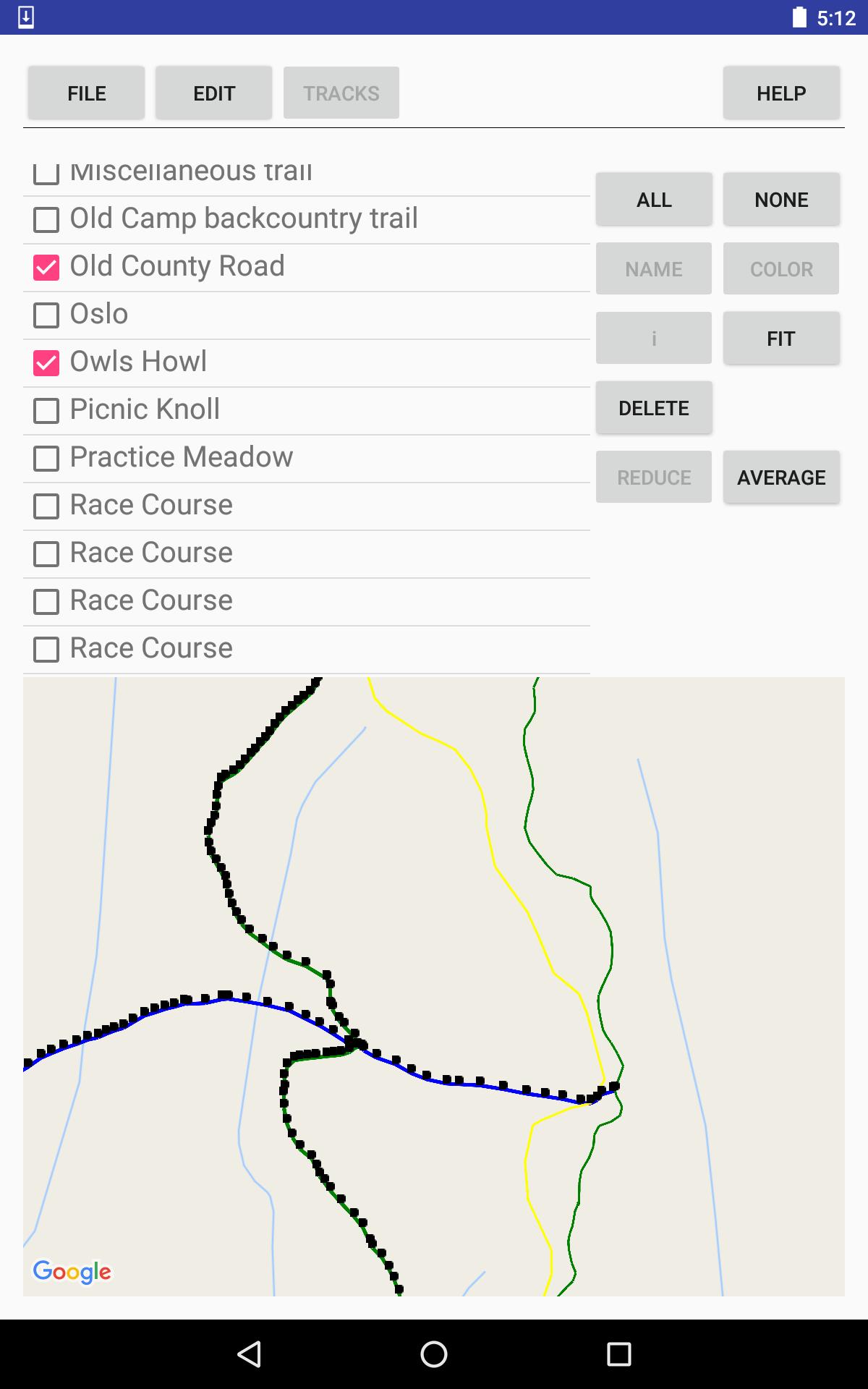
Record tracks, or import tracks from GPX files.
Clean up your track data, manually and/or automatically.
Use your trail map for navigation, with or without an Internet connection.
Your tracks and waypoints are displayed over the (optional) background of a Google Map, either the default road map or a satellite image.
Editing features:
* Split and join tracks.
* Connect tracks to form 3-way and 4-way junctions, with the same coordinates in each track that meets at the junction point, to establish the topology of a network of tracks.
* Eliminate superfluous trackpoints, with the option of preserving junction points against elimination.
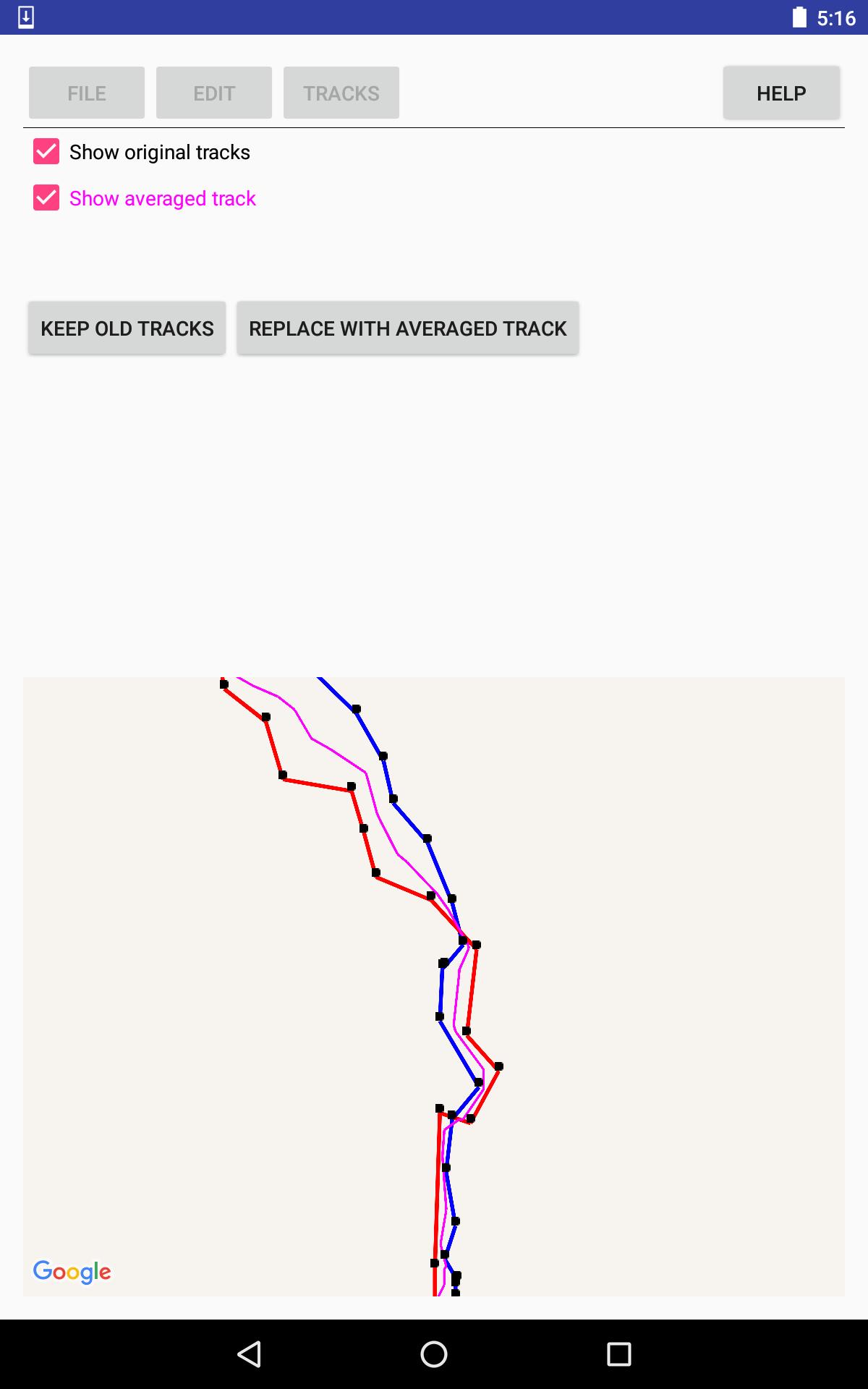
* Take the average of 2-5 tracks, to even out the errors, or, for example, to establish a street's center line from tracks for the sidewalks on either side of the street.
* View the results of averaging or reducing tracks, before accepting the results.
Documentation is available via the thorough help system within the app.
PRIVACY POLICY is available, within the app, from the help system; and, outside the app at the following URL: http://lewlasher.com/GpxTrackEditor/privacy-policy.html
Avance
Etiquetas
HerramientasInformación
Desarrollador
Lew Lasher
La última versión
3.7
Última actualización
2022-04-02
Categoría
Herramientas
Disponible en
Google Play
Mostrar más
Cómo jugar GPX Track Editor con GameLoop en PC
1. Descargue GameLoop desde el sitio web oficial, luego ejecute el archivo exe para instalar GameLoop.
2. Abra GameLoop y busque "GPX Track Editor", busque GPX Track Editor en los resultados de búsqueda y haga clic en "Instalar".
3. Disfruta jugando GPX Track Editor en GameLoop.
Minimum requirements
OS
Windows 8.1 64-bit or Windows 10 64-bit
GPU
GTX 1050
CPU
i3-8300
Memory
8GB RAM
Storage
1GB available space
Recommended requirements
OS
Windows 8.1 64-bit or Windows 10 64-bit
GPU
GTX 1050
CPU
i3-9320
Memory
16GB RAM
Storage
1GB available space