
GFX Tool and Phone Optimizer para PC
Miraculous Studio
Descarga GFX Tool and Phone Optimizer en PC con GameLoop Emulator
GFX Tool and Phone Optimizer en PC
GFX Tool and Phone Optimizer, proveniente del desarrollador Miraculous Studio, se ejecuta en el sistema Android en el pasado.
Ahora, puedes jugar GFX Tool and Phone Optimizer en PC con GameLoop sin problemas.
Descárgalo en la biblioteca de GameLoop o en los resultados de búsqueda. No más mirar la batería o llamadas frustrantes en el momento equivocado nunca más.
Simplemente disfrute de GFX Tool and Phone Optimizer PC en la pantalla grande de forma gratuita!
GFX Tool and Phone Optimizer Introducción
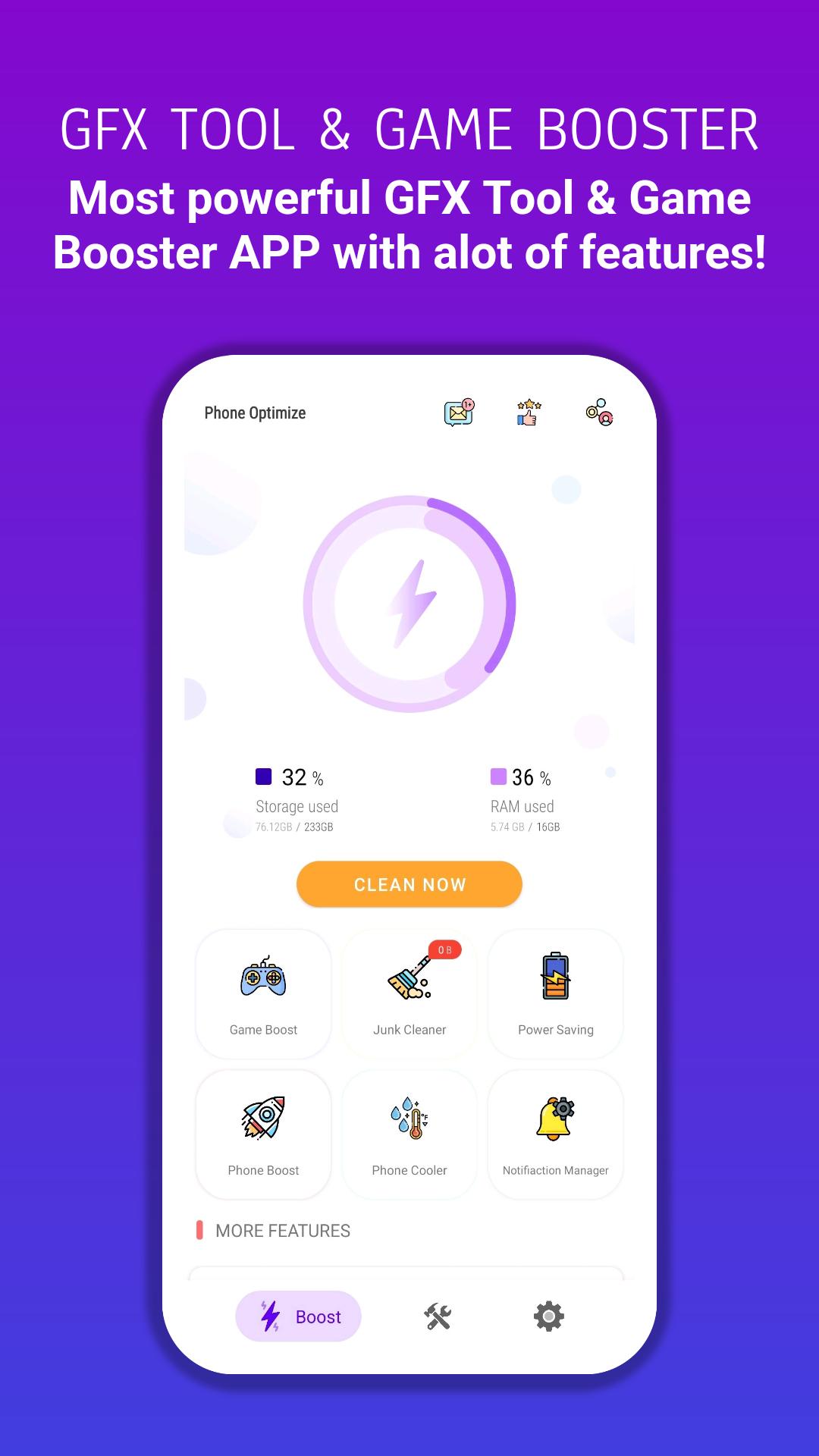
GFX Tool and Phone Optimize: is a launcher and boosting tool for FPS games where you can fully customize the game graphics according to your desires for a smooth gaming experience, cleaning and boosting for Android, which has the functions of junk cleaner, power saving, memory booster, game booster, and CPU cooler Central, notification cleaner, and app manager. Do you lack space for new apps and photos? Just clean the apps cache and junk files, and boost your phone in one tap.
Phone Optimize – Gfx Tool App has the following functions:
GFX Tool Features :
– Change to any resolution.
– Unlock HDR and UHD graphics in low-end devices.
– Unlock the up to 90 FPS.
– Potato Graphics Support.
– Fully control Anti-aliasing and shadows.
– Unlock Ultra Audio Quality.
– And many more other useful options.
– How to use our GFX Tool:
– Close the game if it’s currently running before starting GFX Tool.
– Choose the version of your game.
– Customize the graphics according to your desires and device capabilities.
– Once everything is set, click on Apply button and Run the Game!
Phone Optimize Features :
– Junk Cleaner :
analyze your device and clean app cache, system cache files, and obsolete files. This will increase your phone storage.
– Phone Booster :
this makes your phone faster and smoother by killing all background running apps.
– Power Saving :
you can extend your phone battery life by detecting and killing battery-draining apps.
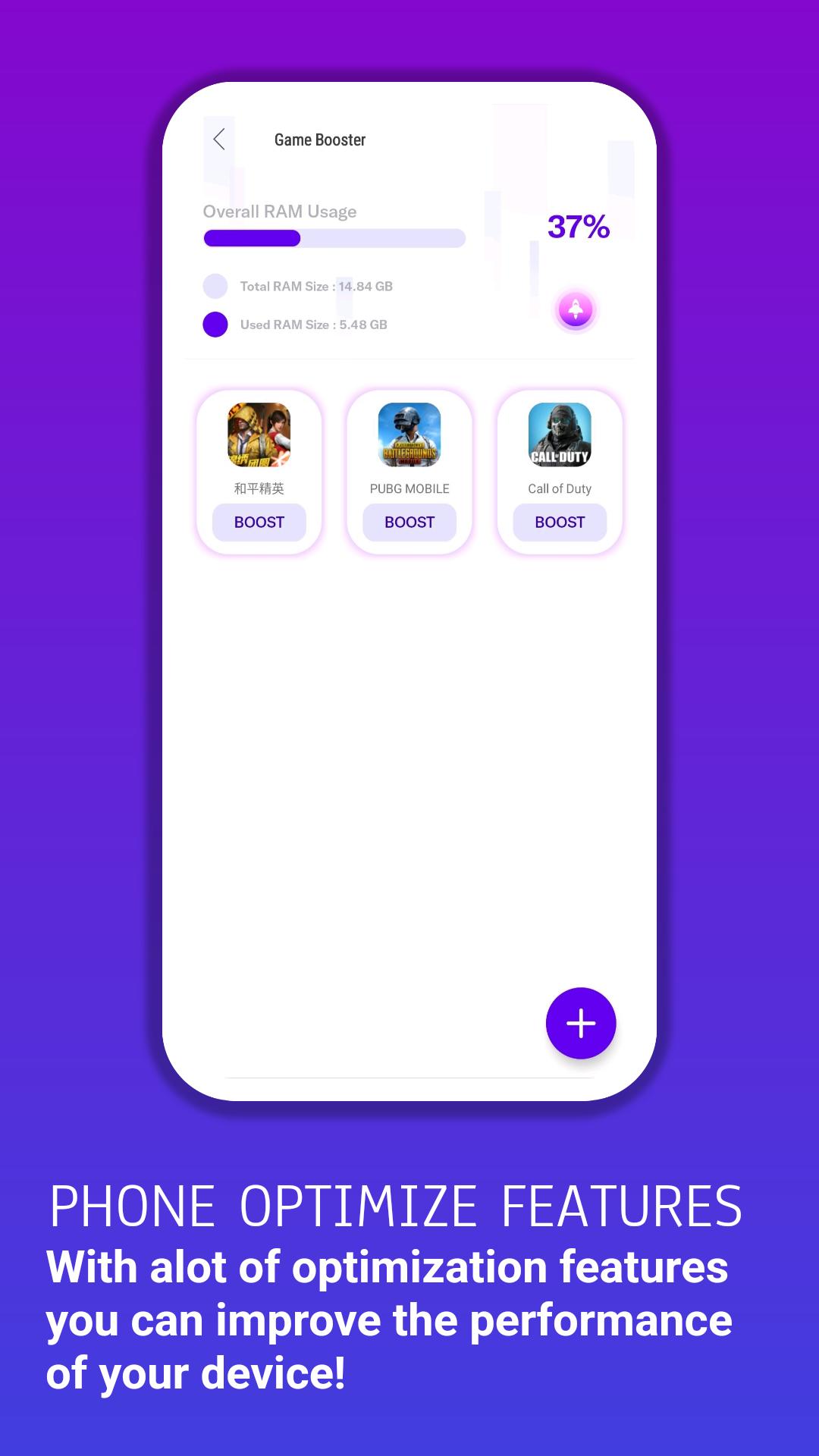
– Game Booster :
this feature will manage all your installed games in one place. Improve your gameplay experience. Allows you to boost and launch the game within the app.
– Big File Cleaner :
clean large files (video, audio, images, Apk, etc.) and increase memory space.
– Notification Cleaner :
this will provide you with a customized notification clean option. You can clean all annoying notifications displayed on your device notification panel.
– App Manager :
you can rely on this app to uninstall and disable apps to recover space and speed up your Android device.
– HUD Monitor :
Memory Load
CPU Load
Temperature
Network Latency
– Accelerate Your Game Speed – Faster & Smoother :
– Get Super Fast Game Experience,
– Clean up background apps to speed up RAM (random-access memory)
– Push your device to its maximum potential.
Avance
Información
Desarrollador
Miraculous Studio
La última versión
2.0
Última actualización
2023-01-11
Categoría
Herramientas
Disponible en
Google Play
Mostrar más
Cómo jugar GFX Tool and Phone Optimizer con GameLoop en PC
1. Descargue GameLoop desde el sitio web oficial, luego ejecute el archivo exe para instalar GameLoop.
2. Abra GameLoop y busque "GFX Tool and Phone Optimizer", busque GFX Tool and Phone Optimizer en los resultados de búsqueda y haga clic en "Instalar".
3. Disfruta jugando GFX Tool and Phone Optimizer en GameLoop.
Minimum requirements
OS
Windows 8.1 64-bit or Windows 10 64-bit
GPU
GTX 1050
CPU
i3-8300
Memory
8GB RAM
Storage
1GB available space
Recommended requirements
OS
Windows 8.1 64-bit or Windows 10 64-bit
GPU
GTX 1050
CPU
i3-9320
Memory
16GB RAM
Storage
1GB available space