
GameGPU para PC
GameGPU
Descarga GameGPU en PC con GameLoop Emulator
GameGPU en PC
GameGPU, proveniente del desarrollador GameGPU, se ejecuta en el sistema Android en el pasado.
Ahora, puedes jugar GameGPU en PC con GameLoop sin problemas.
Descárgalo en la biblioteca de GameLoop o en los resultados de búsqueda. No más mirar la batería o llamadas frustrantes en el momento equivocado nunca más.
Simplemente disfrute de GameGPU PC en la pantalla grande de forma gratuita!
GameGPU Introducción
The GameGPU application is an excellent companion for assessing the performance of current equipment in modern games. The results are taken from the tests of the https://gamegpu.com resource and are presented to you in a convenient form for viewing on Android devices.
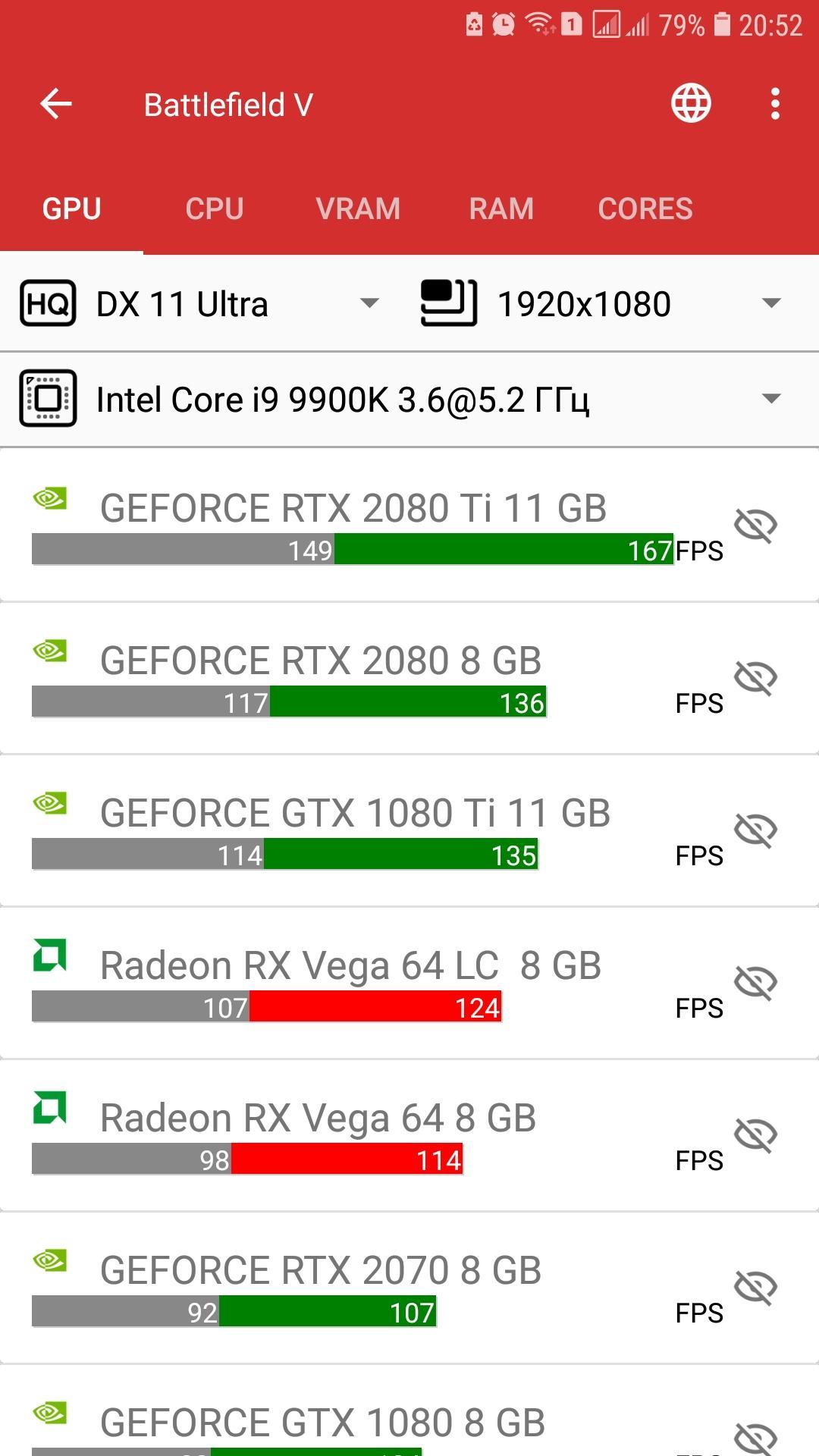
You can find the game you are interested in, select the required quality and resolution, view the performance of video cards, processors, consumption of RAM and video memory, and load the processor cores.
Depending on the test of video cards or processors, you can add or delete positions that interest you, as well as choose the relative type of processor or video card that will be used to obtain the desired FPS.
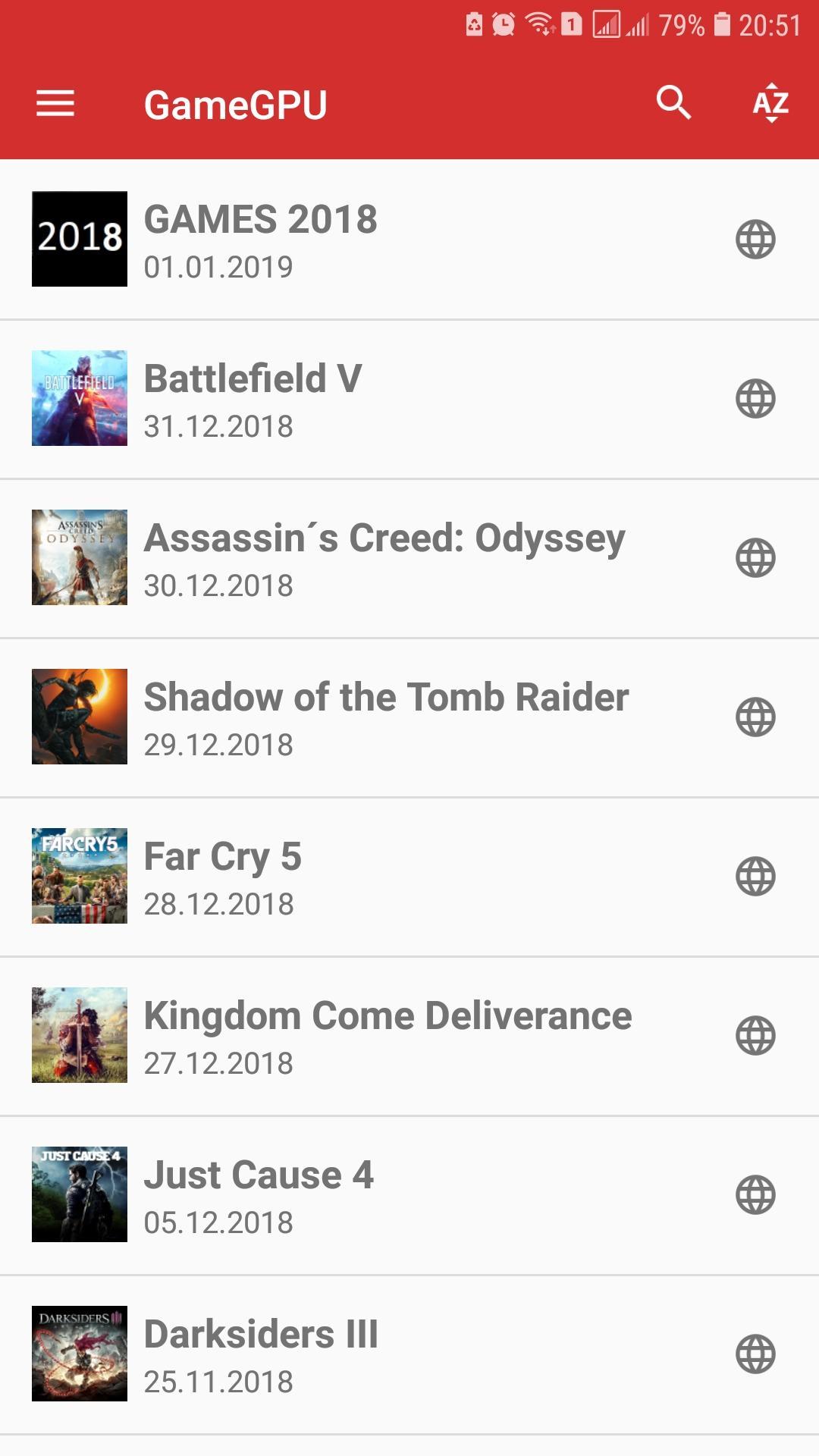
Sorting by name or adding date is available for selecting games, there is also a quick search for games of interest to you.
The application works in both online and offline mode, so that all our tests will always be at your fingertips and will help you quickly appreciate the speed of the current components in games, both for interest and for a targeted purchase!
Avance
Etiquetas
HerramientasInformación
Desarrollador
GameGPU
La última versión
1.0.143
Última actualización
2021-10-27
Categoría
Herramientas
Disponible en
Google Play
Mostrar más
Cómo jugar GameGPU con GameLoop en PC
1. Descargue GameLoop desde el sitio web oficial, luego ejecute el archivo exe para instalar GameLoop.
2. Abra GameLoop y busque "GameGPU", busque GameGPU en los resultados de búsqueda y haga clic en "Instalar".
3. Disfruta jugando GameGPU en GameLoop.
Minimum requirements
OS
Windows 8.1 64-bit or Windows 10 64-bit
GPU
GTX 1050
CPU
i3-8300
Memory
8GB RAM
Storage
1GB available space
Recommended requirements
OS
Windows 8.1 64-bit or Windows 10 64-bit
GPU
GTX 1050
CPU
i3-9320
Memory
16GB RAM
Storage
1GB available space