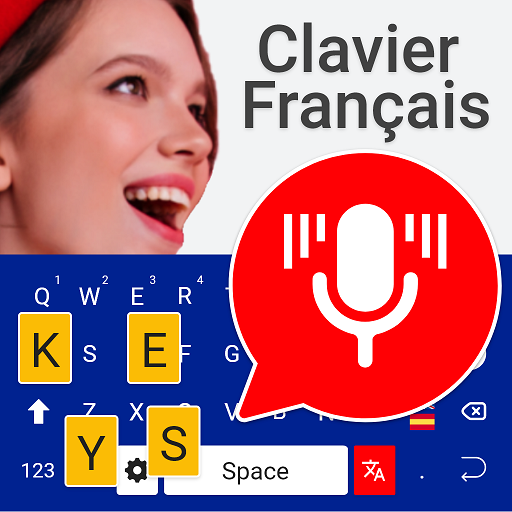
French Voice Typing Keyboard para PC
Media Dimond
Descarga French Voice Typing Keyboard en PC con GameLoop Emulator
French Voice Typing Keyboard en PC
French Voice Typing Keyboard, proveniente del desarrollador Media Dimond, se ejecuta en el sistema Android en el pasado.
Ahora, puedes jugar French Voice Typing Keyboard en PC con GameLoop sin problemas.
Descárgalo en la biblioteca de GameLoop o en los resultados de búsqueda. No más mirar la batería o llamadas frustrantes en el momento equivocado nunca más.
Simplemente disfrute de French Voice Typing Keyboard PC en la pantalla grande de forma gratuita!
French Voice Typing Keyboard Introducción
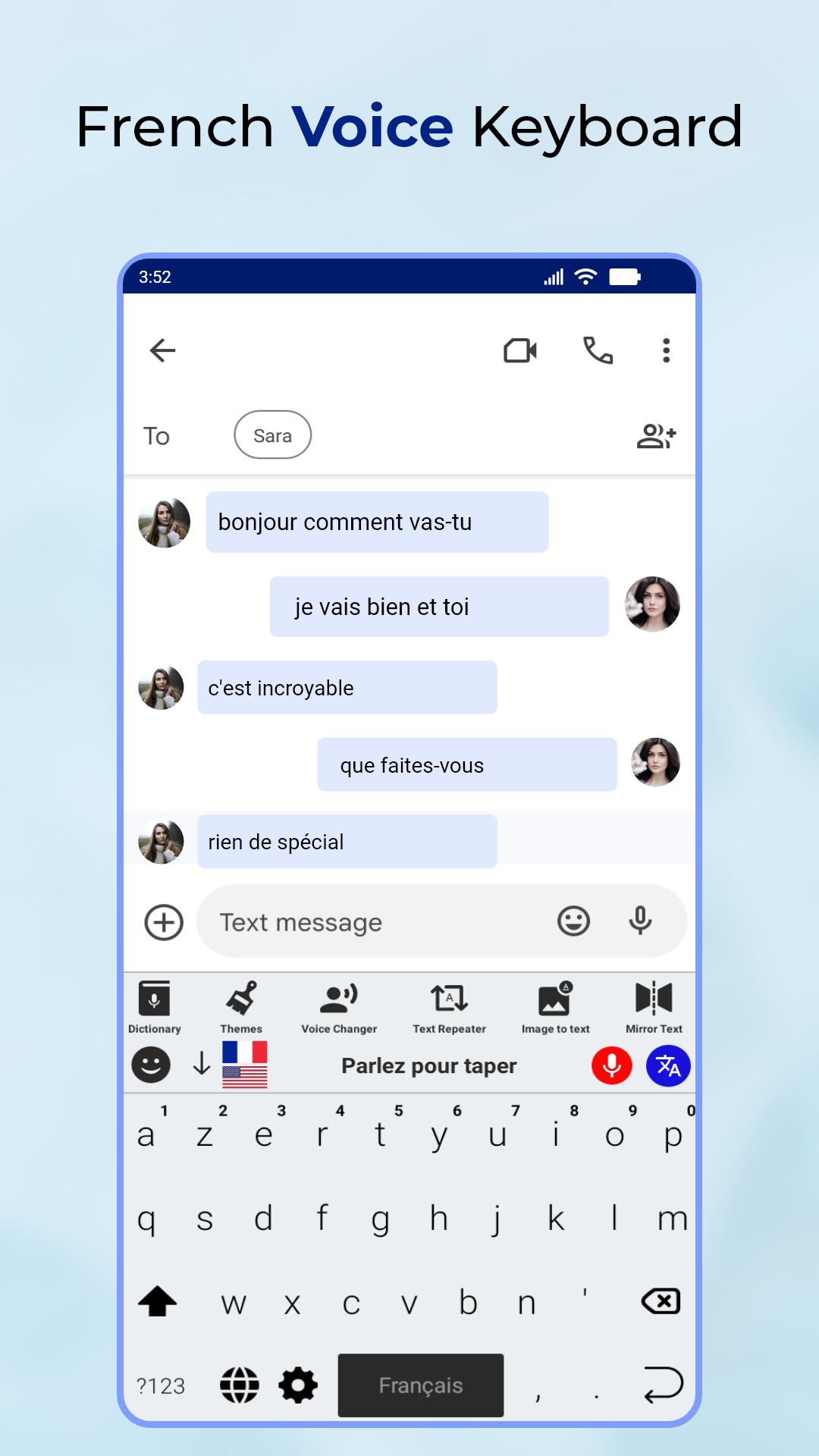
🔰The French Voice Typing Keyboard is a convenient and efficient way to type in French on your Android device. With this app, you can easily compose emails, messages, and documents without having to constantly switch between a keyboard and a microphone.
🔰The app utilizes advanced speech recognition technology to accurately transcribe your spoken words into written text. This means that you can simply speak in French and the app will convert your speech into written text, saving you time and effort.
🔰One of the key features of this app is its ability to understand and transcribe a wide range of French accents and dialects. Whether you speak French with a Parisian, Canadian or African accent, the app is able to accurately transcribe your speech, making it perfect for French speakers from all over the world.
🔰In addition to its speech recognition capabilities, the French Voice Typing Keyboard also includes a traditional keyboard layout, allowing you to type in French using your fingers if needed. The keyboard layout is intuitive and easy to use, making it perfect for both novice and experienced users.
🔰The app also includes several customization options, allowing you to personalize your typing experience. You can choose from a variety of themes and color schemes, and even create your own custom theme.
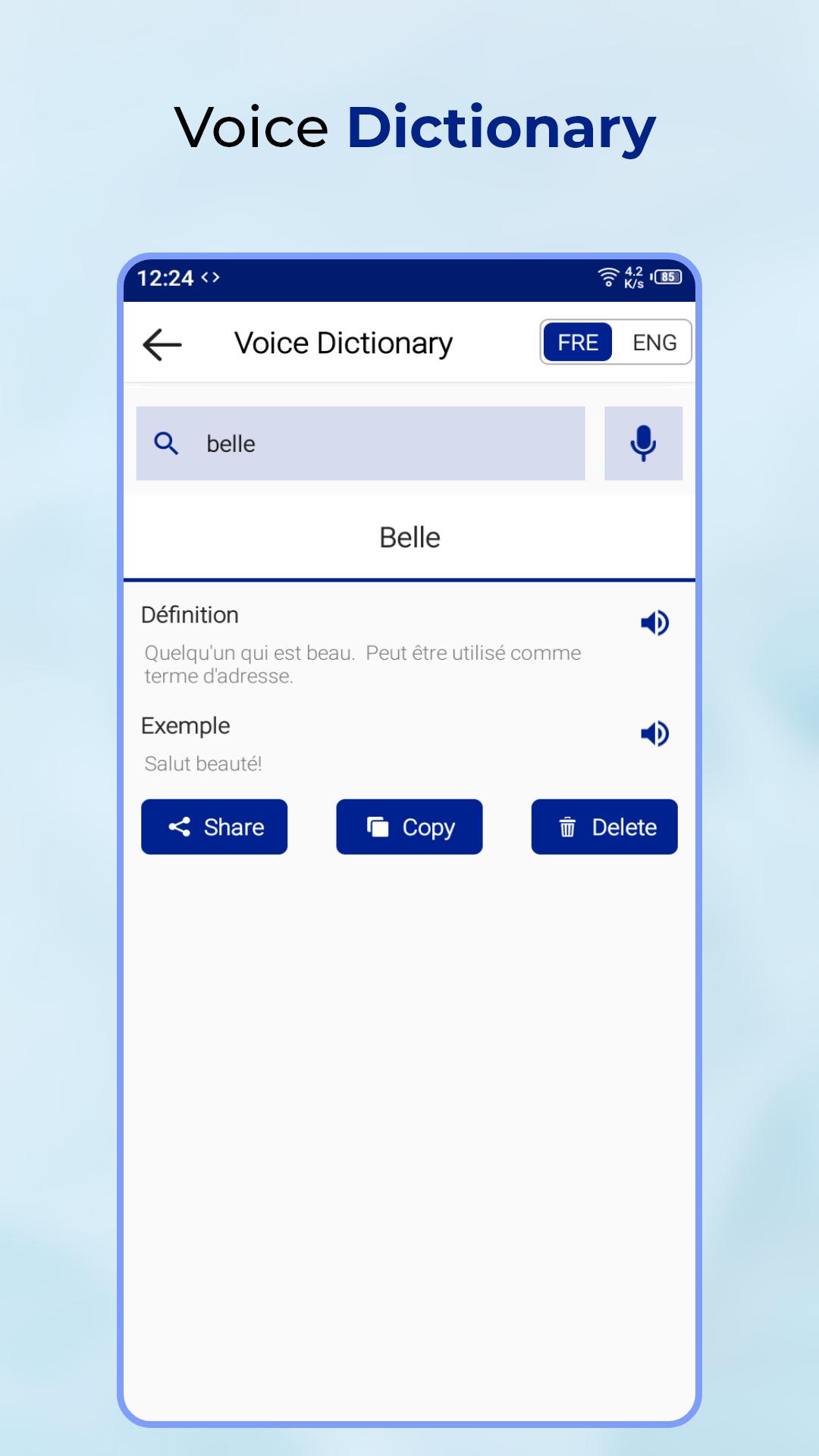
🔰Another great feature of the French Voice Typing Keyboard is its support for punctuation, special characters and numbers, which are easily accessible from the keyboard. The app also includes a built-in dictionary that suggests words as you type, making it easy to find the right word for your message.
🔰The French Voice Typing Keyboard is lightweight and easy to use, making it perfect for anyone looking to improve their typing speed and accuracy when writing in French. Whether you're a student, professional, or just someone who enjoys writing in French, this app is sure to make your typing experience more efficient and enjoyable.
🔰In summary, French Voice Typing Keyboard is an android application that allows users to type in French easily and efficiently. The app uses advanced speech recognition technology to transcribe spoken words, it offers support for a variety of accents, provides a traditional keyboard layout, and offers customization options, punctuation, special characters, numbers, and built-in dictionary. It's perfect for anyone looking to improve their typing speed and accuracy when writing in French.
Avance
Etiquetas
HerramientasInformación
Desarrollador
Media Dimond
La última versión
1.0
Última actualización
2023-01-25
Categoría
Herramientas
Disponible en
Google Play
Mostrar más
Cómo jugar French Voice Typing Keyboard con GameLoop en PC
1. Descargue GameLoop desde el sitio web oficial, luego ejecute el archivo exe para instalar GameLoop.
2. Abra GameLoop y busque "French Voice Typing Keyboard", busque French Voice Typing Keyboard en los resultados de búsqueda y haga clic en "Instalar".
3. Disfruta jugando French Voice Typing Keyboard en GameLoop.
Minimum requirements
OS
Windows 8.1 64-bit or Windows 10 64-bit
GPU
GTX 1050
CPU
i3-8300
Memory
8GB RAM
Storage
1GB available space
Recommended requirements
OS
Windows 8.1 64-bit or Windows 10 64-bit
GPU
GTX 1050
CPU
i3-9320
Memory
16GB RAM
Storage
1GB available space