
Encrypt Decrypt Text - Scan QR para PC
SocPay
Descarga Encrypt Decrypt Text - Scan QR en PC con GameLoop Emulator
Encrypt Decrypt Text - Scan QR en PC
Encrypt Decrypt Text - Scan QR, proveniente del desarrollador SocPay, se ejecuta en el sistema Android en el pasado.
Ahora, puedes jugar Encrypt Decrypt Text - Scan QR en PC con GameLoop sin problemas.
Descárgalo en la biblioteca de GameLoop o en los resultados de búsqueda. No más mirar la batería o llamadas frustrantes en el momento equivocado nunca más.
Simplemente disfrute de Encrypt Decrypt Text - Scan QR PC en la pantalla grande de forma gratuita!
Encrypt Decrypt Text - Scan QR Introducción
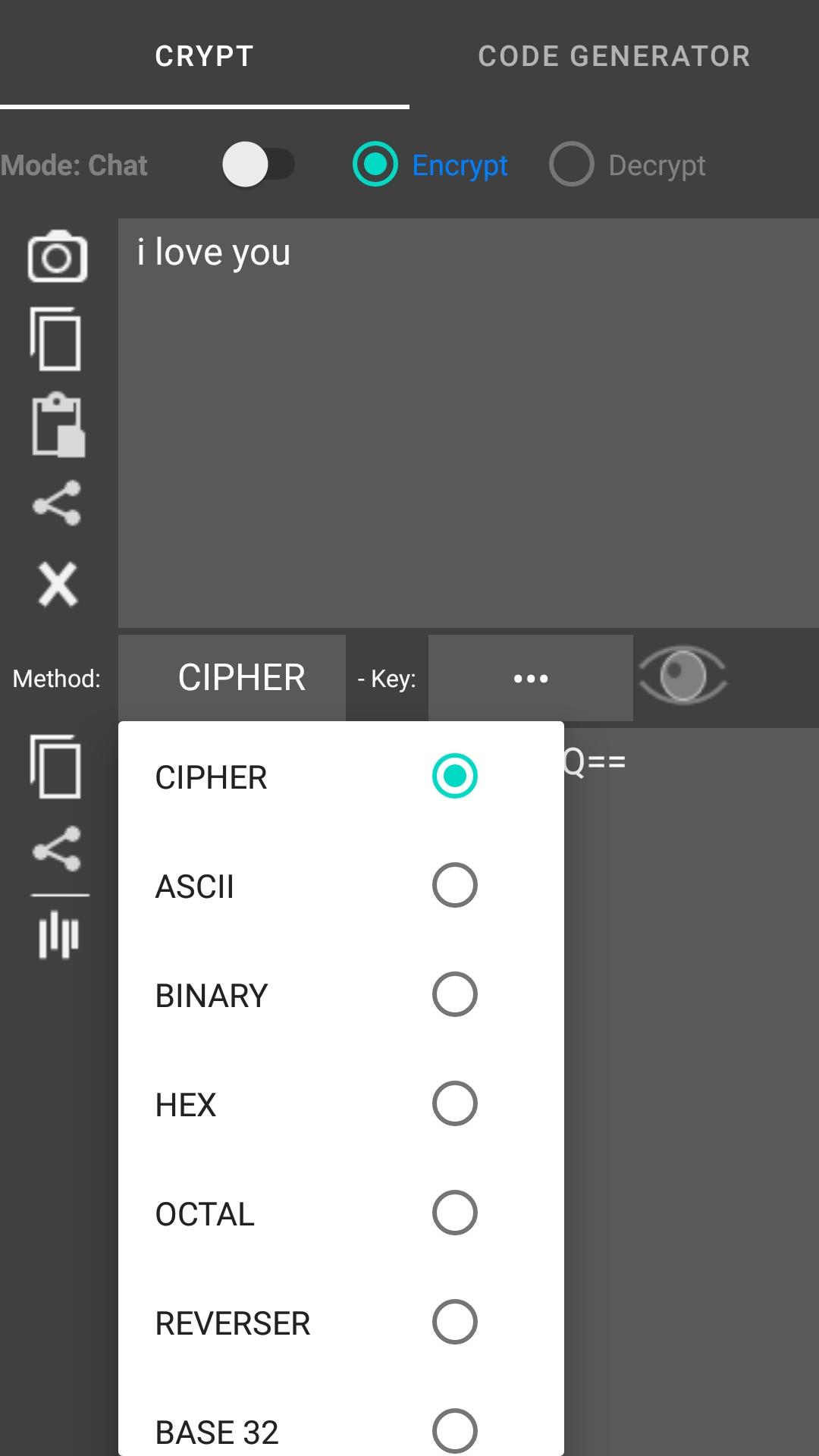
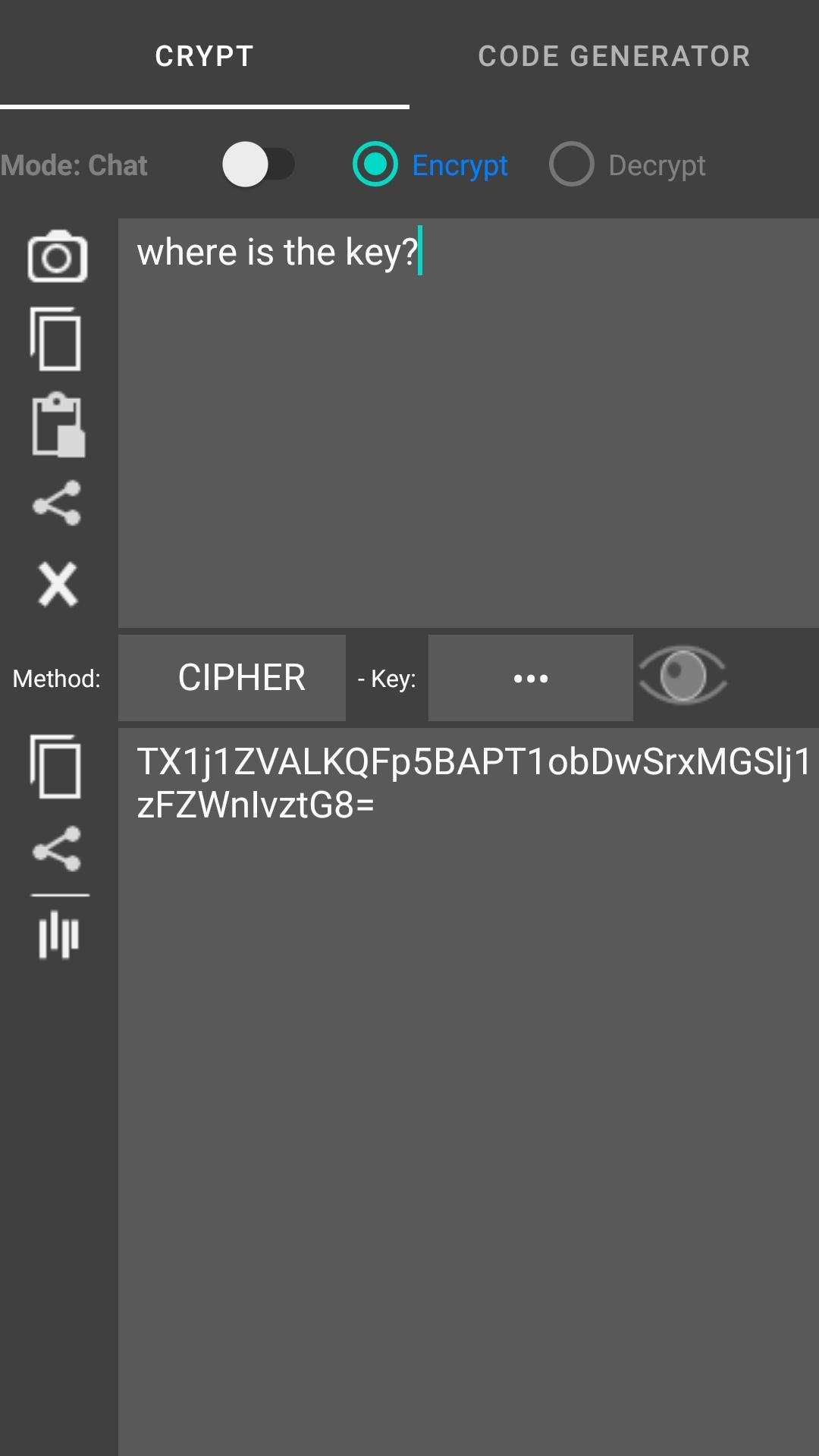
The app encrypts and decrypts your text in several different encryptions. The app when encrypting / decrypting the text you have the option to replace the current text (if you selected it), copy or share the encrypted / decrypted text.
The text converter (type input box for encode, output box for decode):
- Text to ascii (ab -> 97 98)
- Text to binary (abc -> 01100001 01100010)
- Text to hex (ab -> 61 62)
- Text to octal (ab -> 141 142)
- Reverser text (abc def -> fed cba)
- Upper text (abc -> ABC)
- Lower text (AbC -> abc)
Scan and generate code : QR Code, Barcode, Code 39, Code 128, DataMatrix,... and support convert text to rows wizard, delimiters: |,#,; You can encrypts text before generate code
Avance
Etiquetas
HerramientasInformación
Desarrollador
SocPay
La última versión
1.0.49
Última actualización
2024-03-05
Categoría
Herramientas
Disponible en
Google Play
Mostrar más
Cómo jugar Encrypt Decrypt Text - Scan QR con GameLoop en PC
1. Descargue GameLoop desde el sitio web oficial, luego ejecute el archivo exe para instalar GameLoop.
2. Abra GameLoop y busque "Encrypt Decrypt Text - Scan QR", busque Encrypt Decrypt Text - Scan QR en los resultados de búsqueda y haga clic en "Instalar".
3. Disfruta jugando Encrypt Decrypt Text - Scan QR en GameLoop.
Minimum requirements
OS
Windows 8.1 64-bit or Windows 10 64-bit
GPU
GTX 1050
CPU
i3-8300
Memory
8GB RAM
Storage
1GB available space
Recommended requirements
OS
Windows 8.1 64-bit or Windows 10 64-bit
GPU
GTX 1050
CPU
i3-9320
Memory
16GB RAM
Storage
1GB available space