
Dual Space-Infinite Parallel Clone App para PC
OKBay
Descarga Dual Space-Infinite Parallel Clone App en PC con GameLoop Emulator
Dual Space-Infinite Parallel Clone App en PC
Dual Space-Infinite Parallel Clone App, proveniente del desarrollador OKBay, se ejecuta en el sistema Android en el pasado.
Ahora, puedes jugar Dual Space-Infinite Parallel Clone App en PC con GameLoop sin problemas.
Descárgalo en la biblioteca de GameLoop o en los resultados de búsqueda. No más mirar la batería o llamadas frustrantes en el momento equivocado nunca más.
Simplemente disfrute de Dual Space-Infinite Parallel Clone App PC en la pantalla grande de forma gratuita!
Dual Space-Infinite Parallel Clone App Introducción
Did you have to frequently switch different social account of same app on your phone?
Have you ever used two or more phones for keeping your accounts online just in case of missing any message from WhatsApp,Facebook,Twitter,etc?
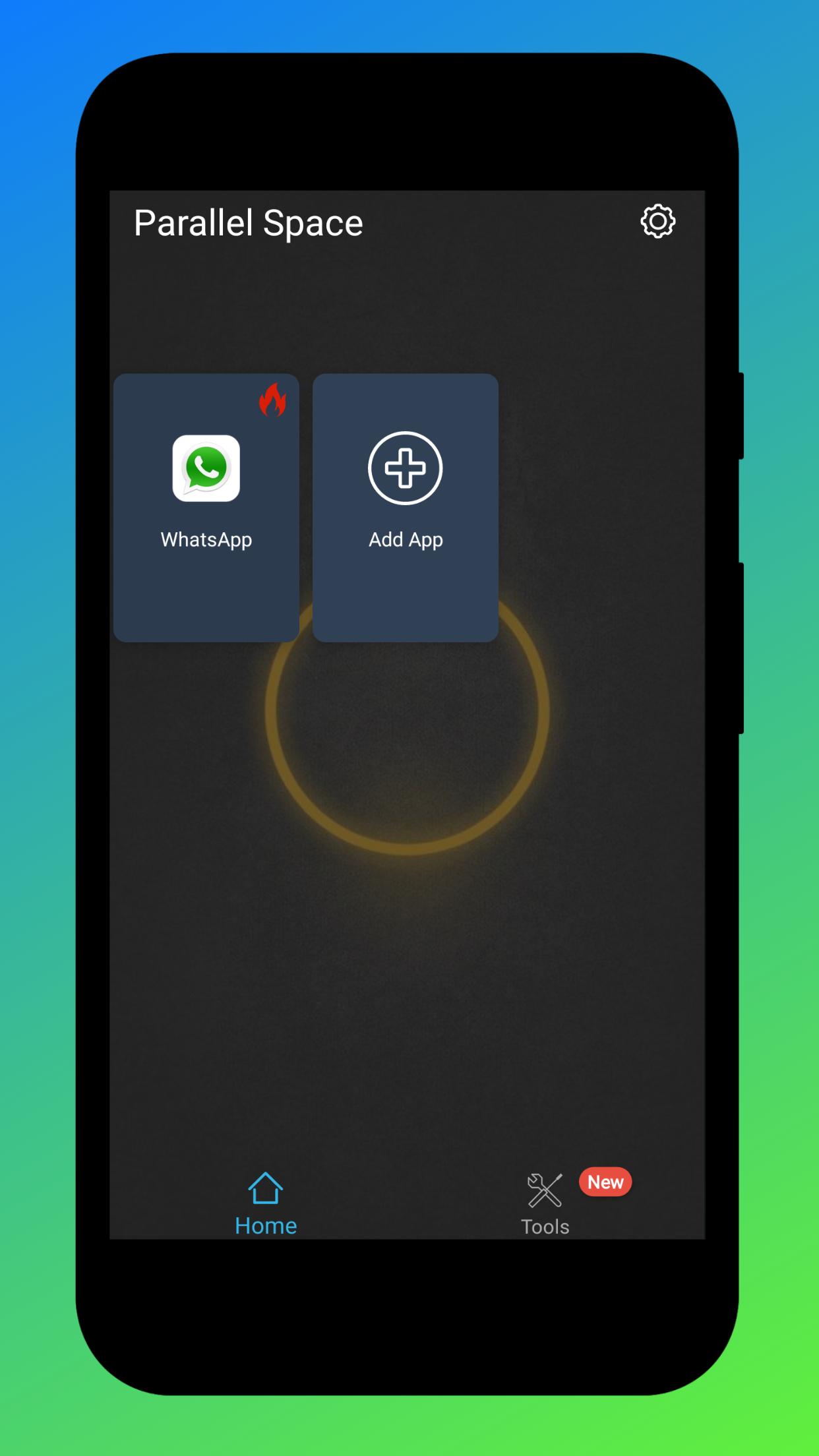
Now, the black technology app, Dual Space has released! It can perfectly solve your problem! You can easily use one phone to log in multiple accounts and keep them all online at the same time! And you don’t need to worry about the message reception and data storage problem of different accounts, because they will work independently and with no interference to each other.
Keep multiple social accounts logged in simultaneously.
· Keep your personal accounts and work accounts both online at the same time, and you can balance between life and work easily.
· Almost all social apps are supported for a second account in Dual Space. Data from different accounts will not interfere with each other.
Privacy zone & apps-clone function
· Do you want to make your own secret account will not be found? Dual Space build a privacy zone for you, leaving no trace in the phone system. It can make your private account hidden and can not be seen by others, so your data security is ensured and your privacy is protected.
· Dual Space is a latest technology that can clone applications. We do not install more applications in your phone, so that your phone will runs very smoothly!
Fast switch different accounts with just one key
· Two accounts are running simultaneously on your phone, you can easily switch them with just one key, then effective manage different accounts.
Highlights
· We have researched tool software for many years, while provides multiple accounts logging in service also can ensure stable operation.
· Simple interface operation.
· APP‘s file small, low CPU Consume, low power consumption.
· Quick cloning,almost all applications can be double-opened.
Avance
Información
Desarrollador
OKBay
La última versión
1.0.3
Última actualización
2020-04-28
Categoría
Herramientas
Disponible en
Google Play
Mostrar más
Cómo jugar Dual Space-Infinite Parallel Clone App con GameLoop en PC
1. Descargue GameLoop desde el sitio web oficial, luego ejecute el archivo exe para instalar GameLoop.
2. Abra GameLoop y busque "Dual Space-Infinite Parallel Clone App", busque Dual Space-Infinite Parallel Clone App en los resultados de búsqueda y haga clic en "Instalar".
3. Disfruta jugando Dual Space-Infinite Parallel Clone App en GameLoop.
Minimum requirements
OS
Windows 8.1 64-bit or Windows 10 64-bit
GPU
GTX 1050
CPU
i3-8300
Memory
8GB RAM
Storage
1GB available space
Recommended requirements
OS
Windows 8.1 64-bit or Windows 10 64-bit
GPU
GTX 1050
CPU
i3-9320
Memory
16GB RAM
Storage
1GB available space