MP3 Converter, Convert MP3 to para PC
Dr Converter File
Descarga MP3 Converter, Convert MP3 to en PC con GameLoop Emulator
MP3 Converter, Convert MP3 to en PC
MP3 Converter, Convert MP3 to , proveniente del desarrollador Dr Converter File, se ejecuta en el sistema Android en el pasado.
Ahora, puedes jugar MP3 Converter, Convert MP3 to en PC con GameLoop sin problemas.
Descárgalo en la biblioteca de GameLoop o en los resultados de búsqueda. No más mirar la batería o llamadas frustrantes en el momento equivocado nunca más.
Simplemente disfrute de MP3 Converter, Convert MP3 to PC en la pantalla grande de forma gratuita!
MP3 Converter, Convert MP3 to Introducción
🔃 Do you need to convert your MP3 file to another file?
🔃 Convert MP3 to WAV? MP3 to OPUS?
🗄️ Convert your MP3 file easily and completely free of charge (No additional costs)
Make your MP3 files easy to view by converting them into other formats.
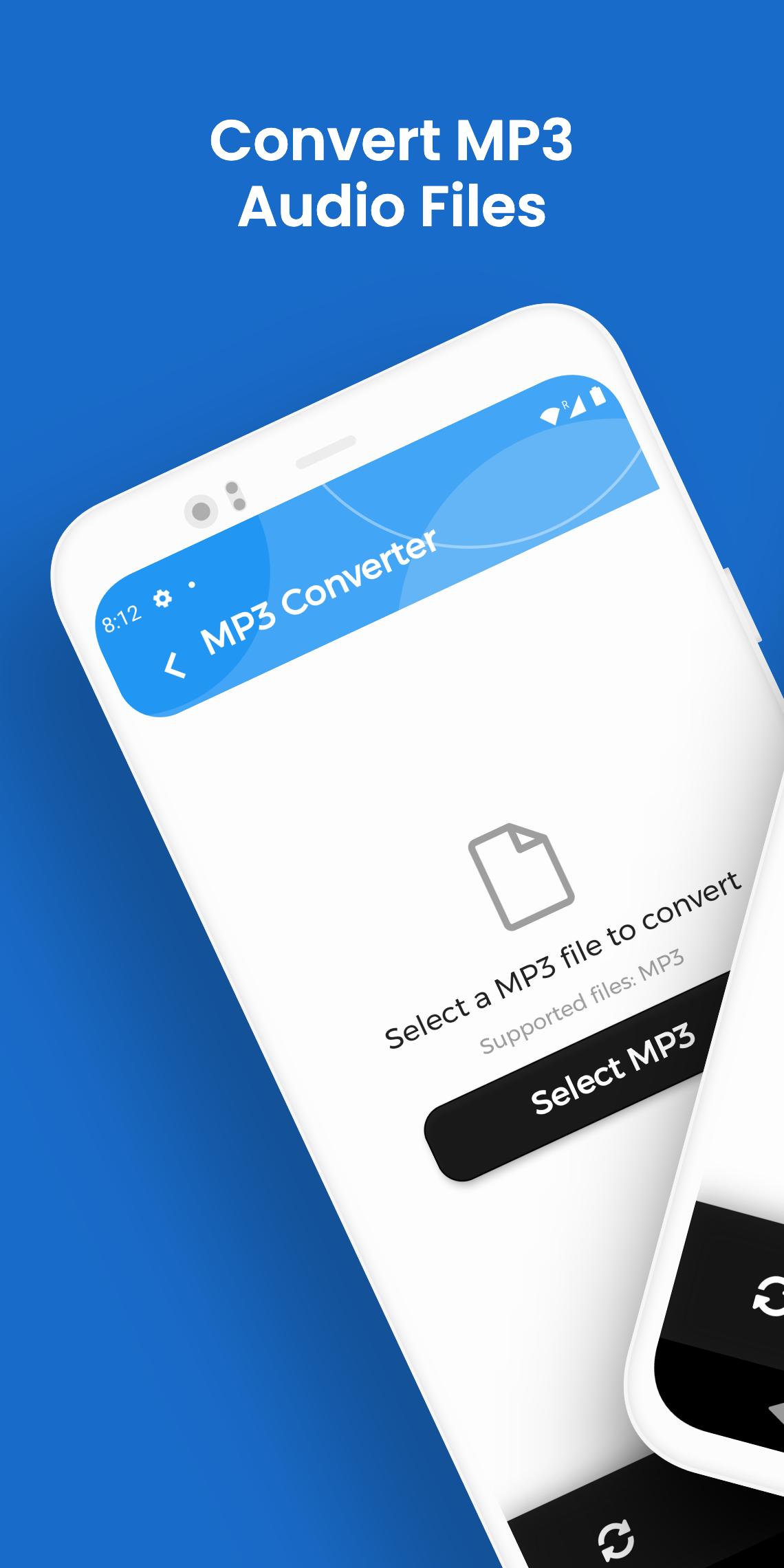
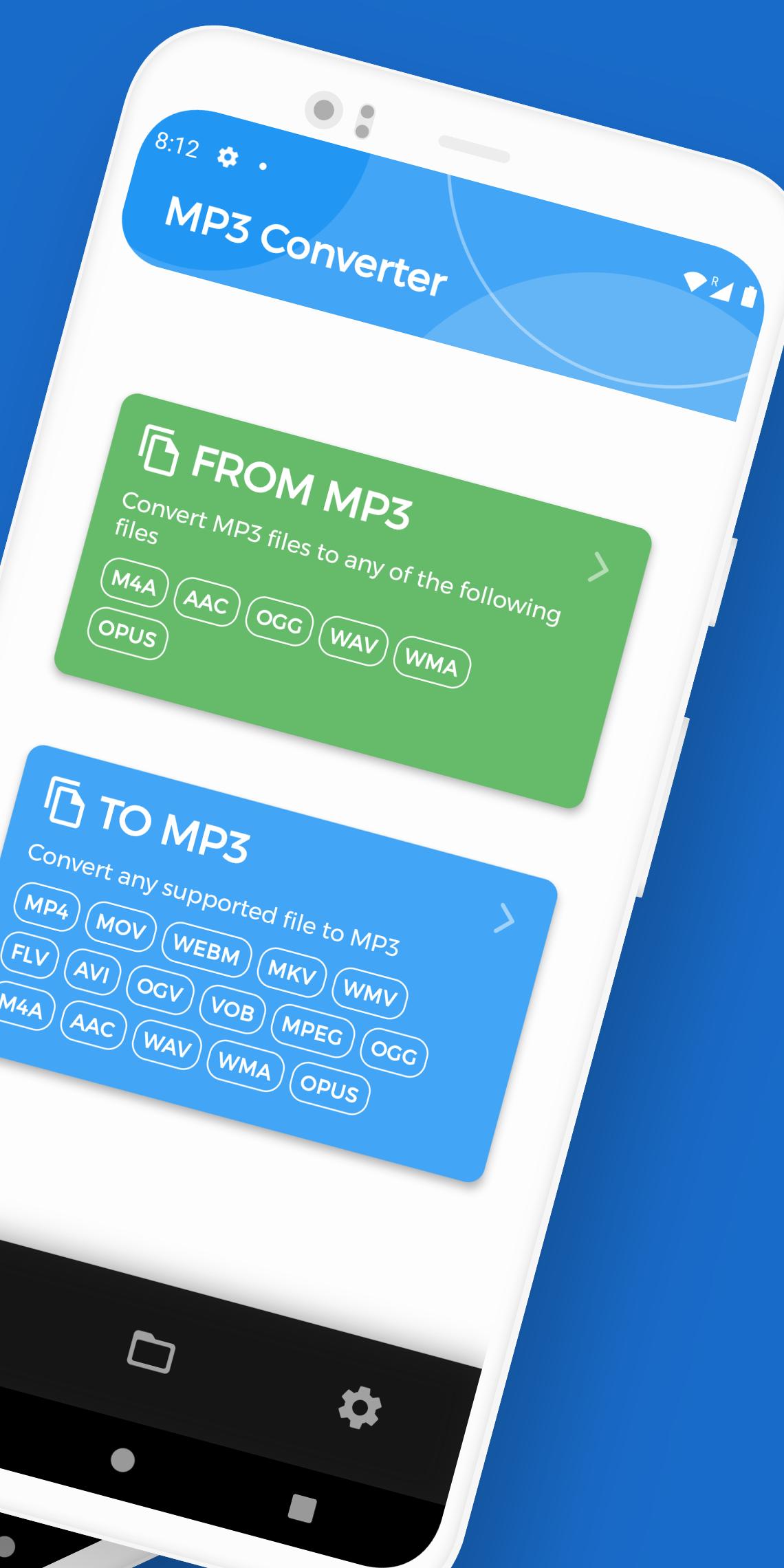
This conversion application allows you to convert any MP3 file to other files such as M4A, AAC, OGG, WAV, WMA and OPUS, it can also convert other files to MP3.
No limit on conversions or exaggerated waiting times and totally free!
🔝 Main features of MP3 Converter
🌟 Excellent conversion quality.
🌟 Very fast conversions, stop waiting for absurd times to convert your files.
🌟 Totally free, without subscriptions or additional payments.
🌟 Audio files are precisely optimized, preserving sound quality at all times.
🌟 Convert from MP3 (MP3 to WAV) and from (MP3 to OPUS)
🌟 No limit on the number of converted files and on the file size.
🌟 Supported extensions: M4A, AAC, OGG, WAV, WMA and OPUS
🌟 Easy and fast!
🔊 In the conversion options, you can configure “Audio Bitrate” and the “Sample Rate” of the audio files you want to convert!
💯 Make MP3 files private, no email required, just select the file you want to convert and convert it. Without wasting time in the registration process. When the conversion is complete, the file will be available for use.
🔄 You can convert an unlimited number of files. The MP3 converter is completely free and there is no limit on the number of files converted. The conversion speed depends on the size of the file.
📂 All the converted files are saved in the root folder of your phone, in the folder "MP3 Converter"
🌐 Application translated into the following languages: Spanish, English, French, German, Italian, Portuguese, Russian.
Avance
Etiquetas
HerramientasInformación
Desarrollador
Dr Converter File
La última versión
1.13.14
Última actualización
2022-11-23
Categoría
Herramientas
Disponible en
Google Play
Mostrar más
Cómo jugar MP3 Converter, Convert MP3 to con GameLoop en PC
1. Descargue GameLoop desde el sitio web oficial, luego ejecute el archivo exe para instalar GameLoop.
2. Abra GameLoop y busque "MP3 Converter, Convert MP3 to ", busque MP3 Converter, Convert MP3 to en los resultados de búsqueda y haga clic en "Instalar".
3. Disfruta jugando MP3 Converter, Convert MP3 to en GameLoop.
Minimum requirements
OS
Windows 8.1 64-bit or Windows 10 64-bit
GPU
GTX 1050
CPU
i3-8300
Memory
8GB RAM
Storage
1GB available space
Recommended requirements
OS
Windows 8.1 64-bit or Windows 10 64-bit
GPU
GTX 1050
CPU
i3-9320
Memory
16GB RAM
Storage
1GB available space