
DocuScan para PC
Circle Creative
Descarga DocuScan en PC con GameLoop Emulator
DocuScan en PC
DocuScan, proveniente del desarrollador Circle Creative, se ejecuta en el sistema Android en el pasado.
Ahora, puedes jugar DocuScan en PC con GameLoop sin problemas.
Descárgalo en la biblioteca de GameLoop o en los resultados de búsqueda. No más mirar la batería o llamadas frustrantes en el momento equivocado nunca más.
Simplemente disfrute de DocuScan PC en la pantalla grande de forma gratuita!
DocuScan Introducción
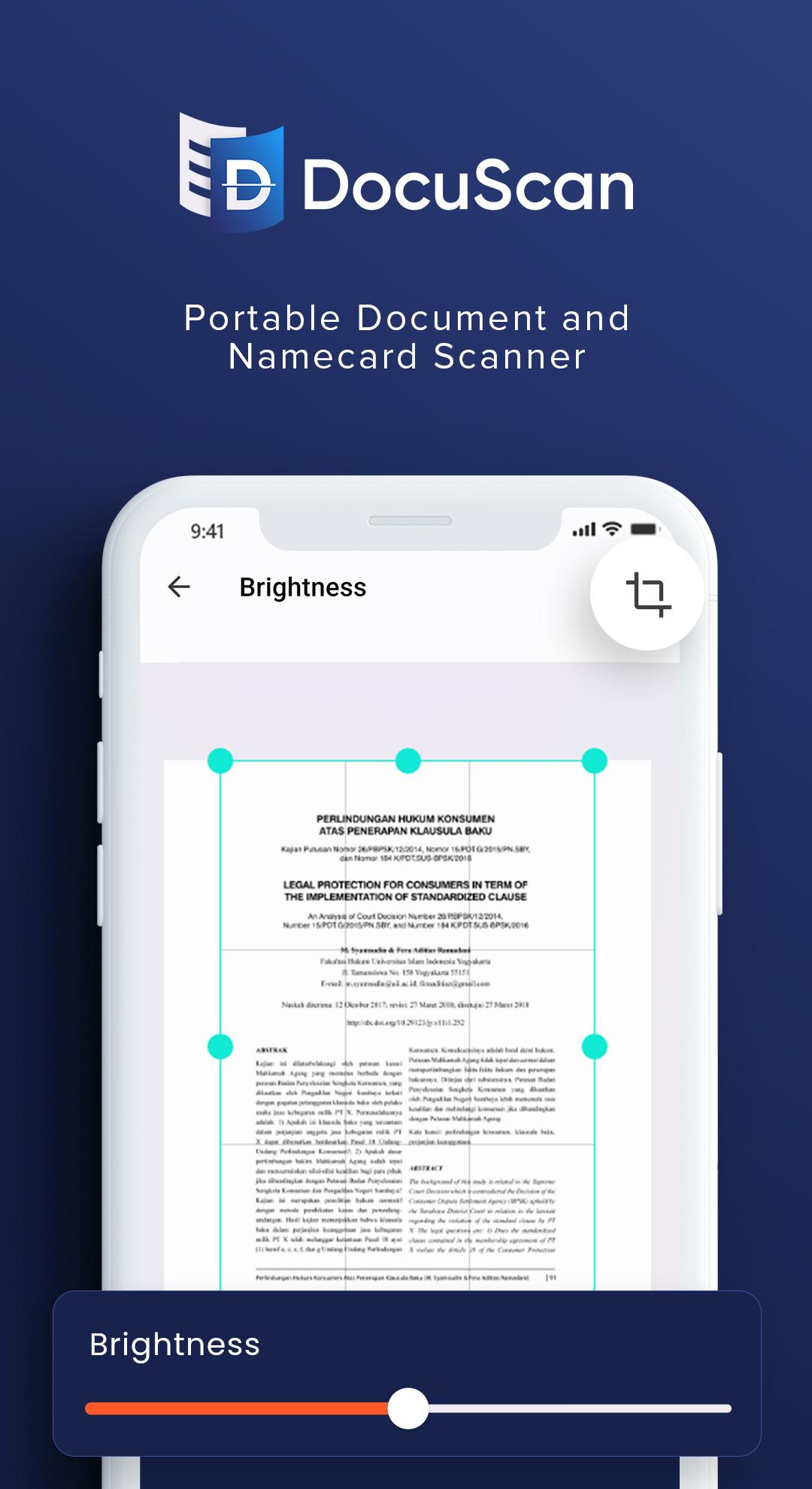
DocuScan will turn your device into a handy portable scanner, equipped with a simple but powerful scanned image editor. You can also create multi-page documents in PDF format directly from DocuScan and you can even give a digital signature directly because it is integrated directly with DocuSign.
DocuScan is also equipped with an Optical Character Recognition (OCR) feature to help identify the text contained in the scanned image / photo and convert it to TXT.
DocuScan is also equipped with a QR Code Scanner feature that can recognize various types of QR Codes such as text, url, vcard and many more. Amazingly, not only does DocuScan not only function as a QR Code Scanner but can also be a QR Code Generator for several QR types, which we will continue to add to other types of QR Codes that can be generated.
DocuScan is very useful for many purposes
- Scanning Documents
- PDF Converter
- PDF Digital Signature
- PDF to Images
- Photo to Text / Photo OCR
- Image to Text / Image OCR
- Document to Text / Document OCR
- Scanning Namecard to Text / Namecard OCR
- Scanning Namecard to VCard
- Scanning Namecard to Contact
- QRCode Reader
- QRCode Maker
Avance
Etiquetas
HerramientasInformación
Desarrollador
Circle Creative
La última versión
1.1.0
Última actualización
2022-11-16
Categoría
Herramientas
Disponible en
Google Play
Mostrar más
Cómo jugar DocuScan con GameLoop en PC
1. Descargue GameLoop desde el sitio web oficial, luego ejecute el archivo exe para instalar GameLoop.
2. Abra GameLoop y busque "DocuScan", busque DocuScan en los resultados de búsqueda y haga clic en "Instalar".
3. Disfruta jugando DocuScan en GameLoop.
Minimum requirements
OS
Windows 8.1 64-bit or Windows 10 64-bit
GPU
GTX 1050
CPU
i3-8300
Memory
8GB RAM
Storage
1GB available space
Recommended requirements
OS
Windows 8.1 64-bit or Windows 10 64-bit
GPU
GTX 1050
CPU
i3-9320
Memory
16GB RAM
Storage
1GB available space