Sticker Maker - DIY Sticker para PC
Magic Mobile Studio
Descarga Sticker Maker - DIY Sticker en PC con GameLoop Emulator
Sticker Maker - DIY Sticker en PC
Sticker Maker - DIY Sticker, proveniente del desarrollador Magic Mobile Studio, se ejecuta en el sistema Android en el pasado.
Ahora, puedes jugar Sticker Maker - DIY Sticker en PC con GameLoop sin problemas.
Descárgalo en la biblioteca de GameLoop o en los resultados de búsqueda. No más mirar la batería o llamadas frustrantes en el momento equivocado nunca más.
Simplemente disfrute de Sticker Maker - DIY Sticker PC en la pantalla grande de forma gratuita!
Sticker Maker - DIY Sticker Introducción
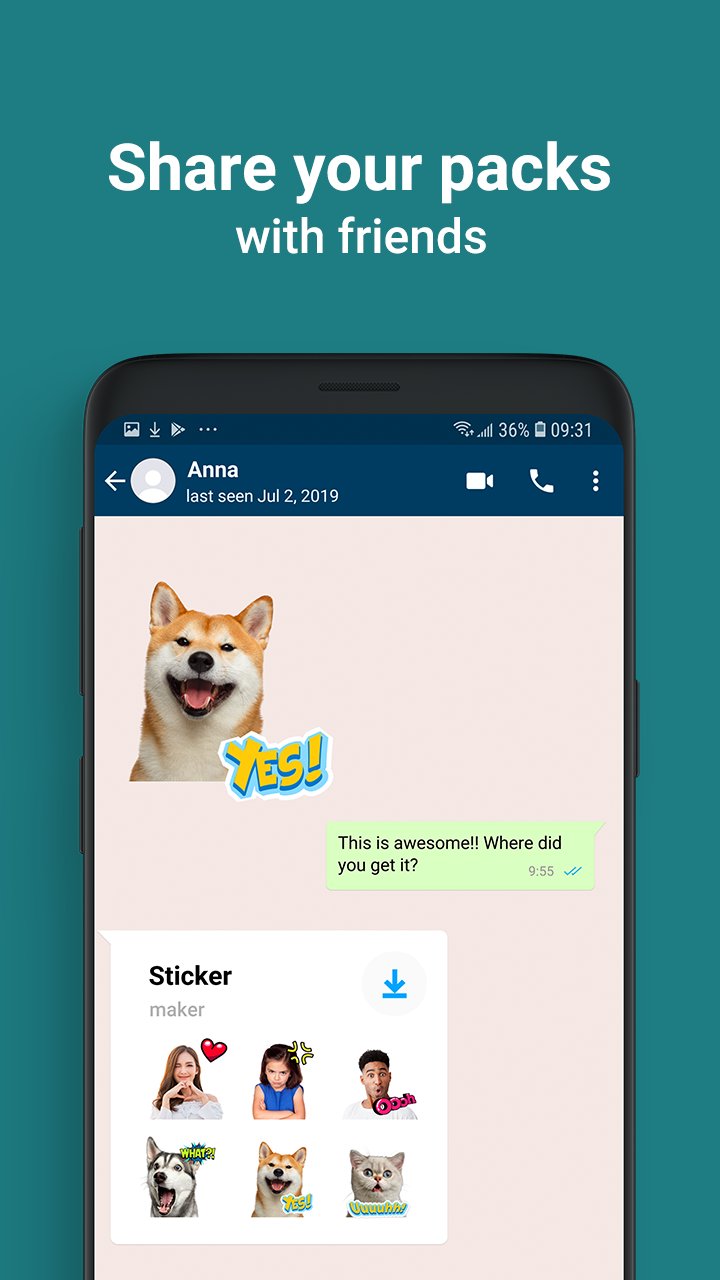
❤️Enhance Your Chats With Vibrant Text Stickers! Create A Myriad Of Colorful Stickers With Our Versatile Sticker Maker App!
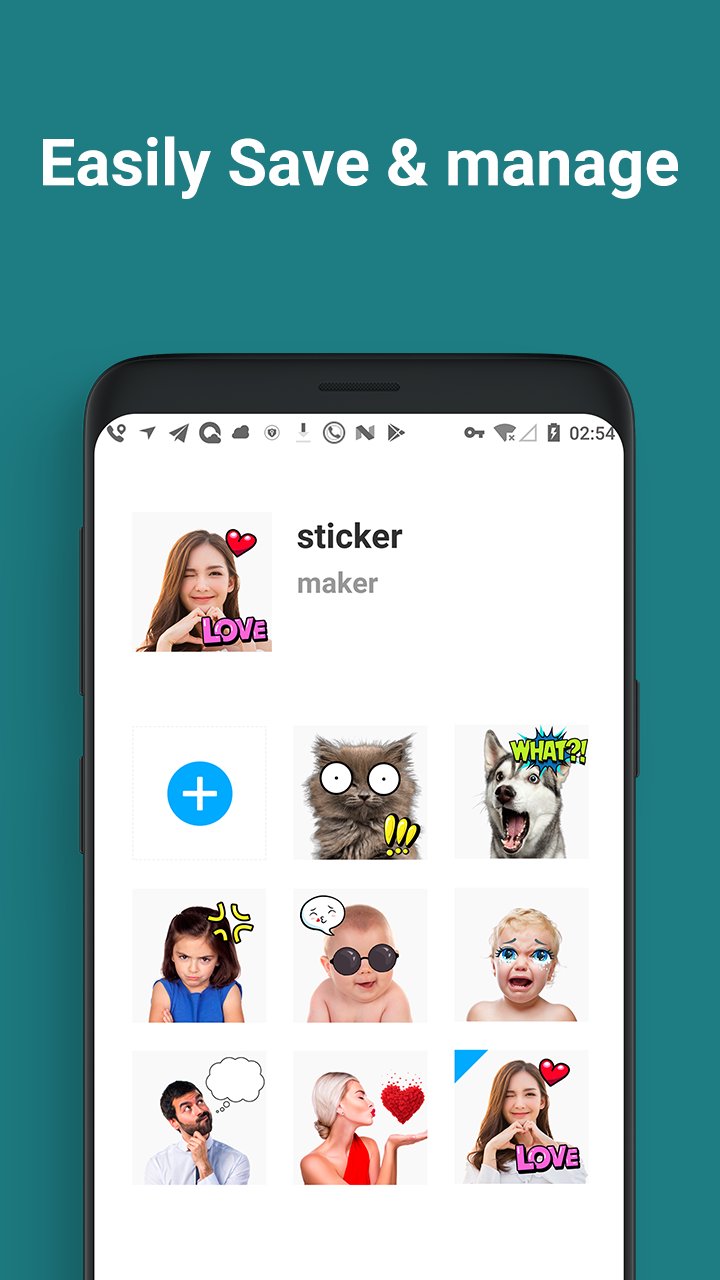
❤️Discover One Of The Top Sticker Maker Apps Available Now. Whether Capturing New Photos Or Selecting Images From Your Gallery, You Can Effortlessly Edit Your Chosen Picture And Craft A Personalized Sticker Pack!
❤️When Words Fall Short, Express Your Joy With Our Emoji Maker! When Emotions Defy Language, Download Our Sticker Editor!
How To Use The Sticker Maker:
• Create A Sticker Pack
• Add Pack And Author Name
• Select Photos From Your Gallery Or Capture New Ones
• Crop The Desired Image And Adjust Its Size Manually
• Include Provided Stickers Or Text
• Save, Share Your Pack, Or Add More!
Get Your Hands On The Sticker Maker 2024 Today! Sticker Maker - Diy Sticker Empowers You To Create Stickers For Free!
Avance
Etiquetas
HerramientasInformación
Desarrollador
Magic Mobile Studio
La última versión
2.6.0
Última actualización
2024-11-19
Categoría
Herramientas
Disponible en
Google Play
Mostrar más
Cómo jugar Sticker Maker - DIY Sticker con GameLoop en PC
1. Descargue GameLoop desde el sitio web oficial, luego ejecute el archivo exe para instalar GameLoop.
2. Abra GameLoop y busque "Sticker Maker - DIY Sticker", busque Sticker Maker - DIY Sticker en los resultados de búsqueda y haga clic en "Instalar".
3. Disfruta jugando Sticker Maker - DIY Sticker en GameLoop.
Minimum requirements
OS
Windows 8.1 64-bit or Windows 10 64-bit
GPU
GTX 1050
CPU
i3-8300
Memory
8GB RAM
Storage
1GB available space
Recommended requirements
OS
Windows 8.1 64-bit or Windows 10 64-bit
GPU
GTX 1050
CPU
i3-9320
Memory
16GB RAM
Storage
1GB available space