
Device & System info - CPU-G para PC
APK Builder
Descarga Device & System info - CPU-G en PC con GameLoop Emulator
Device & System info - CPU-G en PC
Device & System info - CPU-G, proveniente del desarrollador APK Builder, se ejecuta en el sistema Android en el pasado.
Ahora, puedes jugar Device & System info - CPU-G en PC con GameLoop sin problemas.
Descárgalo en la biblioteca de GameLoop o en los resultados de búsqueda. No más mirar la batería o llamadas frustrantes en el momento equivocado nunca más.
Simplemente disfrute de Device & System info - CPU-G PC en la pantalla grande de forma gratuita!
Device & System info - CPU-G Introducción
CPU-G app is an android version of the CPU identifier tool for PC that gives us your complete device info. It displays full system information about device specifications like processor, cores, temperature, speed, model, RAM, camera, sensors, etc.
Features:
* Get information about the name, clock speed, etc for each core
* Enable dark themes to protect your eye
* Get full android device spec info such as device brand, model, board, hardware, RAM, screen resolution, device storage, etc
* Find detailed system info such as API level, system uptime, security patch level, etc
* Check real time CPU temperature.
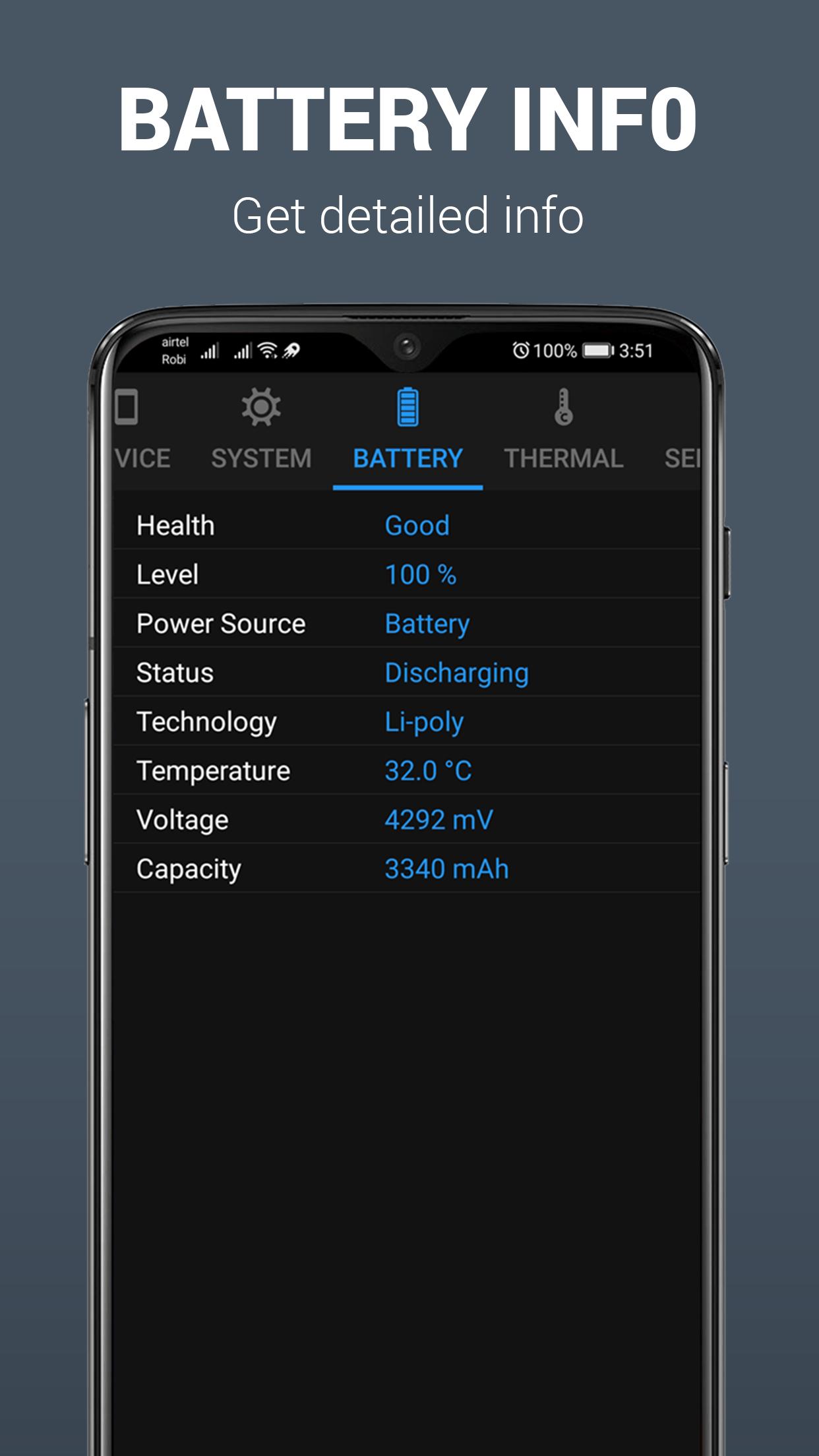
* See most detailed information about level, status, capacity, etc of your device battery
* Get complete sensors info of your device
* See details about CPU usage monitor process
This CPU information app can also be used as a mobile specification app. Because by using this app you can get information about your phone specs.
Install this CPU info app to see CPU identification information. This CPU hardware info application is used for your smartphones to know complete CPU & android devices in one place.
Avance

Etiquetas
HerramientasInformación
Desarrollador
APK Builder
La última versión
1.0.1
Última actualización
2023-08-27
Categoría
Herramientas
Disponible en
Google Play
Mostrar más
Cómo jugar Device & System info - CPU-G con GameLoop en PC
1. Descargue GameLoop desde el sitio web oficial, luego ejecute el archivo exe para instalar GameLoop.
2. Abra GameLoop y busque "Device & System info - CPU-G", busque Device & System info - CPU-G en los resultados de búsqueda y haga clic en "Instalar".
3. Disfruta jugando Device & System info - CPU-G en GameLoop.
Minimum requirements
OS
Windows 8.1 64-bit or Windows 10 64-bit
GPU
GTX 1050
CPU
i3-8300
Memory
8GB RAM
Storage
1GB available space
Recommended requirements
OS
Windows 8.1 64-bit or Windows 10 64-bit
GPU
GTX 1050
CPU
i3-9320
Memory
16GB RAM
Storage
1GB available space