
Heart Pattern Lock Screen para PC
lockappdroid
Descarga Heart Pattern Lock Screen en PC con GameLoop Emulator
Heart Pattern Lock Screen en PC
Heart Pattern Lock Screen, proveniente del desarrollador lockappdroid, se ejecuta en el sistema Android en el pasado.
Ahora, puedes jugar Heart Pattern Lock Screen en PC con GameLoop sin problemas.
Descárgalo en la biblioteca de GameLoop o en los resultados de búsqueda. No más mirar la batería o llamadas frustrantes en el momento equivocado nunca más.
Simplemente disfrute de Heart Pattern Lock Screen PC en la pantalla grande de forma gratuita!
Heart Pattern Lock Screen Introducción
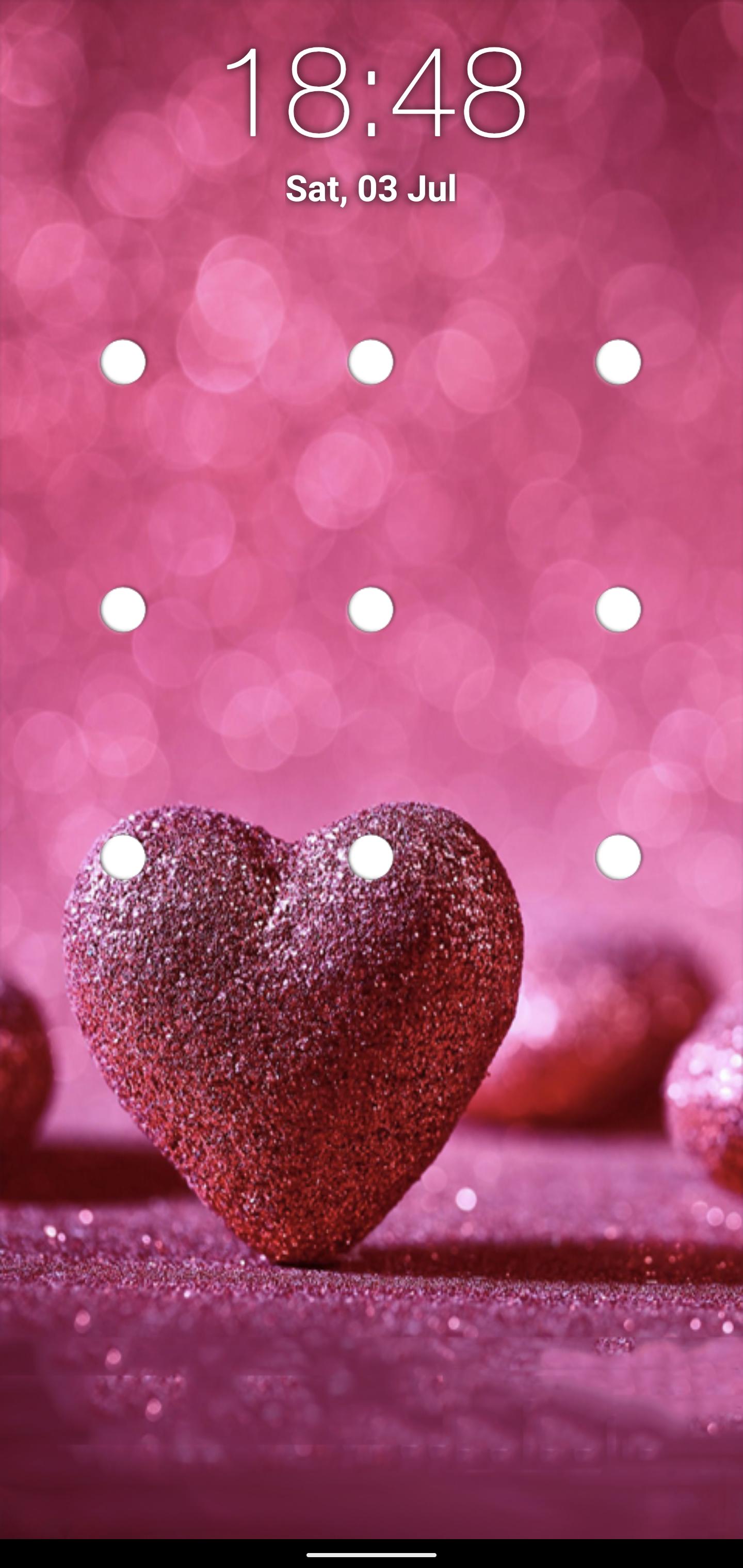
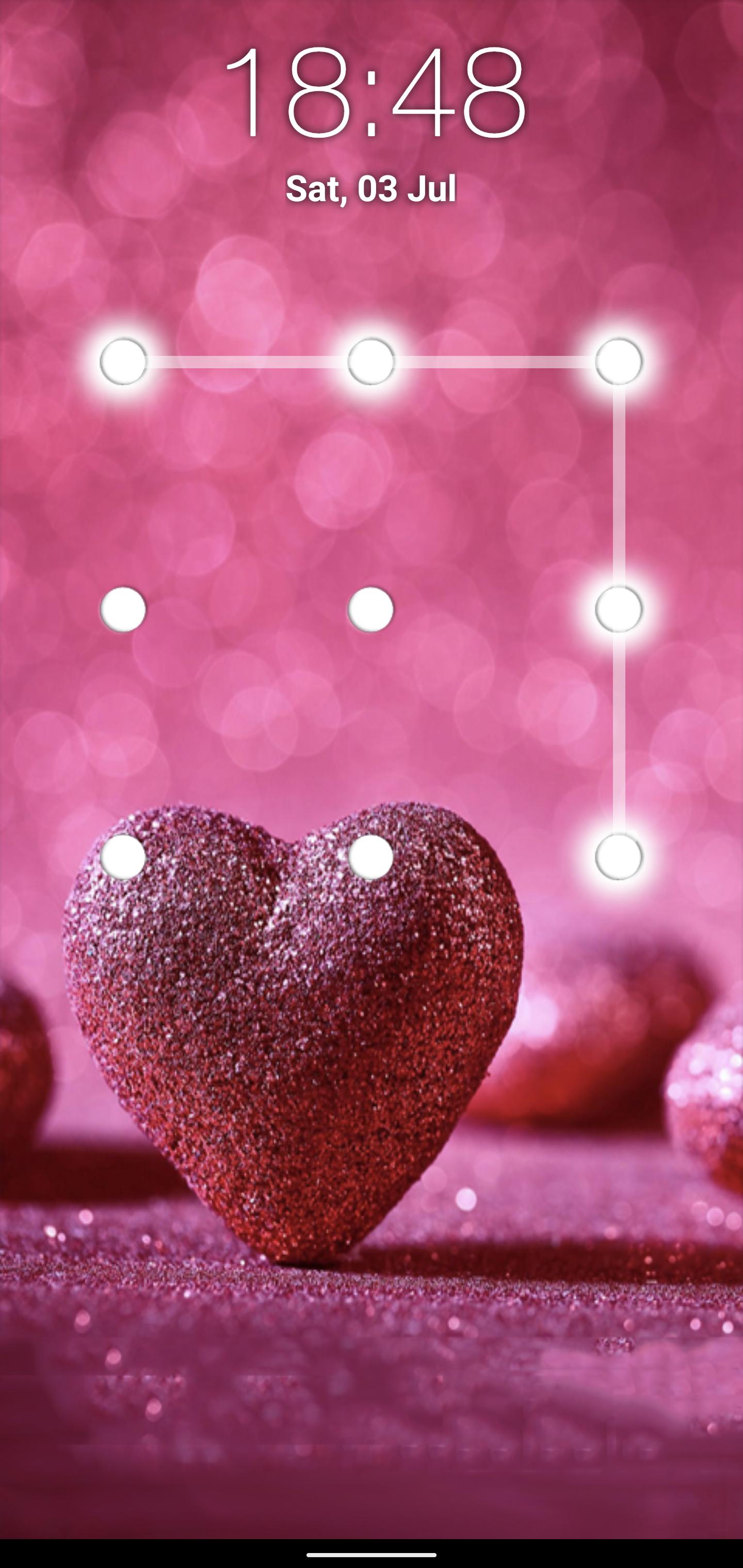
This heart pattern locker is a free application. You just have to draw a previously set pattern to unlock. It is an easy and secure way to protect your phone data.
App Flow:
When you open "heart Pattern lock screen" app.
In Settings, you will see enable or disable lock screen checkbox. When you check enable for the first time your are moved to next screen where you can set the pattern as per your desire. Your Pattern must cover at least 4 dots. When you swipe over the dots, they glow to show you that you swiped over these specific dots. Then after tapping on Continue, the application will ask you to draw the previously set pattern again for confirmation. In case you draw a different pattern this time, dots will turn black and you will have to draw the same pattern again. Then confirm to set the pattern successfully.
You are advised to disable the default phone lock. For this, select "Disable Default Lock" option from the Settings of the application "heart Pattern lock screen." It will move you to security lock screen settings of your device. From there you can disable the default lock. Otherwise, you will have to unlock multiple locks.
You can also change the background of the heart lock screen. You are provided with several heart wallpapers in the application other than the default background.
FEATURES:
~ Enable/Disable the application from the settings.
~ Change wallpapers from settings
~ Date and Time displayed on Lock Screen
~ FREE for everyone
How to set Lock
~ Enable your heart pattern screen lock from setting screen
~ Set the pattern and remember it
How to unlock
~ Draw your pattern correctly to Unlock
~ If you draw wrong pattern, those dots turn red.
Your suggestions and feedback will be highly appreciated!
Thanks and Enjoy Heart pattern lock screen
Avance
Etiquetas
HerramientasInformación
Desarrollador
lockappdroid
La última versión
1.7
Última actualización
2022-08-23
Categoría
Herramientas
Disponible en
Google Play
Mostrar más
Cómo jugar Heart Pattern Lock Screen con GameLoop en PC
1. Descargue GameLoop desde el sitio web oficial, luego ejecute el archivo exe para instalar GameLoop.
2. Abra GameLoop y busque "Heart Pattern Lock Screen", busque Heart Pattern Lock Screen en los resultados de búsqueda y haga clic en "Instalar".
3. Disfruta jugando Heart Pattern Lock Screen en GameLoop.
Minimum requirements
OS
Windows 8.1 64-bit or Windows 10 64-bit
GPU
GTX 1050
CPU
i3-8300
Memory
8GB RAM
Storage
1GB available space
Recommended requirements
OS
Windows 8.1 64-bit or Windows 10 64-bit
GPU
GTX 1050
CPU
i3-9320
Memory
16GB RAM
Storage
1GB available space