
Timestamp & Memo para PC
中村木工所2代目
Descarga Timestamp & Memo en PC con GameLoop Emulator
Timestamp & Memo en PC
Timestamp & Memo, proveniente del desarrollador 中村木工所2代目, se ejecuta en el sistema Android en el pasado.
Ahora, puedes jugar Timestamp & Memo en PC con GameLoop sin problemas.
Descárgalo en la biblioteca de GameLoop o en los resultados de búsqueda. No más mirar la batería o llamadas frustrantes en el momento equivocado nunca más.
Simplemente disfrute de Timestamp & Memo PC en la pantalla grande de forma gratuita!
Timestamp & Memo Introducción
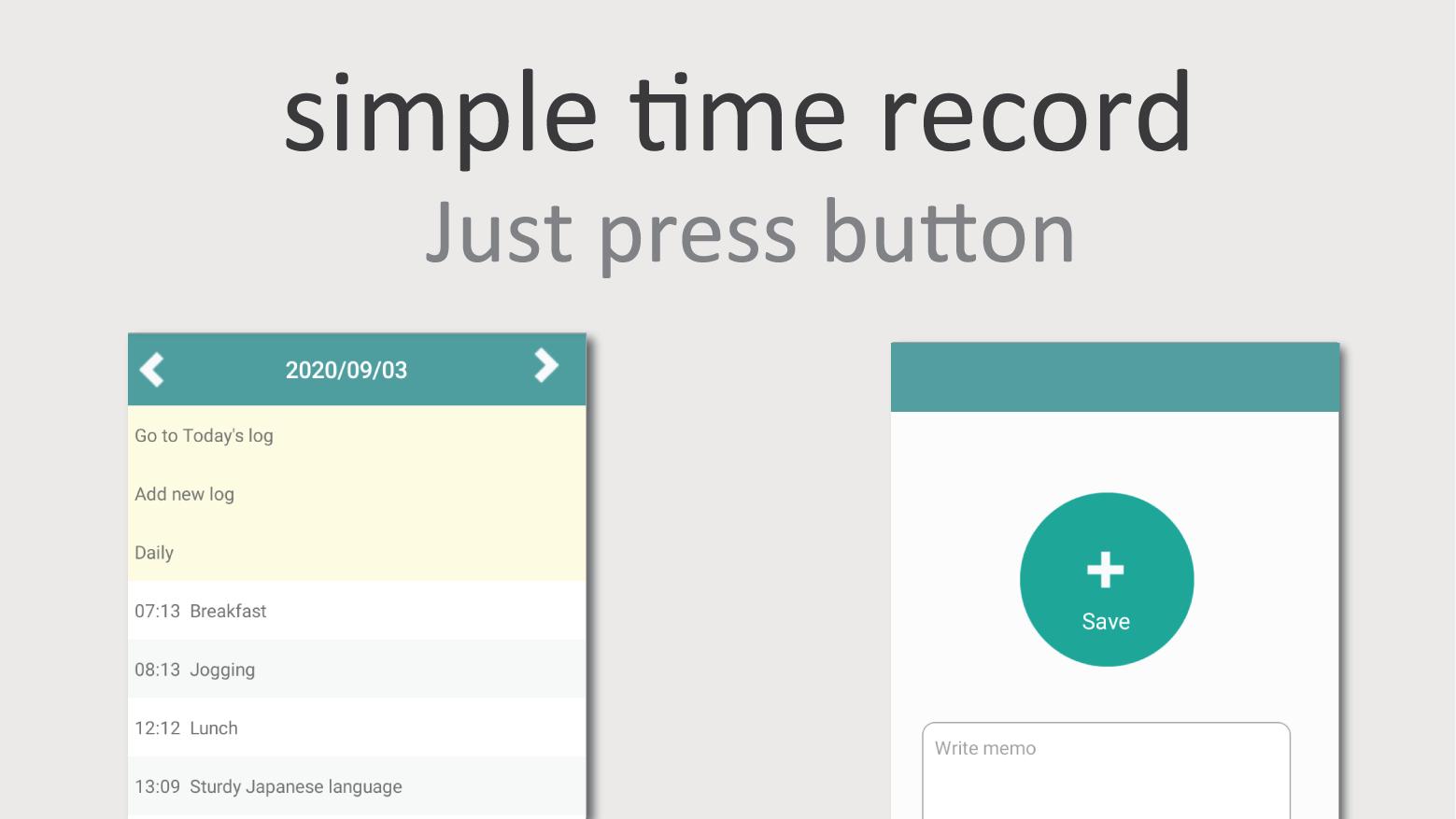
Easy to use with a simple push of a button!
Save notes together so you can record them together.
Example:
Jogging log
Study log
Meal log
etc.
Perfect for all your record keeping tasks!
I am glad to hear from many people from the US, Canada, Germany, and the UK, Japan let me know to using your the app!
・ Convenient usage tips
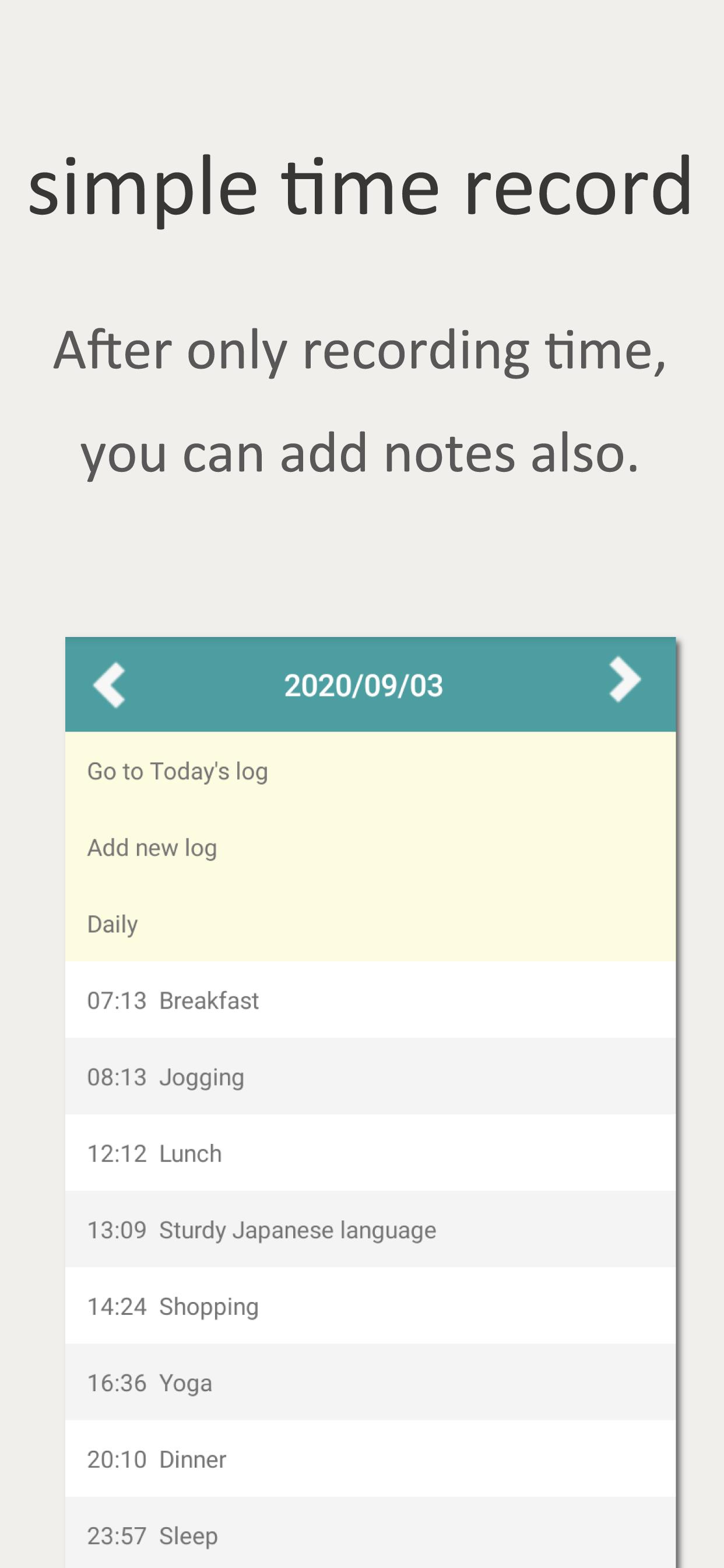
Create quick timestamps. Fill in your notes later.
Recommended for people on the go.
・ Can output your data to CSV format
- Warning
Once this app is uninstalled, you cannot see previous records.
When you re-install the app, the app will be forcibly terminated when you start it, so please delete the app data from "Settings" before starting.
Avance
Etiquetas
HerramientasInformación
Desarrollador
中村木工所2代目
La última versión
1.2.9
Última actualización
2025-05-30
Categoría
Herramientas
Disponible en
Google Play
Mostrar más
Cómo jugar Timestamp & Memo con GameLoop en PC
1. Descargue GameLoop desde el sitio web oficial, luego ejecute el archivo exe para instalar GameLoop.
2. Abra GameLoop y busque "Timestamp & Memo", busque Timestamp & Memo en los resultados de búsqueda y haga clic en "Instalar".
3. Disfruta jugando Timestamp & Memo en GameLoop.
Minimum requirements
OS
Windows 8.1 64-bit or Windows 10 64-bit
GPU
GTX 1050
CPU
i3-8300
Memory
8GB RAM
Storage
1GB available space
Recommended requirements
OS
Windows 8.1 64-bit or Windows 10 64-bit
GPU
GTX 1050
CPU
i3-9320
Memory
16GB RAM
Storage
1GB available space