Screen Lock para PC
Jazzy Worlds
Descarga Screen Lock en PC con GameLoop Emulator
Screen Lock en PC
Screen Lock, proveniente del desarrollador Jazzy Worlds, se ejecuta en el sistema Android en el pasado.
Ahora, puedes jugar Screen Lock en PC con GameLoop sin problemas.
Descárgalo en la biblioteca de GameLoop o en los resultados de búsqueda. No más mirar la batería o llamadas frustrantes en el momento equivocado nunca más.
Simplemente disfrute de Screen Lock PC en la pantalla grande de forma gratuita!
Screen Lock Introducción
A new and innovative way to lock your phone is now here for free.
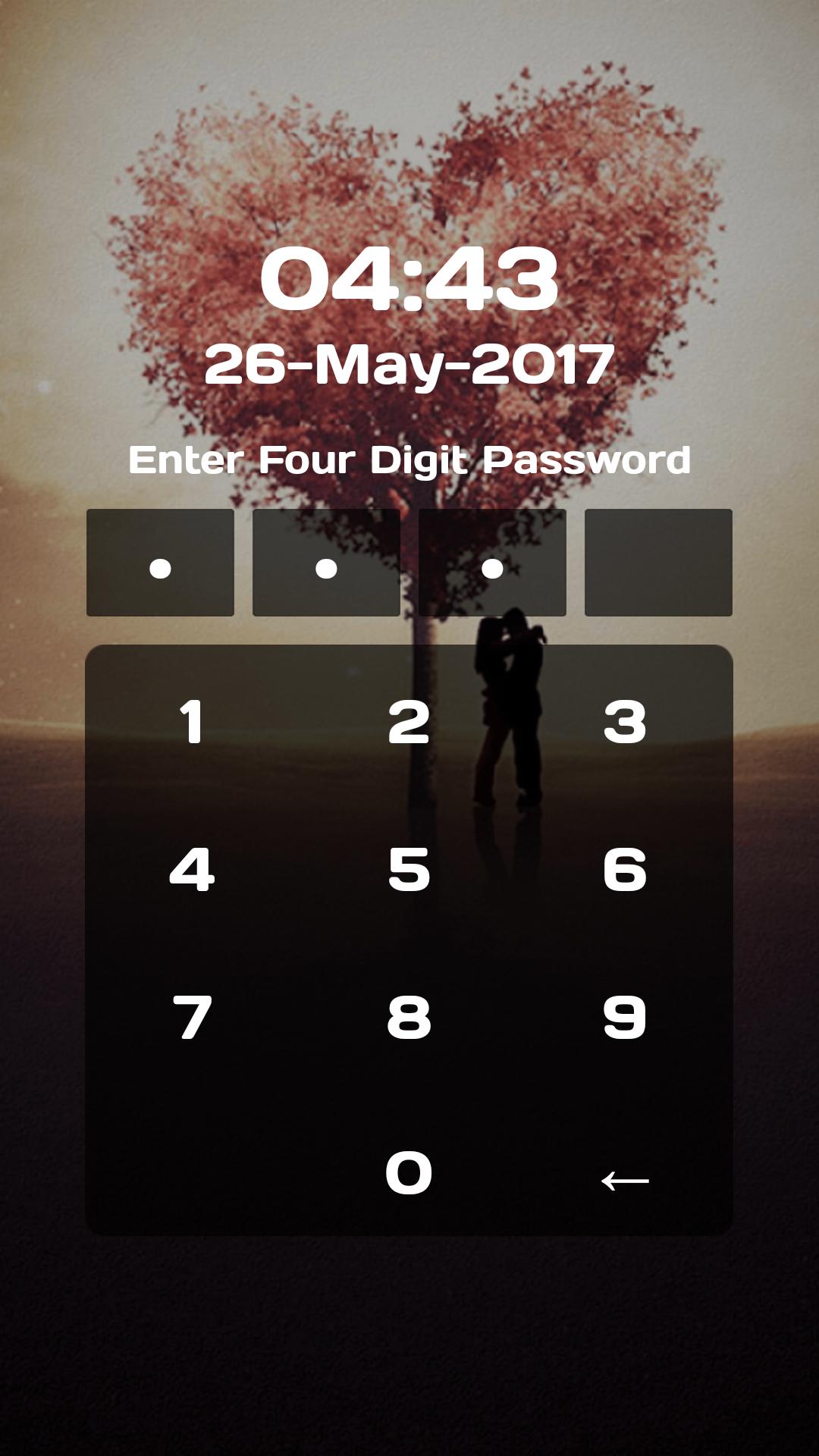
Pin screen lock is made for the people who are much concerned with the high lock security for their phone as it maximizes your lock security. To set Pin screen lock as your screen lock you will have to open the application and then tap on set pin to set a unique 4 digit pin. It must contain exact 4 digits else wise your pin can not be submitted.
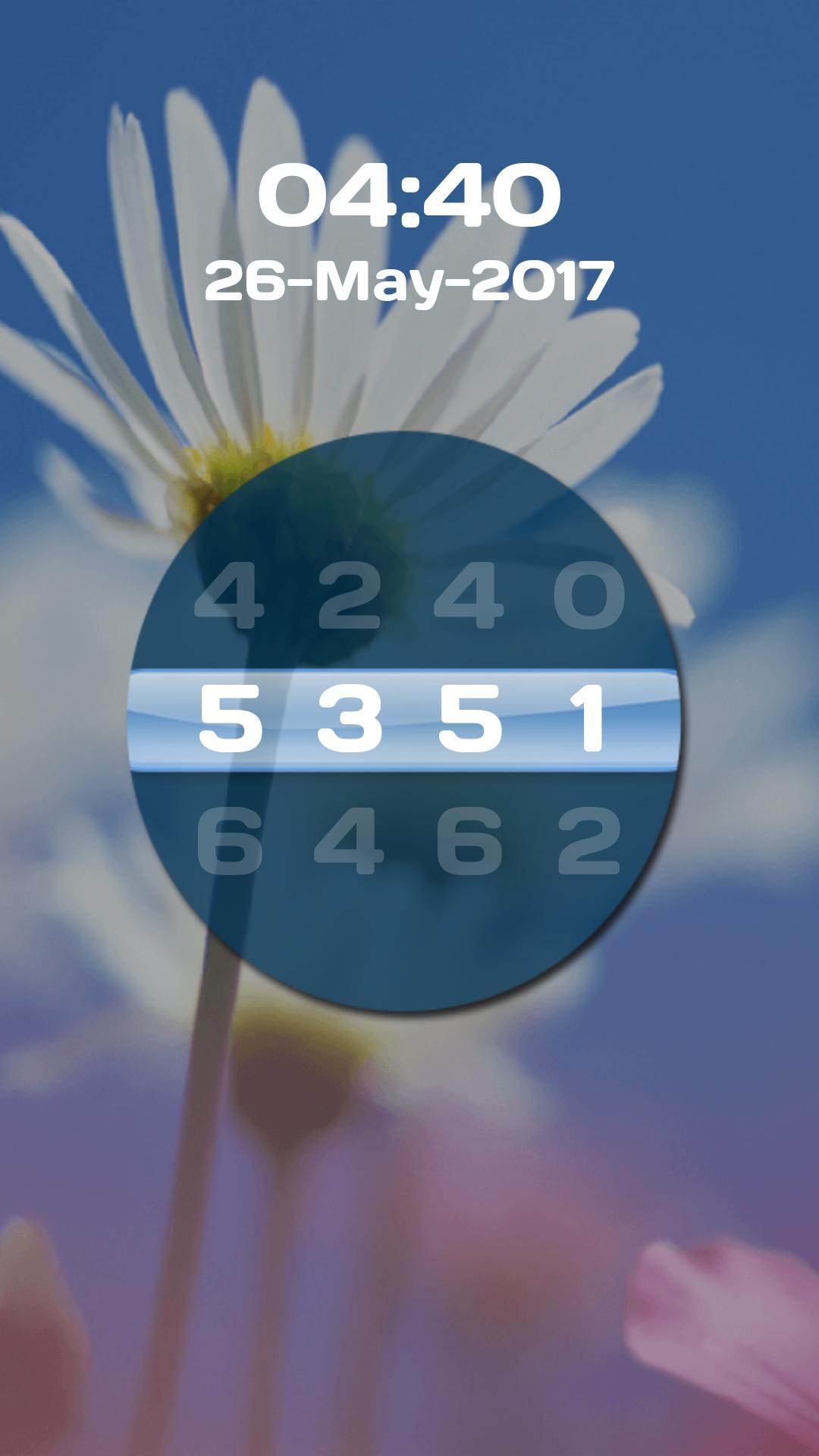
Screen Lock is an exciting app with the concept of wheel lock and pin lock to secure your smart phone. We are presenting you a wheel screen lock, similar to the wheel locks available is travel bags and beautiful pin locks.
Keep your data safe and out of reach of other people. No abuse of personal data is possible with this Pin Lock Screen. The application supports PIN lock to enhance security of your phone. Unlocking screen is not possible unless the right pin is entered. Access will be granted only when you enter right Pin from our beautiful keypad.
This Screen lock app helps you to protect your privacy, prevent others invade your phone illegally
Many different types of backgrounds to choose from, these wallpapers are exquisite design, beautiful. Also you can select your favorite wallpaper, it could be someone you love, your love, your child.
How to use:
It's very simple to set lock using our screen lock app. Just open the app, set the password, choose your favorite theme or background image, set the lock sound on or off and you are done.
You will get a stylish pin and wheel screen lock with beautiful background.
This our Screen Lock can helps to avoid accidental touches on your smart phones and secure your privacy in Android devices.
Key features:
★ Choose your own Lock Type from Pin lock and Wheel lock
★ Beautiful Lock Themes
★ Choose Background from Gallery
★ ON/OFF screen lock
★ ON/OFF Lock sounds
★ ON/OFF vibration
★ Easy to use
★ Password settings for wheel and pin lock
★ 100% safe and secure
We would love to hear your suggestions & feedback. Send feedback on parmarfalguni2255@gmail.com
Avance
Etiquetas
HerramientasInformación
Desarrollador
Jazzy Worlds
La última versión
1.1
Última actualización
2019-10-24
Categoría
Herramientas
Disponible en
Google Play
Mostrar más
Cómo jugar Screen Lock con GameLoop en PC
1. Descargue GameLoop desde el sitio web oficial, luego ejecute el archivo exe para instalar GameLoop.
2. Abra GameLoop y busque "Screen Lock", busque Screen Lock en los resultados de búsqueda y haga clic en "Instalar".
3. Disfruta jugando Screen Lock en GameLoop.
Minimum requirements
OS
Windows 8.1 64-bit or Windows 10 64-bit
GPU
GTX 1050
CPU
i3-8300
Memory
8GB RAM
Storage
1GB available space
Recommended requirements
OS
Windows 8.1 64-bit or Windows 10 64-bit
GPU
GTX 1050
CPU
i3-9320
Memory
16GB RAM
Storage
1GB available space