
JPKI eSign signature on PDF para PC
二進合同会社
Descarga JPKI eSign signature on PDF en PC con GameLoop Emulator
JPKI eSign signature on PDF en PC
JPKI eSign signature on PDF, proveniente del desarrollador 二進合同会社, se ejecuta en el sistema Android en el pasado.
Ahora, puedes jugar JPKI eSign signature on PDF en PC con GameLoop sin problemas.
Descárgalo en la biblioteca de GameLoop o en los resultados de búsqueda. No más mirar la batería o llamadas frustrantes en el momento equivocado nunca más.
Simplemente disfrute de JPKI eSign signature on PDF PC en la pantalla grande de forma gratuita!
JPKI eSign signature on PDF Introducción
Features
[My Number Card (Japan ID Card)]
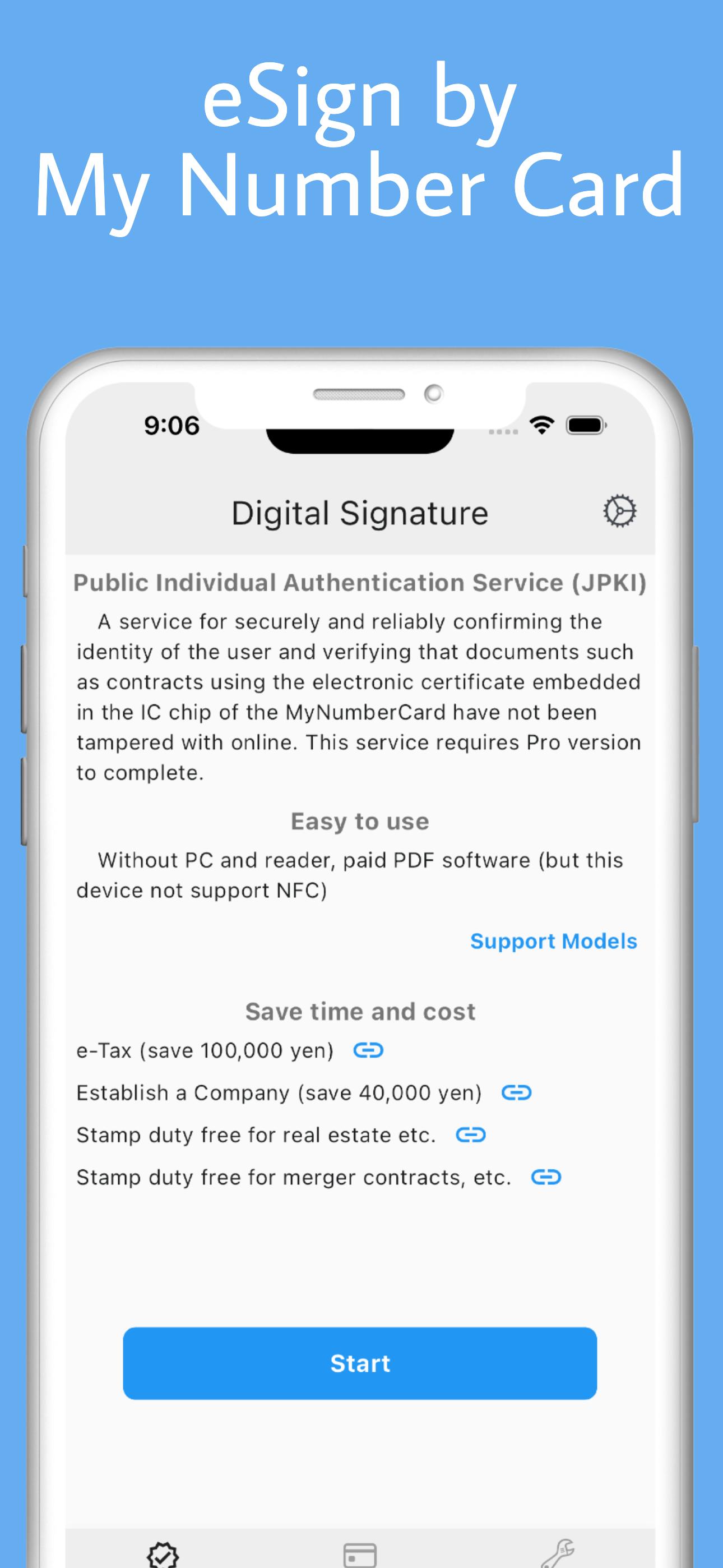
・JPKI (Japanese Public Key Infrastructure) AP
JPKI eSIgn to PDF
Obtain electronic certificate and verify expiration date
・Card Info confirmation AP
Read card info and face photo
・PIN management
Retrieve user authentication PIN
Read Password retry count
Reset PIN
[Driver's license]
・Read driver's license information and face photo
[Residence card and Special permanent residence card】
・Read residence information and facial photo
[PDF tools]
・Display PDF
・Create one PDF from multiple photos and PDFs
・Scan to PDF with camera
・Verify PDF signed by JPKI
Examples of using JPKI signatures
・e-Tax electronic documents for national tax returns
・Registration and deposit network of the Legal Affairs Bureau
・Real estate registration procedures
・Commercial and corporate registration procedures
・Moveable property transfer registration procedures
・Debt transfer registration procedures
Electronic signature data
Signature format adbe.pkcs7.detached
・Signature algorithm SHA256withRSA
・Type Sig
・Filter Adobe.PPKLite
・SubFilter adbe.pkcs7.detached
・Name <Name on My Number card>
・M <Date and time of digital signature>
・ByteRange <Byte range of part used to generate hash value>
・Contents <PKCS#7 signature data binary format in hexadecimal>
Notes
◇About reading My Number Card
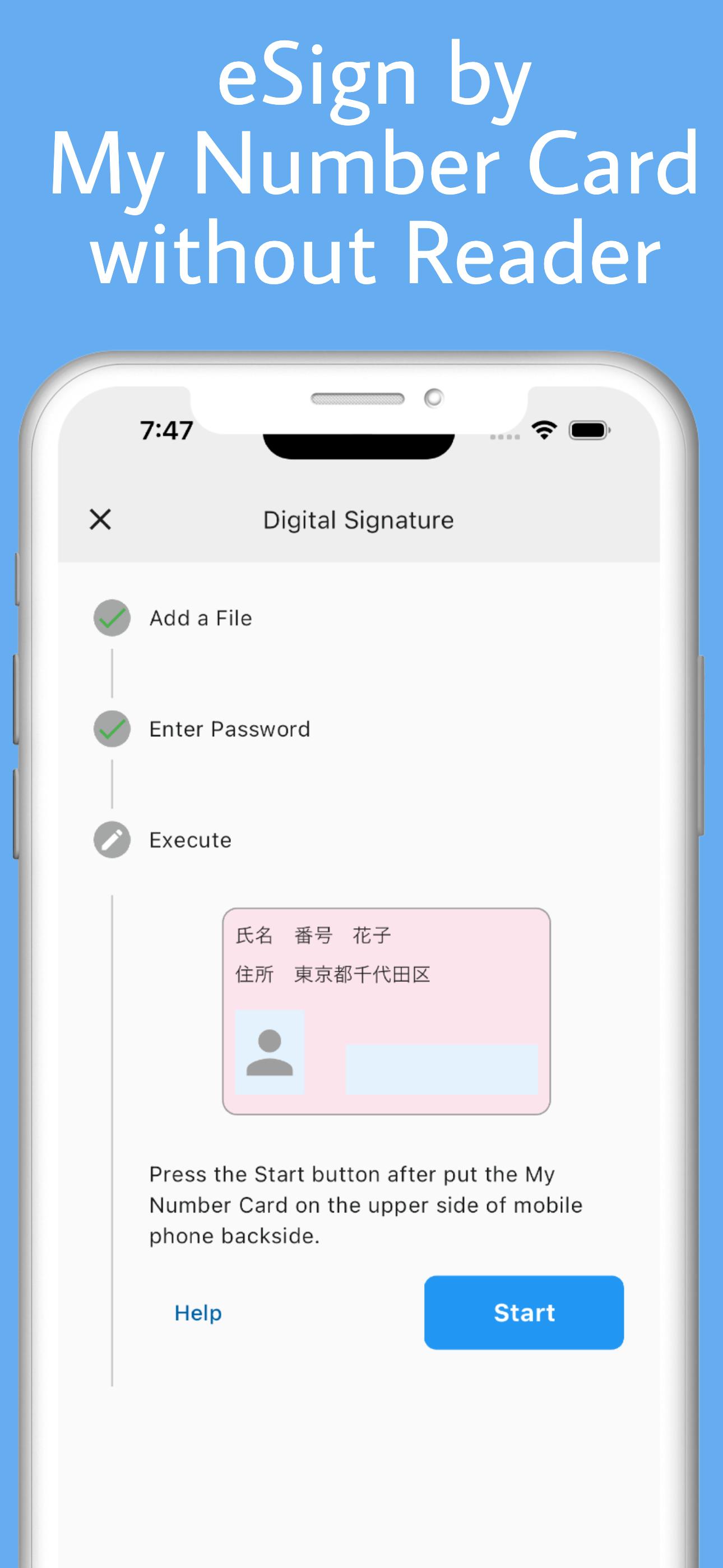
・Please hold the card over the smartphone until reading is complete.
-As reading is not accurate on a metal desk, try moving the My Number Card and smartphone away from the desk.
-If the response is poor, try removing the cover or case.
-If the card is not held over the smartphone in the correct position, reading will not be possible.
For details, please check the support site below.
https://www.jpki.go.jp/faq/trouble/iphone.html
◇About passwords
- The signature password is 6-16 alphanumeric characters, and the user authentication PIN is a 4-digit number.
- If you enter the signature password incorrectly five times in a row, or the user authentication password incorrectly three times in a row, the password will be locked.
- You can unlock the password at your local municipal office.
EULA https://www.99zz.net/%e5%88%a9%e7%94%a8%e8%a6%8f%e7%b4%84/
Avance
Etiquetas
HerramientasInformación
Desarrollador
二進合同会社
La última versión
1.7.9
Última actualización
2024-07-05
Categoría
Herramientas
Disponible en
Google Play
Mostrar más
Cómo jugar JPKI eSign signature on PDF con GameLoop en PC
1. Descargue GameLoop desde el sitio web oficial, luego ejecute el archivo exe para instalar GameLoop.
2. Abra GameLoop y busque "JPKI eSign signature on PDF", busque JPKI eSign signature on PDF en los resultados de búsqueda y haga clic en "Instalar".
3. Disfruta jugando JPKI eSign signature on PDF en GameLoop.
Minimum requirements
OS
Windows 8.1 64-bit or Windows 10 64-bit
GPU
GTX 1050
CPU
i3-8300
Memory
8GB RAM
Storage
1GB available space
Recommended requirements
OS
Windows 8.1 64-bit or Windows 10 64-bit
GPU
GTX 1050
CPU
i3-9320
Memory
16GB RAM
Storage
1GB available space