Ninja VPN - Fast & Secure VPN para PC
AppBroker
Descarga Ninja VPN - Fast & Secure VPN en PC con GameLoop Emulator
Ninja VPN - Fast & Secure VPN en PC
Ninja VPN - Fast & Secure VPN, proveniente del desarrollador AppBroker, se ejecuta en el sistema Android en el pasado.
Ahora, puedes jugar Ninja VPN - Fast & Secure VPN en PC con GameLoop sin problemas.
Descárgalo en la biblioteca de GameLoop o en los resultados de búsqueda. No más mirar la batería o llamadas frustrantes en el momento equivocado nunca más.
Simplemente disfrute de Ninja VPN - Fast & Secure VPN PC en la pantalla grande de forma gratuita!
Ninja VPN - Fast & Secure VPN Introducción
HEROIC VPN — Fast, private, one-tap VPN for Android
★ Built by HEROIC for users who want a simple, fast VPN they can trust.
🛡️ WHY PEOPLE CHOOSE HEROIC VPN
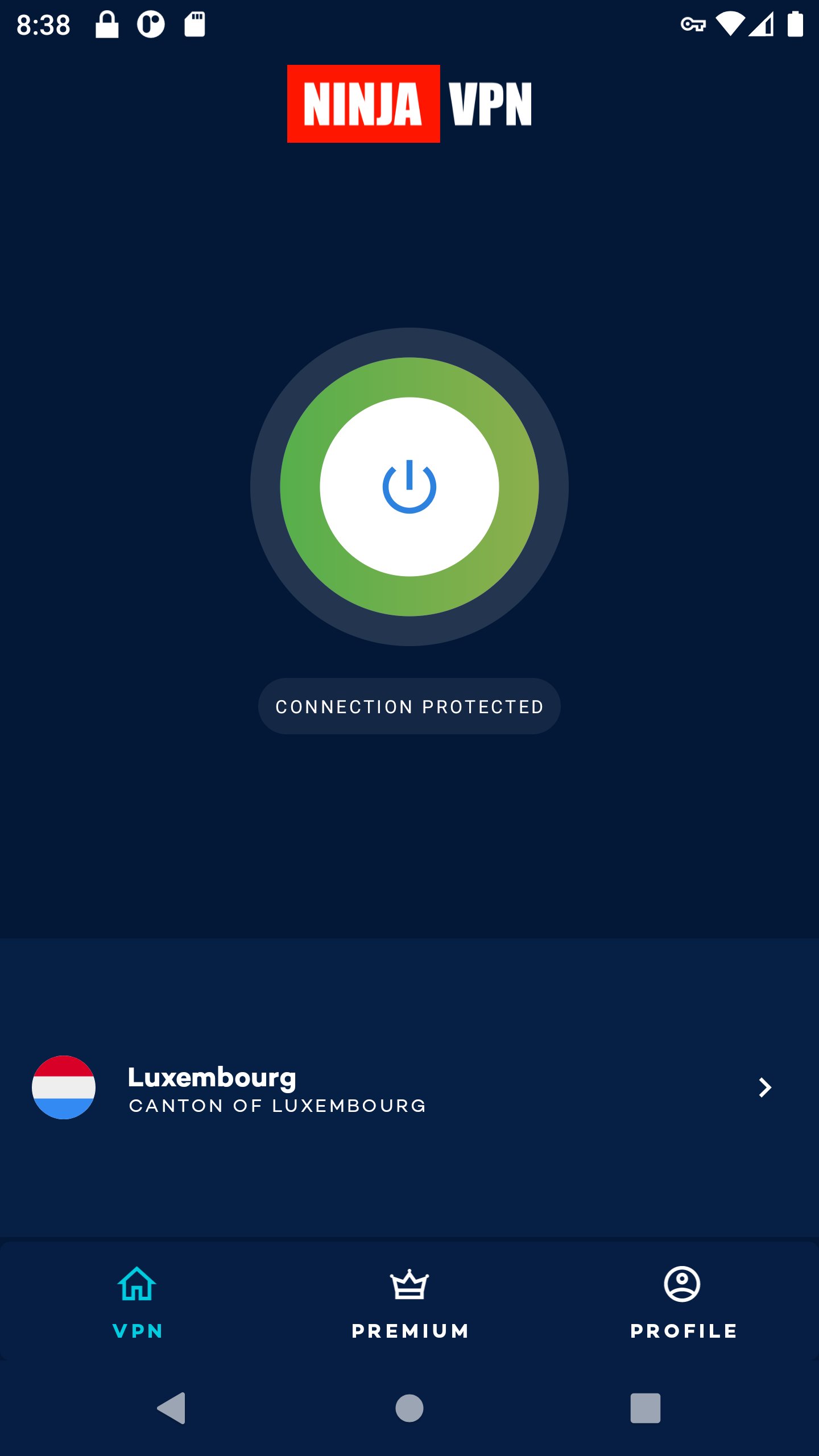
• ONE-TAP CONNECT — Just open the app and tap Connect. No setup, no configuration. We pick the fastest server for you, or you can choose your own.
• FAST GLOBAL SERVERS — Servers across North America, Europe, and Asia. Optimized for streaming, gaming, and everyday browsing.
• NO ADS, NO POPUPS — HEROIC VPN is funded by subscriptions, not ads. Your app stays clean.
• ZERO LOGS — We don’t track what you browse, what you download, or what you stream. Your traffic is your business.
• ENCRYPTED TRAFFIC — Industry-standard IPsec IKEv2 with strong cryptography. Your ISP, your café Wi-Fi, your hotel — nobody sees what you’re doing.
📺 WHAT YOU CAN DO WITH HEROIC VPN
• Stream content from anywhere in the world — connect to a server in the country whose library you want and your streaming service treats you as a local user.
• Browse safely on public Wi-Fi at cafés, airports, hotels, anywhere you don’t trust the network.
• Protect personal data and communications from your ISP and from network operators who track and sell your browsing.
• Game with reduced lag on faraway servers — sometimes routing through a closer HEROIC VPN node gives lower latency than direct.
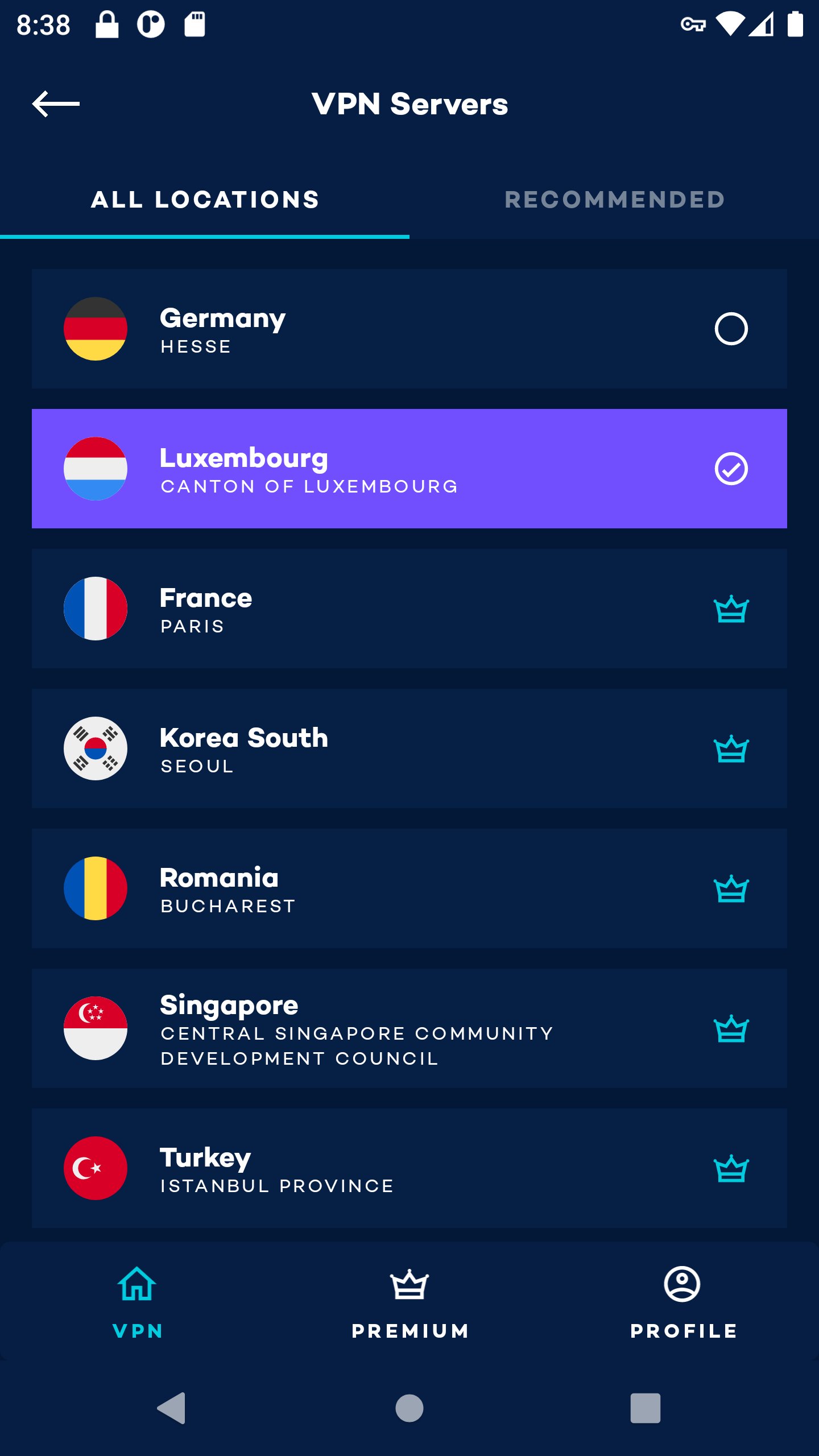
🌍 SERVER LOCATIONS
North America: United States.
Europe: United Kingdom, Germany, France, Italy, Luxembourg, Romania, Poland.
⚡ HOW IT WORKS
1. Install HEROIC VPN from Google Play (you’re already here!)
2. Open the app
3. Tap the big Connect button
4. You’re now connected through an encrypted tunnel to one of our servers. Your IP is hidden, your traffic is private.
To disconnect: tap the button again.
💎 PREMIUM
HEROIC VPN offers an optional Premium subscription for users who want unlimited speeds and access to all server locations. Premium is managed through your Google Play subscription and can be cancelled anytime from your Play Store account settings.
⚙️ TECHNICAL NOTES
• Built on the open-source StrongSwan IPsec project, the industry-standard VPN protocol implementation trusted by enterprise and government deployments worldwide.
• IKEv2 / IPsec with strong (modern) cipher suites.
• Doesn’t require root access.
• Works on Android 8.0 (Oreo) and newer.
📞 SUPPORT
Questions, problems, or feature requests: support@heroic.com
🔒 PRIVACY POLICY
We respect your privacy and don’t log your browsing. Read our full privacy policy at https://www.heroic.com/privacy
————
HEROIC VPN is a product of HEROIC. Learn more about HEROIC’s other privacy and security tools at https://www.heroic.com
Avance
Etiquetas
HerramientasInformación
Desarrollador
AppBroker
La última versión
3.0.1 (327)
Última actualización
2026-08-03
Categoría
Herramientas
Disponible en
Google Play
Mostrar más
Cómo jugar Ninja VPN - Fast & Secure VPN con GameLoop en PC
1. Descargue GameLoop desde el sitio web oficial, luego ejecute el archivo exe para instalar GameLoop.
2. Abra GameLoop y busque "Ninja VPN - Fast & Secure VPN", busque Ninja VPN - Fast & Secure VPN en los resultados de búsqueda y haga clic en "Instalar".
3. Disfruta jugando Ninja VPN - Fast & Secure VPN en GameLoop.
Minimum requirements
OS
Windows 8.1 64-bit or Windows 10 64-bit
GPU
GTX 1050
CPU
i3-8300
Memory
8GB RAM
Storage
1GB available space
Recommended requirements
OS
Windows 8.1 64-bit or Windows 10 64-bit
GPU
GTX 1050
CPU
i3-9320
Memory
16GB RAM
Storage
1GB available space