Hindu Calendar, Panchang para PC
B Town
Descarga Hindu Calendar, Panchang en PC con GameLoop Emulator
Hindu Calendar, Panchang en PC
Hindu Calendar, Panchang, proveniente del desarrollador B Town, se ejecuta en el sistema Android en el pasado.
Ahora, puedes jugar Hindu Calendar, Panchang en PC con GameLoop sin problemas.
Descárgalo en la biblioteca de GameLoop o en los resultados de búsqueda. No más mirar la batería o llamadas frustrantes en el momento equivocado nunca más.
Simplemente disfrute de Hindu Calendar, Panchang PC en la pantalla grande de forma gratuita!
Hindu Calendar, Panchang Introducción
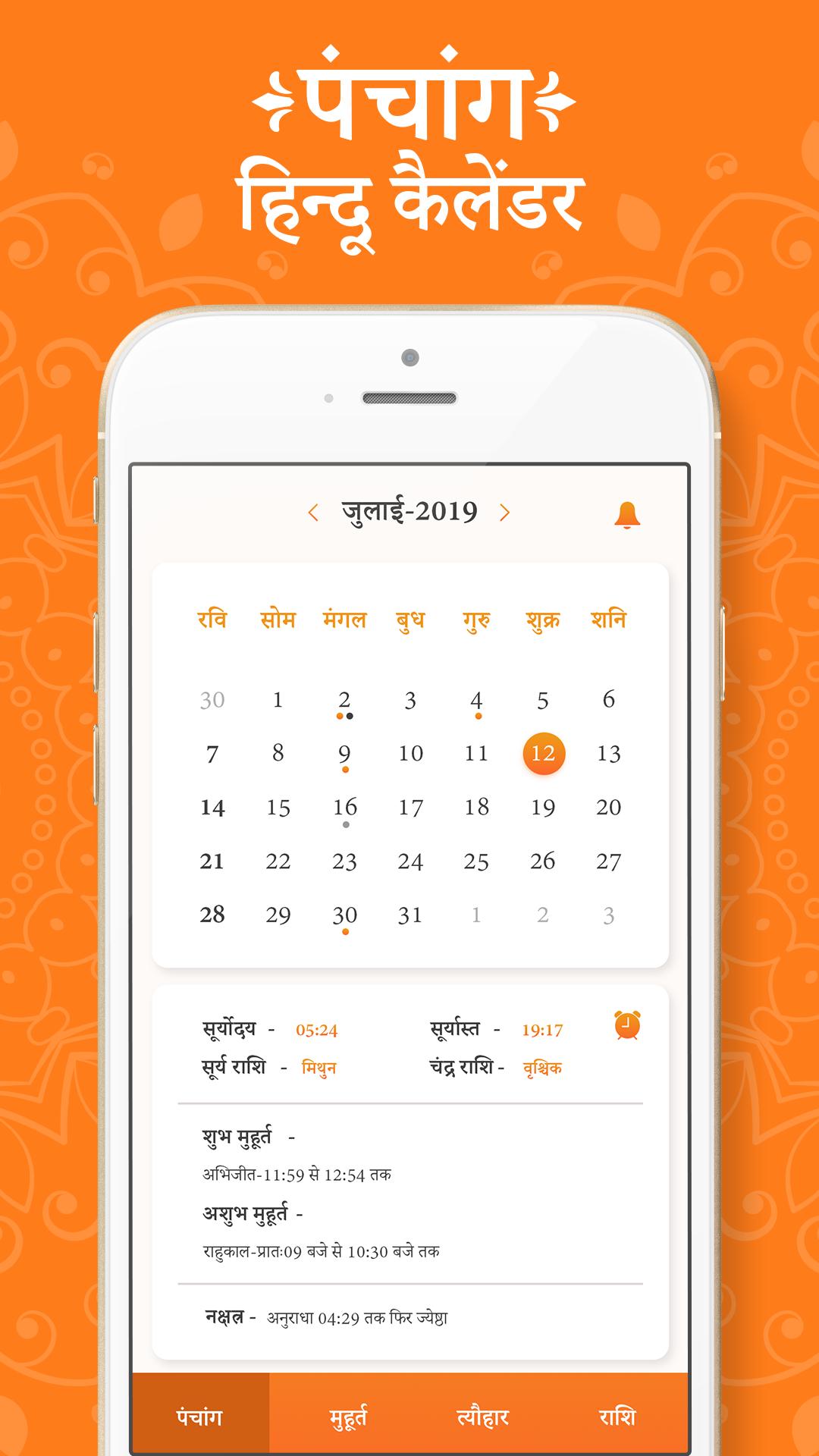
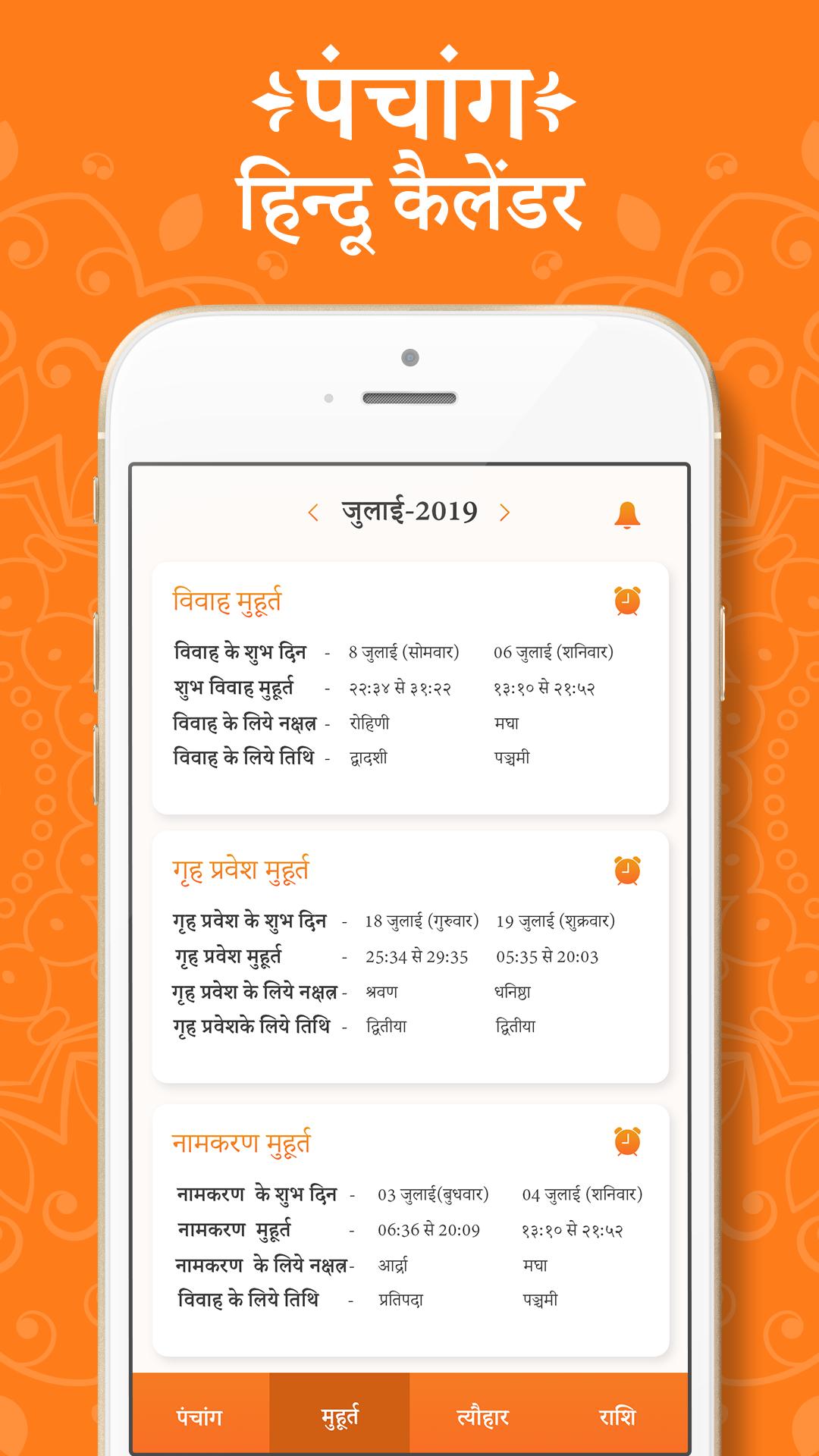
Hindu calendar is best to know Indian festivals, celebration, functions and all. Calendar is allow you to view Dinak, Maasik, Thithi, Nakshatra, Subha Muhurat, Vrath, Thyohar, Panchang and all holidays information for all days in the year.
- Detailed panchang view showing the padas, moon rise and moon set, sunrise and sunset for the chosen location. Day and Night Choghadiya, Rahukalam, Yama Ghantam, Guli Kalam, Dur Muhurt and Abhijit Muhurtam.
- Panchang comes with Kundali support and it can generate Lagna, Navamsha, Surya, Chandra and Shukra Kundali for any date, time and location. For Lagna Kundali it shows detailed planetary position for Sun, Moon, Mars, Mercury, Jupiter, Venus, Saturn, Rahu, Ketu, True Rahu, True Ketu, Uranus, Neptune and Pluto.
- Hindu Calendar App allows you to set reminders for important days. This way you never miss any Sankashti and Ekadashi fast. Carry this hindu calendar (hindu panchang) in your pocket everyday in your android device.
- Vedic time which is also known as Ishtakal is provided to track time as per Vedic Era of Hinduism. In Vedic time, each day (from sunrise to sunrise) is divided into Ghati, Pala and Vipala similar to Hour, Mins and Secs.
Avance
Etiquetas
HerramientasInformación
Desarrollador
B Town
La última versión
1.1
Última actualización
2019-09-07
Categoría
Herramientas
Disponible en
Google Play
Mostrar más
Cómo jugar Hindu Calendar, Panchang con GameLoop en PC
1. Descargue GameLoop desde el sitio web oficial, luego ejecute el archivo exe para instalar GameLoop.
2. Abra GameLoop y busque "Hindu Calendar, Panchang", busque Hindu Calendar, Panchang en los resultados de búsqueda y haga clic en "Instalar".
3. Disfruta jugando Hindu Calendar, Panchang en GameLoop.
Minimum requirements
OS
Windows 8.1 64-bit or Windows 10 64-bit
GPU
GTX 1050
CPU
i3-8300
Memory
8GB RAM
Storage
1GB available space
Recommended requirements
OS
Windows 8.1 64-bit or Windows 10 64-bit
GPU
GTX 1050
CPU
i3-9320
Memory
16GB RAM
Storage
1GB available space