Block Screen para PC
Julio Gonzalez
Descarga Block Screen en PC con GameLoop Emulator
Block Screen en PC
Block Screen, proveniente del desarrollador Julio Gonzalez, se ejecuta en el sistema Android en el pasado.
Ahora, puedes jugar Block Screen en PC con GameLoop sin problemas.
Descárgalo en la biblioteca de GameLoop o en los resultados de búsqueda. No más mirar la batería o llamadas frustrantes en el momento equivocado nunca más.
Simplemente disfrute de Block Screen PC en la pantalla grande de forma gratuita!
Block Screen Introducción
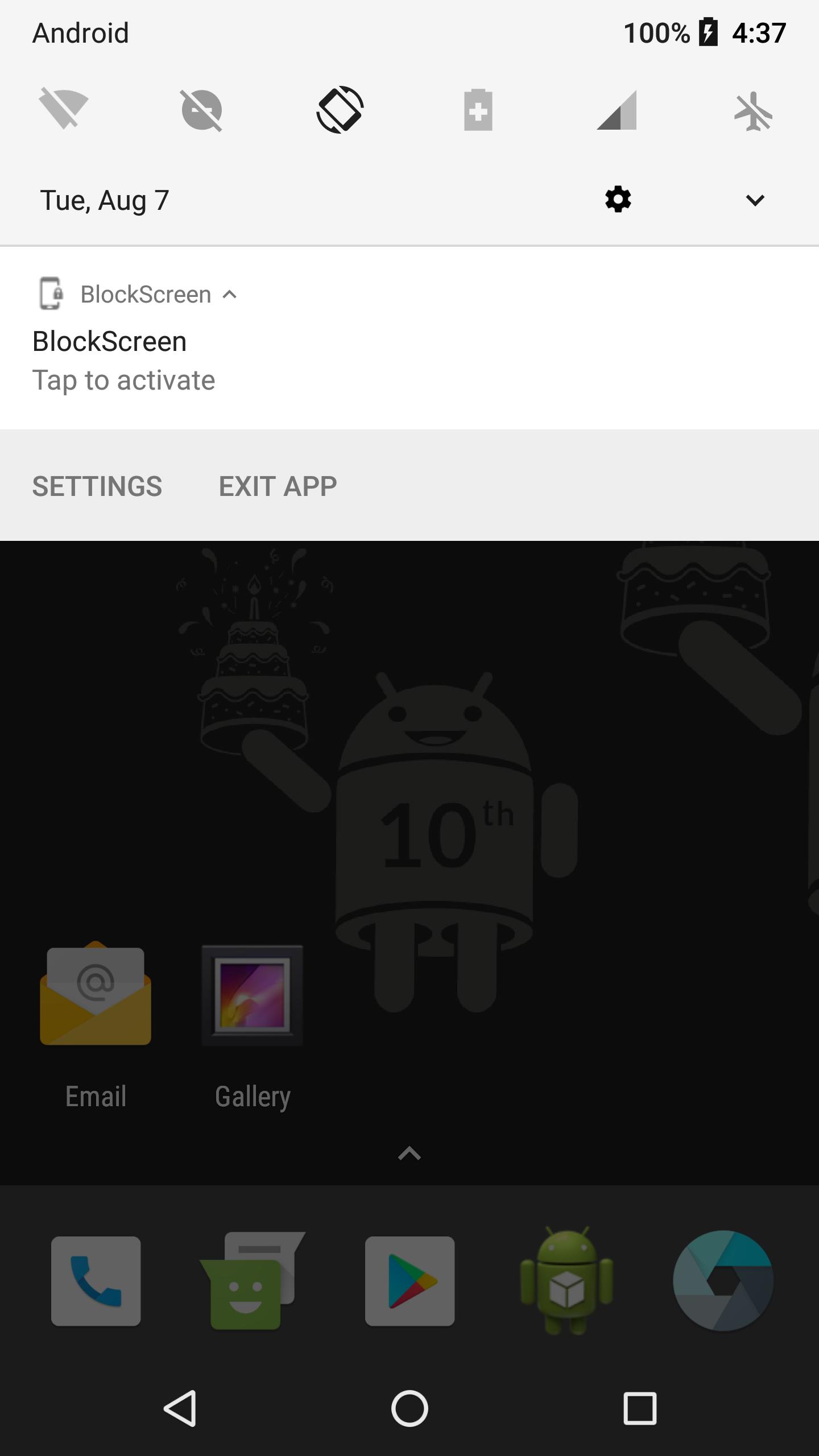
This application lets you to keep your screen On while you continue watching what you want but touching the screen will be locked.
From now on, it is possible to have your favourite app visible in the screen and you forget to worry about touching accidentally the screen. This app will lock the content and any touching will have no effect.
Avance
Etiquetas
HerramientasInformación
Desarrollador
Julio Gonzalez
La última versión
1.0
Última actualización
2021-12-01
Categoría
Herramientas
Disponible en
Google Play
Mostrar más
Cómo jugar Block Screen con GameLoop en PC
1. Descargue GameLoop desde el sitio web oficial, luego ejecute el archivo exe para instalar GameLoop.
2. Abra GameLoop y busque "Block Screen", busque Block Screen en los resultados de búsqueda y haga clic en "Instalar".
3. Disfruta jugando Block Screen en GameLoop.
Minimum requirements
OS
Windows 8.1 64-bit or Windows 10 64-bit
GPU
GTX 1050
CPU
i3-8300
Memory
8GB RAM
Storage
1GB available space
Recommended requirements
OS
Windows 8.1 64-bit or Windows 10 64-bit
GPU
GTX 1050
CPU
i3-9320
Memory
16GB RAM
Storage
1GB available space