App lock - Fingerprint para PC
lock screen passcode
Descarga App lock - Fingerprint en PC con GameLoop Emulator
App lock - Fingerprint en PC
App lock - Fingerprint, proveniente del desarrollador lock screen passcode, se ejecuta en el sistema Android en el pasado.
Ahora, puedes jugar App lock - Fingerprint en PC con GameLoop sin problemas.
Descárgalo en la biblioteca de GameLoop o en los resultados de búsqueda. No más mirar la batería o llamadas frustrantes en el momento equivocado nunca más.
Simplemente disfrute de App lock - Fingerprint PC en la pantalla grande de forma gratuita!
App lock - Fingerprint Introducción
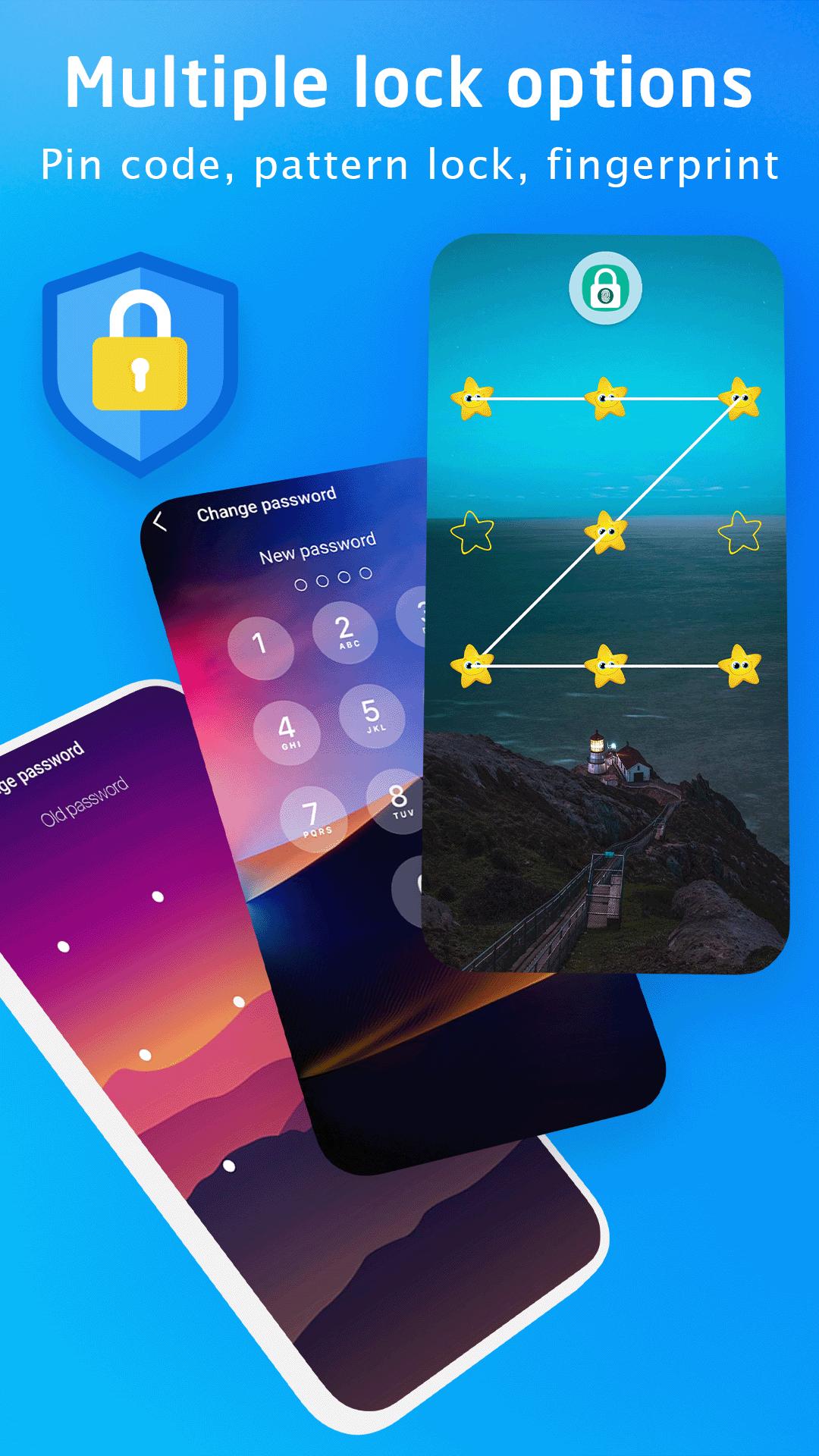
This Applock application with PIN code, pattern or fingerprint support for your applications.
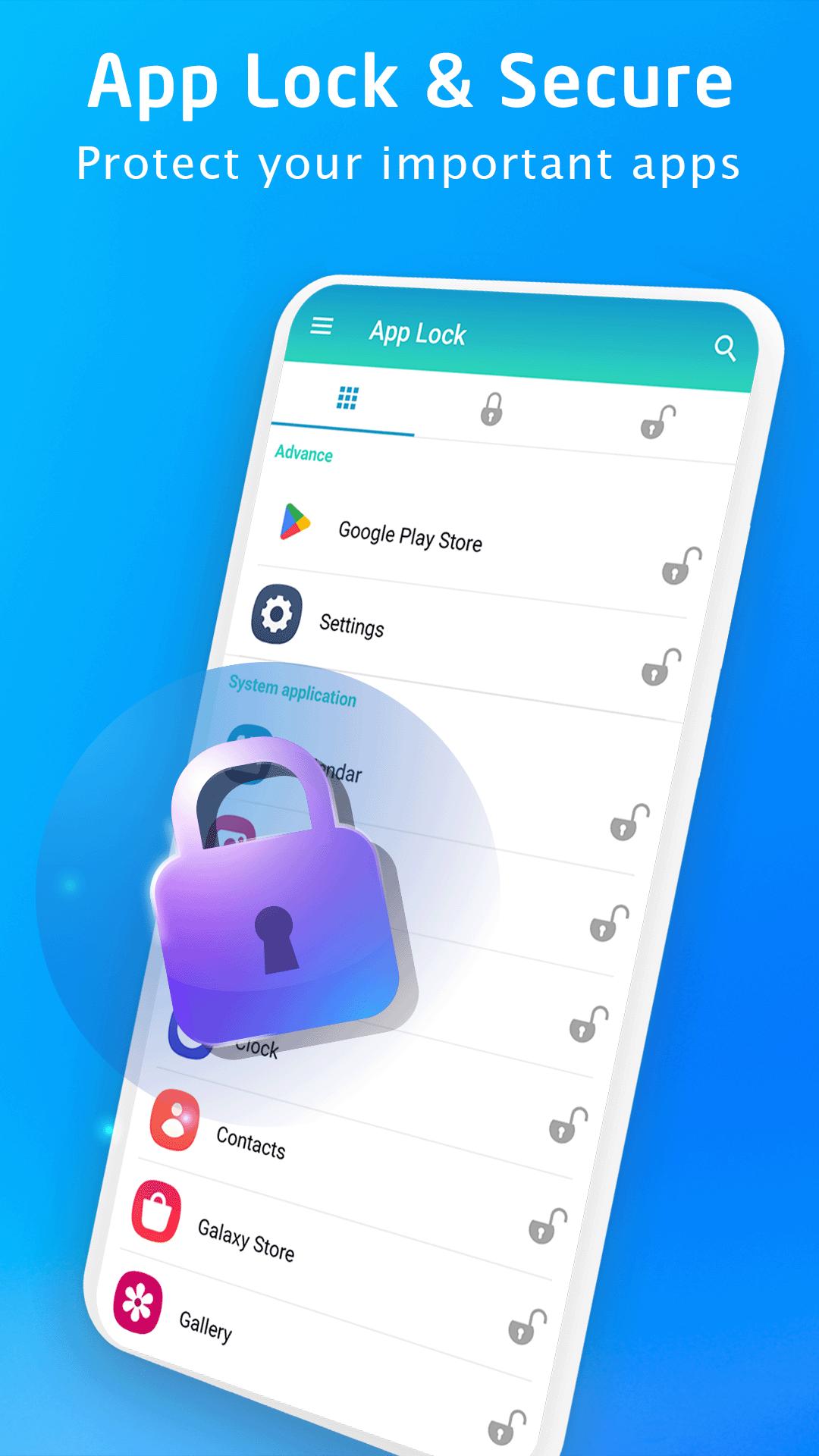
Lock all apps like: Facebook, WhatsApp, Instagram, Zalo, Twitter, SMS, Contacts, Messenger, Settings, Library, Gmail, Browser, Play Store ...
Protect applications every time when you access with a password that only you know. Support quick access to applications with fingerprints (Works on fingerprint supported devices on Android 6.0 above) quickly and safely.
*FEATURES:
★ App locker is to lock System apps, social network apps, Gallery apps and games.
★ Unlock with Passcode, Pattern or Fingerprint (On Android 6.0 above).
★ Support Locking newly installed apps, a notification will appear right after installing an app to help protect your privacy.
★ Fingerprint app lock: Instant unlock with your fingerprint for fingerprint supported devices (on Android 6.0 above).
★ Automatically set color in app lock screen for popular apps and system apps.
★ Easily search for apps to lock
★ Change application lock screen Wallpaper with extremely beautiful templates available
★ Beautiful and colored application lock screen interface compatible with the application.
Download, use the App lock application for free now.
Please email us if your device is not supported, we will try our best to support it.
Avance
Etiquetas
HerramientasInformación
Desarrollador
lock screen passcode
La última versión
2.4
Última actualización
2025-09-19
Categoría
Herramientas
Disponible en
Google Play
Mostrar más
Cómo jugar App lock - Fingerprint con GameLoop en PC
1. Descargue GameLoop desde el sitio web oficial, luego ejecute el archivo exe para instalar GameLoop.
2. Abra GameLoop y busque "App lock - Fingerprint", busque App lock - Fingerprint en los resultados de búsqueda y haga clic en "Instalar".
3. Disfruta jugando App lock - Fingerprint en GameLoop.
Minimum requirements
OS
Windows 8.1 64-bit or Windows 10 64-bit
GPU
GTX 1050
CPU
i3-8300
Memory
8GB RAM
Storage
1GB available space
Recommended requirements
OS
Windows 8.1 64-bit or Windows 10 64-bit
GPU
GTX 1050
CPU
i3-9320
Memory
16GB RAM
Storage
1GB available space