App Lock & Gallery Lock para PC
NewSoftwares LLC
Descarga App Lock & Gallery Lock en PC con GameLoop Emulator
App Lock & Gallery Lock en PC
App Lock & Gallery Lock, proveniente del desarrollador NewSoftwares LLC, se ejecuta en el sistema Android en el pasado.
Ahora, puedes jugar App Lock & Gallery Lock en PC con GameLoop sin problemas.
Descárgalo en la biblioteca de GameLoop o en los resultados de búsqueda. No más mirar la batería o llamadas frustrantes en el momento equivocado nunca más.
Simplemente disfrute de App Lock & Gallery Lock PC en la pantalla grande de forma gratuita!
App Lock & Gallery Lock Introducción
🔐 App Lock & Gallery Vault – Protect Your Privacy with Confidence!
App Lock & Gallery Vault is your ultimate privacy protector! Secure your apps, hide sensitive photos & videos, and enjoy peace of mind with advanced features like intruder selfies, decoy mode, and fast encryption. Designed for both casual and power users, this app offers the smartest way to lock, hide, and protect your private content.
🔑 Top Features
🔒 Lock Any App
Secure apps like WhatsApp, Facebook, Gmail, Tinder, Gallery, Contacts, Settings, and more using a PIN, pattern, or password.
🛡️ Advanced Security Options
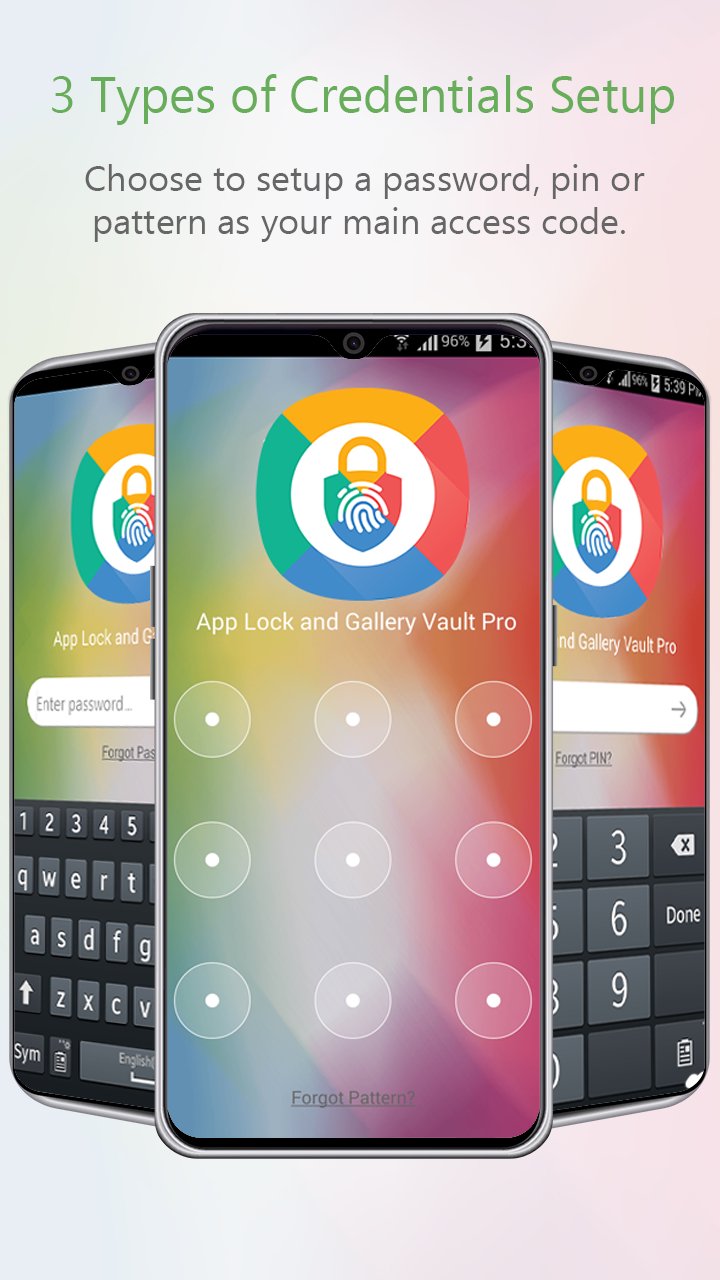
Choose from 3 lock types – PIN, Pattern, or Password – to protect your privacy with flexible authentication.
📸 Hide Private Photos & Videos
Import and encrypt your personal photos and videos from the Gallery or SD card. They stay hidden in your secure vault.
🧠 Smart Anti-Hack Tools
Intruder Selfie: Automatically takes a photo of anyone trying to unlock your apps with the wrong password.
Panic Switch: Instantly switch to another app with a shake, flick, or by covering your screen.
🕵️♂️ Decoy Mode (Fake Login)
Set up a fake vault for situations where you must unlock the app in front of someone.
☁️ Cloud Backup
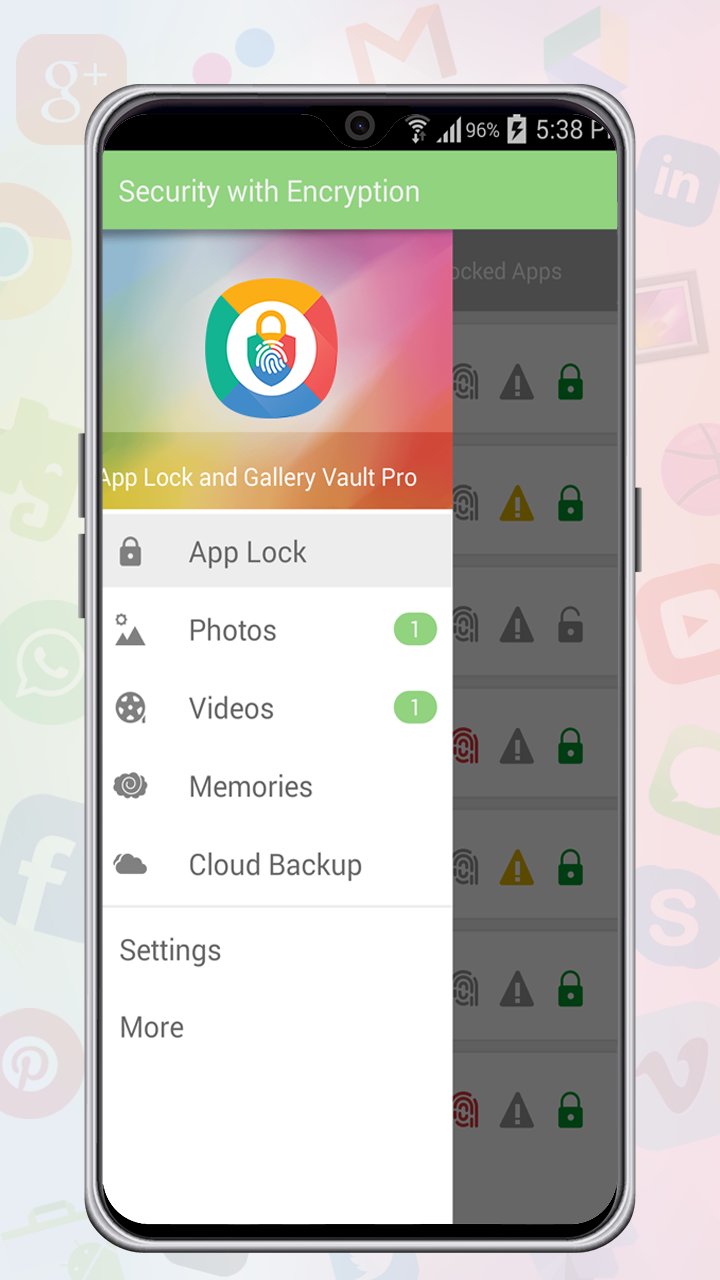
Back up locked photos & videos to your Dropbox account to ensure your data is always safe—even if you lose your device.
🎥 Built-in Media Player & Secure Browser
View locked media within the app using a private photo viewer and video player.
Browse and download content privately using the secure browser.
📁 More Powerful Features
Create custom albums and organize media.
Import from gallery or camera directly.
Fast encryption & decryption for secure performance.
Data recovery for accidentally deleted media.
Slideshow support and timeline view.
🔒 Why Choose App Lock & Gallery Vault?
Whether you’re securing apps, hiding photos, or locking sensitive content, App Lock & Gallery Vault provides military-grade protection with an intuitive, user-friendly design. All files are stored locally on your device – we do not access your data. Your privacy stays yours.
Download App Lock & Gallery Vault now and take complete control of your digital privacy! 🔐📱
Avance
Etiquetas
HerramientasInformación
Desarrollador
NewSoftwares LLC
La última versión
1.8.1
Última actualización
2025-01-24
Categoría
Herramientas
Disponible en
Google Play
Mostrar más
Cómo jugar App Lock & Gallery Lock con GameLoop en PC
1. Descargue GameLoop desde el sitio web oficial, luego ejecute el archivo exe para instalar GameLoop.
2. Abra GameLoop y busque "App Lock & Gallery Lock", busque App Lock & Gallery Lock en los resultados de búsqueda y haga clic en "Instalar".
3. Disfruta jugando App Lock & Gallery Lock en GameLoop.
Minimum requirements
OS
Windows 8.1 64-bit or Windows 10 64-bit
GPU
GTX 1050
CPU
i3-8300
Memory
8GB RAM
Storage
1GB available space
Recommended requirements
OS
Windows 8.1 64-bit or Windows 10 64-bit
GPU
GTX 1050
CPU
i3-9320
Memory
16GB RAM
Storage
1GB available space