
App Country Finder & Manager para PC
SYSTWEAK SOFTWARE
Descarga App Country Finder & Manager en PC con GameLoop Emulator
App Country Finder & Manager en PC
App Country Finder & Manager, proveniente del desarrollador SYSTWEAK SOFTWARE, se ejecuta en el sistema Android en el pasado.
Ahora, puedes jugar App Country Finder & Manager en PC con GameLoop sin problemas.
Descárgalo en la biblioteca de GameLoop o en los resultados de búsqueda. No más mirar la batería o llamadas frustrantes en el momento equivocado nunca más.
Simplemente disfrute de App Country Finder & Manager PC en la pantalla grande de forma gratuita!
App Country Finder & Manager Introducción
Ever found yourself in a situation when you want to know the country of origin of the Android app you are using?
Yes, how do you do that?
Do you visit the app page and look for the information provided in the Developer or Information section? True!
But do you know in some cases app country name shown in this section might not be real? Well, if this worries you here’s a quick and trusted solution called App Country Finder.
Using this interesting app, without heading to the App developer information centre, you can find the app country name for all the installed apps. App Country Finder as the name infers provides users with country-specific information. This helps users to decide whether they want to use the application coming from a specific location or not.
Features
• Sort apps by country in Ascending or Descending order
• Backup apps
• Uninstall selects apps from within the App Country Finder
• Neat and easy-to-use interface.
• One tap app backup and uninstall feature.
How to use App Country Finder
1. Launch the app from Google Play Store
2. Grant media permission
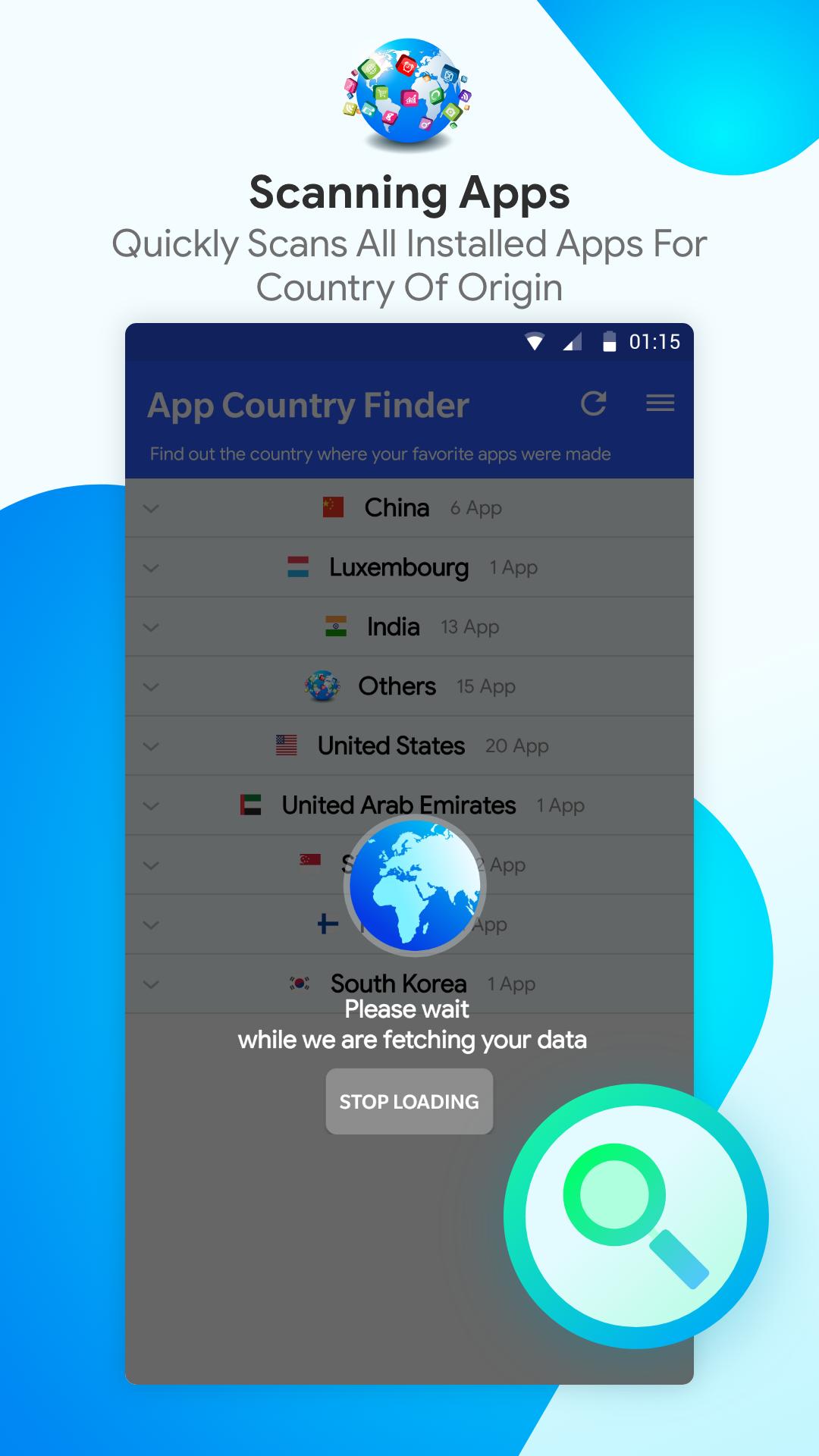
3. Next, tap the refresh icon to get a list of the installed apps.
4. Wait for the process to finish.
5. You will now see a categorized list of apps divided country-wise.
6. From here, you can either take backup of the apps or can directly uninstall the selected apps.
This helps declutter the app list and keep the apps from countries you trust.
In addition to this, using App Country Finder you can recover storage space as the unwanted apps will be uninstalled.
Avance
Etiquetas
HerramientasInformación
Desarrollador
SYSTWEAK SOFTWARE
La última versión
7.1.1.49
Última actualización
2023-08-25
Categoría
Herramientas
Disponible en
Google Play
Mostrar más
Cómo jugar App Country Finder & Manager con GameLoop en PC
1. Descargue GameLoop desde el sitio web oficial, luego ejecute el archivo exe para instalar GameLoop.
2. Abra GameLoop y busque "App Country Finder & Manager", busque App Country Finder & Manager en los resultados de búsqueda y haga clic en "Instalar".
3. Disfruta jugando App Country Finder & Manager en GameLoop.
Minimum requirements
OS
Windows 8.1 64-bit or Windows 10 64-bit
GPU
GTX 1050
CPU
i3-8300
Memory
8GB RAM
Storage
1GB available space
Recommended requirements
OS
Windows 8.1 64-bit or Windows 10 64-bit
GPU
GTX 1050
CPU
i3-9320
Memory
16GB RAM
Storage
1GB available space