
Antilag for PUBG - Fix lag para PC
Shahid Kamal
Descarga Antilag for PUBG - Fix lag en PC con GameLoop Emulator
Antilag for PUBG - Fix lag en PC
Antilag for PUBG - Fix lag, proveniente del desarrollador Shahid Kamal, se ejecuta en el sistema Android en el pasado.
Ahora, puedes jugar Antilag for PUBG - Fix lag en PC con GameLoop sin problemas.
Descárgalo en la biblioteca de GameLoop o en los resultados de búsqueda. No más mirar la batería o llamadas frustrantes en el momento equivocado nunca más.
Simplemente disfrute de Antilag for PUBG - Fix lag PC en la pantalla grande de forma gratuita!
Antilag for PUBG - Fix lag Introducción
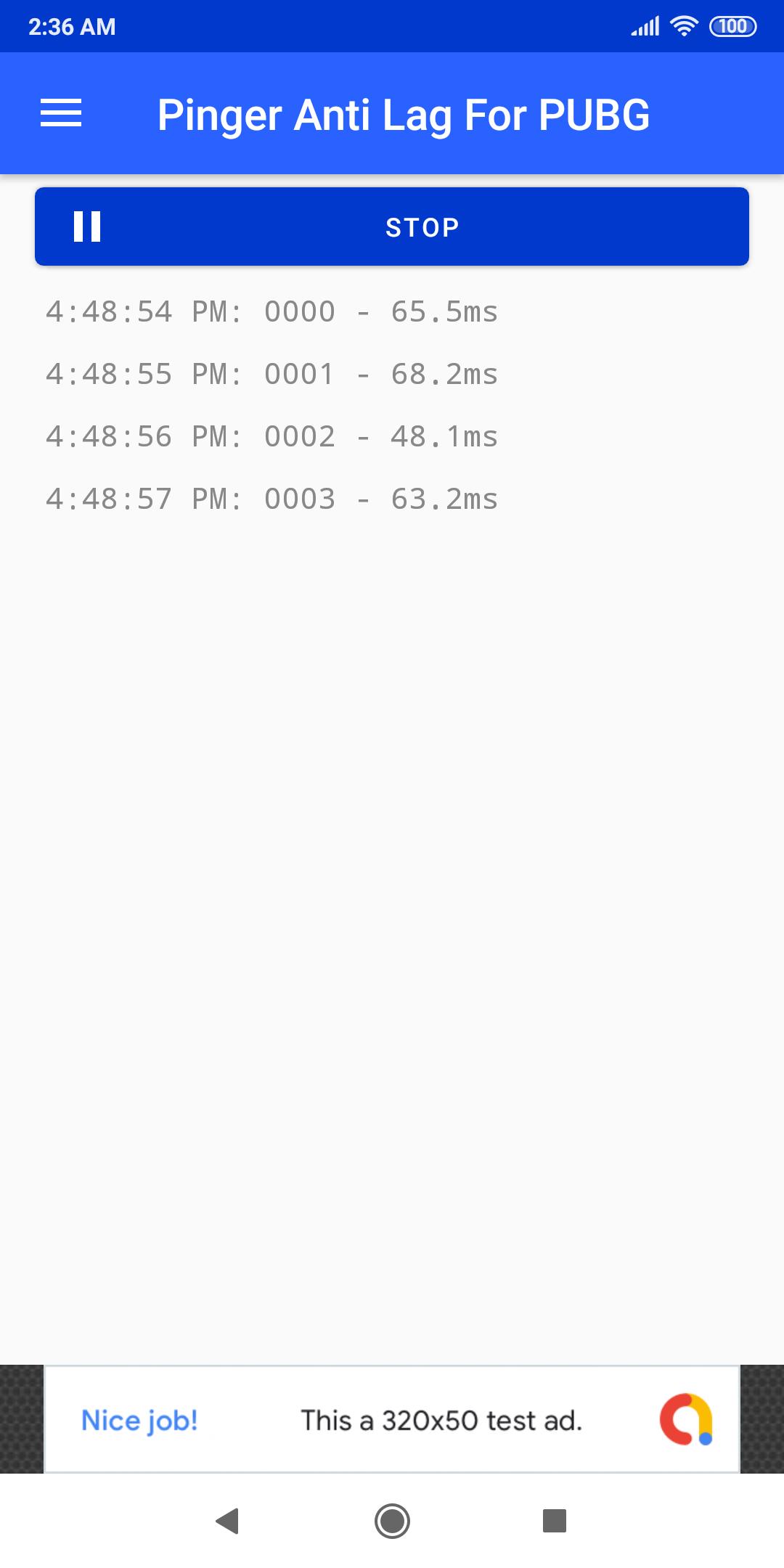
App helps you manage connectivity to your internet connection. So you'll face lags less often.
How app works?
App creates ICMP requests to google.com in other term you call it as ping. This will maintain your connectivity so you're less likely to face lags due to your internet connection.
Ping is still high sometimes?
This happens eventually when server you're playing on is overloaded or there are many player near you. This will eventually show some lag. To win chicken dinner in this situation, avoid engaging enemies when it happens. And go to 150-200m far from your area and then use any scope to target enemies.
Anything else?
Email me @(shahidkamalhimself@gmail.com) I'll surely reply asap.
Avance
Etiquetas
HerramientasInformación
Desarrollador
Shahid Kamal
La última versión
2.4
Última actualización
2021-11-26
Categoría
Herramientas
Disponible en
Google Play
Mostrar más
Cómo jugar Antilag for PUBG - Fix lag con GameLoop en PC
1. Descargue GameLoop desde el sitio web oficial, luego ejecute el archivo exe para instalar GameLoop.
2. Abra GameLoop y busque "Antilag for PUBG - Fix lag", busque Antilag for PUBG - Fix lag en los resultados de búsqueda y haga clic en "Instalar".
3. Disfruta jugando Antilag for PUBG - Fix lag en GameLoop.
Minimum requirements
OS
Windows 8.1 64-bit or Windows 10 64-bit
GPU
GTX 1050
CPU
i3-8300
Memory
8GB RAM
Storage
1GB available space
Recommended requirements
OS
Windows 8.1 64-bit or Windows 10 64-bit
GPU
GTX 1050
CPU
i3-9320
Memory
16GB RAM
Storage
1GB available space