
8bit Pixel art Painter para PC
esukeapp
Descarga 8bit Pixel art Painter en PC con GameLoop Emulator
8bit Pixel art Painter en PC
8bit Pixel art Painter, proveniente del desarrollador esukeapp, se ejecuta en el sistema Android en el pasado.
Ahora, puedes jugar 8bit Pixel art Painter en PC con GameLoop sin problemas.
Descárgalo en la biblioteca de GameLoop o en los resultados de búsqueda. No más mirar la batería o llamadas frustrantes en el momento equivocado nunca más.
Simplemente disfrute de 8bit Pixel art Painter PC en la pantalla grande de forma gratuita!
8bit Pixel art Painter Introducción
※Please allow storage permissions.
I can only Japanese.
I use the translation.
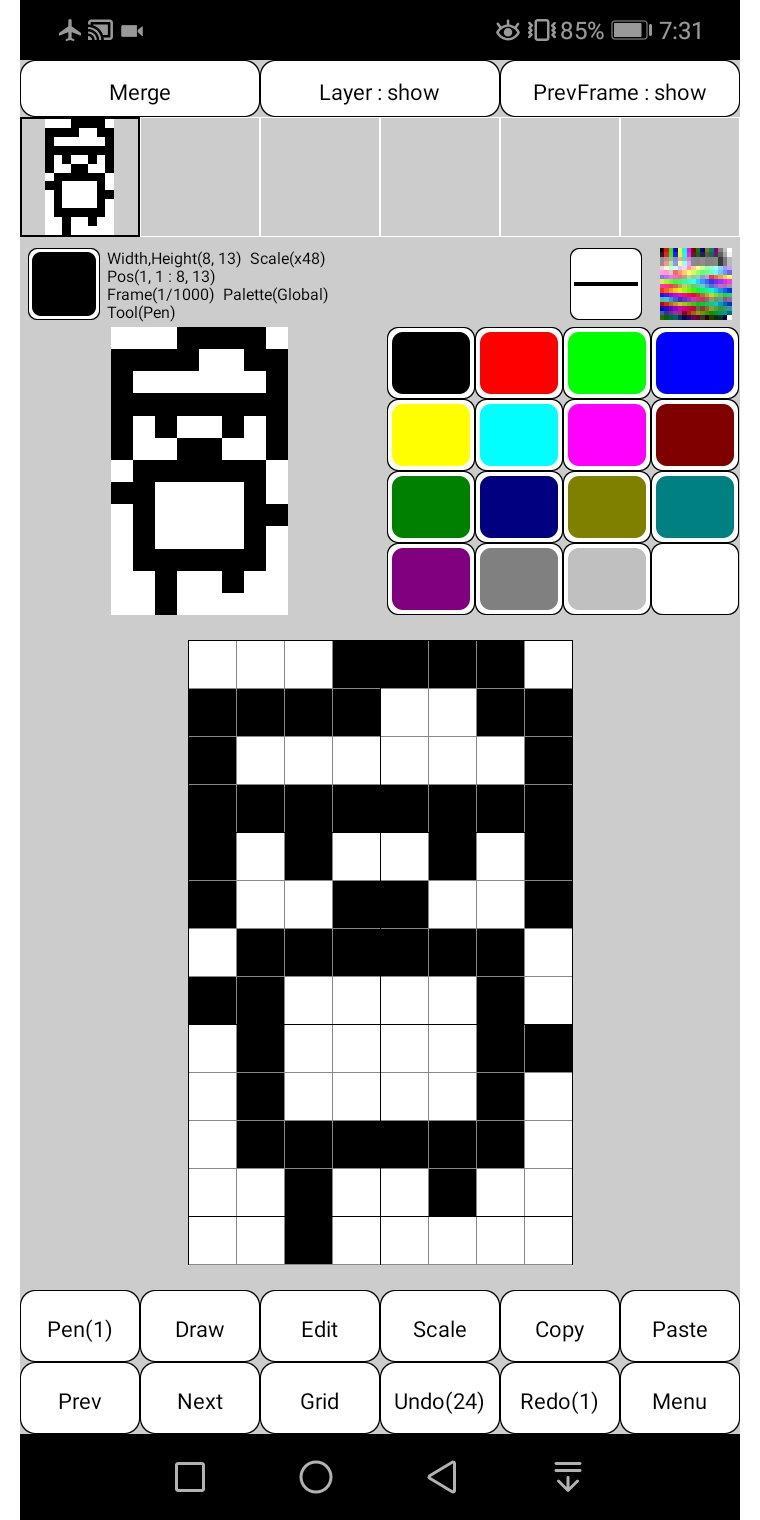
Canvas size can be set freely from 1 to 1000 pixels.
Basic functions such as fill, line, rectangle, circle, flip, rotate, enlarge, copy, paste, dropper, and undo are available.
It supports animation up to 1000 frames.
It can output not only animated GIF but also APNG.
APNG is an extended PNG format that allows animation.
Compatible with current major browsers such as Chrome, Firefox, Safari and Opera.
The maximum number of frames depends on the canvas size.
Transparency and animation settings are easy.
One frame has 1 canvas and 5 layer.
Since the layer contains transparent colors, the palette that can be used is limited to 255 colors.
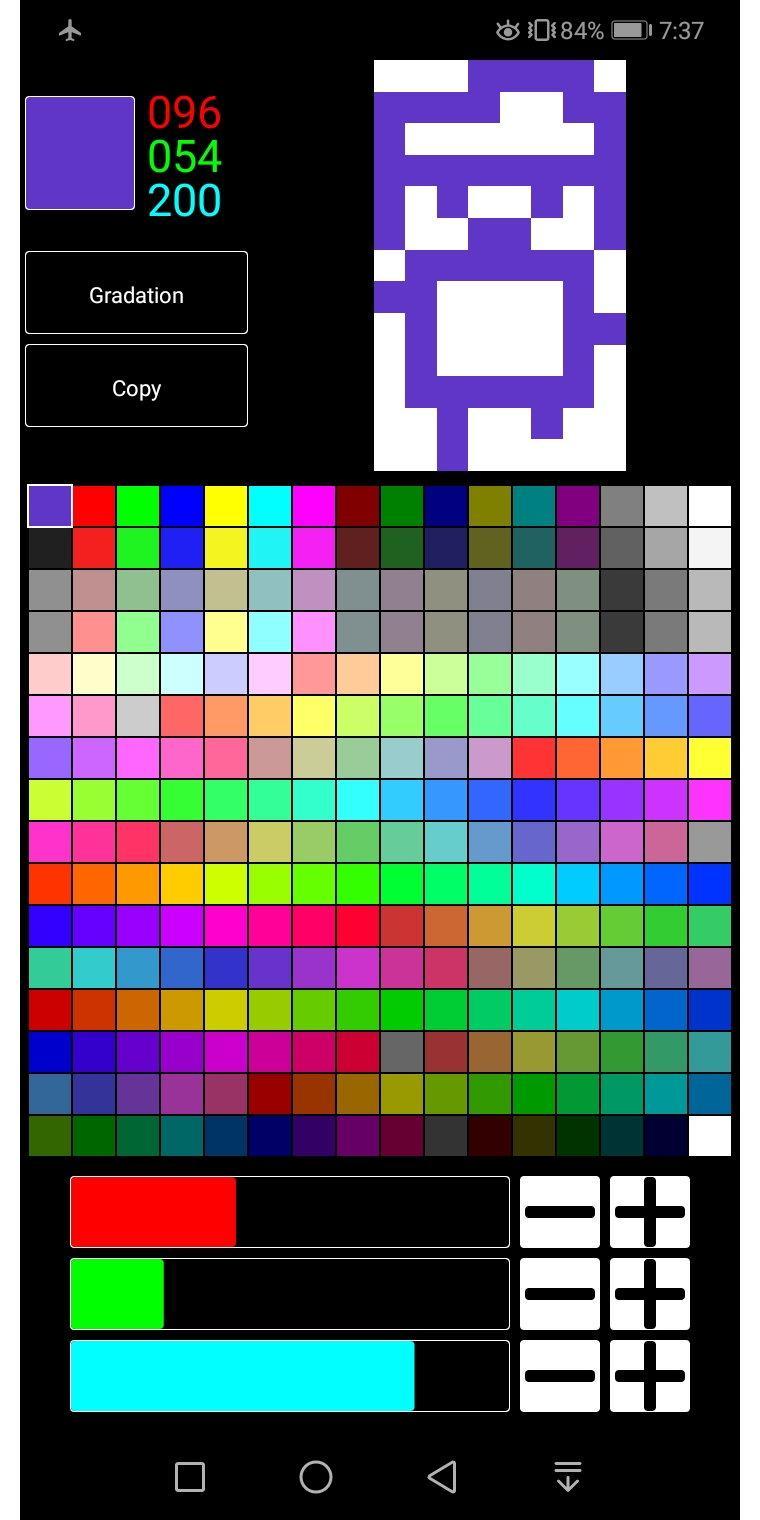
The palette is freely editable and can be saved and loaded as needed.
By simply editing the palette, you can easily create different colors.
You can also create gradations.
You can also read and edit image files such as gif, jpg, and png saved in the terminal.
* Free version restrictions
All functions can be used for free.
Ads must be shown before files can be saved to the device.
Avance
Etiquetas
HerramientasInformación
Desarrollador
esukeapp
La última versión
2.1.2
Última actualización
2020-12-05
Categoría
Herramientas
Disponible en
Google Play
Mostrar más
Cómo jugar 8bit Pixel art Painter con GameLoop en PC
1. Descargue GameLoop desde el sitio web oficial, luego ejecute el archivo exe para instalar GameLoop.
2. Abra GameLoop y busque "8bit Pixel art Painter", busque 8bit Pixel art Painter en los resultados de búsqueda y haga clic en "Instalar".
3. Disfruta jugando 8bit Pixel art Painter en GameLoop.
Minimum requirements
OS
Windows 8.1 64-bit or Windows 10 64-bit
GPU
GTX 1050
CPU
i3-8300
Memory
8GB RAM
Storage
1GB available space
Recommended requirements
OS
Windows 8.1 64-bit or Windows 10 64-bit
GPU
GTX 1050
CPU
i3-9320
Memory
16GB RAM
Storage
1GB available space