
分段时钟 - 多步骤番茄计时器 para PC
MeeLu Kun
Descarga 分段时钟 - 多步骤番茄计时器 en PC con GameLoop Emulator
分段时钟 - 多步骤番茄计时器 en PC
分段时钟 - 多步骤番茄计时器, proveniente del desarrollador MeeLu Kun, se ejecuta en el sistema Android en el pasado.
Ahora, puedes jugar 分段时钟 - 多步骤番茄计时器 en PC con GameLoop sin problemas.
Descárgalo en la biblioteca de GameLoop o en los resultados de búsqueda. No más mirar la batería o llamadas frustrantes en el momento equivocado nunca más.
Simplemente disfrute de 分段时钟 - 多步骤番茄计时器 PC en la pantalla grande de forma gratuita!
分段时钟 - 多步骤番茄计时器 Introducción
⏰Segment Clock - Multi-step Pomodoro Timer🍅
What is the use of?
🧘♂️Fitness: custom processes such as 20 minutes of jogging-5 minutes of rest-30 minutes of jogging-5 minutes of stretching
📖Exam simulation: Customize the process such as 20 minutes for multiple choice questions-30 minutes for filling in the blanks-45 minutes for composition
☕️work life balance: work 45 minutes-rest 5 minutes-cycle 8 times
🍅Tomato learning method: study for 25 minutes-rest for 5 minutes-loop 3 times
Instructions:
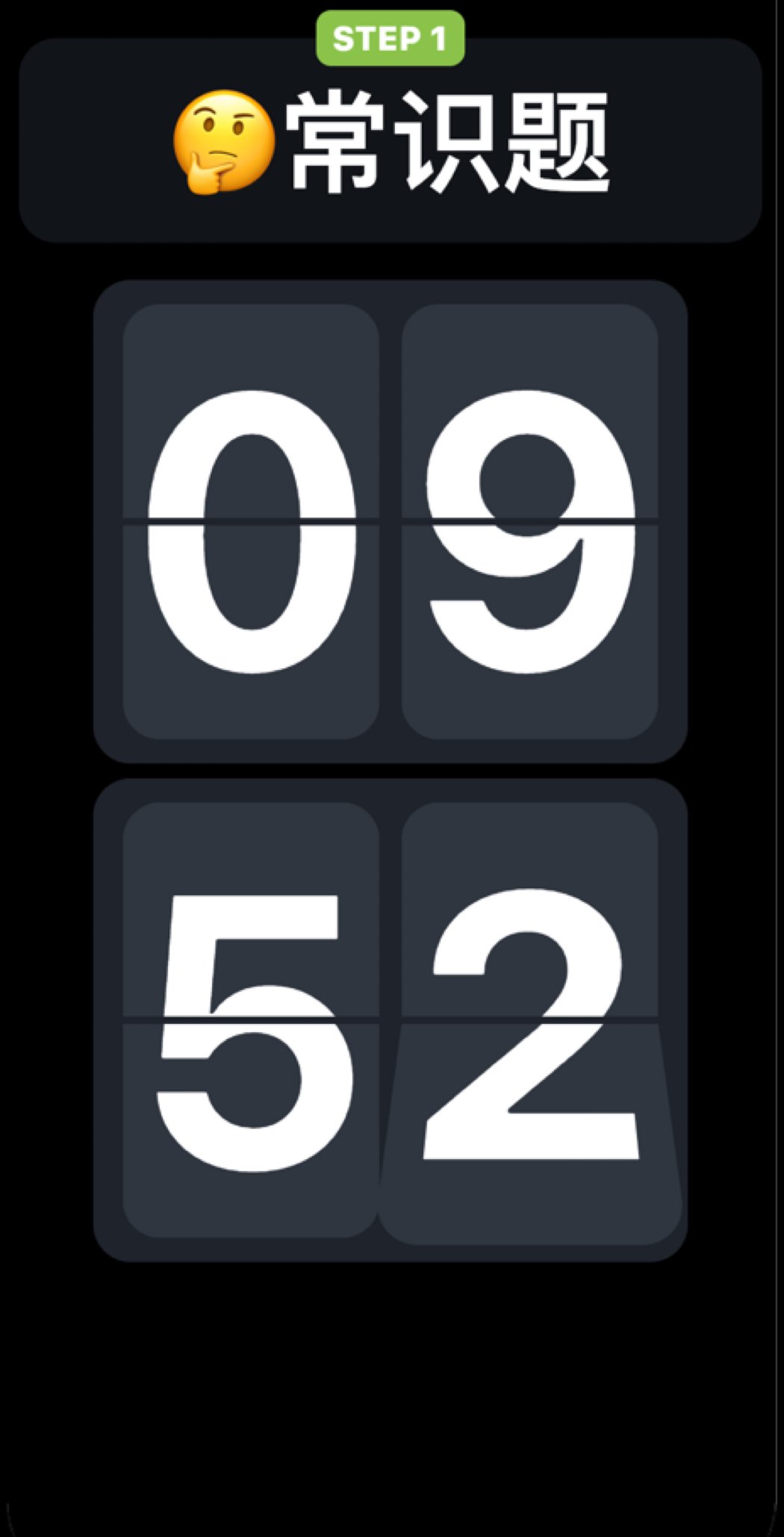
For example, add a timed task and name it "✏️mock exam".
At this time, you can add a timer to the task, count down 15 minutes, and name it "☑️ multiple choice";
Add a timer again, count down 15 minutes, and name it "📒fill in the blanks";
Add a timer again, count down 30 minutes, and name it "📰Short Answer Question";
At this point, the time planning for a mock exam is completed. After the task is started, it will be timed according to the design sequence.
New task function description:
⭐️ Number of repetitions
Set the number of repetitions of the task, the default is 1, that is, the task will end after the entire task is completed. Setting it to repeat indefinitely will execute all steps in a loop.
⭐️ Autoplay
After the timing of a single step is over, it will automatically enter the next step. If closed, you need to manually click Finish to continue to the next step.
⭐️ Colorful reminders
When the countdown of a single step is less than 5 seconds, the timer will use the pre-selected colorful background as a reminder.
⭐️ Countdown
Currently, only the countdown method is supported for sub-steps.
Perform task operations:
⭐️ Double tap the screen
During the timing process, double-click the screen to pop up function buttons, allowing users to skip the current step and enter the next step.
⭐️ Swipe left and right
In the timing process, in order to prevent misoperation, the step can not be jumped by sliding left and right. Can be used as a stress relief operation.
⭐️ Swipe right on the left edge of the screen
During the timing process, exit the current task.
If you have any comments or suggestions, feedback is welcome!
Avance

Etiquetas
HerramientasInformación
Desarrollador
MeeLu Kun
La última versión
1.1.0
Última actualización
2020-11-14
Categoría
Herramientas
Disponible en
Google Play
Mostrar más
Cómo jugar 分段时钟 - 多步骤番茄计时器 con GameLoop en PC
1. Descargue GameLoop desde el sitio web oficial, luego ejecute el archivo exe para instalar GameLoop.
2. Abra GameLoop y busque "分段时钟 - 多步骤番茄计时器", busque 分段时钟 - 多步骤番茄计时器 en los resultados de búsqueda y haga clic en "Instalar".
3. Disfruta jugando 分段时钟 - 多步骤番茄计时器 en GameLoop.
Minimum requirements
OS
Windows 8.1 64-bit or Windows 10 64-bit
GPU
GTX 1050
CPU
i3-8300
Memory
8GB RAM
Storage
1GB available space
Recommended requirements
OS
Windows 8.1 64-bit or Windows 10 64-bit
GPU
GTX 1050
CPU
i3-9320
Memory
16GB RAM
Storage
1GB available space