
United Center para PC
YinzCam, Inc.
Descarga United Center en PC con GameLoop Emulator
United Center en PC
United Center, proveniente del desarrollador YinzCam, Inc., se ejecuta en el sistema Android en el pasado.
Ahora, puedes jugar United Center en PC con GameLoop sin problemas.
Descárgalo en la biblioteca de GameLoop o en los resultados de búsqueda. No más mirar la batería o llamadas frustrantes en el momento equivocado nunca más.
Simplemente disfrute de United Center PC en la pantalla grande de forma gratuita!
United Center Introducción
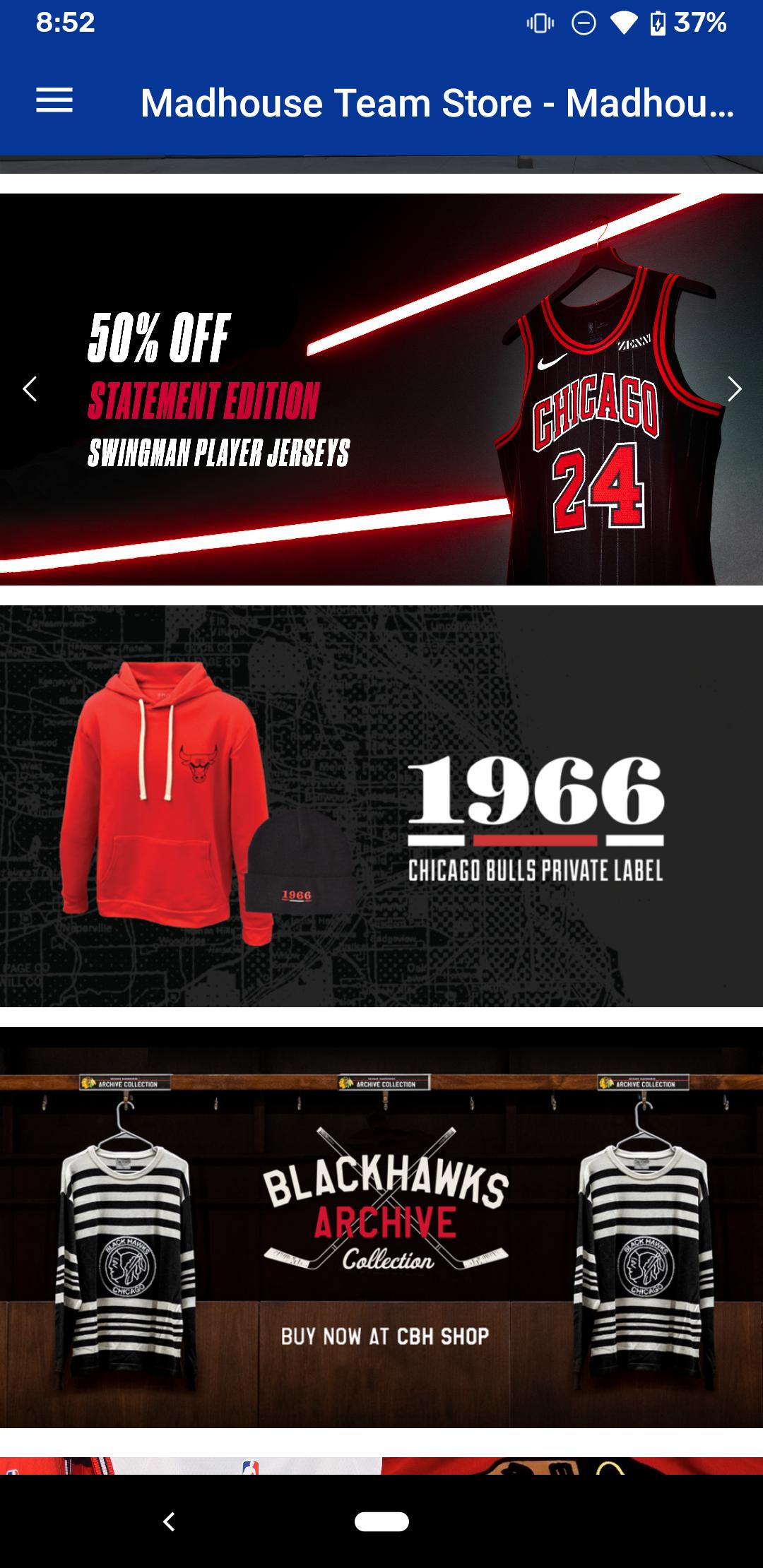
United Center Mobile is the official mobile application of the United Center, home to the Chicago Bulls and the Chicago Blackhawks. Stay up to date with the latest news and events, purchase tickets, order concessions from your seat, view live video and highlights, browse game photos, track real-time statistics, find answers to frequently asked questions, and much more, all from your Android device.
Features:
UNITED CENTER
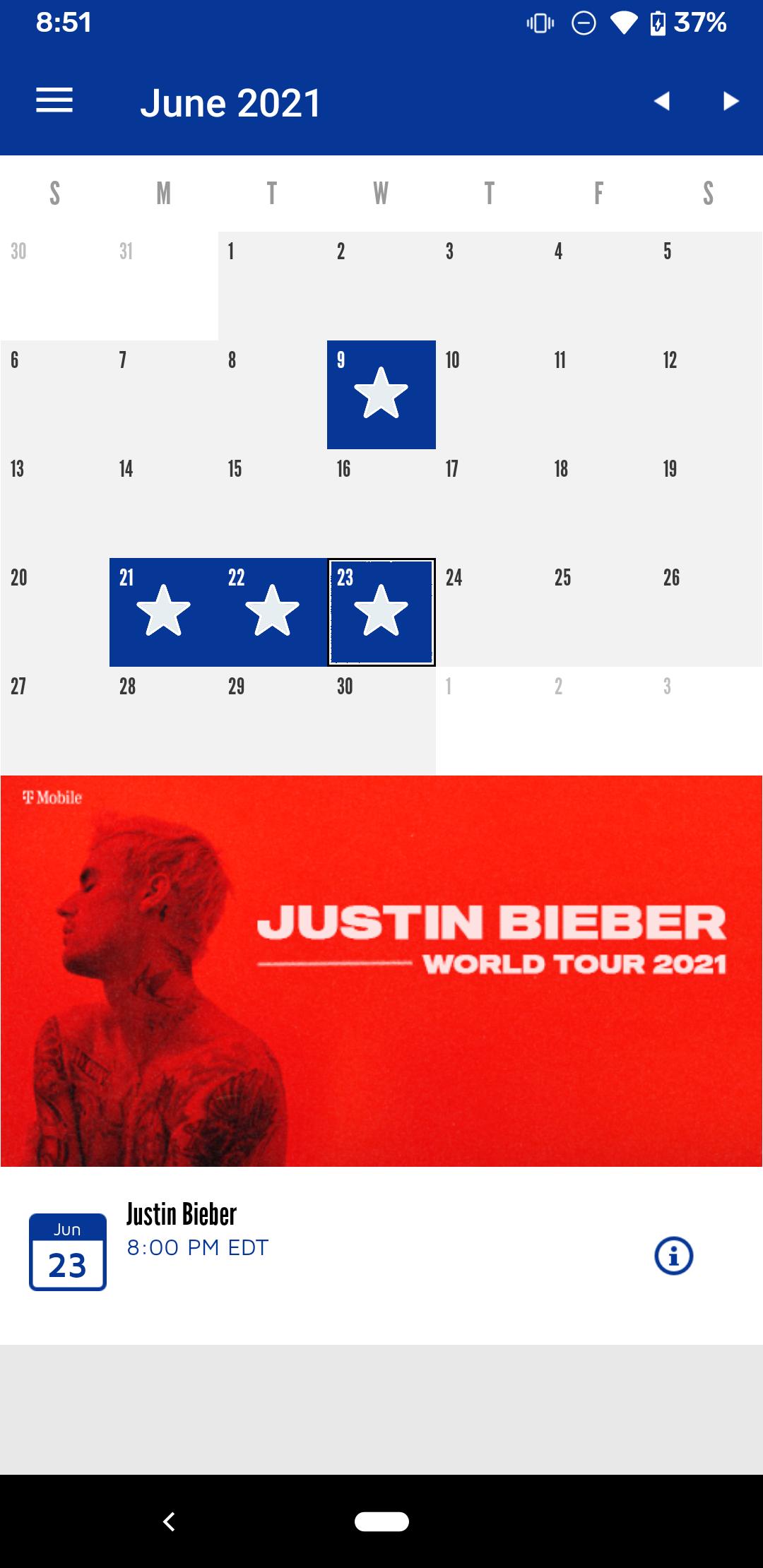
• Events & Tickets: View upcoming events and order tickets
• Mobile Ordering: Order concessions from your seat
• Arena Map: View the locations of concession stands, restrooms, and ATMs throughout the arena
• Live Video and Highlights: View live video and replays during every Chicago Bulls and Chicago Blackhawks home game (in-arena only*)
• Other features: Directions and Parking, United Center History, Premium Seating information, Frequently Asked Questions, Social Media sharing, and more
CHICAGO BULLS and CHICAGO BLACKHAWKS
• News: Real-time breaking news from the Chicago Bulls and the Chicago Blackhawks, previews of upcoming matchups, post-game blogs, and more
• Photos Galleries: View photos of game-time action and special events
• GameTracker: Real-time statistics and scores from the official NHL and NBA stats engines, head-to-head stats of the matchup, player stats, box scores, and scoring summaries
• Standings: NBA and NHL division and conference standings
• Schedule: Calendar of upcoming Chicago Bulls and Chicago Blackhawks games, including scores and stats from previous games
Requirements:
• Android 5.0 or higher
• *To access the Live Video & Highlights, you must be located in the arena and connected to the free United Center Wi-Fi. Use of the Wi-Fi is subject to the following terms: http://www.unitedcenter.com/unitedcenter/WiFiUsagePolicy.asp
For updates, find us on Facebook and Twitter:
http://www.facebook.com/unitedcenter
http://www.twitter.com/unitedcenter
For support, questions, or suggestions email appsupport@unitedcenter.com
NBA and NBA member team trademarks, logos, identifications, statistics, game action photographs, and video and audio are the exclusive property of NBA Properties, Inc. and the member teams and may not be used without the prior written consent of NBA Properties, Inc. © 2012 NBA Properties, Inc. All rights reserved.
Avance
Etiquetas
deportesInformación
Desarrollador
YinzCam, Inc.
La última versión
2.6.0
Última actualización
2025-01-14
Categoría
deportes
Disponible en
Google Play
Mostrar más
Cómo jugar United Center con GameLoop en PC
1. Descargue GameLoop desde el sitio web oficial, luego ejecute el archivo exe para instalar GameLoop.
2. Abra GameLoop y busque "United Center", busque United Center en los resultados de búsqueda y haga clic en "Instalar".
3. Disfruta jugando United Center en GameLoop.
Minimum requirements
OS
Windows 8.1 64-bit or Windows 10 64-bit
GPU
GTX 1050
CPU
i3-8300
Memory
8GB RAM
Storage
1GB available space
Recommended requirements
OS
Windows 8.1 64-bit or Windows 10 64-bit
GPU
GTX 1050
CPU
i3-9320
Memory
16GB RAM
Storage
1GB available space