
Air Golf para PC
Antithesis Design
Descarga Air Golf en PC con GameLoop Emulator
Air Golf en PC
Air Golf, proveniente del desarrollador Antithesis Design, se ejecuta en el sistema Android en el pasado.
Ahora, puedes jugar Air Golf en PC con GameLoop sin problemas.
Descárgalo en la biblioteca de GameLoop o en los resultados de búsqueda. No más mirar la batería o llamadas frustrantes en el momento equivocado nunca más.
Simplemente disfrute de Air Golf PC en la pantalla grande de forma gratuita!
Air Golf Introducción
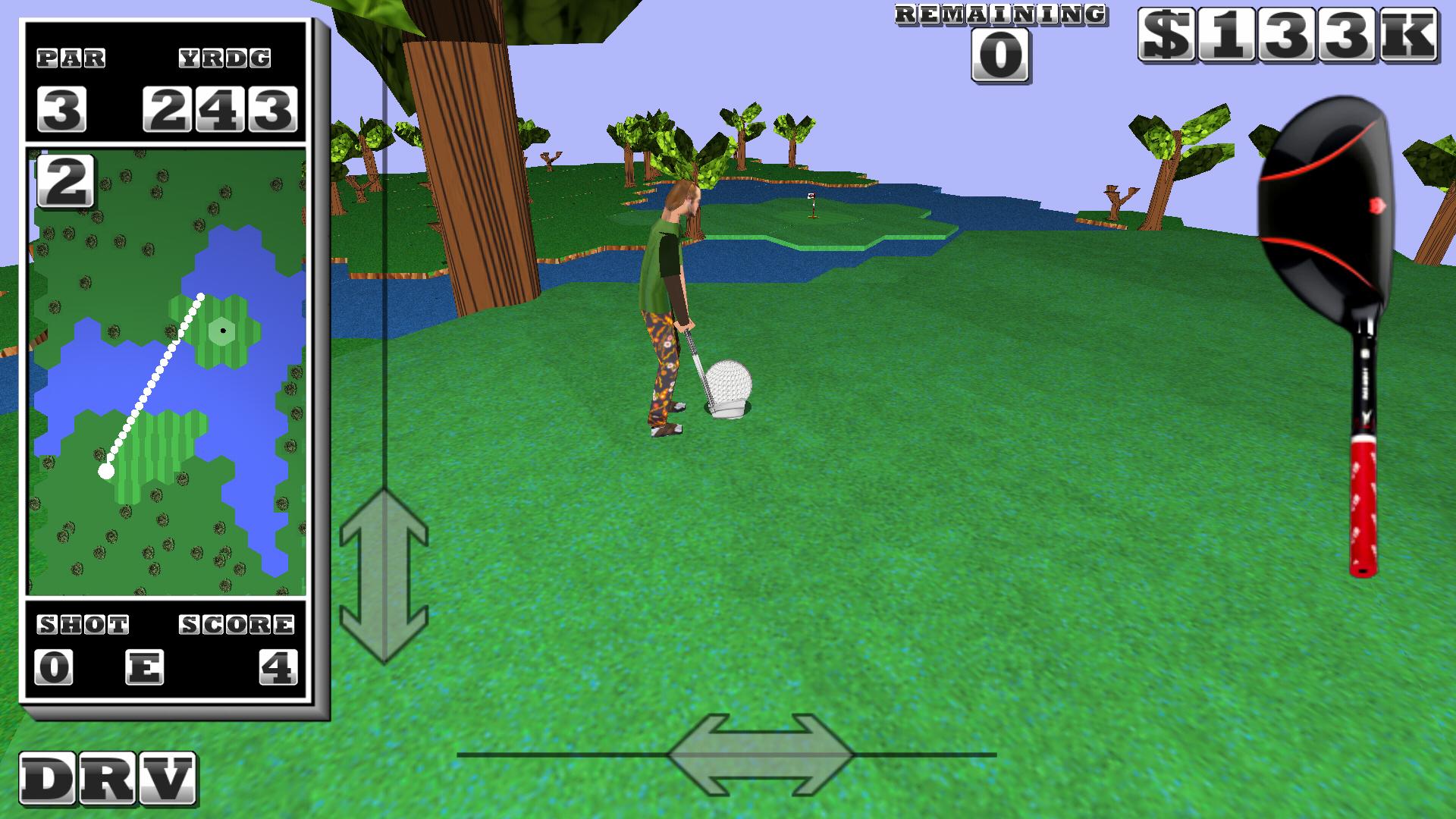
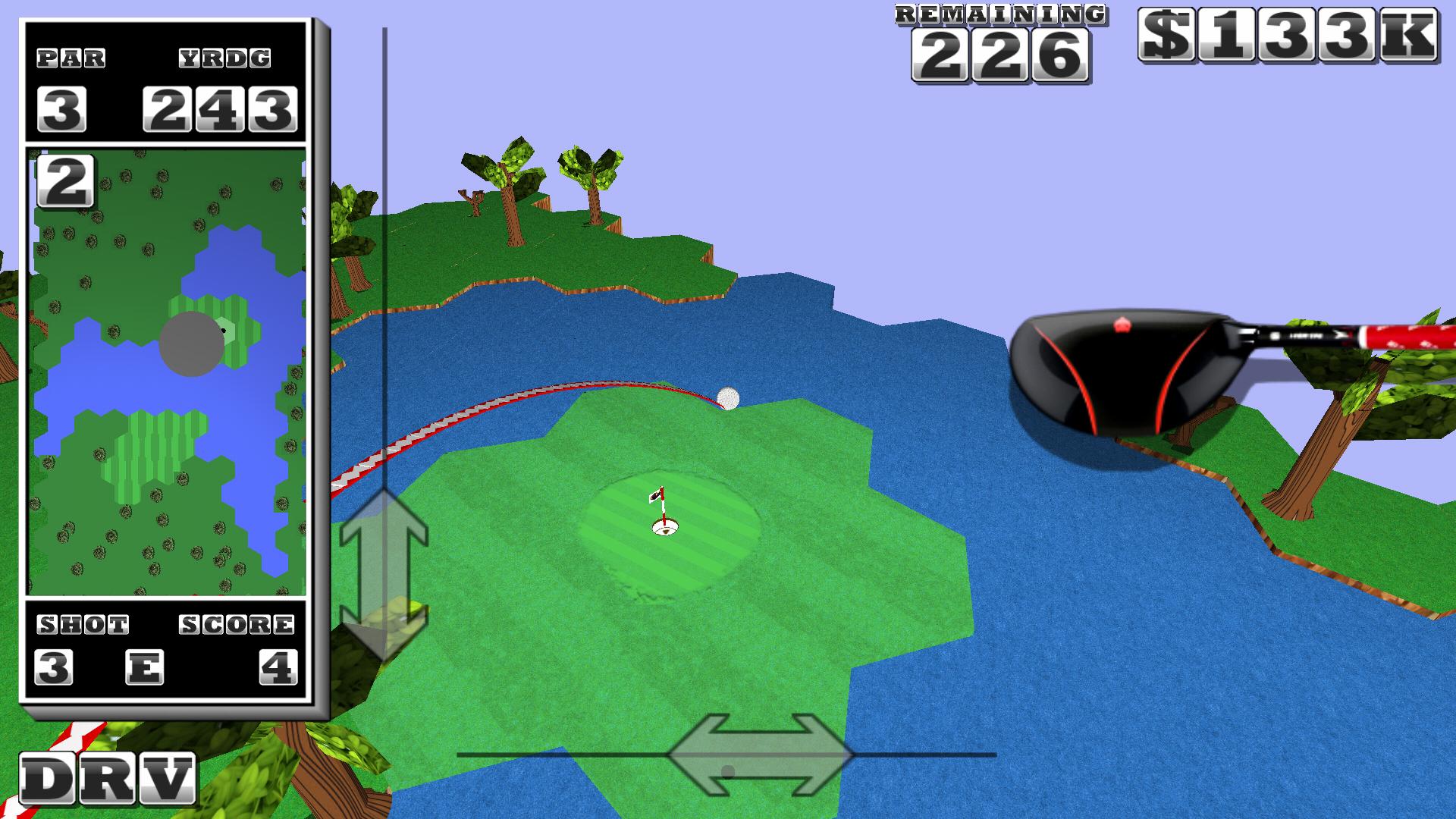
Play this retro arcade style golfing game. Flick your finger fast to straight crush the golf ball off the tee. Then stroke it nice and easy for finesse approach shots and smooth sinkable putts. Own the 3D golf course!
Special holes allow you to transform the ball into an jet airplane or drone system and pilot the golf ball toward the hole.
Play the golf course alone or play against the best golfers online.
----Club Selection----
- Touch club name to golf change clubs
----View Controls----
- Use left-right and up-down arrows to set aim and view
----Swinging----
- Touch and hold the golfƒs club image on the right to start a swing
- Pull down, top to bottom, for backswing
- Flick up bottom to top to set power
> Use a fast snap for power
> Go quick and smooth action for short game shots
----Follow Through/Advanced Options----
- Flick up and to the left: Add left to right cut to the shot
- Flick up and to the right: Add right to left cut to the shot
Avance
Información
Desarrollador
Antithesis Design
La última versión
20150112
Última actualización
2015-01-12
Categoría
deportes
Disponible en
Google Play
Mostrar más
Cómo jugar Air Golf con GameLoop en PC
1. Descargue GameLoop desde el sitio web oficial, luego ejecute el archivo exe para instalar GameLoop.
2. Abra GameLoop y busque "Air Golf", busque Air Golf en los resultados de búsqueda y haga clic en "Instalar".
3. Disfruta jugando Air Golf en GameLoop.
Minimum requirements
OS
Windows 8.1 64-bit or Windows 10 64-bit
GPU
GTX 1050
CPU
i3-8300
Memory
8GB RAM
Storage
1GB available space
Recommended requirements
OS
Windows 8.1 64-bit or Windows 10 64-bit
GPU
GTX 1050
CPU
i3-9320
Memory
16GB RAM
Storage
1GB available space